Introduction
Hello! In our previous lesson, we established the core beat of our physics engine. You implemented a fixed-timestep loop and used semi-implicit Euler integration to simulate motion with a constant, hard-coded acceleration. This gave our objects movement, but it wasn't yet interactive or dynamic.
Today, we'll breathe more life into our simulation. The goal of this lesson is to apply forces, like gravity, to entities with a physics body. We will transition from a world of constant acceleration to one governed by the fundamental laws of motion. We'll leverage Newton's Second Law () to dynamically calculate an object's acceleration based on the forces acting upon it. This is the crucial step that makes physics feel "real."
By the end of this lesson, you will be able to:
- Modify your
PhysicsBodycomponent to track forces. - Implement a "force accumulator" pattern to sum forces acting on an object.
- Calculate acceleration from net force and mass.
- Apply a constant gravitational force to make objects fall realistically.
From Constant Acceleration to Dynamic Forces
In the last lesson, we gave an object an acceleration like (0.0, -0.5, 0.0) and it moved accordingly. But in the real world, acceleration isn't a fixed property; it's the result of forces. You know this from your engineering studies: a heavier object requires more force to accelerate at the same rate as a lighter one.
To get started, let's watch a short, conceptual video that captures the journey from simply moving an object to simulating gravity correctly using Newton's laws.
The video 'I Made a Physics Engine' humorously walks through the initial thought process of implementing gravity, quickly discovering that just moving an object down isn't enough and that Newton's Second Law is essential.
Watch from 0:56 to 2:19. Notice the transition from a simplistic 'just move it down' approach to a proper one using force, mass, and acceleration.
The key takeaway is that we need to stop thinking about acceleration as a starting point and start thinking about force.
Newton's Second Law and the Force Accumulator
The core of our simulation will be Newton's Second Law. Let's start with a quick refresher.
Video Game Physics Tutorial - Part I: Rigid Body Dynamics
The article 'Video Game Physics Tutorial - Part I' provides a concise summary of Newton's Laws of Motion, which are the foundation of everything we're building.
Read the short section titled 'The motion of rigid bodies...'. It clearly states the three laws, with the second law, F = ma, being our focus.
Our strategy will be to use the formula . For each physics update step, we will:
- Sum all forces acting on an object. This sum is the net force, .
- Calculate acceleration using the net force and the object's mass, .
- Use this acceleration in our Euler integration step to update velocity and position.
- Clear the forces so we can start fresh in the next step.
This process of summing forces is handled by a pattern called a force accumulator. We'll add a vector to our PhysicsBody component that will accumulate all forces applied during a single frame.
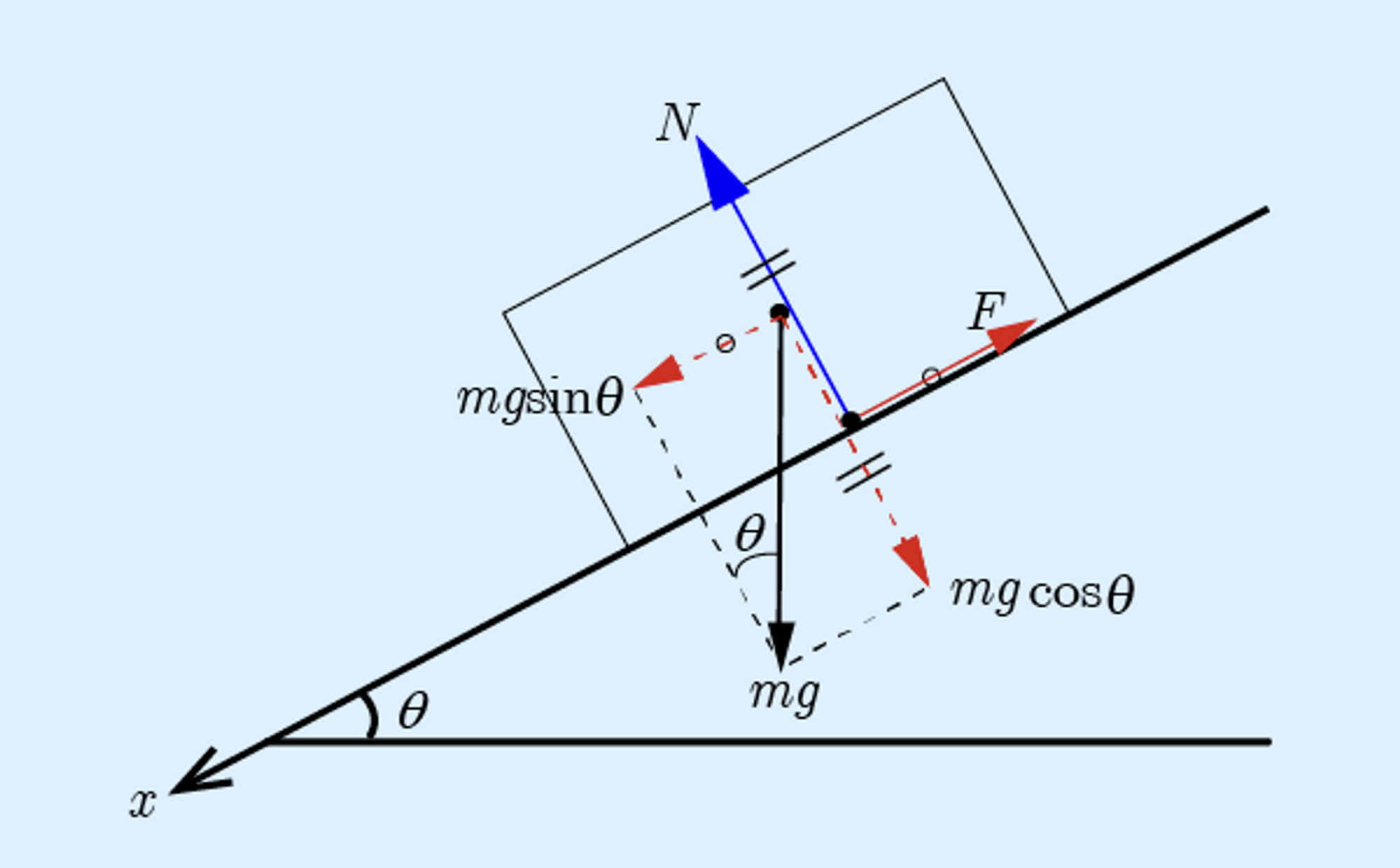
Why do we do it this way? Let's look at a design-focused article that explains the rationale.
The article 'Designing a physics engine' explains the practical decision behind using a force accumulator that is cleared every frame.
Read the 'Dynamics' section. It explains why treating net force as a running total that is reset each frame is more efficient and user-friendly than managing a list of persistent forces.
Implementation: Gravity in Action
Now, let's modify our code to implement this. We will apply Earth's gravity, which exerts a force , where is the acceleration due to gravity (a constant vector, approximately m/s²).
1. Update the PhysicsBody Component
First, let's modify the PhysicsBody struct. We no longer need to store acceleration directly, as we will calculate it on the fly. Instead, we'll add our force_accumulator.
In your components header file (physics_component.h or similar):
// Before
typedef struct {
    vec3 velocity;
    vec3 acceleration; // We will remove this
    float mass;
} PhysicsBody;

// After
typedef struct {
    vec3 velocity;
    vec3 force_accumulator; // Add this
    float mass;
    float inverse_mass; // We'll add this for a good reason!
} PhysicsBody;
Why inverse_mass?
In our formula , we perform a division. Division is computationally more expensive than multiplication. A common optimization in physics engines is to store the inverse mass () and calculate acceleration as . This turns a division into a multiplication.
There's another benefit: what about objects that shouldn't move? We can give them an "infinite" mass. In our code, this translates to a mass of 0, and therefore an inverse_mass of 0. When we calculate acceleration for these static objects, , the result is always zero, so they won't move, and we avoid any division-by-zero errors!
When you initialize a PhysicsBody, you'll set the mass and calculate the inverse mass:
// In your entity creation code
// ...
physics_body.mass = 2.0f; // e.g., 2kg
if (physics_body.mass > 0.0f) {
    physics_body.inverse_mass = 1.0f / physics_body.mass;
} else {
    physics_body.inverse_mass = 0.0f;
}
physics_body.velocity = {0.0f, 0.0f, 0.0f};
glm_vec3_zero(physics_body.force_accumulator); // Start with no forces
2. Create a Function to Add Forces
It's good practice to have a helper function that adds a force to an object's accumulator.
// In physics_system.h or a similar utility header
void physics_body_add_force(PhysicsBody* body, vec3 force) {
    glm_vec3_add(body->force_accumulator, force, body->force_accumulator);
}
3. Update the Physics System
Now for the main event. Let's rewrite physics_system_update. The logic will follow the steps we outlined, using the implementation details from the resources we've reviewed. The Toptal article gives us a great C-based template for this.
Video Game Physics Tutorial - Part I: Rigid Body Dynamics
The 'Particle Simulation' section of the Toptal article contains a complete C function, RunSimulation, that demonstrates almost the exact loop we need: compute force, calculate acceleration, update state.
Focus on the RunSimulation function in the C code example. Pay close attention to the order of operations inside the for loop. We will adapt this logic for our own physics_system_update.
Here is the updated physics_system.c:
#include "physics_system.h"
#include <cglm/cglm.h>

const vec3 GRAVITY = {0.0f, -9.81f, 0.0f};

// You can put this helper function here or in a more general file
void physics_body_add_force(PhysicsBody* body, vec3 force) {
    glm_vec3_add(body->force_accumulator, force, body->force_accumulator);
}

void physics_system_update(World* world, float dt) {
    // Iterate over all entities with a Transform and PhysicsBody
    for (int i = 0; i < world->entity_count; ++i) {
        if ((world->entity_masks[i] & (COMPONENT_TRANSFORM | COMPONENT_PHYSICS_BODY))
            == (COMPONENT_TRANSFORM | COMPONENT_PHYSICS_BODY)) {

            Transform* transform = &world->transforms[i];
            PhysicsBody* physics = &world->physics_bodies[i];

            // Skip static objects (infinite mass)
            if (physics->inverse_mass <= 0.0f) {
                continue;
            }

            // --- 1. Apply Forces ---
            // Apply gravity
            vec3 gravity_force;
            glm_vec3_scale(GRAVITY, physics->mass, gravity_force);
            physics_body_add_force(physics, gravity_force);

            // --- 2. Calculate Acceleration ---
            vec3 acceleration;
            glm_vec3_scale(physics->force_accumulator, physics->inverse_mass, acceleration);

            // --- 3. Integrate (Semi-implicit Euler) ---
            // Update velocity
            vec3 scaled_accel;
            glm_vec3_scale(acceleration, dt, scaled_accel);
            glm_vec3_add(physics->velocity, scaled_accel, physics->velocity);

            // Update position
            vec3 scaled_vel;
            glm_vec3_scale(physics->velocity, dt, scaled_vel);
            glm_vec3_add(transform->position, scaled_vel, transform->position);

            // --- 4. Clear Force Accumulator ---
            glm_vec3_zero(physics->force_accumulator);
        }
    }
}
4. Test It!
In your main.c, create an entity, give it a PhysicsBody with a positive mass, and place it somewhere visible (e.g., position = {0, 5, -10}). When you run your program, you should now see the object accelerate downwards realistically due to gravity! Try creating two objects with different masses; you'll notice they fall at the same rate, just as they should in a vacuum. This is because the mass term cancels out when calculating gravitational acceleration (a = (m*g)/m = g).
Generalizing Forces: Force Generators
We've hard-coded gravity, which is fine for now. In a more complex engine, you might have many sources of force: springs, wind, explosions, thrusters, etc. A common abstraction for this is the concept of a force generator.
Building a Physics Engine with C++ and Simulating Machines
The video 'Building a Physics Engine with C++' introduces this concept of force generators. This is a brief, forward-looking clip to give you a sense of how physics architectures can be structured.
Watch from 1:06 to 1:44. The video describes a system where 'force generators' like gravity or springs are responsible for applying forces to objects. We won't implement this system today, but it's a valuable architectural pattern to be aware of.
Thinking in terms of force generators helps to decouple your physics engine. Instead of one monolithic physics_system_update function that knows about every type of force, you could have a system that iterates through a list of active force generators and applies them to relevant objects.
Conclusion
Excellent work! You have replaced a simple, static motion model with a dynamic system based on one of the fundamental laws of the universe. Your objects now respond to forces.
Key Takeaways:
- Physics simulation calculates acceleration from forces using Newton's Second Law, .
- A force accumulator is a design pattern where all forces acting on an object in one frame are summed. The accumulator is cleared at the end of the frame.
- Storing inverse mass () is an effective optimization that replaces expensive division with multiplication and elegantly handles static objects (infinite mass).
- The force of gravity is calculated as , where is the constant gravitational acceleration.
Preview of the Next Lesson:
Our objects can now fall, but they'll fall right through the floor! The next logical step is to make them interact with each other. In the next lesson, you will learn how to implement a simple 'stop' collision response for AABB intersections. This will combine our work on collision detection with our new physics motion to make objects feel solid.