Hello! Welcome back to our module on Advanced Automation & Personalization for Hotels.
In our last lesson, we built a complete post-stay automation sequence designed to gather reviews and encourage repeat bookings. We created a solid foundation, but the offers in that sequence were still one-size-fits-all.
Today, we will build directly on that foundation to master a more sophisticated technique. Our learning outcome is to implement dynamic content in emails to personalize offers based on past stay history. We'll move beyond sending everyone the same "welcome back" discount and instead learn to tailor the message, offer, and even imagery to what we know about each guest's individual preferences. This level of personalization is what separates good email marketing from great email marketing, turning data into revenue and building powerful guest loyalty.
1. What is Dynamic Content?
At its core, dynamic content refers to elements within an email that automatically change based on the data you have about the recipient. Instead of creating ten different emails for ten different guest segments, you create one master email with rules that display specific content blocks for specific people.
This goes far beyond just using a guest's first name. You can dynamically change:
- Headlines and Body Text: "A Relaxing Spa Weekend Awaits" vs. "Your Next Family Adventure Starts Here."
- Promotional Offers: A spa credit vs. a free kids' meal.
- Images: A photo of the serene spa pool vs. a photo of the family-friendly main pool.
- Calls-to-Action (CTAs): "Book Your Spa Treatment" vs. "Explore Family Packages."
To understand this concept more deeply, let's explore a resource that breaks down how this technology works.
Hotel Email Marketing & Strategy Guide for Hoteliers
The Inntopia 'Hotel Email Marketing Guide' provides an excellent explanation of how dynamic content makes each email unique to the recipient.
Please read the section titled 'Every Hotel Email is 100% Unique to Each Guest'. Focus on the final paragraph, which explains how dynamic content can customize the hero image, CTA, and even the subject line based on guest profiles like VIP, family, or business traveler.
As the guide explains, this technique allows you to create a single campaign that feels like a personal, one-to-one communication for every guest.
2. The Foundation: Guest Data and Segmentation
Dynamic content is only as powerful as the data that fuels it. To personalize offers based on past stay history, you first need to collect and organize that history.
This data typically lives in various hotel systems:
- Property Management System (PMS): Holds information on stay dates, room type booked, total spend, and number of guests.
- Point-of-Sale (POS) Systems: Tracks ancillary spend at your hotel's restaurant, bar, spa, or gift shop.
- Customer Relationship Management (CRM): A central database that ideally integrates with your PMS and POS to create a unified profile for each guest.
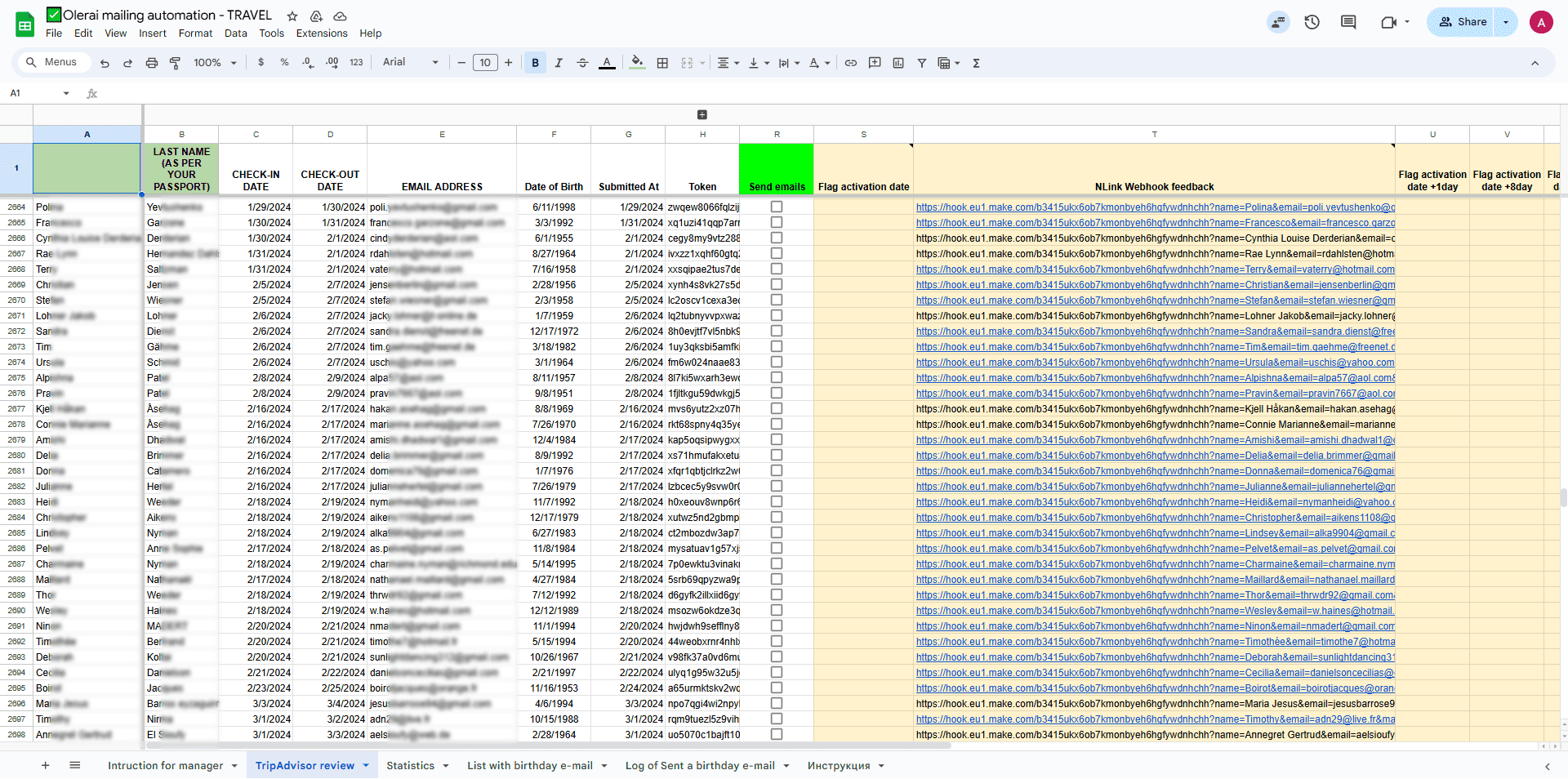
Once you have this data, you can segment your guests into meaningful groups. Segmentation is the process of dividing your audience based on shared characteristics. For a hotel, common segments based on past stay history include:
- High-Value Guests: Guests who spent over a certain amount or booked premium suites.
- Spa Users: Guests whose folio shows charges from the spa.
- Foodies: Guests who dined at your signature restaurant.
- Families: Guests who booked connecting rooms or packages for multiple people.
- Local Guests: Guests whose address is within a short driving distance.
The following reading explains how to bring this data together to enable this kind of segmentation.
Hotel Email Marketing & Strategy Guide for Hoteliers
Let's revisit the Inntopia guide to see why connecting your data sources is a critical prerequisite for advanced personalization.
Read the section 'Automated Syncing of Guest Information to the Email Marketing Tool'. Pay attention to the importance of syncing data from your PMS and POS, and how this enables you to use traits (like spending habits) to dynamically customize email content.
3. How to Implement Dynamic Content: A Hotel Scenario
Let's make this practical. Imagine we want to enhance the "Return Invitation" email from our previous lesson's post-stay sequence. Instead of a generic 15% discount for everyone, we'll create dynamic offers.
Most modern email marketing platforms (like HubSpot, Mailchimp, or ActiveCampaign) use a simple IF/THEN/ELSE logic to build dynamic content.
The Logic:
- IF a contact matches
Segment A, THEN show themContent Block A. - ELSE IF a contact matches
Segment B, THEN show themContent Block B. - ELSE (for everyone else), show the
Default Content Block.
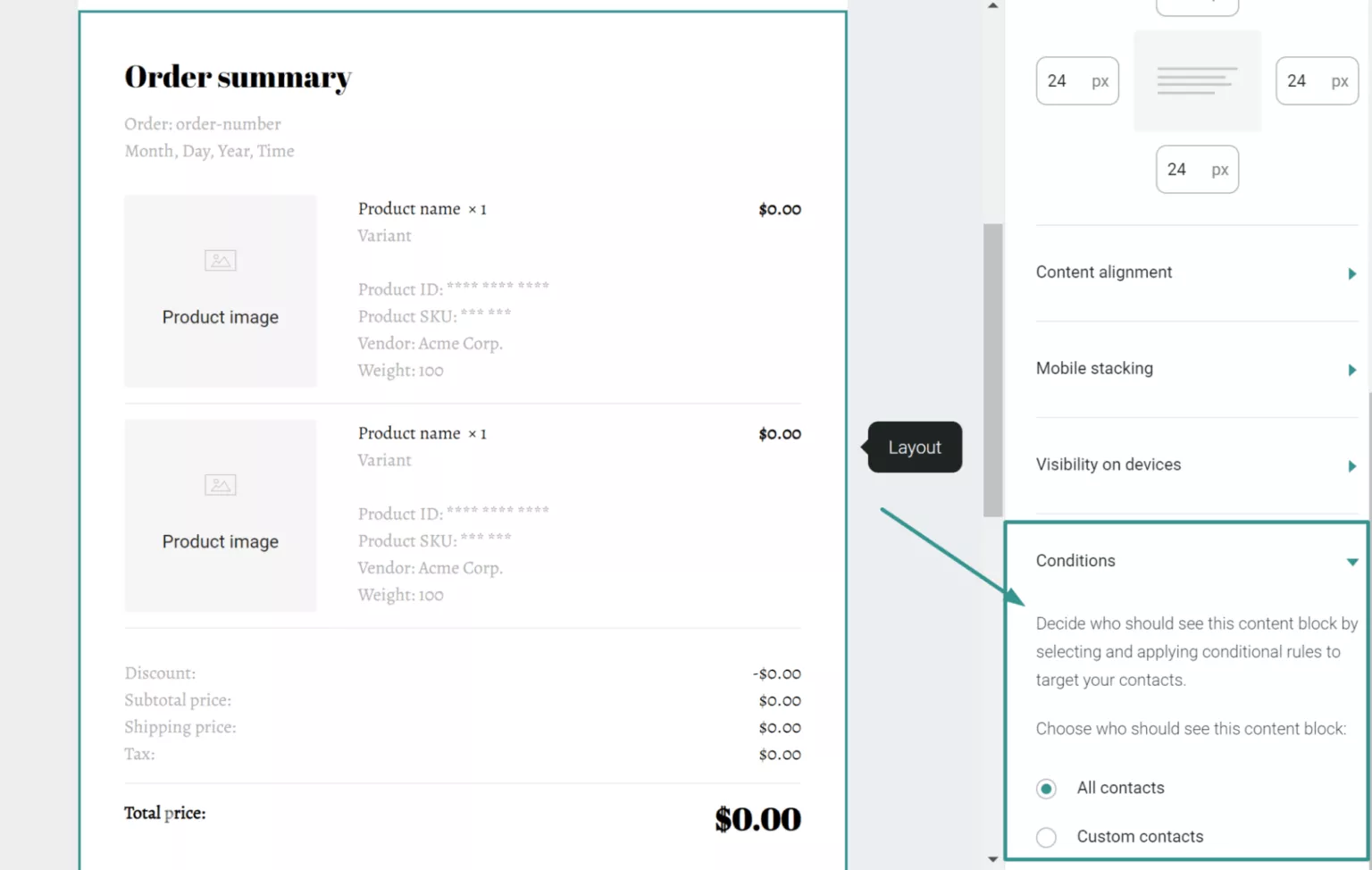
Scenario: A Dynamic "Welcome Back" Offer
Let's design a dynamic email for the following guest segments based on their last stay:
- Spa Enthusiasts: Guests who used the spa.
- Foodies: Guests who dined at your fine-dining restaurant.
- High-Value Guests: Guests who booked a suite.
- Default: All other past guests.
Here’s how the dynamic content rules would build our email:
DYNAMIC BLOCK 1: THE OFFER
-
IF
Past Services UsedcontainsSpa:- Headline:
Relax and Recharge, [Guest Name]! - Body:
We noticed you enjoyed a visit to our Serenity Spa during your last stay. As a special welcome back, we'd like to offer you a complimentary 60-minute massage with your next two-night booking. - Image: A tranquil photo of your spa.
- CTA Button:
Book Your Rejuvenating Stay
- Headline:
-
ELSE IF
Past Services UsedcontainsFine Dining:- Headline:
Savor the Memories, [Guest Name]! - Body:
We hope you enjoyed your dinner at The Oak Room. Let us treat you again with a complimentary three-course dinner for two on your next visit. - Image: A beautiful photo of a dish from your restaurant.
- CTA Button:
Book Your Delicious Escape
- Headline:
-
ELSE IF
Past Room TypewasSuite:- Headline:
Return to Luxury, [Guest Name] - Body:
Your suite is waiting for you. As one of our most valued guests, we invite you to return and enjoy a complimentary upgrade to our Presidential Suite on us. - Image: A stunning photo of the Presidential Suite.
- CTA Button:
Reserve Your Upgrade
- Headline:
-
ELSE (Default Block):
- Headline:
We've Missed You, [Guest Name]! - Body:
We'd love to welcome you back to our hotel. Book your next stay within the next 30 days and enjoy 15% off our best available rate. - Image: A hero shot of the hotel exterior or lobby.
- CTA Button:
Book Now & Save 15%
- Headline:
By using this structure, you send a single email campaign, but each guest receives a highly relevant and compelling offer that speaks directly to their past experience. This dramatically increases the chances of conversion.
The strategic use of dynamic content is a core part of modern retention campaigns. This article from Zigpoll reinforces how swapping out content based on guest data leads to better results.
Find the strategy point titled 'Incorporate Dynamic Content in Emails and SMS'. This section concisely explains the value of swapping images and offers based on guest data like preferred room type, directly mirroring our scenario.
Test your understanding!
A guest, Sarah, stayed at your hotel last month. She stayed in a standard room but had dinner at your fine-dining restaurant twice.
Based on the dynamic content rules we just designed in our scenario, which offer will Sarah receive in her "Welcome Back" email?
Show answer
Sarah will receive the "Foodie" offer.
The logic checks the conditions in order. She doesn't qualify for the "Spa Enthusiast" offer. She does qualify for the "Foodie" offer because her past services included fine dining. Therefore, she will see the email with the headline "Savor the Memories," offering a complimentary dinner. The system won't proceed to check if she stayed in a suite, as she has already matched an earlier condition.
Conclusion
You have now learned how to elevate a standard automation sequence into a powerful, personalized communication engine. Dynamic content allows you to speak to your guests as individuals, acknowledging their unique experiences and preferences. This not only drives higher conversion rates for your offers but also deepens the guest relationship, fostering the kind of loyalty that is the bedrock of a successful hotel business.
Key Takeaways:
- Dynamic content allows you to show different text, images, and offers to different segments within a single email campaign.
- Effective personalization is built on a foundation of clean, integrated guest data from your PMS and POS systems.
- Implementation relies on simple IF/THEN/ELSE logic to match content to guest segments (e.g., Spa Users, High-Value Guests).
- Moving from generic to personalized offers significantly increases relevance and the likelihood of driving repeat bookings.
What's Next?
So far, our segmentation has been based on what guests have already done. But what about predicting what they might do next? In our next lesson, we will explore how to create a lead scoring system to identify high-intent potential guests. This will allow us to prioritize our marketing and sales efforts on the individuals who are most likely to convert, making our campaigns even more efficient.