In our last lesson, we explored the foundational syntax of React—JSX—and saw how it's transformed into regular JavaScript. Now, we'll take the next logical step and use that JSX to build the true heart of a React application: components.
Today, you will learn how to create and compose functional components, which are the reusable, modular building blocks of any modern React UI. We will also cover the essential JavaScript syntax for organizing these components across different files. Mastering this is fundamental to writing clean, scalable, and maintainable code—a core expectation for any senior engineering role.
What is a React Component?
In React, you don't build monolithic pages; you build a collection of independent, reusable pieces of UI called components. A component can be as small as a button or as large as an entire page. The core idea is to break down a complex user interface into manageable parts.
At its simplest, a React component is a JavaScript function that returns JSX markup.
The official React documentation provides an excellent introduction to this concept.
This article from the React team explains the definition, role, and rules for creating your first component.
First, read the introduction Components: UI building blocks to understand their purpose. Next, focus on the section "Defining a component". Read through the three steps for creating a component. Pay close attention to the "Pitfall" regarding naming conventions. Finally, read the Recap to solidify the three main rules for creating components.
As you read, note these critical rules for defining a component, which are common interview questions:
- It's a JavaScript function. Modern React is built almost exclusively with functional components.
- The name must start with a capital letter. This is how React's compiler distinguishes between a native HTML tag (e.g.,
<div />) and a custom component you've created (e.g.,<MyComponent />). - It must return a single JSX element. If your component returns multiple elements, they must be wrapped in a single parent tag, like a
<div>or a React Fragment (<>...</>).
Composing Components: Building UIs from Blocks
The real power of components comes from composition. You create small, focused components and then assemble them like building blocks to form more complex UIs. A parent component can render other child components, creating a tree-like structure.
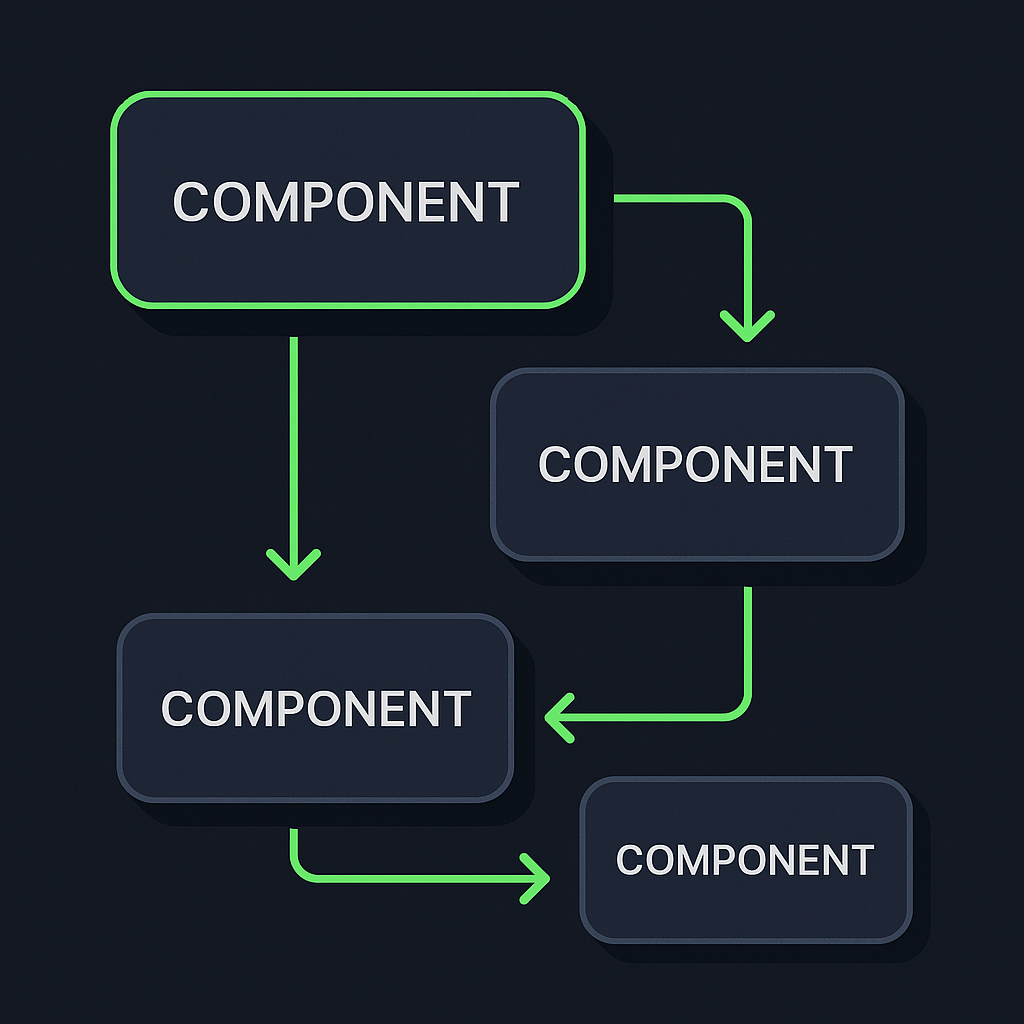
Consider a simple To-Do list application.

Thinking from an architectural perspective, you can immediately see how this UI can be broken down:
- An
Appcomponent that holds everything. - A
TodoFormcomponent for the input field and "Add" button. - A
TodoListcomponent to display the list of tasks. - A
TodoItemcomponent for each individual task item, which includes the text and a delete icon.
This modularity makes your code easier to reason about, test, and reuse. The article you just read discusses this concept of nesting and organization.
Let's revisit the same article to focus on composition and a crucial rule for organizing components.
Read the section Nesting and organizing components to see how a Gallery component renders multiple Profile components. Pay special attention to the "Pitfall" right after: never nest their definitions. This is a critical rule for preventing bugs and performance issues related to state preservation, a topic we'll cover later.
Defining a component inside another component causes it to be re-created on every render of the parent. This leads to performance degradation and unpredictable behavior with hooks and state. Always define components at the top level of your module.
Organizing Code with import and export
As your application grows, keeping all components in a single file becomes unmanageable. The professional standard is to place each component (or a group of closely related components) in its own file. We use standard JavaScript ES6 modules (import and export) to share components between files.
This short video provides a clear rationale and demonstration for moving components into separate files.
React 19 Tutorial - 5 - Export and Import Components
This video from Codevolution explains why and how to split components into different files.
Watch from the beginning to the explanation of why defining all components in one file is a bad practice. Then, watch the segment on export default and import from this section. Notice the syntax for making a component available and then using it in another file.
There are two primary ways to export from a file: default exports and named exports. Understanding the difference is crucial for navigating any professional codebase and is a common point of discussion in interviews.
-
Default Export (
export default)- A file can have only one default export.
- You can import it with any name you choose.
- Typically used when a file's primary purpose is to export a single component.
-
Named Export (
export)- A file can have many named exports.
- You must import it using the exact same name, enclosed in curly braces
{}. - Used for exporting multiple utility functions, constants, or related components from a single file.
The official React documentation has a fantastic guide that breaks this down.
Importing and Exporting Components
This article dives into the mechanics of using JavaScript modules in React.
Read the section Exporting and importing a component for a three-step overview. Carefully study the "Deep Dive" section on Default vs named exports. The table comparing the syntax is especially useful. Finally, read the section on exporting multiple components to see how both types can be used together.
As the Codevolution video also points out, some teams prefer named exports because the consistent naming (export { MyComponent } and import { MyComponent }) reduces ambiguity and can make larger projects easier to navigate and debug.
Practical Walkthrough: Building and Composing
Let's conclude by watching a practical demonstration that ties all these concepts together. The following video shows how to break a simple UI into Header, Content, and Footer components, each in its own file, and then compose them in the main App component.
React JS Functional Components | Learn ReactJS
This video by Dave Gray is a complete, practical walkthrough of creating, importing, and composing components.
Watch how a Header component is created in its own file and then imported and rendered in App.js from this segment. Next, observe the same process as the Content and Footer components are created and the application logic is moved into them from this part. This is a great example of component responsibility. Finally, see how the React DevTools can be used to inspect the final component tree from this section. This visualizes the parent-child structure you've built in code.
This walkthrough powerfully demonstrates the workflow you'll use daily as a React developer: identify a piece of UI, create a component for it in a new file, export it, and then import and render it where it's needed.
Conclusion
In this lesson, we moved from the syntax of JSX to the architectural concept of components. You now understand that the foundation of a scalable React application lies in creating small, independent, and reusable units of UI.
Key Takeaways:
- A React component is a JavaScript function whose name starts with a capital letter and returns JSX.
- Composition is the practice of building complex UIs by nesting components within each other, creating a parent-child hierarchy.
- For organization and reusability, components should live in their own files and be managed with JavaScript's
importandexportsystem. - There are two types of exports:
export default: One per file, imported with any name.export: Multiple per file, imported with the exact name in curly braces ({}).
- Never define a component inside another component to avoid performance and state-related bugs.
We've successfully created and composed components. However, they are currently static. In our next lesson, we will learn how to make them dynamic and reusable by passing data from a parent to a child using props.