Hello! In our previous lesson, we dove into the low-level mechanics of C++ concurrency with std::thread and std::mutex. You learned how to spawn threads and, critically, how to protect shared data from race conditions using locks. While powerful, you probably noticed that this approach can be verbose, especially when you need to get a result back from a background thread, requiring shared state, pointers, and manual locking.
This lesson introduces a more modern, higher-level abstraction for asynchronous programming: std::async and std::future. We'll explore how these tools, found in the <future> header, simplify the common pattern of launching a background task and retrieving its result. This is a task-based approach to concurrency, which often leads to cleaner and safer code. For your whiteboard project, this is the ideal mechanism for offloading heavy work like parsing a PDF document without freezing the user interface.
By the end of this lesson, you will be able to execute a function asynchronously and retrieve its result without blocking your main application loop, a crucial technique for building high-performance, responsive systems.
From Manual Data Passing to Automated Results
Let's first recall the main inconvenience of using std::thread for a task that needs to return a value. Since std::thread doesn't directly support return values, you have to resort to workarounds, like passing a pointer or reference to a variable where the thread can store its result. This shared variable then needs to be protected with a mutex.
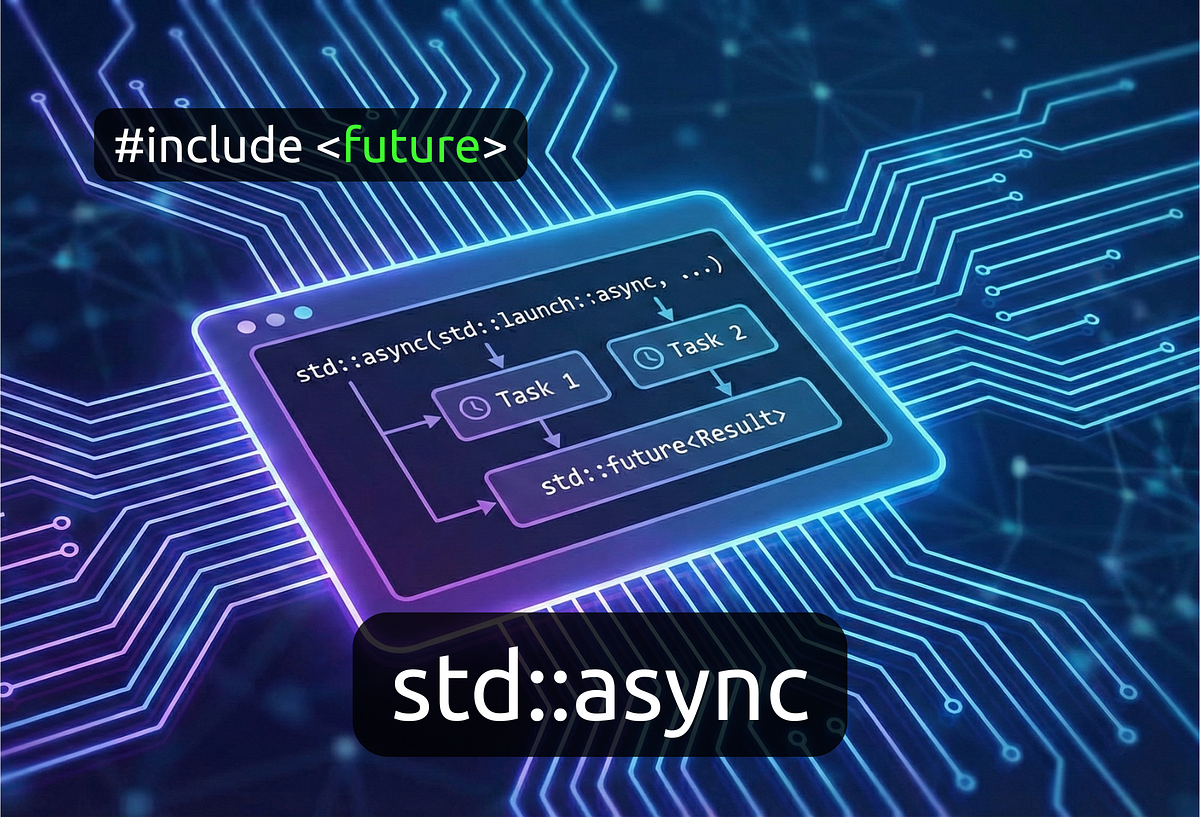
std::async elegantly solves this problem. It's a function that launches a callable (like a function or a lambda) and returns a std::future object. This std::future acts as a proxy for the result that the function will eventually compute.
The following article by Eli Bendersky provides a perfect comparison between the std::thread approach and the std::async approach.
async task-based parallelism in C++11 - Eli Bendersky's website
This article provides an excellent, in-depth look at std::async as a higher-level alternative to std::thread. It highlights several key advantages.
Start by reading the introduction and the section titled "Using std::async as a smarter std::thread". Pay close attention to the two code examples. The first, use_worker_in_std_thread, shows the cumbersome method of passing a result pointer. The second, use_worker_in_std_async, demonstrates how std::async and std::future allow the worker function to use a natural return statement, making the code much cleaner.
As you saw, the key steps are:
- Call
std::async, passing the function you want to run and its arguments. std::asyncreturns astd::future<T>, whereTis the return type of your function.- When you need the result, you call the
.get()method on the future object.
The call to fut.get() does two things:
- It blocks the calling thread until the asynchronous task is complete.
- It returns the value computed by the task.
If the task has already finished by the time you call .get(), the method returns the value immediately.
The Power of Decoupling and Exception Handling
A std::future does more than just hold a value; it cleanly decouples the launching of a task from the consumption of its result. You can launch a task in one part of your code and pass the std::future object to another part that will eventually need the result. This simplifies your code's architecture by bundling the eventual result and the means of waiting for it into a single, movable object.
Furthermore, std::async and std::future provide robust, automatic exception handling. If the function running asynchronously throws an exception, that exception is caught, stored inside the future object, and then re-thrown on the thread that calls .get(). With std::thread, an unhandled exception in a new thread simply terminates the program. This automatic propagation is a significant safety improvement.
Let's continue with the same article to see these benefits in action.
async task-based parallelism in C++11 - Eli Bendersky's website
This article further demonstrates the architectural and safety benefits of using futures.
First, read the section that begins right after the previous reading, starting from the std::async example. This shows how a vector of futures is much cleaner to manage than a vector of threads and a separate vector of results. Next, jump to the section "Propagating exceptions between threads". This is a critical section. Note how an exception in a std::thread crashes the program, but when using std::async, the exception is neatly caught and re-thrown by fut.get(), allowing you to handle it with a standard try...catch block.
Non-Blocking Checks for Responsive Applications
So far, we've seen that fut.get() is a blocking call. While useful, it's not what you want in the main loop of your whiteboard application. If you call get() on a future for a long-running PDF parsing task, your UI will freeze until the parsing is complete. This defeats the purpose of running the task in the background.
The learning outcome for this lesson is to be able to retrieve results without blocking. To achieve this, we need a way to poll the status of the future. The std::future API provides the wait_for() method for this exact purpose.
fut.wait_for(timeout_duration) waits for a specified duration for the result to become available. It returns a std::future_status enum, which can be one of three values:
std::future_status::ready: The task is complete, and you can call.get()without blocking.std::future_status::timeout: The timeout was reached, but the task is not yet complete.std::future_status::deferred: The task was launched with a deferred policy and will only run when.get()is called. (More on this later).
The typical pattern for a responsive application is to check the future's status in each iteration of the main loop using a zero or very short timeout.
The following video from Mike Shah provides a fantastic, practical demonstration of this pattern. He builds a small program where the main thread runs continuously while a background thread "loads a file."
std::async in cpp with background thread loading data example | Introduction to Concurrency in C++
This video provides a complete, step-by-step example of using std::async to run a background task and polling for its completion without blocking the main thread.
First, watch the introduction where he explains the concept using the real-world analogy of video buffering. Next, see how he sets up the asynchronous call from this segment. He declares a std::future<bool> and launches the task using std::async. The core of the lesson is in the next part, from the main loop implementation. Pay close attention to how he uses background_thread.wait_for() with a short timeout inside the main while loop to check if the data is ready. Watch the implementation of the buffered_file_loader function, which simulates the long-running background work. Finally, see the whole system in action from the compilation and run. Notice how the "main thread is running" and "loading file" messages are interleaved, proving that both threads are executing concurrently.
For another perspective, the downloadNonBlocking() function in the Medium article you have available provides a text-based code example of this same polling pattern, using an iterator to manage a list of active futures.
Exploring Concurrency with std::async and std::future in C++
This section of the article provides another clear code example of a non-blocking check.
Read through the explanation and code for the downloadNonBlocking() function. This demonstrates a slightly different way to manage a collection of futures, polling them in a loop and removing them from a std::vector as they complete.
A Note on Launch Policies
When you call std::async, you can provide an optional first argument called a launch policy. This tells std::async how it should run the task.
std::launch::async: This policy ensures the task is run on a new thread, allowing for true parallel execution.std::launch::deferred: This policy does not launch a new thread. Instead, the task is only executed when you call.get()or.wait()on the future. The execution happens synchronously on the thread that calls.get().- Default (
std::launch::async | std::launch::deferred): If you don't specify a policy, the implementation is allowed to choose. It might run the task on a new thread, or it might defer it.
This default behavior can be a source of performance surprises. A task you expected to run in the background might instead run synchronously and block your main thread when you call .get().
Given your focus on high-performance, predictable systems, it is strongly recommended to always be explicit with your launch policy. When you want concurrency, use std::launch::async.
async task-based parallelism in C++11 - Eli Bendersky's website
The conclusion of this article provides essential practical advice on using std::async effectively.
Read the "Conclusion and practical advice" section. Point #2 reinforces the importance of using std::launch::async for predictable multi-threading.
Conclusion
In this lesson, we've moved up a level of abstraction from raw threads and mutexes to task-based parallelism. std::async and std::future provide a powerful and much safer way to manage fire-and-forget tasks that produce a result. This pattern is fundamental to building responsive applications, like your whiteboard, where long-running operations must not interfere with the user experience.
Key Takeaways:
std::asynclaunches a function on a background thread and returns astd::future.std::future<T>is an object that represents the eventual result (of typeT) of the asynchronous task.- Calling
fut.get()blocks until the task is complete and returns its result, or re-throws any exception the task generated. - The
fut.wait_for()method allows you to poll the status of a future without blocking, enabling you to keep a main loop (like a UI thread) responsive. - For predictable concurrent execution, you should always launch tasks with the
std::launch::asyncpolicy.
In our next lesson, we will explore scenarios that std::async doesn't cover as well—situations where you need more complex, ongoing coordination between threads, such as a producer thread generating data and a consumer thread processing it. For that, we will need another tool from the C++ concurrency toolkit: std::condition_variable.