Introduction
In our last lesson, you configured the core network (Open5GS) and the base station (srsENB) to recognize each other by aligning their network identifiers (PLMN ID) and IP addresses. You've essentially built the highway, but there are no cars on it yet. For a device to join a cellular network, it needs a valid identity and credentials.
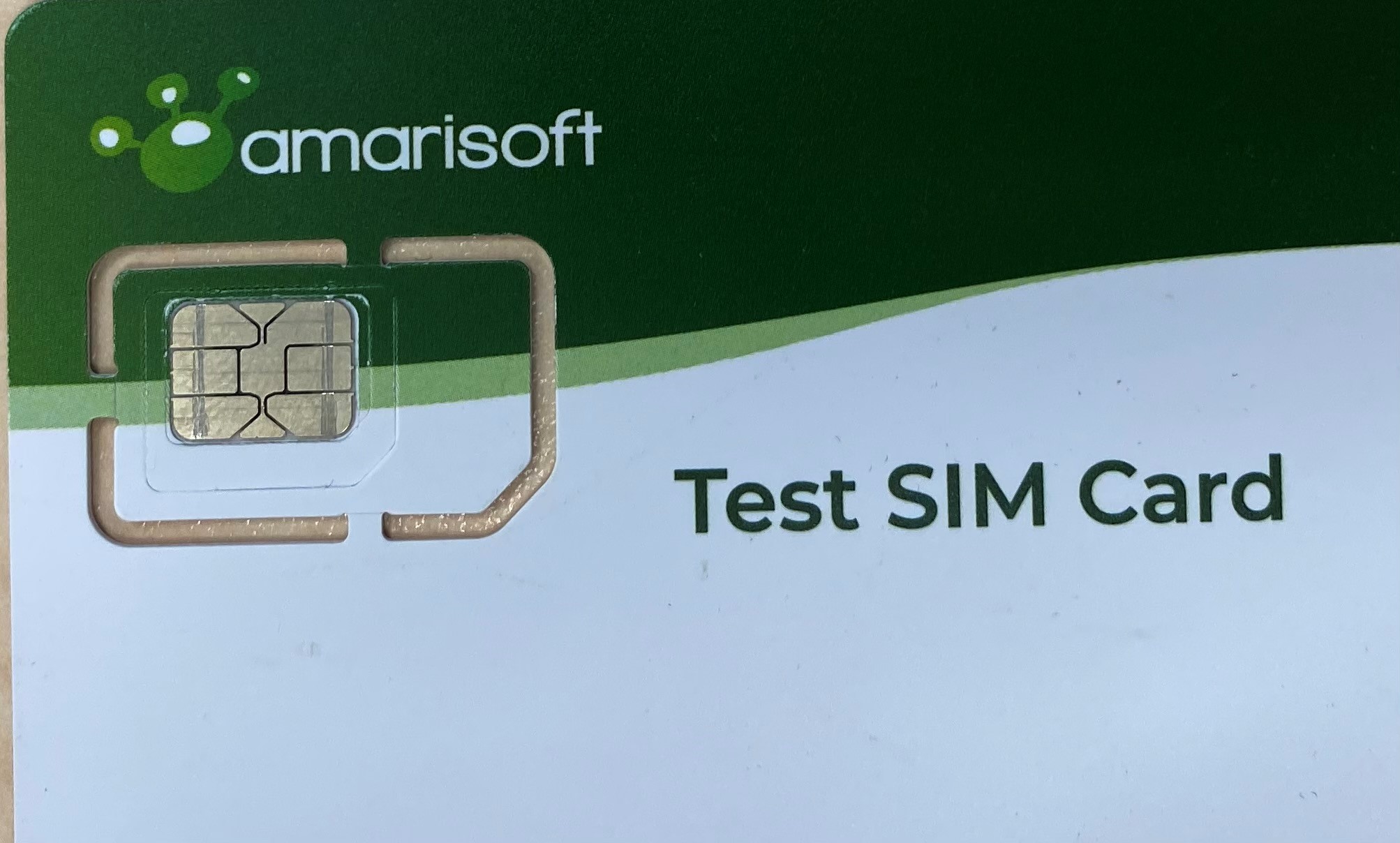
Today, your learning outcome is to program a test SIM card with a custom IMSI and key using pySim. This process creates the "car keys and registration" for our software-defined phone. The Subscriber Identity Module (SIM) card, or its modern version the USIM (Universal SIM), is a secure chip that stores a subscriber's unique identity and the cryptographic keys needed for authentication.
By the end of this lesson, you will have taken a blank programmable SIM card and provisioned it with the specific identity and secret keys required to authenticate with our private LTE network. This is a crucial step in preparing our test lab for a UE (srsUE) to successfully connect.
The SIM Card's Role in Authentication
Before we start programming, let's briefly revisit the core concepts from our first module. The security of 4G/LTE relies on a challenge-response protocol called Authentication and Key Agreement (AKA). This process hinges on a secret key that is shared between two places and two places only:
- The subscriber's USIM card.
- The operator's secure database, the Home Subscriber Server (HSS), which contains the Authentication Center (AuC).
The most important values we will program onto our test SIM card are:
- IMSI (International Mobile Subscriber Identity): This is the subscriber's globally unique ID. It's composed of a Mobile Country Code (MCC), a Mobile Network Code (MNC), and a Mobile Subscription Identification Number (MSIN). The IMSI is the primary identifier for a user in the HSS.
- Ki (Subscriber Key): This is the 128-bit root secret key mentioned above. It is the cornerstone of the AKA protocol.
- OPc (Operator Code): This is a key derived from another secret (OP) and the Ki. It's used in the authentication algorithm. For our purposes, we'll treat it as a pre-calculated value that we program directly onto the SIM along with the Ki.
We'll also need two other pieces of information:
- ICCID (Integrated Circuit Card ID): This is the unique serial number of the physical SIM card chip itself.
- ADM Key: Programmable SIMs have an administrative key that protects them from unauthorized modification. You need this key to gain the rights to write new data to the card. This is typically provided by the SIM vendor (e.g., Sysmocom).
Step 1: Install SIM Card Tools
To communicate with the SIM card, you'll need a standard USB SIM card reader and some software on your Linux machine. Your experience with the Linux command line will be very helpful here.
The primary tool we'll use is pySim, an open-source Python utility for reading and writing to programmable SIM cards.
The Open5GS tutorial provides a concise guide for installing the necessary dependencies and obtaining the pySim software. Follow these steps to prepare your system.
Follow the instructions in the 'USIM Setup' section. Start with 'Install dependencies' and continue through 'Get the code of PySIM'. You can skip the part about pip3 install as the dependencies are handled by apt-get.
To summarize and execute those steps:
-
Install dependencies: This command installs the PC/SC daemon for smart card communication, command-line tools, and Python bindings.
sudo apt-get update sudo apt-get install pcscd pcsc-tools libccid libpcsclite-dev python3-pyscard git -
Verify the reader: Connect your USB SIM card reader with the programmable SIM card inserted. Then, run
pcsc_scan.pcsc_scanYou should see output indicating your reader was found and it says "Card inserted". If it does, you can press
Ctrl+Cto exit. This confirms the hardware is working correctly. -
Get
pySim: Clone thepySimrepository from its official source.git clone git://git.osmocom.org/pysim cd pysim
Your system is now ready to program the SIM card.
Step 2: Define a Subscriber Profile
Now, we'll create a profile for our first subscriber. These values must be carefully chosen and recorded, as we will need the exact same values for the core network database in the next lesson.
For our private network, we'll use the following:
- IMSI:
999700000000001- This uses the MCC
999and MNC70we configured in the last lesson, plus a unique subscriber number0000000001.
- This uses the MCC
- Ki (Key):
00112233445566778899AABBCCDDEEFF- A 128-bit (32-character hex) key.
- OPc (Operator Code):
E8ED289DEBA952E4283B54E88E6183CA- Another 128-bit key. In a real network, this is securely derived from Ki and a secret operator key (OP). For our lab, we can use a pre-generated value.
- ICCID:
8999990000000000001F- A unique serial number for our SIM card. The 'F' at the end is a checksum digit which
pySimcan often calculate, but we will provide it.
- A unique serial number for our SIM card. The 'F' at the end is a checksum digit which
- ADM Key: You must use the ADM key that was provided by your SIM card vendor. If you are using a Sysmocom card and don't have one,
62416296is a common example, but this is not guaranteed to work.
Keep these values handy.
Step 3: Program the SIM Card
We will now use the pySim-prog.py script to write our new profile to the card. It's a good practice to first perform a "dry run," which simulates the programming process without making any actual changes. This helps verify that your command syntax and parameters are correct.
The article "How to program a Sysmocom SJS1 SIM" provides a good conceptual model for this process.
How to program a Sysmocom SJS1 SIM for use with OAI
This guide explains the concept of a 'dry run' and how to structure the programming command.
First, quickly read the section 'Dry Run Card Program' to understand the purpose of the --dry-run flag. Then, review 'Construct Programmer Command Line' and 'Finally Programming the SIM' to see how the final command is assembled and executed. You don't need to worry about the 'red' and 'green' values distinction; we have already defined our values.
Now, let's construct our command.
-
Dry Run: In your terminal, inside the
pysimdirectory, execute the following command. Remember to replace<YOUR_ADM_KEY>with the key for your specific card. This is a single command../pySim-prog.py --dry-run -p 0 -a <YOUR_ADM_KEY> -i 999700000000001 -k 00112233445566778899AABBCCDDEEFF -o E8ED289DEBA952E4283B54E88E6183CA -s 8999990000000000001F -n "Open5GS Test"If successful, you will see a summary of the "Generated card parameters" that are about to be written, without any errors.
-
Final Programming: If the dry run was successful, you can now program the card for real. Simply remove the
--dry-runflag../pySim-prog.py -p 0 -a <YOUR_ADM_KEY> -i 999700000000001 -k 00112233445566778899AABBCCDDEEFF -o E8ED289DEBA952E4283B54E88E6183CA -s 8999990000000000001F -n "Open5GS Test"The script will ask you to insert the card (it's already there) and then proceed. The output should look like this:
Using PC/SC reader (dev=0) interface
Insert card now (or CTRL-C to cancel)
Autodetected card type: sysmoUSIM-SJS1
Generated card parameters :
> Name   : Open5GS Test
> SMSP   : ...
> ICCID  : 8999990000000000001F
> MCC/MNC: 999/70
> IMSI   : 999700000000001
> Ki     : 00112233445566778899AABBCCDDEEFF
> OPC    : E8ED289DEBA952E4283B54E88E6183CA
> ACC    : None
Programming ...
Done !
Step 4: Verify the New Profile
Finally, let's read the data back from the card to ensure it was written correctly. You can use the pySim-read.py script for this.
./pySim-read.py -p0
The output should now show the IMSI and ICCID that you just programmed, confirming your success.
Conclusion
Excellent work. You have successfully programmed a test USIM with a custom subscriber identity and the all-important secret keys. This is a fundamental skill for building any private cellular testbed.
Key Takeaways:
- A USIM card securely stores a subscriber's identity (IMSI) and secret credentials (Ki, OPc).
- These credentials are the foundation for the 4G/LTE authentication (AKA) protocol.
- Programmable SIMs require a special ADM key to allow modification.
- The
pySimtoolkit provides the necessary scripts (pySim-prog.py,pySim-read.py) to interact with programmable SIMs from a Linux environment. - It is critical that the values programmed onto the SIM (especially IMSI, Ki, and OPc) are recorded accurately.
Preview of the Next Lesson:
Your SIM card is now ready, but the network's HSS still has no idea this subscriber exists. It's like having a key to a building but your name isn't on the resident list at the front desk. In the next lesson, you will complete the subscriber provisioning process by adding a corresponding subscriber profile to the Open5GS database via its web interface. You will use the exact same IMSI, Ki, and OPc to create this profile, finally linking the physical credential to the network's database.