Hello! Welcome to the final lesson in our module on Object-Oriented Python.
In our last lesson, we explored inheritance, a powerful feature for creating specialized child classes from a general parent class. You learned how to reuse code and build logical "is-a" relationships, like a Truck that is a Vehicle.
So far, when we've tried to print one of our custom objects, we've been met with a rather unhelpful output, something like <__main__.Vehicle object at 0x10a8b9c10>. This tells us the class and its location in memory, but nothing about the actual data it holds. This isn't very useful for debugging or for displaying information to a user.
Today, we will fix that. This lesson addresses the learning outcome: Use special methods like __str__ and __repr__ for object representation. We'll learn how to give our objects clear, readable, and informative string representations, which is a crucial skill for debugging and building professional-quality applications. For our future Task Manager project, this will mean we can make Task objects print out their title and status, making our code much easier to work with.
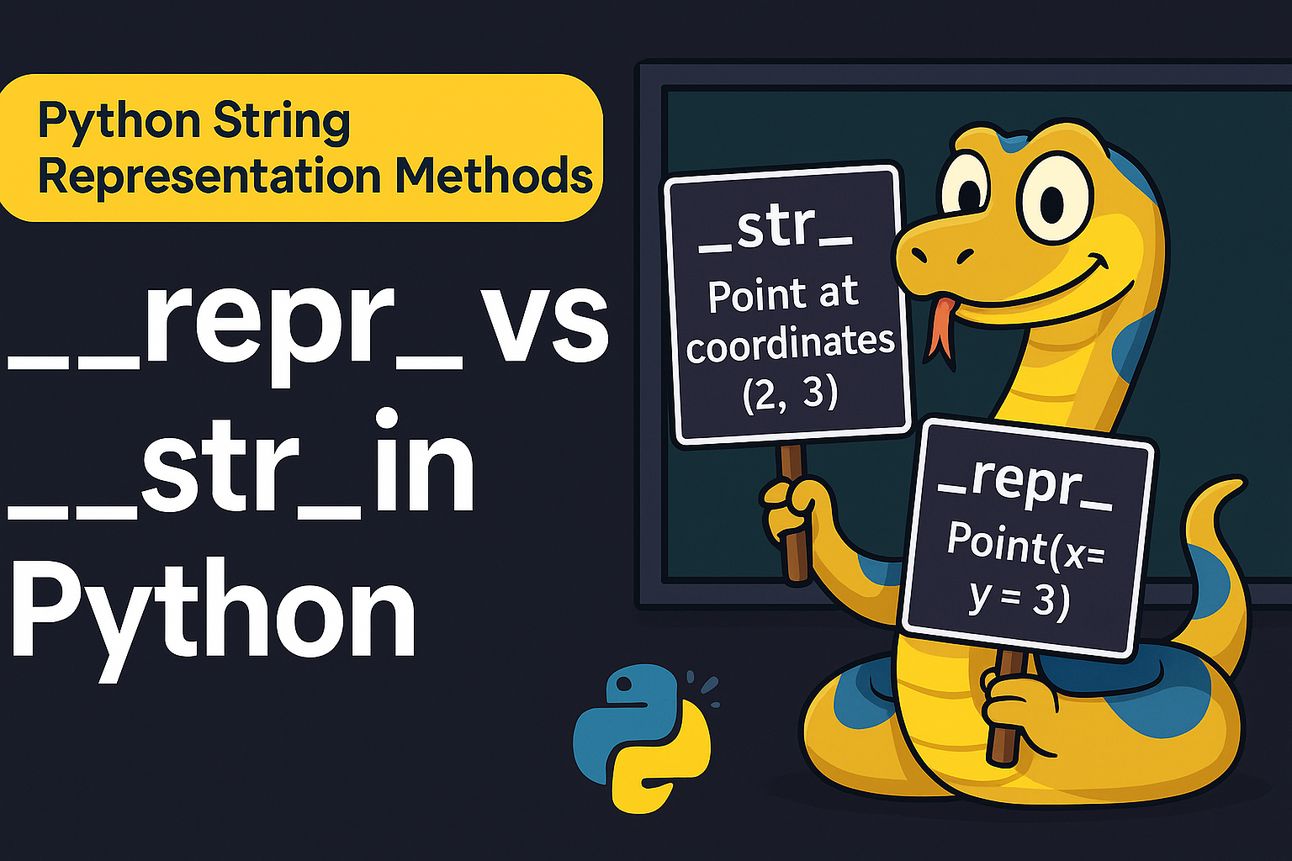
1. The Problem and the Two Solutions
Python provides two special "dunder" (double underscore) methods to control how objects are converted to strings: __repr__ and __str__. They have distinct goals:
__repr__(Representation): Its goal is to be unambiguous and informative for a developer. Ideally, the string returned by__repr__should be a valid Python expression that could be used to recreate the object. This is your primary tool for debugging and logging.__str__(String): Its goal is to be readable and presentable to an end-user. This is what gets used when youprint()an object or display it in a user interface.
Let's watch a short video that introduces these concepts and clearly explains the problem we're trying to solve.
Python OOP Tutorial 5: Special (Magic/Dunder) Methods
This video from Corey Schafer's excellent Python OOP series introduces the concept of special (or dunder) methods and explains why __repr__ and __str__ are so important for making our classes more usable.
Watch from the beginning to 02:24. Focus on: The problem of printing an object and getting a vague output. The different target audiences for __repr__ (developers) and __str__ (end-users). The idea that __init__ is another example of a special method you already know.
As the video highlighted, the core distinction is the audience. Think of __repr__ as the detailed technical blueprint and __str__ as the polished, user-friendly description.
2. Implementing __repr__ and __str__
Now let's see how to actually implement these methods in our own classes. The best practice is to always start by implementing a useful __repr__.
The following reading from Real Python provides a perfect, step-by-step example using a Book class. It will show you what the class looks like before and after adding these special methods.
When Should You Use .__repr__() vs .__str__() in Python?
This article, "When Should You Use .repr() vs .str() in Python?", demonstrates how to add these special methods to a custom class. It clearly shows the progression from the unhelpful default output to useful, custom representations.
Please read the section titled "Should You Define .__repr__() and .__str__() in a Custom Class?" You can stop when you reach the "Conclusion" section. Pay close attention to: The default output for the Book object. How the __repr__ method is implemented to return a string that looks like a constructor call. How the __str__ method is added to provide a simpler, more readable output.
Let's break down the key pattern from that reading for implementing __repr__:
class Book:
    def __init__(self, title, author):
        self.title = title
        self.author = author

    def __repr__(self):
        # The goal is to return a string that can recreate the object.
        # f-strings are perfect for this. The !r flag ensures that the
        # string attributes get their quotes.
        return f"Book(title={self.title!r}, author={self.author!r})"

    def __str__(self):
        # The goal is to return a readable string for a user.
        return f'"{self.title}" by {self.author}'

# --- Let's see it in action ---
odyssey = Book("The Odyssey", "Homer")

# When you inspect the object directly (like in a terminal or debugger),
# Python uses __repr__
# >>> odyssey
# Book(title='The Odyssey', author='Homer')

# When you print() the object, Python uses __str__
print(odyssey)
# "The Odyssey" by Homer

# repr() and str() can also be called as functions
print(repr(odyssey)) # Book(title='The Odyssey', author='Homer')
print(str(odyssey))   # "The Odyssey" by Homer
This pattern is fundamental to writing clean, maintainable Python classes.
Test your understanding!
Let's apply this to the Vehicle and Truck classes from our last lesson. Modify the code you wrote for that exercise to include both __str__ and __repr__.
- In the
Vehicleclass, add a__repr__method that returns a string capable of recreating the object (e.g.,Vehicle(make='Ford', model='Mustang')). - In the
Truckchild class, add its own__repr__method. - Now, add a
__str__method to theTruckclass that returns a more user-friendly string (e.g.,Ford F-150 (Cargo: 1.5 tons)). - Create an instance of
Truckand test bothprint(my_truck)andprint(repr(my_truck))to see the difference.
Show answer
Here is one possible solution.
class Vehicle:
    def __init__(self, make, model):
        self.make = make
        self.model = model

    def display_info(self):
        print(f"Make: {self.make}, Model: {self.model}")

    def __repr__(self):
        # Unambiguous representation for developers
        return f"Vehicle(make={self.make!r}, model={self.model!r})"

class Truck(Vehicle):
    def __init__(self, make, model, cargo_capacity):
        super().__init__(make, model)
        self.cargo_capacity = cargo_capacity

    def display_info(self):
        print(f"Make: {self.make}, Model: {self.model}, Cargo Capacity: {self.cargo_capacity} tons")

    def __repr__(self):
        # Unambiguous representation for developers, specific to Truck
        return f"Truck(make={self.make!r}, model={self.model!r}, cargo_capacity={self.cargo_capacity})"

    def __str__(self):
        # Readable representation for users
        return f"{self.make} {self.model} (Cargo: {self.cargo_capacity} tons)"

# --- Testing it out ---
my_truck = Truck("Ford", "F-150", 1.5)

# This will call __str__
print("User-friendly output (from __str__):")
print(my_truck)

print("-" * 30)

# This will call __repr__
print("Developer-focused output (from __repr__):")
print(repr(my_truck))

# Expected output:
# User-friendly output (from __str__):
# Ford F-150 (Cargo: 1.5 tons)
# ------------------------------
# Developer-focused output (from __repr__):
# Truck(make='Ford', model='F-150', cargo_capacity=1.5)
3. The Fallback Behavior and Best Practices
What happens if you only define __repr__ but not __str__? This is a key part of how Python's representation system works.
Rule: If __str__ is not defined, Python will fall back and use __repr__ instead. However, the reverse is not true; __repr__ will never fall back to __str__.
This leads to the most important best practice:
Always define a useful
__repr__for your classes. You can add__str__later if you need a different, more user-friendly representation.
Let's watch a video that demonstrates this fallback behavior very clearly.
__str__ vs __repr__ methods in Python || Python Tricks
This video from A Binary Code explicitly shows what happens when you comment out the __str__ method, demonstrating Python's fallback to __repr__.
Watch from 06:51 to 10:05. The creator adds a __repr__ method and then comments out the __str__ method to see what happens. This will solidify your understanding of the fallback rule.
To summarize the key differences, here is a handy comparison table adapted from an excellent article by Digital Ocean.
| Aspect | __str__ |
__repr__ |
|---|---|---|
| Intended Audience | End users | Developers |
| Purpose | To be readable | To be unambiguous and ideally reconstructable |
| Called by | print(), str(), f-strings ({obj}) |
repr(), interactive console output, f-strings ({obj!r}) |
| Fallback | Falls back to __repr__ if missing |
Falls back to a default object at 0x... if missing |
| Best Practice | Implement when you need a user-friendly format | Always implement this for your classes |
Conclusion
Great job completing this module! You now have a solid foundation in Object-Oriented Programming in Python. Being able to define clear, informative string representations for your objects using __str__ and __repr__ is the mark of a professional developer. It makes your code dramatically easier to debug, log, and maintain.
Key Takeaways:
__repr__is for developers. Its goal is to be an unambiguous, detailed representation of an object.__str__is for users. Its goal is to be a readable, user-friendly display of an object's information.print(obj)andstr(obj)will try to use__str__first, but will fall back to__repr__if__str__is not defined.- The best practice is to always define a good
__repr__on your custom classes.
Preview of the Next Lesson:
With this strong OOP foundation, we are now ready to start building our web application. In the next module, we will dive headfirst into the Django web framework. Our first lesson will guide you through setting up your very first Django project and creating a "Django app," which is a modular component of a project. We'll finally start putting the pieces together for your portfolio