Welcome to Module 3! Having built a solid foundation in Object-Oriented Programming, we now shift our focus from designing our own classes to mastering the powerful, pre-built tools provided by the Java Standard Library. These APIs are the workhorses of daily software development, and proficiency with them is essential.
We'll begin with one of the most fundamental and ubiquitous classes in all of Java: the String. You've used strings in Python, and in Java, they are just as crucial for handling any form of textual data. In this lesson, you will learn how to inspect, compare, and transform strings by using the most common methods of the String class. This is a practical skill you'll use in nearly every Java program you write.
1. The Nature of a Java String
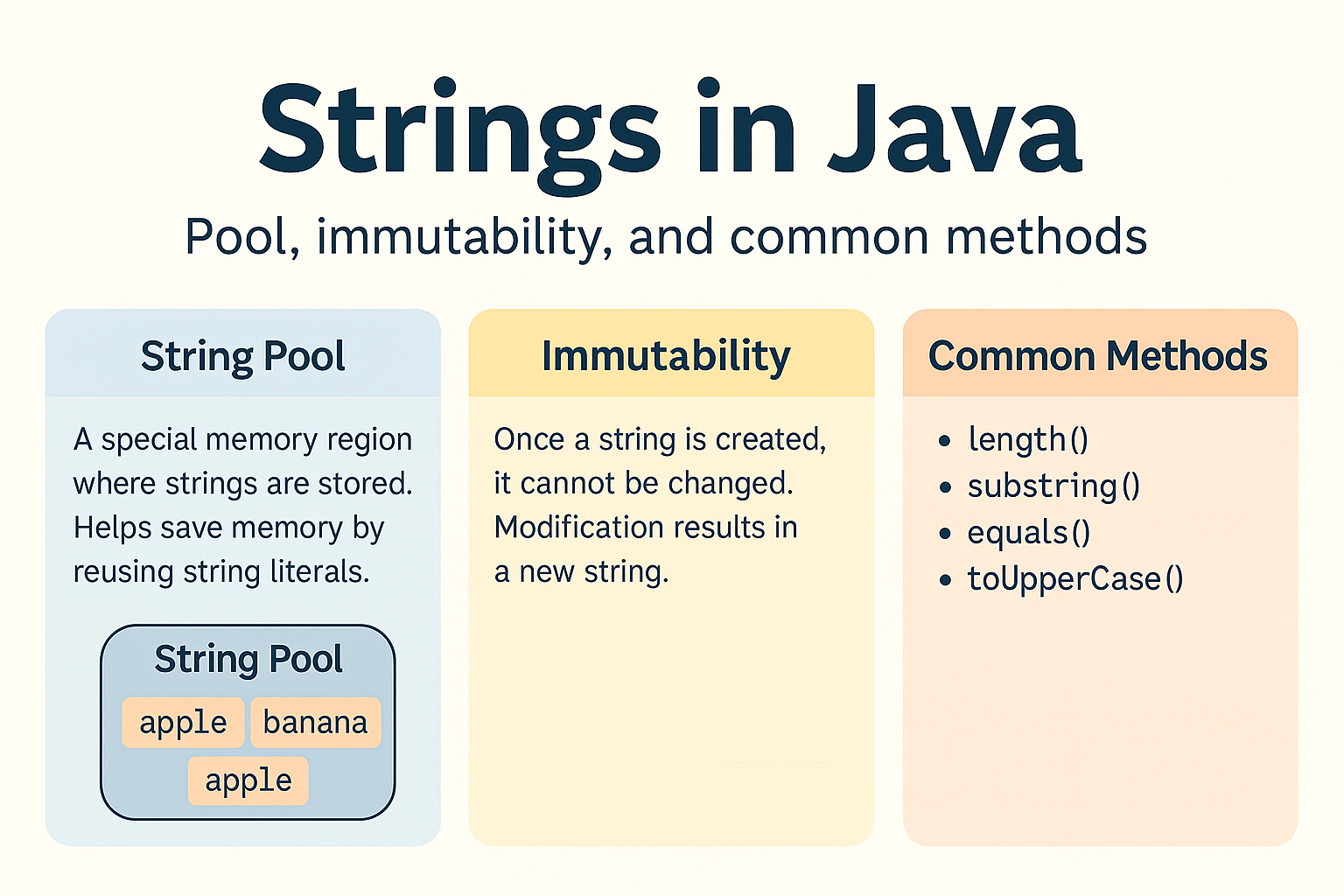
First, it's critical to understand that in Java, a String is an object, not a primitive data type. This has important implications for how strings are stored in memory and how they are compared. A key concept here is the String Pool, a special memory area where Java stores string literals to save memory. Another crucial property is immutability, meaning once a String object is created, its content cannot be changed.
The edureka! YouTube channel provides an excellent tutorial that explains these foundational concepts clearly.
Java Strings Tutorial | String Manipulation in Java | Java Tutorial For Beginners | Edureka
This video introduces the String class, explains its object nature, and visually demonstrates how strings are created and stored in memory.
Please watch the following two segments: What is a String?: This part covers the basics, including the fact that String is a class and the core concept of immutability. String Creation and the String Pool: This is a vital segment. Pay close attention to the difference between creating a string with a literal (String s = "hello") and using the new keyword (String s = new String("hello")). The visual explanation of the String Pool and heap memory is key to understanding string behavior in Java and is a common interview topic.
To reinforce these ideas, take a look at the following image, which neatly summarizes the key concepts of the String Pool and immutability.
2. Comparing Strings: The == vs. .equals() Trap
A common mistake for beginners is using the == operator to compare strings. Because strings are objects, == compares their memory addresses (references), not their actual character content. To compare the content of two strings, you must use the .equals() method.
The edureka! video you started watching has a perfect demonstration of this exact issue.
Java Strings Tutorial | String Manipulation in Java | Java Tutorial For Beginners | Edureka
This segment provides a hands-on demonstration of why == fails for string objects created with new and how .equals() and .compareTo() solve the problem.
Continue watching from the start of the coding demo. The instructor clearly demonstrates comparing string literals and string objects, highlighting the difference in outcomes between == and .equals().
Here's the takeaway:
str1 == str2: Returnstrueonly ifstr1andstr2point to the exact same object in memory. This is true for two identical string literals but false for two identical string objects created withnew.str1.equals(str2): Returnstrueif the strings contain the same sequence of characters. This is almost always what you want.str1.equalsIgnoreCase(str2): A useful variation that compares content while ignoring case differences.
3. A Tour of Common String Methods
The String class provides a rich set of methods for various manipulations. Remember that because strings are immutable, none of these methods change the original string. Instead, they return a new String object with the result.
Let's explore some of the most useful ones. The Bro Code channel offers a very direct, fast-paced overview of these methods.
Useful string methods in Java! 🧵
This video provides quick, clear examples of the most frequently used string methods.
Watch the following segments to see these methods in action: length() and charAt(): For getting the string's length and accessing a character at a specific index. indexOf() and lastIndexOf(): For finding the position of a character. toUpperCase() and toLowerCase(): For changing case. trim() and replace(): For cleaning up whitespace and replacing characters. isEmpty() and contains(): For checking if a string is empty or contains a specific sequence.
Let's round out this tour with a few more powerful methods from the Crio.do article. These are particularly useful for parsing and processing data.
10 Important String Methods In Java You Must Know
This article gives practical, "real-world" applications for string methods.
Please read the following two sections: Focus on section 6, substring(). This method is essential for extracting a portion of a string based on index positions. Note the difference between the two overloaded versions. Next, read section 7, split(). This is an incredibly powerful method for breaking a string into an array of smaller strings based on a delimiter (like a comma or space). It's a cornerstone of data parsing.
To bring it all together, here is a helpful visual summary of some of the methods we've covered.

4. Putting It All Together: A Practical Example
String methods are often chained together to perform validation or data processing. The edureka! video demonstrates this by writing simple validation logic for an email address and a phone number. This is a perfect example of how these methods are used in real applications.
Java Strings Tutorial | String Manipulation in Java | Java Tutorial For Beginners | Edureka
This final segment from the edureka! video shows how to combine methods like isEmpty(), contains(), and length() to validate user input.
Watch the practical validation example from "I'm going to write a string called email". Observe how multiple checks are combined to determine if the input data is in a valid format.
This example shows a common pattern:
- Check if the input is empty (
.isEmpty()). - Check for required characters (
.contains("@")and.contains(".")). - Check if it meets length requirements (
.length()). - Clean the input before processing (
.trim()).
This is the kind of practical, outcome-oriented code you'll write as a developer.
Conclusion
In this lesson, you've taken your first step into the Java Standard Library and mastered the essentials of the String class. You now have the tools to handle a wide variety of text-manipulation tasks.
Here are the key takeaways:
- Strings are Objects: They are instances of the
Stringclass, not primitive types. equals()not==: Always use the.equals()method to compare the content of strings. Use==only to check if two variables point to the same object in memory.- Common Methods: You've learned to use a core set of methods for inspecting (
length(),charAt()), comparing (equals(),compareTo()), transforming (substring(),replace(),trim()), and converting (split()) strings. - Immutability: String methods don't change the original string; they return a new one.
We touched on the concept of immutability several times. You might be wondering, "If strings can't be changed, isn't creating a new string every time we do a simple modification inefficient?" You are right to ask. In our next lesson, we will dive deep into what immutability really means, why it's a feature of Java's String class, and how to use the StringBuilder class for situations where you need to perform many modifications efficiently.