Hello! Welcome back to our module on Advanced Infrastructure as Code with Terraform.
In our last lesson, we took a critical step toward professional-grade Terraform by configuring a remote backend with state locking. This ensures our state is stored securely and centrally, preventing conflicts in a team environment. Now that our foundation is solid, we can focus on making our infrastructure code itself more robust, scalable, and maintainable.
This lesson addresses the learning outcome: Write reusable Terraform modules with input variables, outputs, and local values.
We'll explore how to stop copying and pasting code and start building a library of reusable infrastructure components. This practice is the essence of the "Don't Repeat Yourself" (DRY) principle and is fundamental to managing complex infrastructure efficiently. You'll learn how to structure a module, parameterize it with inputs, expose important attributes via outputs, and use local values for internal logic.
1. What are Terraform Modules and Why Use Them?
At a high level, a Terraform module is a container for multiple resources that are used together. If you have a background in programming, the easiest way to think about a module is as a function. It encapsulates a set of logic, accepts input parameters to customize its behavior, and returns values.
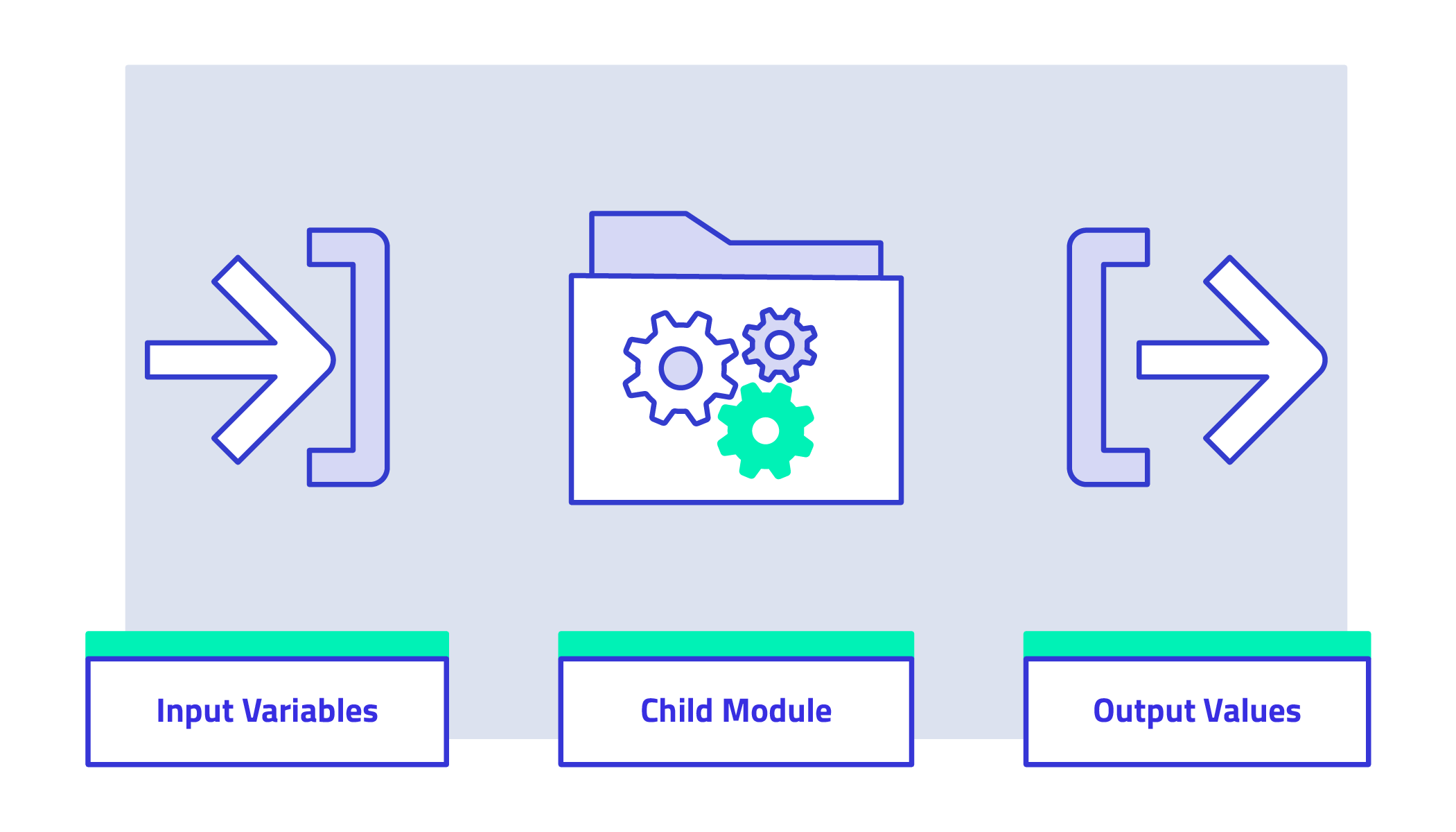
In every Terraform configuration you've written, you've already been using a module: the root module. This is simply the main set of .tf files in your working directory. Today, we're focusing on creating child modules, which are separate, reusable components that your root module can call.
The primary benefits of using modules are:
- Reusability: Define a set of infrastructure once (e.g., a secure S3 bucket or a web server cluster) and reuse it multiple times across different environments (dev, staging, prod) or projects.
- Maintainability: When you need to update a piece of infrastructure, you only need to change it in one place—the module. All instances that use the module will inherit the change.
- Abstraction: Modules hide the complexity of the underlying resources. A consumer of your module only needs to know what inputs it requires, not the intricate details of how it's implemented.
To begin, let's explore the core idea of refactoring existing code into a module.
How to create reusable infrastructure with Terraform modules
The article 'How to create reusable infrastructure with Terraform modules' from Gruntwork is an excellent starting point. It explains the concept of root vs. reusable modules and walks through the initial steps of creating one.
Please read the section titled 'Module basics'. This will introduce you to the fundamental syntax for defining and calling a module from your root configuration.
2. The Anatomy of a Module
A well-structured Terraform module follows a standard file layout to make it easy for others to understand and use.

The three most important files in a module are:
main.tf: Contains the core resource blocks that the module manages (e.g.,aws_instance,aws_s3_bucket).variables.tf: Defines the input variables for the module. This is the "API" of your module, specifying what can be configured from the outside.outputs.tf: Defines the output values that the module exposes. These are the "return values" that the calling module can use.
Let's watch a video that demonstrates creating this structure and populating it with code.
Creating a module in Terraform - Getting started with Terraform Modules (part 1)
The video 'Creating a module in Terraform' provides a practical walkthrough of converting a piece of Terraform code into a basic module.
Watch the segments from 03:55 to 04:49 and 05:03 to 05:43. These clips demonstrate: The standard convention of creating main.tf, variables.tf, and outputs.tf files within a new module directory. Moving a resource definition (an aws_instance) into the module's main.tf file.
3. Inputs, Outputs, and Locals: The Module's Interface
Modules communicate with the outside world through input and output variables. For internal calculations and to keep your code clean, you use local values. Let's examine each of these components.
Manage values in modules | Terraform - HashiCorp Developer
The official HashiCorp documentation provides a concise summary of these three concepts. This is a great reference to quickly grasp their distinct roles.
Please read the entire page. It's short and provides clear definitions and code snippets for input variables, local values, and output values.
Input Variables: Parameterizing Your Module
Input variables make your module flexible. Instead of hardcoding values like instance types or names, you define variables that can be passed in when the module is called.
This allows you to use the same module to create a t2.micro instance in your dev environment and a m5.large instance in prod.
Creating a module in Terraform - Getting started with Terraform Modules (part 1)
Let's see how to define and use an input variable within a module.
Watch the segments from 04:49 to 05:43 and 06:33 to 08:51. These clips show: How to define a variable block in variables.tf. How to reference it within the module's main.tf using var.variable_name. How to pass a value to this variable from the root module when calling it.
Here’s a quick example. Inside your module's variables.tf:
# modules/ec2-instance/variables.tf
variable "instance_type" {
  description = "The EC2 instance type."
  type        = string
  default     = "t2.micro"
}
Inside your module's main.tf:
# modules/ec2-instance/main.tf
resource "aws_instance" "this" {
  ami           = "ami-0c55b159cbfafe1f0" # Example AMI
  instance_type = var.instance_type


  # ...
}
And in your root module's main.tf:
# main.tf
module "web_server" {
  source = "./modules/ec2-instance"

  instance_type = "t3.small" # Overrides the default
}
Output Values: Exposing Resource Attributes
Once your module creates resources, you often need to access their attributes (like an instance ID or an S3 bucket's ARN) from your root module. This is done with output values.
Creating a module in Terraform - Getting started with Terraform Modules (part 1)
This video segment demonstrates how to define an output in a module and reference it from the calling configuration.
Watch from 05:43 to 06:33 and 10:38 to 11:15. You will see: How to create an output block in outputs.tf to expose a resource attribute. How to access this output from the root module using the syntax module.my_module.output_name.
Example. Inside your module's outputs.tf:
# modules/ec2-instance/outputs.tf
output "instance_id" {
  description = "The ID of the created EC2 instance."
  value       = aws_instance.this.id
}
And in your root module's outputs.tf to pass it through:
# outputs.tf
output "web_server_instance_id" {
  description = "The ID of the web server instance."
  value       = module.web_server.instance_id
}
Local Values: Internal Helper Variables
Sometimes you need to create a complex value or use a value multiple times within a module, but you don't want to expose it as a configurable input. This is the perfect use case for locals. They help keep your code DRY and improve readability by giving a name to a complex expression.
5/30 - Terraform Variables in AWS - Input vs Output vs Local Variables
The following video explains the purpose of local variables and how they differ from input variables. It provides a great example of combining other variables to form a consistent naming convention.
Watch from 09:55 to 18:18. Focus on how a locals block is used to construct a complex tag or name from several input variables, which is then referenced throughout the configuration with local.variable_name.
Example. Inside your module's main.tf:
# modules/ec2-instance/main.tf

locals {


  # Create a common set of tags to be applied to all resources in the module
  common_tags = {
    ManagedBy = "Terraform"
    Project   = var.project_name
  }
}

resource "aws_instance" "this" {


  # ...
  tags = local.common_tags
}
4. Best Practices and Gotchas
When writing modules, a few best practices will make them more powerful and easier to use.
How to create reusable infrastructure with Terraform modules
The Gruntwork article you read earlier also contains an excellent section on common pitfalls and best practices.
Please read the section 'Module Gotchas'. Pay close attention to the use of path.module for file paths and the advice to prefer separate resources (like aws_security_group_rule) over inline blocks.
Key takeaways from this section:
- File Paths: When a module needs to read a local file (e.g., a user data script for an EC2 instance), always use the
path.modulevariable to construct the path. This ensures the path is relative to the module's directory, not the root directory.user_data = templatefile("${path.module}/user-data.sh", {}) - Inline Blocks vs. Separate Resources: For resources like security groups, you can define rules either as inline
ingress/egressblocks or as separateaws_security_group_ruleresources. In modules, always prefer separate resources. This makes your module more flexible, as it allows the consumer of the module to add additional rules to the security group from outside the module.
5. Behavioral Interview Preparation
Being able to discuss how you've used modularity to improve infrastructure code is a key competency for a DevOps role.
Interview Question: "Describe a time you improved the reusability and maintainability of your team's infrastructure code. What was the impact?"
Here's how you could structure an answer using the STAR method:
- Situation: "In a previous project, our team was managing infrastructure for dev, staging, and production environments. We noticed significant code duplication in our Terraform repository, especially for common resources like creating EC2 instances for our application servers. Each environment had nearly identical code blocks, with only minor differences in instance sizes, tags, and AMI IDs. This made updates tedious and error-prone."
- Task: "My objective was to refactor this duplicated code to improve maintainability, enforce consistency, and reduce the risk of configuration drift between our environments."
- Action: "I designed and implemented a reusable Terraform module for our application server. The module encapsulated the logic for creating an
aws_instance, its associatedaws_security_group, and an IAM instance profile. I parameterized the module using input variables for things likeinstance_type,ami_id,environment, andsubnet_id. Crucially, I used alocalsblock inside the module to generate a consistent naming scheme based on the environment variable. The module then exposed the instance's ID and private IP as output values. After developing the module, I refactored our dev, staging, and prod configurations to simply call this one module, passing in the environment-specific variables." - Result: "This effort reduced our EC2-related Terraform code by over 70%. It made our configurations much cleaner and easier to read. The biggest impact was on maintainability; when we needed to update our security group rules, we only had to change it in the module, and the change was safely propagated to all environments on the next apply. This not only saved time but also significantly increased the reliability of our deployments."
Conclusion
You now have the knowledge to create powerful, reusable infrastructure components with Terraform. By encapsulating logic into modules, you can build complex systems from simple, composable, and testable building blocks.
Key Takeaways:
- Modules are Terraform's primary tool for creating reusable and maintainable infrastructure code.
- A standard module consists of
main.tf,variables.tf(for inputs), andoutputs.tf(for return values). - Input variables define the configurable API of your module.
- Output values expose resource attributes to the calling configuration.
- Local values are used for internal expressions and logic to keep your code DRY.
In our next lesson, we will put these modules to practical use. We'll learn how to use Terraform workspaces and directory structures to manage multiple environments (dev, staging, prod), a crucial pattern for any real-world project.