Hello! Welcome back.
In our last lesson, you took a big step forward by learning about variables and Python's basic data types: integers, floats, strings, and booleans. You now know how to store information in your programs, which is a fundamental skill for any developer.
Today, we'll build on that by learning how to operate on that data. After all, storing information is only useful if you can do something with it! This lesson focuses on two key areas: performing calculations with numbers and manipulating text.
By the end of this lesson, you will be able to:
- Perform all standard arithmetic operations on numbers.
- Combine and repeat strings.
- Understand and fix errors that arise from mixing data types.
This is the next essential skill on your path to building a functional backend application, where you'll constantly be processing numerical data (like prices or quantities) and text (like usernames or descriptions).
Arithmetic Operations
Just like a calculator, Python can perform mathematical calculations. It uses a set of symbols called arithmetic operators to do this. You're already familiar with most of them from math class.
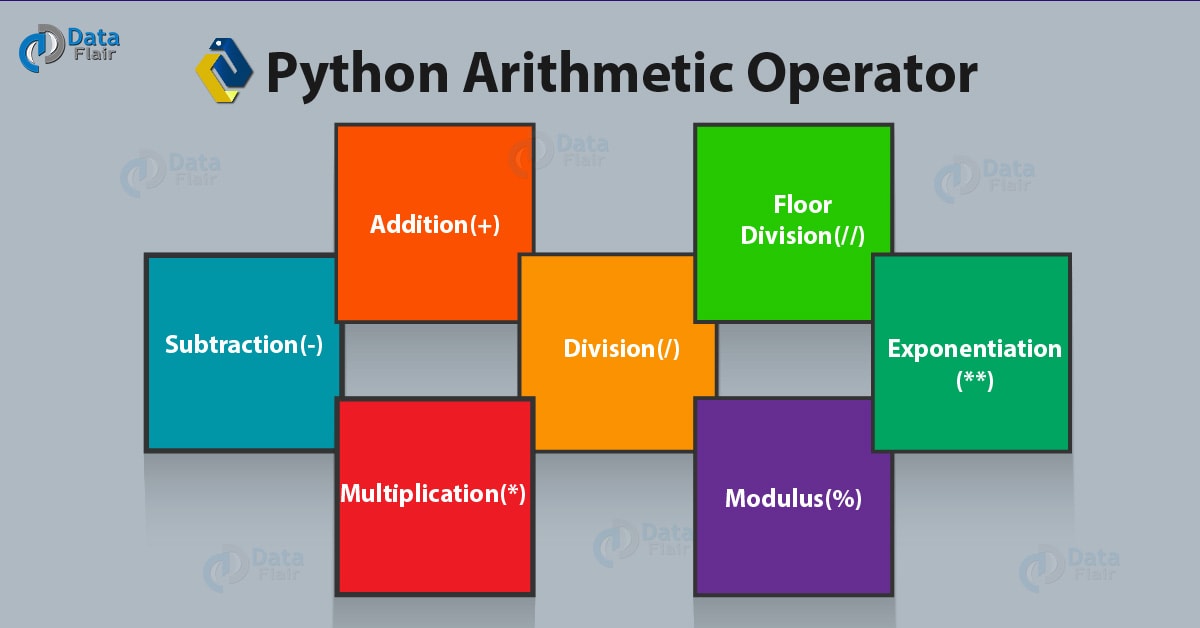
Let's look at the main operators you'll be using.
Now, let's dive into how they work in code. The following video provides a comprehensive overview of all these operators, as well as two important related concepts: augmented assignment (a convenient shortcut) and operator precedence (the order of operations).
Python for Beginners - Learn Coding with Python in 1 Hour
Watch this segment from Programming with Mosh to see all of Python's arithmetic operators in action. It clearly explains each one and covers the rules that Python follows when evaluating complex expressions.
Watch the video from 23:45 to 27:19. Pay close attention to the distinction between the two division operators (/ and //) and the explanation of operator precedence.
Let's summarize the key operators and their behavior:
| Operator | Name | Example | Result | Description |
|---|---|---|---|---|
+ |
Addition | 10 + 3 |
13 |
Adds two numbers. |
- |
Subtraction | 10 - 3 |
7 |
Subtracts the second number from the first. |
* |
Multiplication | 10 * 3 |
30 |
Multiplies two numbers. |
/ |
Division | 10 / 3 |
3.333... |
Divides and always returns a float. |
// |
Floor Division | 10 // 3 |
3 |
Divides and returns the result as an integer, dropping any remainder. |
% |
Modulus | 10 % 3 |
1 |
Returns the remainder of a division. |
** |
Exponentiation | 10 ** 3 |
1000 |
Raises the first number to the power of the second. |
A quick note on operator precedence: Python follows the standard order of operations you learned in math, often remembered by the acronym PEMDAS/BODMAS (Parentheses, Exponents, Multiplication/Division, Addition/Subtraction). So, in an expression like 10 + 3 * 2, the multiplication (3 * 2) happens first, resulting in 16, not 26. You can use parentheses () to control the order, just like in math.
String Operations
Operators aren't just for numbers. Python also allows a couple of arithmetic operators to be used with strings, but they behave differently.
- Concatenation (
+): "Adds" two strings together by joining them end-to-end. - Repetition (
*): Repeats a string a specified number of times.
Here’s an example:
first_name = "Backend"
last_name = "Developer"


# Concatenation
full_name = first_name + " " + last_name
print(full_name) # Output: Backend Developer


# Repetition
separator = "-_-" * 10
print(separator) # Output: -_--_--_--_--_--_--_--_--_--_-
It's important to remember that most arithmetic operators, like -, /, or **, will cause an error if used with strings because those operations don't have a logical meaning for text.
Manipulating Strings with Methods
Strings in Python are more than just static text; they are objects that come with built-in "tools" called methods. A method is like a function that belongs to a specific object and is used to perform an action on that object's data.
You call a method by using a dot (.) after the variable name, followed by the method name and parentheses ().
variable_name.method_name()
The video below introduces some of the most common and useful string methods.
Python for Beginners - Learn Coding with Python in 1 Hour
This next clip from the same video explains the concept of string methods and demonstrates several useful ones, like changing case and finding or replacing text.
Watch from 18:41 to 23:45. Focus on how methods like .upper() and .replace() work and note that they return a new string without changing the original one.
Here are a few key string methods:
.upper(): Returns a new string with all characters in uppercase..lower(): Returns a new string with all characters in lowercase..replace(old, new): Returns a new string where all occurrences of theoldsubstring are replaced with thenewone..find(substring): Searches for thesubstringand returns the starting index of its first occurrence. If not found, it returns-1.
# Create a new file in VS Code called operations.py
course_name = "Python for Backend Developers"

print(course_name.upper())          # Output: PYTHON FOR BACKEND DEVELOPERS
print(course_name.lower())          # Output: python for backend developers
print(course_name.replace("Python", "Advanced Python")) # Output: Advanced Python for Backend Developers
print(course_name.find("Backend"))    # Output: 11
print(course_name)                  # Output: Python for Backend Developers (the original is unchanged!)
The Importance of Data Types: Type Conversion
What do you think happens when you try to do this?age = 30message = "My age is: " + age
If you try to run this, Python will stop with a TypeError.

This happens because Python is a strongly-typed language. It won't automatically convert a number to text for you in this situation. You have to be explicit. To fix this, we need to convert the number into a string before concatenating.
We can do this using a few built-in functions:
str(value): Converts the value to a string.int(value): Converts the value to an integer.float(value): Converts the value to a float.
The following video demonstrates this concept perfectly with a practical example: calculating a person's age based on their birth year, which involves getting user input (a string) and converting it to a number to do the math.
Python for Beginners - Learn Coding with Python in 1 Hour
This final clip explains why you get errors when mixing types and how to fix them using type conversion functions. The example of calculating age is a classic programming problem you'll see often.
Watch from 10:10 to 18:41. This section is crucial. It ties together variables, input, string concatenation, and arithmetic operations, showing why type conversion is essential.
Here's the corrected code for our message example:
age = 30


# We convert the integer 'age' to a string before concatenating.
message = "My age is: " + str(age)
print(message) # Output: My age is: 30
Hands-On Practice
Let's put everything together. Your task is to build a simple calculator.
-
In your
operations.pyfile, write a script that does the following:- Asks the user to enter a first number.
- Asks the user to enter a second number.
- Calculates the sum, difference, product, and quotient of these two numbers.
- Prints out each result in a clear, user-friendly format.
-
Tips:
- Remember that the
input()function always returns a string. You'll need to convert the user's input to numbers (e.g., usingfloat()) before you can do calculations. - Use f-strings to make your output easy to read.
- Remember that the
Once you've given it a try, you can compare your code to the solution below.
Click here to see a possible solution
# 1. Get input from the user
first_num_str = input("Enter the first number: ")
second_num_str = input("Enter the second number: ")


# 2. Convert string input to floating-point numbers
first_num = float(first_num_str)
second_num = float(second_num_str)


# 3. Perform calculations
sum_result = first_num + second_num
difference_result = first_num - second_num
product_result = first_num * second_num
quotient_result = first_num / second_num


# 4. Print the results in a formatted way
print("\n--- Results ---")
print(f"{first_num} + {second_num} = {sum_result}")
print(f"{first_num} - {second_num} = {difference_result}")
print(f"{first_num} * {second_num} = {product_result}")
print(f"{first_num} / {second_num} = {quotient_result}")
Conclusion
Great work! You've just learned how to perform some of the most common and critical operations in programming. Being able to manipulate numbers and text is a prerequisite for almost any backend task, from calculating prices in an e-commerce API to formatting user data.
Key Takeaways:
- Python supports a full range of arithmetic operators:
+,-,*,/,//,%, and**. - The
+and*operators have special behaviors with strings: concatenation and repetition. - Strings have built-in methods (like
.upper()and.replace()) that allow you to perform powerful manipulations on text. - You must perform explicit type conversion using
int(),float(), orstr()when you want to operate on values of different, incompatible types.
Next Up:
Now that you can store data and perform operations, the next step is to make your programs "smarter" by enabling them to make decisions. In the next lesson, we will explore comparison and logical operators. These tools allow you to create expressions that evaluate to True or False, which is the foundation for controlling the flow of your programs with if statements.