Introduction
Welcome to the first lesson of our module on Inventory Management. In our last lesson, you learned how to build and maintain strong, long-term relationships with your beauty product suppliers. This ensures a reliable flow of high-quality products into your store.
Now, once those products arrive, what's next? Managing them effectively is one of the most critical functions in retail. Your digital marketing experience has taught you the importance of data in understanding customer behavior online. In a physical store, inventory data is just as vital for understanding business performance.
This lesson directly addresses the learning outcome: to compare common inventory tracking methods such as spreadsheets and POS software for a small retail store. We'll explore the two main approaches to tracking what you have in stock, examining the pros, cons, and practical implications of each. By the end of this lesson, you'll have a clear framework for deciding which method is the right fit for your new beauty mini-market.
1. The Foundation: Periodic vs. Perpetual Inventory Systems
Before we dive into specific tools like spreadsheets or software, it's important to understand the two fundamental approaches to inventory tracking. Your choice of tool will largely depend on which of these systems you adopt.
To start, let's get a clear definition of these two frameworks.
Inventory Tracking: A 5-Step Guide for Retail Businesses (2026)
The article 'Inventory Tracking: A 5-Step Guide for Retail Businesses' from Shopify provides a concise explanation of the core inventory tracking systems. This will give you the foundational theory we'll build on.
Please read the section titled 'Two tracking approaches: periodic or perpetual'. Pay close attention to the descriptions of each system and the cost-complexity tradeoff between them.
As you just read, the key distinction is timing:
- Periodic System: You physically count your inventory at set intervals (e.g., weekly or monthly). Between these counts, your stock level is an estimate. This method is typically associated with manual tracking tools like spreadsheets.
- Perpetual System: Your inventory records are updated in real-time with every transaction—a sale, a return, or a new stock delivery. This method relies on technology, most commonly a Point of Sale (POS) system integrated with inventory management software.
For a beauty mini-market where a customer might be disappointed if a specific shade of lipstick is out of stock, real-time accuracy can be a significant factor in customer satisfaction.
2. Method 1: Spreadsheet-Based Tracking
This is the classic, manual approach. It involves using a program like Microsoft Excel or Google Sheets to create a digital ledger of your products and their quantities.
Here is an example of what a detailed inventory spreadsheet might look like:

While it may look complex, a well-structured spreadsheet system follows a clear logic. To understand how the different parts work together, let's watch a brief overview.
Create an Automated Inventory Management System in Excel (FREE Template)
This video from MyOnlineTrainingHub demonstrates how to build a robust inventory system in Excel. You don't need to build this yourself, but watching the tour will help you understand the components and the logic behind a manual system.
Watch the first 1 minute and 29 seconds of the video. The host gives a tour of the five key sheets in the system: Products, Inventory, Transactions, Orders, and Reports. Focus on understanding how they connect.
The video illustrates that a good spreadsheet system isn't just one list; it's a set of interconnected tables that track products, transactions, and current stock levels.
Pros and Cons of Spreadsheets
Spreadsheets have long been the entry point for small businesses due to their accessibility. However, they come with significant drawbacks as a business grows.
Inventory Reconciliation Software vs. Spreadsheets 2025 - Stockount
The article 'Inventory Reconciliation Software vs. Spreadsheets' provides a balanced breakdown of the advantages and disadvantages of using spreadsheets for inventory.
Read the sections 'Pros of Spreadsheets' and 'Cons of Spreadsheets'. As you read, think about how these points would apply to a busy retail environment.
To summarize:
| Pros | Cons |
|---|---|
| Low Cost: No extra software fees. | High Risk of Human Error: A typo can be costly. |
| Flexible: Fully customizable. | Time-Consuming: Requires constant manual updates. |
| Familiar: Easy for most to use. | No Real-Time Data: Stock levels are not live. |
Best For: A spreadsheet system can work if you are starting with a very small number of products (e.g., under 50 unique items or SKUs) and have a low volume of daily sales. However, a beauty store can quickly exceed this limit with different products, shades, and sizes.
3. Method 2: Point of Sale (POS) Software
A modern Point of Sale (POS) system is much more than a digital cash register. It's the central hub of a retail operation, integrating sales, customer management, and inventory tracking into a single platform. These systems are the engine behind the perpetual inventory method.
When you scan a product at checkout, the software automatically deducts it from your inventory count. This provides an accurate, real-time view of what you have in stock at any moment.
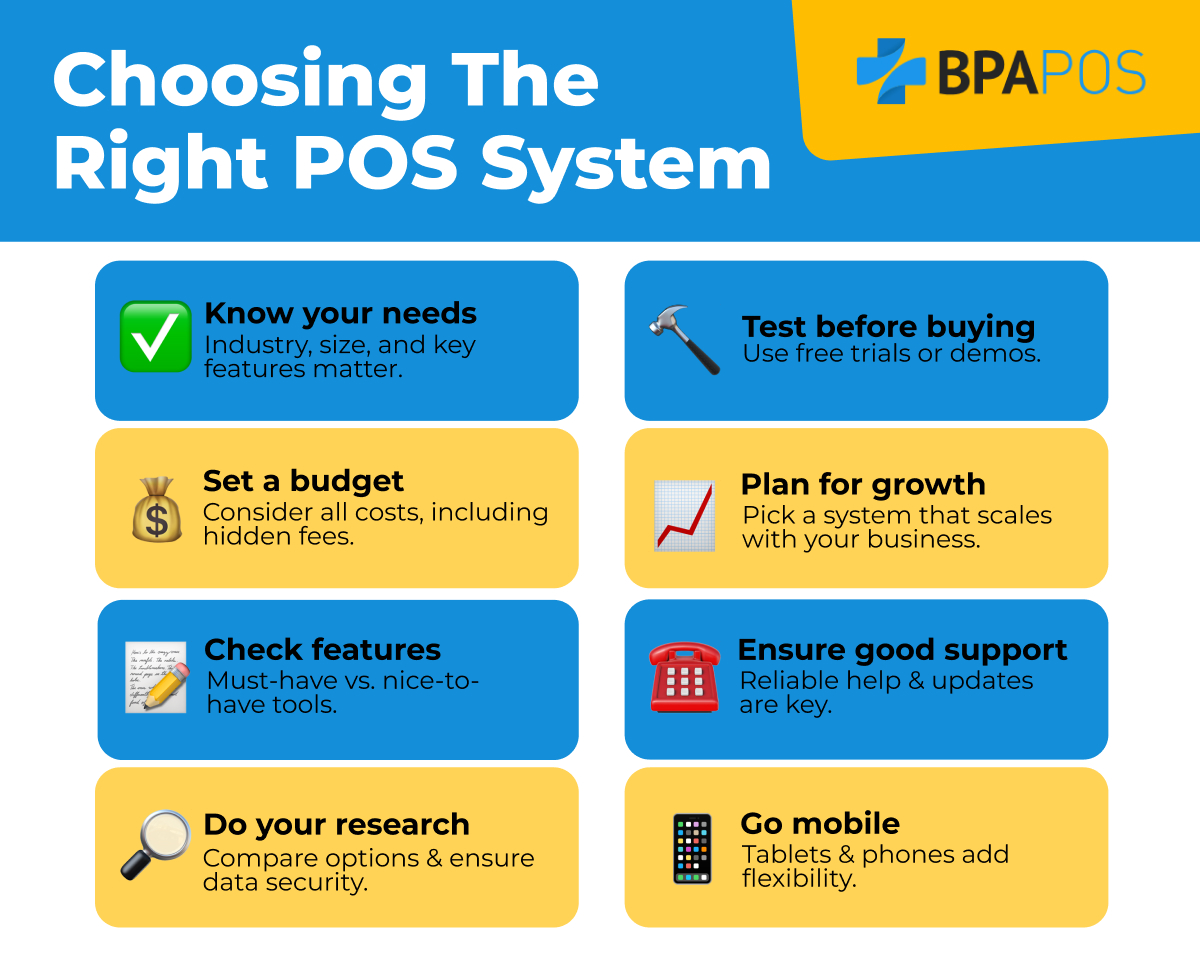
Let's look at a concrete example of how inventory management works within a popular POS system.
Free Inventory Management Software for Small Businesses (2025)
The channel Software Connect reviews various business software. In this clip, they discuss Square, a popular POS system for small brick-and-mortar retailers. This will give you a feel for how these systems operate.
Please watch the segment on Square Inventory from 04:09 to 05:05. Notice features like the item library, automatic low-stock alerts, and integration with the sales process.
As the video shows, a key advantage is automation. The system can automatically flag when a popular foundation is running low, allowing you to reorder before you run out completely.
Pros and Cons of POS Software
While more powerful, POS systems represent a greater initial investment in both time and money.
Inventory Reconciliation Software vs. Spreadsheets 2025 - Stockount
Let's return to the 'Inventory Reconciliation Software vs. Spreadsheets' article to review the pros and cons of dedicated software.
Read the sections 'Pros of Inventory Reconciliation Software' and 'Cons of Inventory Reconciliation Software'. Pay attention to how features like automation and barcode support address the weaknesses of spreadsheets.
To summarize:
| Pros | Cons |
|---|---|
| Real-Time Data: High accuracy, live updates. | Cost: Subscription and hardware fees. |
| Automation: Low-stock alerts, reporting. | Learning Curve: Requires staff training. |
| Scalable: Easily handles growth and more SKUs. | Vendor-Dependent: Relies on internet/provider. |
Best For: Any retail business that plans to grow, has more than a handful of products, and values accurate, real-time data to make business decisions and provide a good customer experience. This strongly aligns with the vision for your beauty mini-market.
4. Making the Right Choice for Your Beauty Mini-Market
You now have a clear picture of the two main options. So, how do you decide? The choice should be based not just on where your business is on day one, but where you want it to be in a year.
The following table, adapted from the Shopify resource, provides a direct comparison.
| Manual (Spreadsheets) | POS Software (with Barcodes) | |
|---|---|---|
| Cost | Minimal ($0–$50/month) | Low-to-moderate setup & monthly fee |
| Inventory Accuracy | 70%–80% (due to errors/lag) | 95%–99% |
| Labor Required | High (constant manual updates) | Moderate (scan-based processes) |
| Scalability | Poor | Excellent |
| Best For | Retailers with <50 SKUs, very low transaction volume, no growth plans. | Growing retailers, multi-location, omnichannel sales, 50+ SKUs. |
Given that a beauty store's inventory consists of many small items with numerous variations (e.g., 20 shades of a single concealer), your SKU count will likely be in the hundreds very quickly. Managing this manually would be a significant operational burden and a source of constant errors.
Investing in a POS system with integrated inventory management from the start will save you from a difficult and costly migration later. It sets a professional foundation for your store, allowing you to focus on your customers and growth rather than wrestling with spreadsheets.
Conclusion
In this lesson, we compared the two most common inventory tracking methods for a small retail store: manual spreadsheets and integrated POS software. You've learned the difference between periodic and perpetual inventory systems and analyzed the pros, cons, and ideal use cases for each method.
Key Takeaways:
- Spreadsheets offer a low-cost, flexible starting point but are prone to error, time-consuming, and do not provide real-time data. They are only suitable for the smallest, simplest retail operations.
- POS Software provides an automated, accurate, and scalable solution by tracking inventory in real-time. While it requires an initial investment, it is the standard for modern retail and essential for managing a complex inventory like beauty products.
- The Best Choice: For a new beauty mini-market with ambitions to grow, starting with a POS system is the strategic choice. It provides the data accuracy and operational efficiency needed to succeed.
Preview of the Next Lesson:
Regardless of whether you use a spreadsheet or a POS system, your inventory data must be organized in a structured way. In our next lesson, we will define a structured format for product information including SKUs, descriptions, and supplier details for inventory management. This will be the blueprint for setting up your chosen inventory system.