Hello! Welcome to the final lesson in our module on scaling multi-location SEO.
In our previous lesson, we focused on capturing high-intent "near me" voice searches by perfecting Google Business Profiles and creating answer-focused content. We briefly mentioned that customer reviews are a powerful signal for both voice assistants and traditional search rankings. Today, we'll dive deep into that topic.
The learning outcome for this lesson is to set up automated systems to monitor and draft personalized responses to customer reviews across multiple business locations. Managing reviews for a single location is time-consuming; for dozens or hundreds, it's impossible without a scalable system. You will learn how to use AI and automation tools to turn reputation management from a manual chore into an efficient, brand-building engine.
1. The Strategic Importance of AI in Review Management
Before building the system, let's establish why automating review responses is so critical for a multi-location brand. Responding to reviews is a direct and public signal to both customers and search engines.
- For Customers: Timely, personalized responses show that the business is engaged and values feedback. It can turn a happy customer into a loyal advocate and demonstrate accountability to a dissatisfied one, often mitigating a negative experience.
- For SEO: Google has confirmed that responding to reviews improves your local SEO. It signals activity, engagement, and trustworthiness—key components of what Google wants to see from a legitimate business.
For a brand with multiple locations, the challenge is volume. This is where AI becomes a game-changer.
AI‑Powered Local SEO: How Multi‑Location Brands Stay ...
The article 'AI-Powered Local SEO' by Digital Success provides a concise overview of how AI revolutionizes review management at scale. Please read the section on this topic to understand the core benefits.
Please read section 3, 'AI Reviews Management.' Focus on the key capabilities AI provides: sentiment analysis, generating personalized replies, and flagging urgent issues for human follow-up.
As the article highlights, AI tools don't just write generic "thank you" notes. They can analyze the sentiment of a review, draft a response that matches your brand's specific tone, and escalate critical negative reviews for human intervention. This allows you to maintain a high standard of customer interaction across all your locations efficiently.
2. The Automation Workflow: From Review to Reply
We will use a no-code automation platform, Zapier, to connect Google Business Profile (GBP) with an AI model (OpenAI's ChatGPT). The workflow consists of three main steps:
- Trigger: A new review is posted on a specific GBP location.
- Action 1: The review's content (text, rating, reviewer name) is sent to ChatGPT with a detailed prompt.
- Action 2: ChatGPT generates a personalized response, which is then automatically posted as a reply to the original review on GBP.
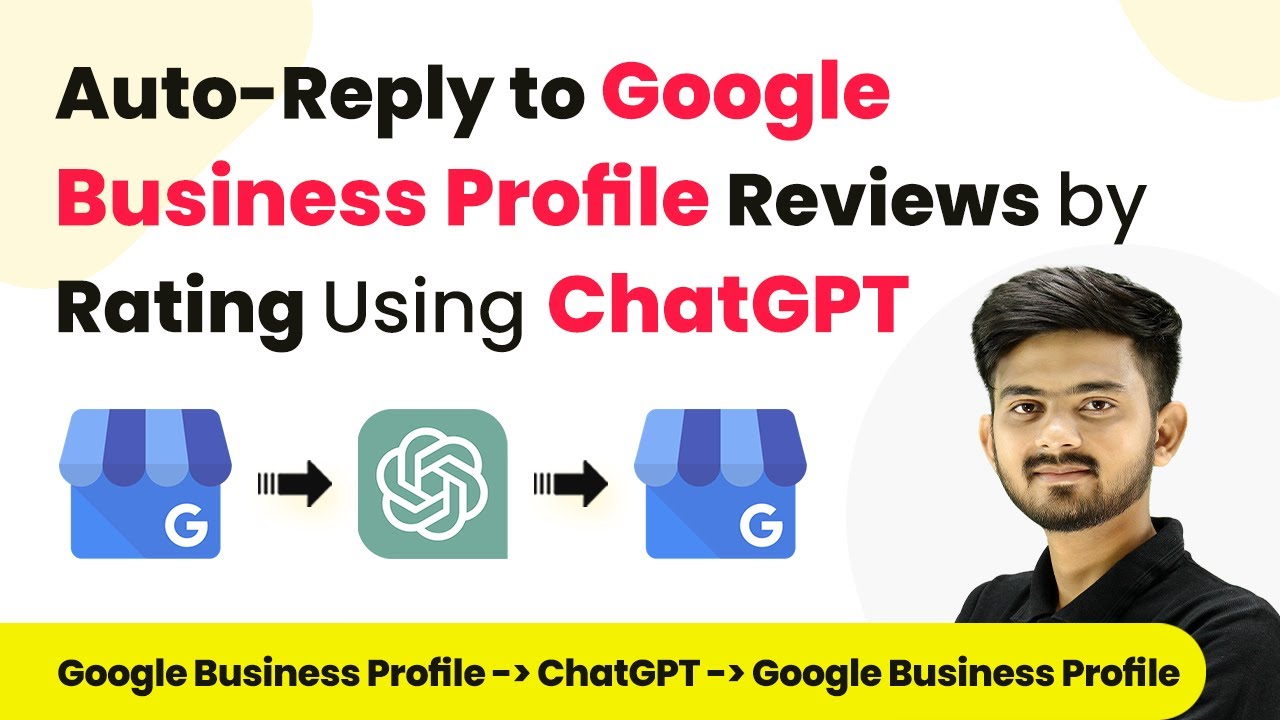
This automated process ensures that every review receives a swift, consistent, and on-brand response, 24/7.
3. Building the Zap: A Practical Walkthrough
Now, let's get hands-on. The following resources provide a complete, step-by-step guide to building this automation in Zapier. The article gives you the written instructions and a great prompt template, while the video shows you the entire process in action.
Automatically respond to Google Business Profile reviews
First, let's walk through the written guide from Zapier's official blog. This article breaks down each step of the process with clear instructions and screenshots.
Read the section 'Use AI and Zapier to respond to Google Business Profile reviews' and its three subsections ('Set up your Google Business Profile trigger', 'Send a prompt to ChatGPT', and 'Send responses back to Google Business Profile'). Pay close attention to how each step is configured, especially the detailed prompt used for ChatGPT.
Discover How I Automated Google Review Responses Using OpenAI & Zapier #chatgpt
Now, watch this video from GoHighLevel King, which demonstrates the exact same workflow visually. Seeing it built in real-time will help solidify your understanding of how the pieces connect.
Watch from 03:32 to 09:18. This covers the trigger setup, the OpenAI prompt configuration, testing the AI response, and setting up the final 'Create Reply' action. Notice how the data from the initial review (the trigger) is mapped into the subsequent steps.
Key Step: Prompt Engineering for Personalization
The real power of this system lies in the quality of your prompt. A generic prompt will lead to generic, robotic-sounding replies. A well-crafted prompt acts as a style guide for the AI, ensuring every response is personalized and reflects your brand's voice.
Let's break down the excellent prompt example from the Zapier article:
I recently received the below review on my Google Business Profile. My name is Michael. Please respond to the review as if you are me.

More details about my business:
- I am an automation consultant. I help clients to use tools like Zapier and ChatGPT...
- I work with my clients one-on-one... With this in mind, only use language like "I" and "Me", never "We" or "Us".
- Your response should be brief with no more than 4 sentences... Do not sign my name to end the response.

Reviewer Name: {Map Reviewer Name from Google Business Profile trigger}
Review: {Map Comment from Google Business Profile trigger}
Rating: {Map Number Rating from Google Business Profile trigger}
This prompt is effective because it provides:
- Role & Persona: "respond to the review as if you are me."
- Business Context: "I am an automation consultant..." This helps the AI understand what to talk about.
- Tone & Style Constraints:
use "I" not "We",be brief,no signature. These are critical for maintaining a consistent brand voice. - Dynamic Data: It clearly labels the inputs from the review (
Reviewer Name,Review,Rating) that the AI needs to use for personalization.
For a multi-location business, you would customize the "More details about my business" section for each location's Zap to include local flavor (e.g., "We're the downtown branch known for our patio...").
Test your understanding!
You are setting up this automation for a multi-location chain of pet supply stores called "Paws & Play." The brand voice is friendly, enthusiastic, and knowledgeable.
Draft a ChatGPT prompt for Zapier that incorporates the brand's persona and would be used to respond to customer reviews. Be sure to include placeholders for dynamic data from the review.
Show answer
Here is an example prompt:
You are the friendly and knowledgeable store manager for "Paws & Play." Please draft a warm and personalized response to the following customer review.

About our brand, Paws & Play:
- We are a passionate team of pet lovers dedicated to providing the best products and advice.
- Our brand voice is always friendly, positive, and helpful. Use enthusiastic language.
- Always address the reviewer by their name.
- Keep the response to 2-4 sentences.
- Always thank the customer for their feedback, whether it's positive or negative.

Here is the review:
Reviewer Name: {Map Reviewer Name from trigger}
Review Content: {Map Comment from trigger}
Star Rating: {Map Number Rating from trigger}

Please generate the reply now.
This prompt clearly defines the persona, brand voice, stylistic rules, and the dynamic data needed for a high-quality, personalized response.
4. A Safer Approach: A Human-in-the-Loop System
While full automation is powerful, it carries risks. An AI might misinterpret a sarcastic negative review or respond inappropriately to a sensitive complaint. For many businesses, a "human-in-the-loop" approach is a safer and more responsible starting point.
The workflow is slightly different:
- Trigger: New review is posted.
- Action 1: ChatGPT drafts a personalized response.
- Action 2: Instead of posting directly, the system sends a notification (e.g., an email or a Slack message) to a designated manager. This message contains the original review and the AI-drafted reply.
- Manual Step: The manager quickly reviews the draft. They can either approve it to be posted (often by clicking a link), or they can edit it before posting.
This semi-automated system still saves 90% of the time—the manager isn't writing from scratch, just reviewing—while adding a crucial layer of quality control and human judgment. You can build this in Zapier by changing the final action from "Google Business Profile: Create Reply" to "Gmail: Send Email" or "Slack: Send Channel Message."
Conclusion
You now have a complete framework for building a scalable review management system, a critical component of advanced local SEO.
Key Takeaways:
- Automated review management is essential for maintaining brand consistency, improving customer engagement, and boosting local SEO signals at scale.
- A simple three-step workflow in Zapier (GBP Trigger -> ChatGPT Action -> GBP Action) can fully automate review responses.
- The success of the system hinges on effective prompt engineering to ensure responses are personalized and on-brand.
- For added safety and quality control, a human-in-the-loop model (drafting for human approval) is a highly recommended best practice.
This lesson concludes our module on Scaling Multi-Location & Local SEO. You've progressed from structuring local data with schema to managing reputation signals with AI.
In our next module, AI-Powered Link Building & Outreach, we will shift our focus from local signals to off-page authority. The first lesson will teach you how to use AI tools to identify high-quality link building opportunities based on competitor backlink analysis, kicking off our journey into scaling one of SEO's most challenging disciplines.