Hello! Welcome to the start of a new module.
In our last lesson, we wrapped up the "PHP Fundamentals Refresher" by learning how to organize our code into separate files using include and require. This practice is the gateway to building larger, more complex applications. Now, we'll see exactly what kind of powerful code structures we can build inside those files.
This lesson kicks off our module on Object-Oriented PHP (OOP). OOP is the dominant paradigm used in modern, professional PHP development, and mastering it is a critical step toward your goal of building full web applications. We'll start with the most fundamental building block.
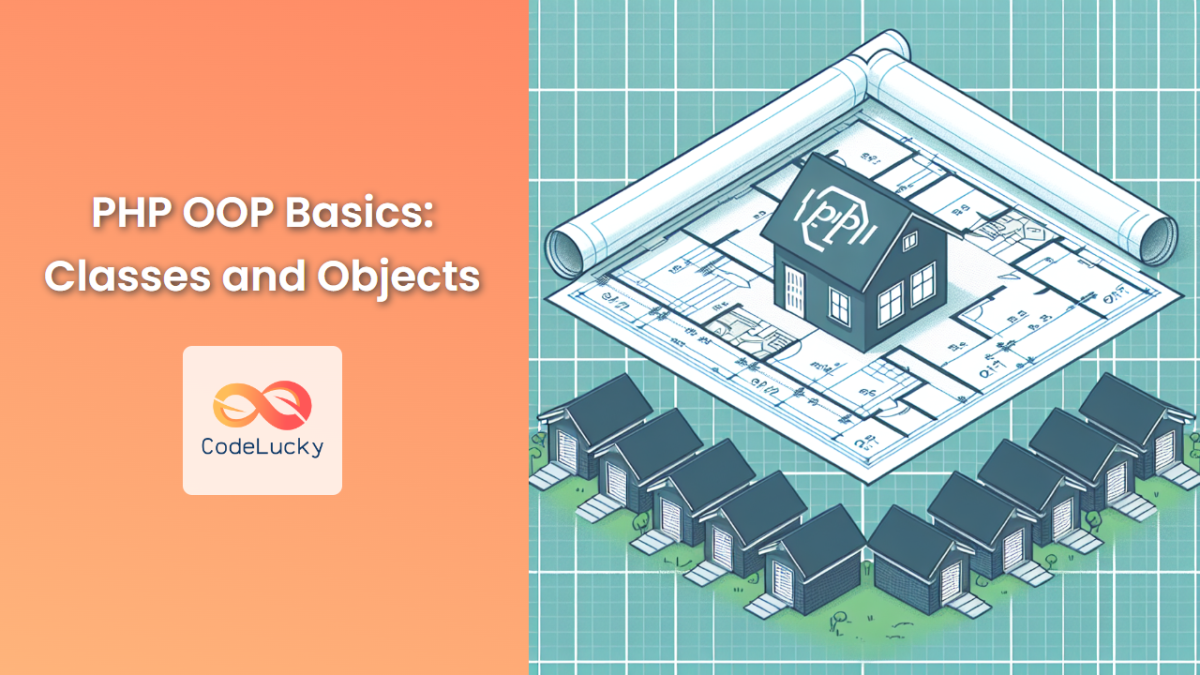
Today's learning outcome is to define classes with properties and methods. Think of this as learning how to draw a blueprint. A class acts as a template from which we can create individual, consistent data structures.
1. What are Classes, Properties, and Methods?
Before we write any code, let's get the core concepts straight.
- A Class is a blueprint or template. For example, we could have a
Userclass to represent users in our application. - Properties are variables defined inside a class. They represent the data or characteristics of the objects that will be created from the class. For our
Userclass, properties might include$usernameand$email. Properties define what an object knows. - Methods are functions defined inside a class. They define the behavior or actions that an object can perform. For our
Userclass, a method could bechangePassword()orgetProfileInfo(). Methods define what an object does.
Let's watch a short video that explains this core concept.
PHP Classes & Objects - Typed Properties - Constructors & Destructors - Full PHP 8 Tutorial
This clip from the Program With Gio channel provides a concise explanation of the class-as-a-blueprint concept.
Watch the beginning of the video from 00:05 to 00:55. It clearly distinguishes between the class (the blueprint) and the object (the instance built from it).
2. Defining a Class and its Properties
Let's translate this into PHP code. You define a class using the class keyword, followed by the class name (by convention, in PascalCase), and a pair of curly braces.
Inside the class, we declare its properties. A property declaration looks like a variable declaration but must include a visibility modifier. For now, we'll use public, which means the property can be accessed from anywhere.
<?php

// A common and recommended practice is to save this in a file named 'User.php'
class User
{
    // Properties
    public $username;
    public $email;
    public $joinDate;
}

?>
This simple class defines the blueprint for a User. It states that any User object we create will have a place to store a username, an email, and a join date.
3. Defining Methods
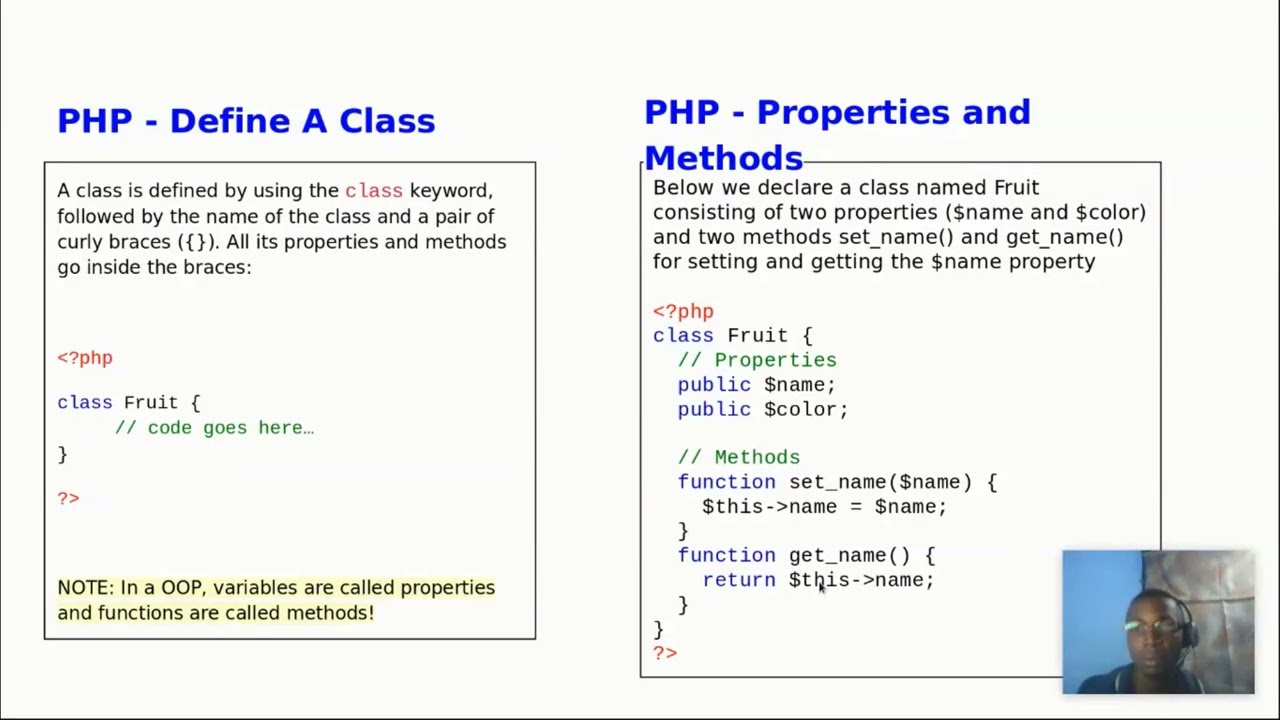
Now, let's give our User class some behavior by adding methods. A method is defined just like a function, but inside the class definition.
Methods are powerful because they can interact with the properties of the specific object they belong to. To do this, we use a special built-in variable: $this.
The $this variable refers to the current object instance. When you're inside a method, $this->username means "the username property of this specific object."
Let's add a method to our User class that generates a simple welcome message.
<?php

class User
{
    // Properties
    public $username;
    public $email;

    // Method
    public function getWelcomeMessage()
    {
        // Use $this to access the username property of the object
        return "Welcome to the site, " . $this->username . "!";
    }
}

?>
Now our User blueprint not only defines the data a user holds (username, email) but also a behavior it can perform (getWelcomeMessage).
Let's solidify this with a clear, concise reading.
The PHP Handbook – Learn PHP for Beginners
The PHP Handbook on freeCodeCamp offers a great text-based summary of how to define classes, properties, and methods, including the use of $this.
Read the sections 'How to Use Classes and Objects in PHP', 'How to Use Properties in PHP', and 'How to Use Methods in PHP'. Focus on the syntax for defining each part and the explanation of the $this variable.
This visual summary also provides a clear example of the syntax.
4. Controlling Access: The Power of private
So far, we've used the public visibility modifier. This means that if we had a User object, code outside the object could freely read and change the $username property.
// (This is a preview for the next lesson)
$user = new User();
$user->username = "anyone_can_change_this"; // Directly changing the property
This can be risky. What if we want to ensure an email address is always in a valid format, or that a username cannot be changed after creation? Allowing direct, uncontrolled access makes this impossible.
This is where the private modifier comes in. A private property or method can only be accessed from within the class itself.
Let's watch a video that demonstrates this concept practically.
Creating classes, properties, methods - OOP in PHP | Part 1
This video from The Codeholic provides an excellent walkthrough of building a class, and more importantly, it shows the practical difference between public and private.
Watch from 01:47 to 06:43. Pay close attention to these points: (01:47) How a public property can be changed from outside the class. (03:12) The fatal error that occurs when you try to access a private property from outside. (04:00) How public methods (setYear, getYear) are created to provide controlled access to the private property.
This principle of bundling data (private properties) with the methods that operate on that data (public methods) is a cornerstone of OOP called encapsulation. It's a key practice for writing secure and robust code because it protects an object's internal state from accidental or unauthorized changes.
Let's refine our User class using this principle.
<?php

class User
{
    // Properties are now private
    private $username;
    private $email;

    // A public method to set the username and email
    public function setDetails($newUsername, $newEmail)
    {
        // We could add validation here, e.g., check if the email is valid
        if (filter_var($newEmail, FILTER_VALIDATE_EMAIL)) {
            $this->username = $newUsername;
            $this->email = $newEmail;
        }
    }

    // A public method to get the user's details
    public function getProfile()
    {
        return "Username: " . $this->username . ", Email: " . $this->email;
    }
}
?>
In this improved version, the only way to modify the $username and $email is through the setDetails() method. This gives us a single point of control where we can add validation logic, which is crucial for the secure applications you aim to build.
Conclusion
Congratulations on taking your first step into Object-Oriented PHP! You've learned how to design the fundamental blueprint of any OOP application: the class.
Key Takeaways:
- A class is a blueprint that defines properties and methods.
- Properties are variables that store an object's data (e.g.,
$username). - Methods are functions that define an object's behavior (e.g.,
getProfile()). - The
$thiskeyword is used inside a method to refer to the current object's properties and methods. - Visibility modifiers like
publicandprivatecontrol access to properties and methods. - Using
privateproperties withpublicmethods (encapsulation) is a core principle for protecting an object's data and writing robust code.
Preview of the Next Lesson:
We've spent this lesson designing the "blueprint". In our next session, we'll put it to use. We will learn how to instantiate and use objects from classes. You'll see how to create multiple, independent objects from a single class blueprint and how to interact with their properties and methods.