Hello! Welcome back to our module on Web Application Security Essentials.
In our last lesson on securing file uploads, we saw a practical example of setting directory permissions (chmod 0755) to control what the web server can do. This was a specific instance of a much broader and more fundamental cybersecurity concept.
Today, we will formalize and expand on that idea. This lesson covers the learning outcome: Describe the principle of least privilege in file and database permissions. This principle is a cornerstone of building secure, robust applications. By mastering it, you significantly reduce the potential damage an attacker can cause if they find a vulnerability in your code.
1. What is the Principle of Least Privilege?
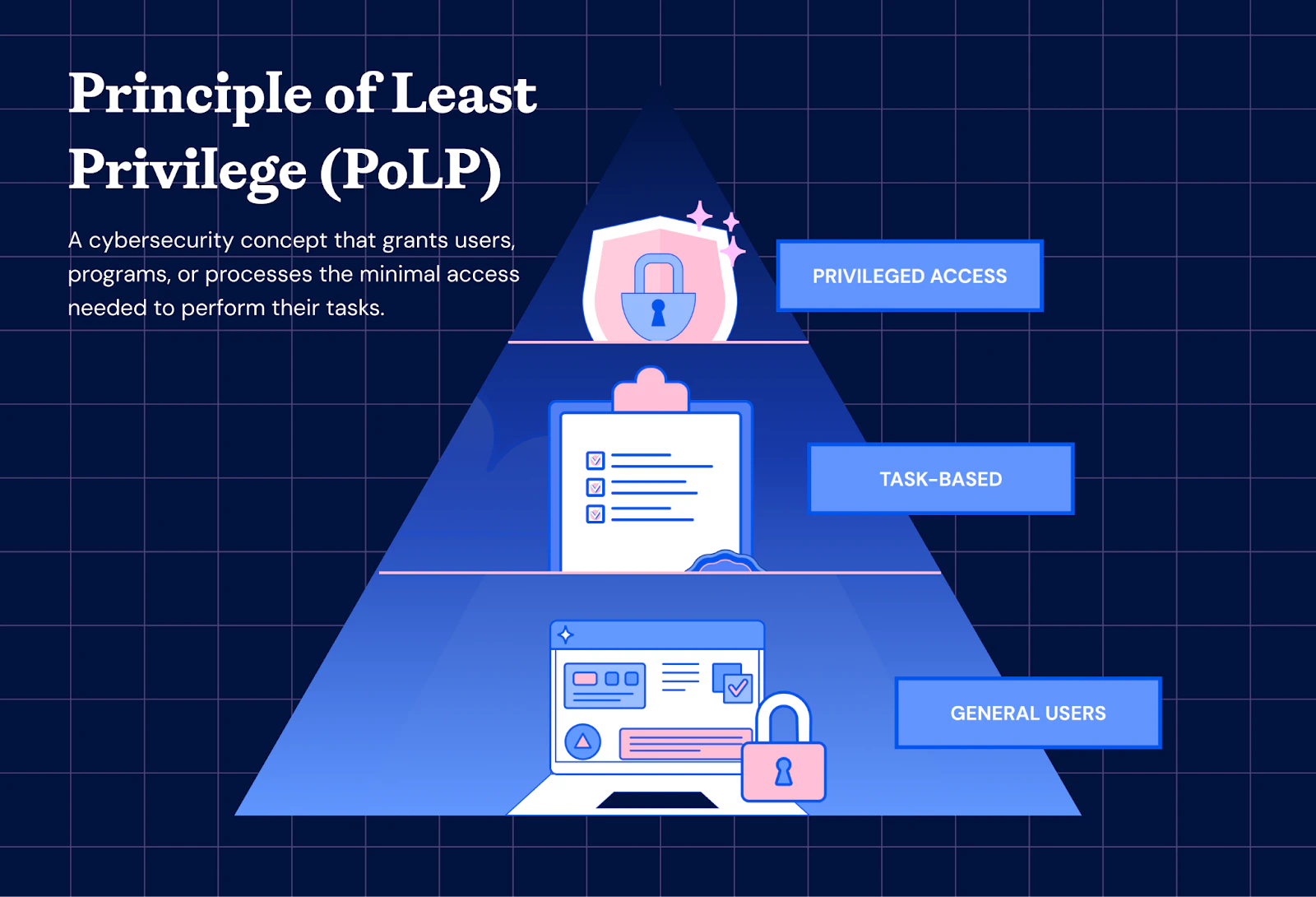
The Principle of Least Privilege (PoLP), also known as the principle of minimal privilege, is simple in theory: a user, program, or process should only have the minimum level of access—or permissions—necessary to perform its essential functions.
Think of it like this: a hotel front desk agent has a key card that opens the front doors and the reception office, but not the guest rooms or the manager's office. Their access is limited to only what they need to do their job. This minimizes risk; if their key card is lost or stolen, the impact is contained.
In cybersecurity, we apply this same logic to limit the "blast radius" of a security breach.
To get a broader perspective on PoLP as a core security principle, let's watch a segment from a video by IBM Technology.
Cybersecurity Architecture: Five Principles to Follow (and One to Avoid)
This video gives a clear, high-level explanation of the Principle of Least Privilege, including the concepts of system hardening and avoiding 'privilege creep'.
Watch the segment from 04:16 to 07:49. Pay close attention to the three key ideas discussed: granting access only when needed, 'hardening' a system by removing unnecessary components, and preventing 'privilege creep' over time.
As the video explains, this isn't a one-time setup. It's an ongoing process of ensuring permissions remain minimal and justified. Now, let's apply this directly to our work as PHP developers.
2. Applying PoLP to File System Permissions
When your PHP application runs, it's executed by the web server process (commonly a user named www-data or apache). This process is the "user" we must apply the principle to. What does it really need to do?
- Read access: It needs to read your
.phpfiles to interpret and execute them. It also needs to read assets like CSS, JS, and image files to serve them to the browser. - Write access: It only needs to write to a very small, specific set of directories, such as
uploads/,cache/, andlogs/. - Execute access: For directories, "execute" permission allows the process to enter the directory and list its contents.
Crucially, the web server should not have permission to write to your core application files (index.php, your class files, configuration files, etc.). If it did, a file upload vulnerability or another code injection flaw could allow an attacker to modify your application's source code, leading to a complete server compromise.
How to Enforce File Permissions
On Linux-based servers, we use file ownership and permissions to enforce PoLP. To understand the commands and concepts, let's review the basics.
Linux File Permissions in 5 Minutes | MUST Know!
The video 'Linux File Permissions in 5 Minutes' by Travis Media provides a quick and effective tutorial on the chmod (change mode) and chown (change owner) commands.
Watch the entire video (around 5 minutes). Focus on understanding: The three permission groups: owner, group, and others. The meaning of read (r), write (w), and execute (x). The numerical notation (e.g., read=4, write=2, execute=1). The common permission settings like 644 for files and 755 for directories.
With that foundation, here is the standard practice for a secure PHP application's file permissions:
- Ownership: Your application files should be owned by your user account (e.g., the user you log in with via SSH), not the web server user.
# Run this from your project root # Replace 'myuser:mygroup' with your own username and group sudo chown -R myuser:mygroup . - Default Permissions: Set restrictive permissions for all files and directories.
- Directories:
755(rwxr-xr-x). The owner can read, write, and enter. The group and others can only read and enter. - Files:
644(rw-r--r--). The owner can read and write. The group and others can only read.
# Run from your project root find . -type d -exec chmod 755 {} \; find . -type f -exec chmod 644 {} \; - Directories:
- Writable Directories: For the few directories where the web server needs to write files, change their ownership to the web server user.
# Example for an uploads and cache directory
# 'www-data' is common for Nginx/Apache on Debian/Ubuntu
sudo chown -R www-data:www-data uploads/ cache/
Now, the web server can only write inside the uploads/ and cache/ directories. It cannot modify your PHP source code, providing a critical layer of security.
The following article reinforces this point, highlighting how professional PHP specialists apply this principle.
How PHP Specialists Improve Security, Speed & Maintainability
Please read a short section from the article 'How PHP Specialists Improve Security, Speed & Maintainability' from Digiqt. It frames PoLP within a professional context.
Read the subsection titled '1. Principle of least privilege for runtime and file system'. Note how it mentions minimizing the 'blast radius' and explicitly recommends mapping writable directories for caches/uploads.
3. Applying PoLP to Database Permissions
This is just as critical as file permissions. A very common mistake is to use the database root or superuser account in the application's configuration file. This is extremely dangerous. If an attacker compromises your application (e.g., via SQL injection), they gain full administrative control over your entire database server. They could drop all your databases, steal data from other applications, or create new admin users.
Following the Principle of Least Privilege, your application should connect to the database using a dedicated user account that has privileges only for the specific database it needs.
How to Enforce Database Permissions
- Create a dedicated user for your application.
- Grant privileges to this user for only one database.
- Grant only the necessary permissions:
SELECT,INSERT,UPDATE,DELETE. The application almost never needs permissions likeDROP,ALTER,GRANT, orCREATE USER.
Here is an example of the SQL commands to achieve this:
-- 1. Create a new database for your application
CREATE DATABASE my_app_db;

-- 2. Create a dedicated user with a strong password
CREATE USER 'my_app_user'@'localhost' IDENTIFIED BY 'a_very_strong_and_long_password';

-- 3. Grant only the required DML (Data Manipulation Language) privileges on the specific database
GRANT SELECT, INSERT, UPDATE, DELETE ON my_app_db.* TO 'my_app_user'@'localhost';

-- 4. Apply the new privileges
FLUSH PRIVILEGES;
Now, in your PHP application's configuration, you would use my_app_user and its password. The attack surface has been dramatically reduced.
This next resource provides a concise summary and example of this exact practice.
How to Secure Your PHP Applications: A Detailed Guide
Let's read a section of 'How to Secure Your PHP Applications: A Detailed Guide' by Capital Numbers, which directly addresses PoLP for databases.
Find the section titled 'Database Security in PHP'. Read the subsection 'Least Privilege Principle'. It provides a clear explanation and a perfect GRANT statement example.
Conclusion
You've now learned how to apply one of the most effective security principles to your PHP projects. By consciously limiting permissions, you move from a reactive to a proactive security posture. You assume that vulnerabilities might exist and take steps to limit the damage they can cause.
Key Takeaways:
- The Principle of Least Privilege (PoLP) dictates that any user or process should have only the bare minimum permissions required to do its job.
- For File Systems:
- Application files should be owned by your personal user, not the web server.
- Use
644for files and755for directories as a secure default. - Grant write access to the web server user (
www-data) only for specific, necessary directories likeuploads/andcache/.
- For Databases:
- Never use a root or admin account in your application configuration.
- Create a dedicated database user for each application.
- Grant this user only
SELECT,INSERT,UPDATE, andDELETEprivileges on the one database it needs.
Preview of the Next Lesson:
We've established how to lock down our application's environment. The next logical step is to manage the state of users interacting with our application. How do we know if a user is logged in? How do we keep them logged in as they navigate from page to page? In the next lesson, we will begin our module on "Session Management and User Authentication" by exploring the fundamental technologies that make this possible: cookies and sessions. We'll learn how they work and the key differences between them.