Introduction
In our last lesson, you transformed your cleaned dataset into a polished and professional document by creating a dedicated "Final Output" sheet, structuring it for readability, and applying professional formatting. Your data now looks the part, but before delivering it to a client, there's one final, crucial phase: verification and reporting. This step ensures your work is not just clean but verifiably accurate, and it communicates the value you've added.
This lesson will guide you through performing a final validation of your data and writing a concise delivery summary. Completing this process is a hallmark of a reliable data professional, as it builds client trust and demonstrates a thorough, quality-focused approach. This is the final step in our data cleaning project, bringing together all the skills you've developed.
The Two Pillars of a Professional Handover: Verification and Documentation
Before delivering any data project, you need to be absolutely confident in its quality. This confidence comes from two key activities:
- Verification: A final quality assurance check where you systematically review your cleaned data to catch any last-minute errors and confirm its integrity.
- Documentation: The process of tracking the changes you made and summarizing your work for the client. This provides transparency and showcases the effort involved.
This video from Google provides a high-level overview of why these steps are so important.
How to Report Your Clean Data | Google Data Analytics Certificate
This video, "How to Report Your Clean Data," explains the importance of both verifying your data's integrity and reporting on the cleaning process.
Watch the first two and a half minutes of the video, from the beginning to this point. Pay close attention to the definitions of verification and reporting, and why they are critical for building trust with your team and stakeholders.
Part 1: Final Validation Checklist
Now, let's apply the principle of verification to your Final Output sheet. Think of this as a final "pre-flight check." We'll use a combination of simple formulas and sorting to spot potential issues.
This guide provides an excellent summary of practical steps for verifying data.
How to Clean Messy Data in Google Sheets - ModelMonkey
This resource from ModelMonkey outlines several quick checks to validate a cleaned dataset. We will focus on the "Validate and Verify Clean Data" section.
Read the section titled Validate and Verify. We will perform several of these checks on your "KAT Concession Supply" project data.
Let's walk through these checks on your Final Output sheet:
1. Check for Unwanted Blanks
Critical columns like Transaction_ID or Total_Price should not have any empty cells.
- Find an empty cell on your sheet (e.g., in a column to the right of your data).
- Type the formula
=COUNTBLANK(E:E), assumingE:Eis yourTotal_Pricecolumn. Adjust the column letter as needed. - The result should be
0or1(if it's counting the empty space below your table). If it's higher, it means you have blank cells within your data that need investigating.
2. Spot Outliers with MIN and MAX
Outliers are values that are unusually high or low. They can sometimes indicate an error.
- In another empty cell, find the minimum price:
=MIN(E:E) - In another cell, find the maximum price:
=MAX(E:E) - Look at the results. Do they seem reasonable? For example, if the minimum price is negative, that's a clear error. If the maximum is extremely high compared to other values, it's worth double-checking that row.
3. Verify Data Types with Sorting
A common error is having numbers or dates stored as text. Sorting is a quick way to reveal this.
- Select your
Datecolumn and go toData > Sort sheet > Sort sheet by column [X] (A-Z). - If all dates are formatted correctly, they will sort chronologically. If any are stored as text, they might get pushed to the top or bottom of the list, out of order.
- Do the same for a numerical column like
Total_Price. If any numbers are stored as text, they won't sort correctly with the other numbers. - Important: After checking, undo the sort (
Ctrl+ZorCmd+Z) to return your data to its original order.
Part 2: Documenting Your Work
Now that you've verified the data's quality, you need to document what you did. This serves two purposes: an internal record for yourself and a summary for the client.
The Cleaning Log: Your Internal Record
A cleaning log (or "change log") is a detailed, step-by-step record of all the issues you found and the actions you took. It's invaluable for transparency and for your own reference in future projects.
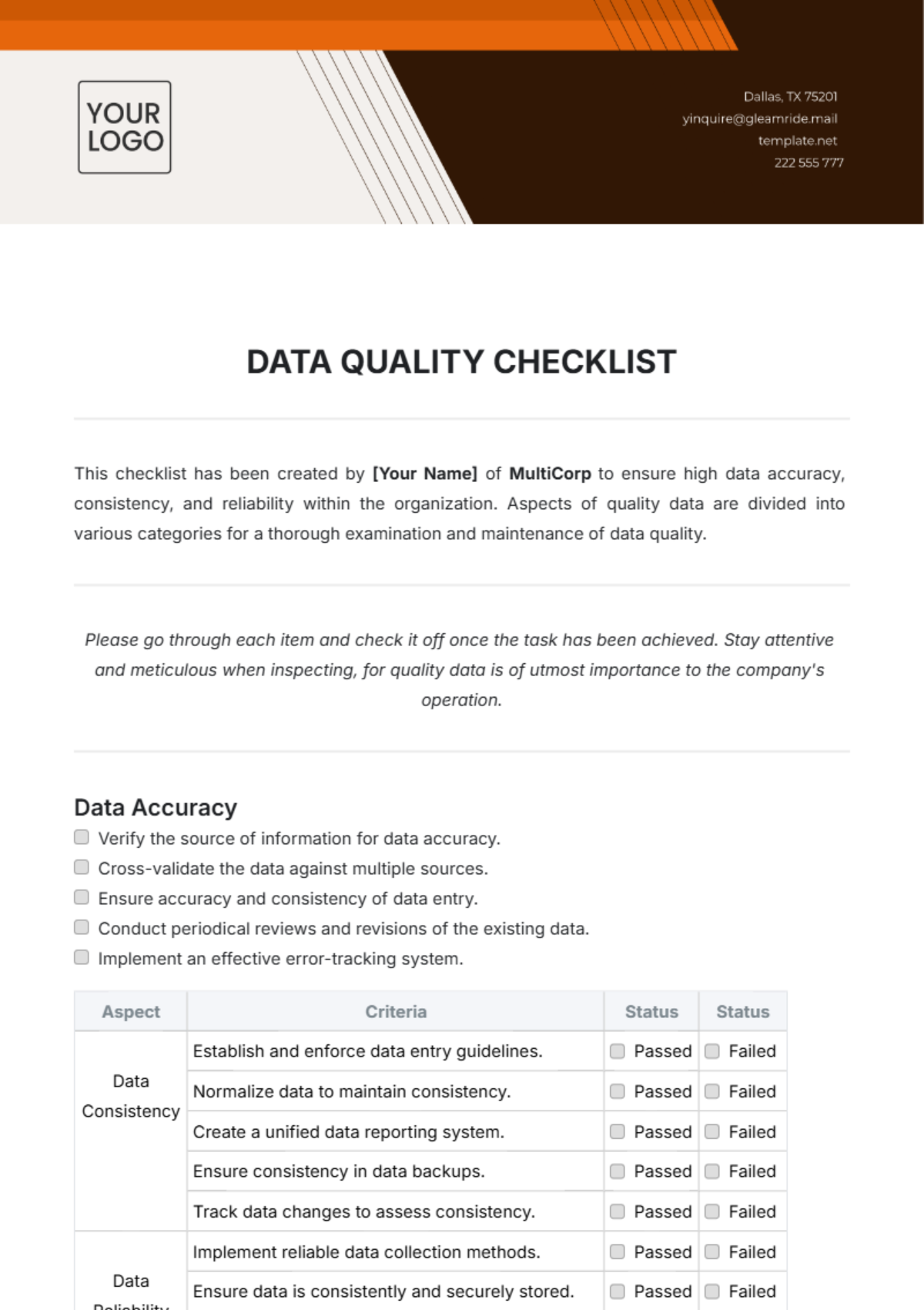
Let's create one for this project:
- Create a new sheet in your workbook and name it
Cleaning Log. - Set up a simple table with four columns:
Issue Identified,Action Taken,Reason, andNo. of Rows Affected(optional, but good practice). - Fill it out based on the work you did in the previous lessons. Here are a few examples:
| Issue Identified | Action Taken | Reason | No. of Rows Affected |
|---|---|---|---|
| Duplicate transaction rows | Removed all complete duplicate rows. | To ensure each transaction is counted only once and prevent inflated totals. | [Enter number here] |
| Inconsistent state abbreviations | Standardized all state entries to 2-letter uppercase format (e.g., 'CA'). | To allow for accurate filtering and analysis by state. | [Approx. number] |
| Extra leading/trailing spaces in text fields | Used the TRIM function to remove all extra whitespace. |
To ensure consistent values for matching and grouping (e.g., in customer names). | [Many] |
| Mixed case in 'Category' column | Used the PROPER function to standardize to Title Case. |
To ensure categories like "Food" and "food" are treated as the same. | [Many] |
Action: Take a few minutes to fill out your Cleaning Log with the main cleaning tasks you remember performing. This doesn't have to be exhaustive, but it should capture the major steps.
The Delivery Summary: Your Client-Facing Report
You would never send a client just a spreadsheet with no context. A delivery summary is a brief, professional message that introduces the deliverable, summarizes your work, and highlights the value you provided.

You can write this summary directly in the body of the email you'd use to send the file. Here is a simple but effective template:
Subject: Final Cleaned Dataset for KAT Concession Supply Project
Hi [Client Name],
Please find the cleaned dataset for the KAT Concession Supply project attached.
The original data has been processed to improve its accuracy and consistency. Key actions included:
- Removing [Number] duplicate transaction records.
- Standardizing text formatting for product categories and location data (city, state).
- Correcting data types and removing extra whitespace to ensure all values are analysis-ready.
In the attached Google Sheet, you will find two tabs:
Final Output: The fully cleaned and formatted dataset.Cleaning Log: A detailed log of all changes made for your reference.Please let me know if you have any questions.
Best regards,
[Your Name]
This summary is professional, concise, and clearly communicates the value of your work. It shows you didn't just move data around; you actively improved a business asset.
Conclusion
Congratulations on completing the data cleaning project! You have successfully taken a messy, raw dataset and transformed it into a validated, documented, and professionally presented final product. This end-to-end process is a core skill for any data research freelancer.
Here are your key takeaways from this final lesson:
- Always Verify: Before delivery, perform a final validation using checks like
COUNTBLANK,MIN/MAX, and sorting to catch any remaining errors. - Document Everything: Maintain an internal Cleaning Log to track all changes. This provides a transparent record of your work.
- Summarize for the Client: Always accompany your deliverable with a Delivery Summary that explains what you did and why it's valuable.
- Professionalism Builds Trust: A thorough verification and clear documentation process signals reliability and expertise, which are essential for building a strong freelance reputation.
You have now successfully completed a full data cleaning project. In our next module, you'll take these skills and apply them to a brand-new challenge: conducting a market analysis. We will start by learning how to plan a research project based on a client's requirements.