Introduction
Welcome back! In our last lesson, you learned how to tap into Python's built-in power by importing modules from the standard library. You saw how modules like math and random provide ready-to-use tools, saving you from having to write common functions from scratch. This was your first step in moving from a lone builder to an integrator, leveraging existing code.
However, the true power of the Python ecosystem, especially for a field like AI, lies beyond the standard library. It resides in the vast universe of third-party libraries—specialized toolkits built by a global community of developers. These libraries are what make it possible to build complex AI systems, perform large-scale data analysis, and create stunning visualizations with just a few lines of code.
Today, you will learn how to access this universe. Your learning outcome is to install and import third-party libraries using pip. We will cover what pip is, where it finds these libraries, and how you can use it to add powerful new capabilities to your Python environment. This skill is the gateway to using the foundational libraries of AI, such as NumPy, pandas, and scikit-learn, which we will explore in upcoming lessons.
Beyond the Standard Library: PyPI and pip
While the standard library is like a well-equipped toolbox that comes with your house, sometimes you need specialized industrial machinery. In the Python world, this machinery lives in the Python Package Index (PyPI).
- PyPI (pronounced "Pie-Pea-Eye"): This is the official software repository for Python. Think of it as a massive, public warehouse or an app store containing hundreds of thousands of projects (packages) that you can download and use.
pip(Pip Installs Packages): This is the tool, or the "package manager," that you use to retrieve packages from the PyPI warehouse and install them on your system. It's a command-line program that comes bundled with modern versions of Python.
To get a clear conceptual overview of how these pieces fit together, let's start with a short video.
3rd Party Libraries in Python - Finding on PyPI, Installing with pip, and Importing in Programs
This clip from a tutorial by Kris Jordan gives an excellent high-level explanation of third-party libraries and the PyPI ecosystem.
Watch the first two minutes of the video (00:00 - 01:58). Focus on understanding the distinction between the standard library (first-party), your own code (second-party), and the community-developed libraries (third-party) available on PyPI.
Now that you have the concept, let's dive into the specifics of pip.
Using Python's pip to Manage Your Projects' Dependencies
The article "Using Python's pip to Manage Your Projects' Dependencies" on Real Python is an excellent, in-depth guide. We'll start with the basics.
Read the first section, "Getting Started With pip." This will explain what pip is, how to check if it's installed on your system, and the best practice of running it as a module using python -m pip.
As the article highlights, pip is a command-line tool. This means you will run pip commands in your system's terminal (also known as Command Prompt on Windows or Terminal on macOS/Linux), not inside a Python script or interpreter.
Installing and Managing Packages with pip
The core function of pip is to install packages. The fundamental command is straightforward.
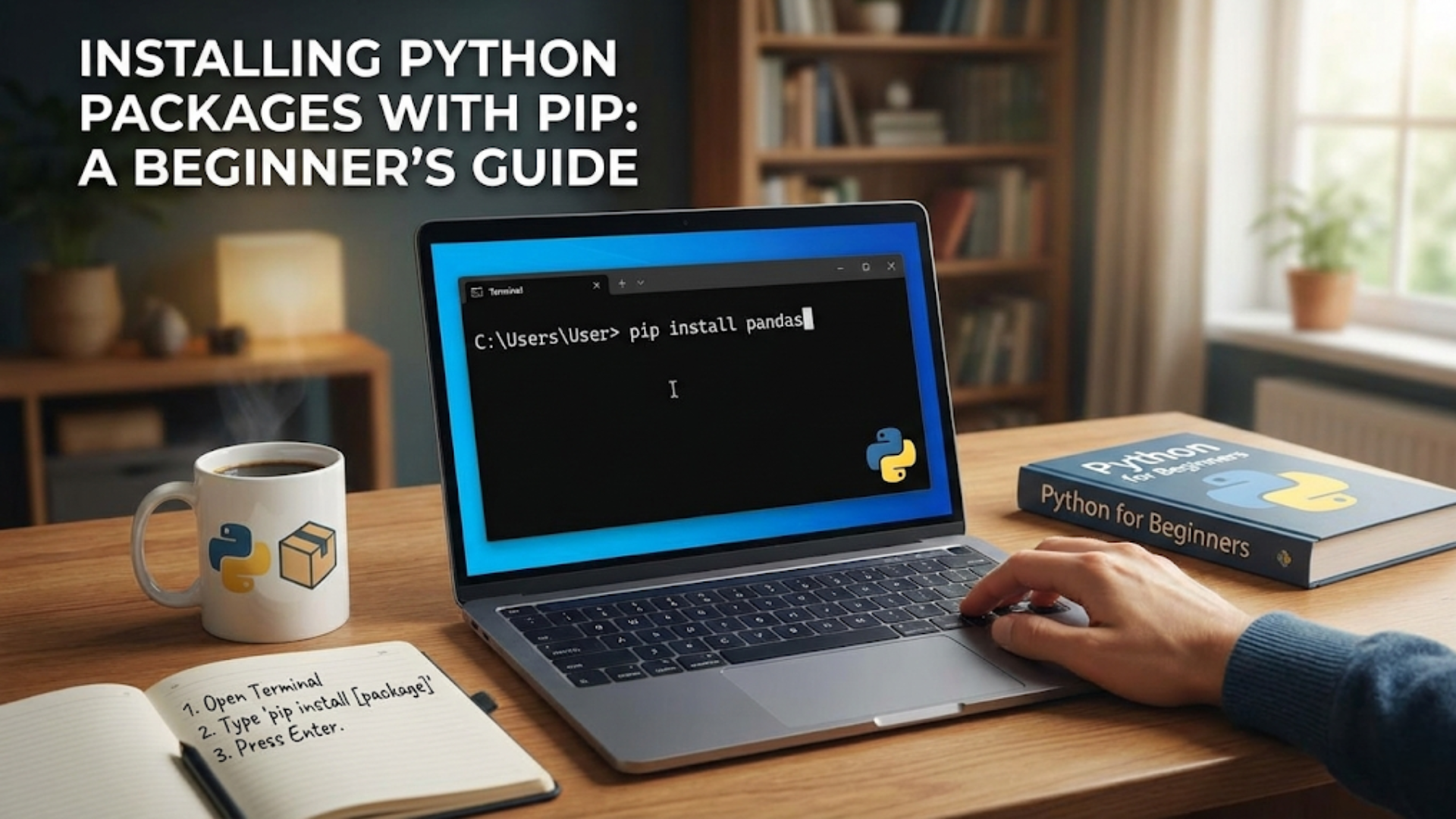
The most common commands you will use are:
pip install <package_name>: Installs the latest version of a package.pip list: Shows all the packages installed in your current environment.pip show <package_name>: Displays detailed information about a specific package, including its version and dependencies.pip uninstall <package_name>: Removes a package.
As recommended in the reading, it is best practice to run pip as a Python module to ensure you are installing packages for the correct Python version. The syntax for this is:python -m pip <command>
For example: python -m pip install requests
Let's watch a demonstration of these commands in action.
Python Virtual Environment and pip for Beginners
Dave Gray's tutorial provides a very clear, hands-on walkthrough of the most essential pip commands.
Watch the following segments to see how to manage packages: Installing a package (01:12 - 02:06): See how python -m pip install requests works. Listing installed packages (02:06 - 02:47): Learn about the pip list command. Managing versions (02:47 - 04:53): Watch how to install a specific version (==), upgrade (-U), and uninstall a package. Viewing package details (09:59 - 10:48): Learn how pip show can tell you about a package's dependencies.
Using an Installed Package
Once a package is installed with pip, it becomes available to your Python programs. You can then use the import statement—exactly as you did with the standard library—to bring that package's functionality into your code.
For example, after running pip install requests in your terminal, you can write the following in your Python script:
import requests


# Now you can use functions from the requests library
response = requests.get('https://www.python.org')
print(response.status_code)
This seamless integration is what makes pip and PyPI so powerful. You find a tool, install it with a single command, and immediately start using it in your projects.
Your Turn: Fetching Data from an API
It's time to put theory into practice. Your task is to write a script that fetches information from a public API. This is a common task in AI and software development, used for everything from gathering training data to integrating with other services. We will use the requests library, a powerful and popular tool for making HTTP requests.
Instructions (15 minutes):
- Open your terminal (not a Python interpreter).
- Install the
requestslibrary by running the following command:python -m pip install requests - Create a new Python file (e.g.,
api_client.py). - Write the script: Inside the file, write Python code to do the following:
- Import the
requestslibrary. - Use the
requests.get()function to fetch data from the URL:https://jsonplaceholder.typicode.com/todos/1. This is a free, public API that provides sample data for testing. - Store the result of the
get()call in a variable (e.g.,response). - Check if the request was successful. The
response.status_codeshould be200. Print a message indicating whether the connection was successful. - If successful, the response from this API is in a format called JSON. The
requestslibrary can automatically convert this into a Python dictionary for you. Call the.json()method on your response object (e.g.,data = response.json()) to get the data. - Print the data you received.
- Import the
Example Output:
Connection successful with status code: 200
Received data: {'userId': 1, 'id': 1, 'title': 'delectus aut autem', 'completed': False}
Click to see a possible solution
# First, make sure you have run 'python -m pip install requests' in your terminal.


# 1. Import the requests library
import requests


# 2. Define the URL for the API endpoint
url = 'https://jsonplaceholder.typicode.com/todos/1'

print(f"Attempting to fetch data from {url}...")


# 3. Use requests.get() to make the request
try:
    response = requests.get(url)


    # 4. Check the status code
    if response.status_code == 200:
        print(f"Connection successful with status code: {response.status_code}")


        # 5. Convert the response to a dictionary and print it
        data = response.json()
        print("Received data:", data)


        # You can now access items in the dictionary
        print(f"Task Title: {data['title']}")

    else:
        print(f"Connection failed. Status code: {response.status_code}")

except requests.exceptions.RequestException as e:
    print(f"An error occurred: {e}")
Conclusion
You have now acquired a critical skill for any modern Python programmer. By learning to use pip, you've unlocked a virtually unlimited supply of tools to help you achieve your goals. This moves you from relying solely on Python's built-in features to leveraging the collective knowledge and effort of the global developer community.
Key Takeaways:
- PyPI is the central repository for third-party Python packages.
pipis the command-line tool used to install, manage, and remove packages from PyPI.- The standard workflow is: 1) use
pip install <package_name>in your terminal, then 2) useimport <package_name>in your Python script. - It is best practice to use
python -m pip ...to ensure you are using the correctpipassociated with your Python installation. - You can manage your installed packages with commands like
pip list,pip show,pip install --upgrade, andpip uninstall.
Preview of the Next Lesson:
Now that you know how to bring powerful libraries into your projects, our next step is to focus on a core data manipulation skill. The libraries you will use for AI, like NumPy and pandas, are designed to work with collections of data. To use them effectively, you need to be proficient at creating and transforming those collections. In the next lesson, you will learn to write list comprehensions, a powerful and "Pythonic" way to create and filter lists concisely. This will be an essential skill for preparing data before you hand it off to the advanced libraries you've just learned how to install.