Recommended resources
The freely available resources this lesson will direct you to.
Introduction
Welcome to the first lesson of our second module, "Applied AI." In the previous module, we established a solid theoretical foundation, culminating in a critical examination of the limitations of Large Language Models (LLMs)—their tendencies to hallucinate, reflect bias, and operate within a finite context window. This understanding is not just academic; it is the essential prerequisite for using AI tools safely and effectively.
Today, we put that theory into practice. Your objective is to learn how to use AI-powered code assistants like GitHub Copilot to accelerate your daily tasks of writing and refactoring code. We will move beyond treating Copilot as a simple autocomplete tool and instead learn to use it as an intelligent partner that can help you with complex development workflows. This is your first major step in leveraging AI to boost your productivity and advance toward your goal of becoming a senior developer.
Your AI Pair Programmer: GitHub Copilot
GitHub Copilot is an AI-powered code completion and assistance tool integrated directly into your Integrated Development Environment (IDE). It's trained on a massive corpus of public code from GitHub, allowing it to understand context from your open files, comments, and method names to suggest not just single lines, but entire functions, classes, and even boilerplate for entire modules.
Your experience with Java and Spring Boot will be particularly useful here, as we'll explore examples directly relevant to your tech stack.
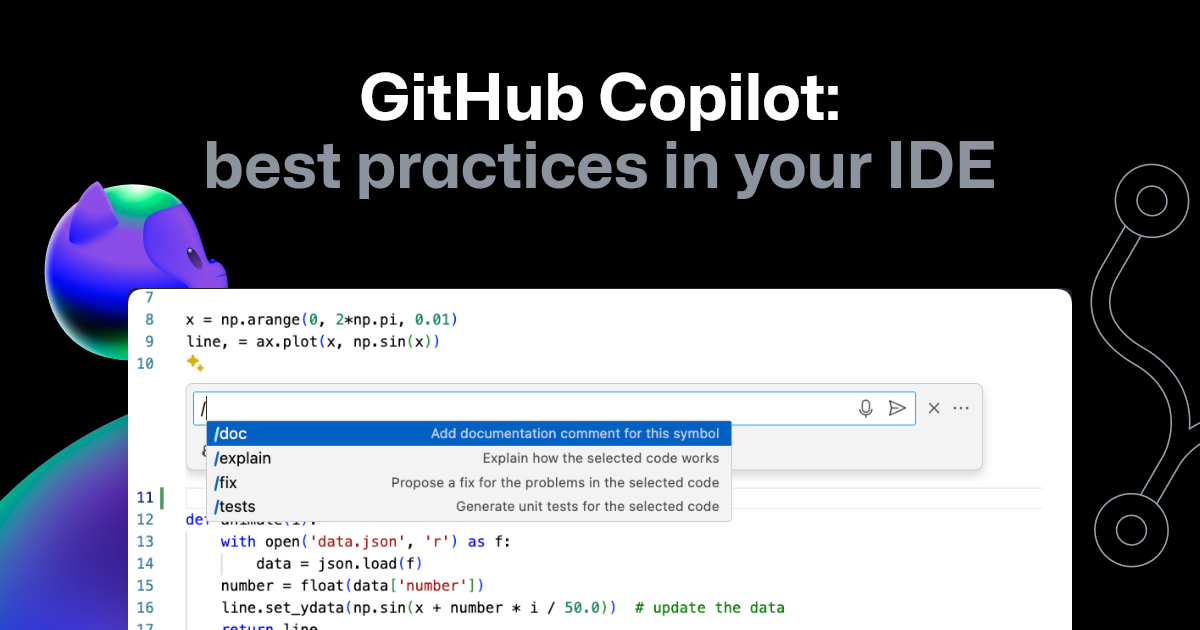
Setting Up Your Environment
To begin, you'll need to install and configure the GitHub Copilot extension in your preferred IDE. Since you work with Java, the following video from the Karpado channel provides excellent setup instructions for both VS Code and IntelliJ IDEA.
GitHub Copilot for JAVA Developers: Code 10x Faster with AI Assisted Development!
This video guides you through the necessary installations for using GitHub Copilot with Java, covering both VS Code and IntelliJ IDEA.
Watch the initial sections to get set up. If you use VS Code, watch from the beginning. If you use IntelliJ IDEA, you can jump to the section covering that IDE from this timestamp.
From Blank File to Functional Code
Once installed, Copilot's most basic feature is its "ghost text" code suggestions. As you type, it will suggest code in grayed-out text. This is far more than simple autocompletion; Copilot is generating code based on its understanding of your intent.
The same video you just watched provides a clear demonstration of these core mechanics.
GitHub Copilot for JAVA Developers: Code 10x Faster with AI Assisted Development!
This part of the video explains how to interact with Copilot's "ghost text" suggestions and how to guide its code generation.
Please watch the sections on generating code and how to guide Copilot with comments and method names. Pay attention to these key actions: Pressing Tab to accept a suggestion. Pressing Esc to dismiss a suggestion. Using Alt + ] (or Option + ] on Mac) to cycle through alternative suggestions.
The key takeaway is that the quality of Copilot's output is directly proportional to the quality of your input. Clear, descriptive method names and well-written comments act as prompts that guide the AI to generate more accurate and relevant code.
For more complex tasks, you can use Copilot's inline chat. This feature allows you to give instructions in natural language to generate new code, modify existing code, or even fix bugs.
GitHub Copilot for JAVA Developers: Code 10x Faster with AI Assisted Development!
This section demonstrates the power of inline chat for more targeted interactions with Copilot.
Watch the segment on inline chat. Notice how it can be used to generate a new method from a description, refactor code (e.g., changing from an array to an ArrayList), and even fix logical errors.
When used effectively, Copilot can generate significant portions of your application's boilerplate. For example, with a well-crafted prompt, it can scaffold an entire feature module in a Spring Boot application, creating the entity, DTO, repository, service, and controller files. This is a prime example of Copilot acting as an "agentic" partner, coordinating changes across multiple files.

Accelerating Refactoring Workflows
Beyond writing new code, one of Copilot's most powerful applications for a developer on the path to seniority is in refactoring. This is the process of restructuring existing code to improve its design, maintainability, and readability without changing its external behavior.
The GitHub Blog article "How to refactor code with GitHub Copilot" provides an excellent, detailed walkthrough of this process. It emphasizes a crucial first step: understanding the code before you change it.
How to refactor code with GitHub Copilot
This article defines refactoring and demonstrates how Copilot can first help you understand the code you intend to change.
Please read the sections "What is code refactoring?" and "Know what your code does before you refactor anything". This reinforces the principle that you can't improve what you don't understand, and shows how to use Copilot's /explain command as a starting point.
Once you understand the code, you can formulate a specific refactoring plan. Vague prompts like "improve this code" are less effective than targeted instructions.
The video "Code review & refactoring with GitHub Copilot" from the official GitHub channel provides a great visual demonstration of this process.
Code review & refactoring with GitHub Copilot: A beginner's guide
This video provides a practical look at using Copilot Chat to identify areas for improvement and execute specific refactoring tasks, such as extracting logic into a custom hook.
Watch from the introduction to the refactoring example. Notice how the prompts evolve from a general "How can I improve this code?" to a specific "How can I extract the data fetching logic into a custom hook?".
For a truly deep dive into a real-world refactoring scenario, the "How to refactor code with GitHub Copilot" article contains an extensive, step-by-step example. It shows how the GitHub team used Copilot to modularize a complex migration tool. This is an invaluable case study that mirrors the kind of work you'll encounter as you tackle larger systems.
How to refactor code with GitHub Copilot
This part of the article provides a detailed, real-world case study of a complex refactoring project assisted by Copilot.
Please read the sections "Make a plan for refactoring your codebase" and "A real-world example: Using GitHub Copilot to refactor code". Focus on the structured, iterative process: Planning: They started with high-level goals. Modularization: They used Copilot to extract common API calls into a new module (gh-migrations). Encapsulation: They created classes to represent entities and manage their own state. Final Refactoring: They refactored the client code to use the new, cleaner modules. This example perfectly illustrates how to direct Copilot through a large-scale refactoring task by breaking it down into smaller, manageable steps.
From Assistant to Architectural Partner
As you aim for a senior role, you'll move from implementing features to designing systems. The article "How to maximize GitHub Copilot's agentic capabilities" is written for this exact transition. It shows how to use Copilot not just for implementation, but for architectural analysis and multi-file coordination.
How to maximize GitHub Copilot's agentic capabilities
This article frames Copilot as a partner for system-level thinking, helping you analyze architecture and execute complex refactors.
Read the introduction, then the sections on system design and decomposition and advanced refactoring. The key prompts here elevate your interaction with Copilot: Analyze this service and propose a modular decomposition... Compare hexagonal architecture vs. layered architecture... Create a step-by-step refactor plan to extract validation logic... This approach transforms Copilot from a code generator into a design reviewer, helping you adopt the "staff-level lens" on software problems.
Conclusion
In this lesson, we bridged the gap between AI theory and developer practice. You've learned that GitHub Copilot is a versatile tool that, when wielded with skill, can dramatically accelerate your workflow—from generating boilerplate for a Spring Boot application to assisting with complex, multi-file refactoring.
Here are your key takeaways:
- You are the Pilot: Copilot is an assistant, not a replacement. Its suggestions must be reviewed, tested, and refined. Your knowledge and judgment are what make the tool powerful.
- Clarity is Key: The quality of Copilot's output depends directly on the clarity of your input. Use descriptive comments, meaningful method names, and specific prompts in the chat.
- Think in Steps: For complex tasks like refactoring, break the problem down. Guide Copilot through a step-by-step plan rather than asking it to solve everything at once.
- Level Up Your Prompts: Move beyond "write this function" to "analyze this architecture" or "create a refactoring plan." This is how you leverage Copilot for senior-level tasks.
This lesson has equipped you with the mechanics of using an AI code assistant. In our next session, we will focus on the art and science behind the instructions you give it. You will learn to write effective prompts to get accurate and useful responses from LLMs for development tasks, a skill that will further amplify your productivity.