Recommended resources
The freely available resources this lesson will direct you to.
Hello! This is the first lesson in a course that builds from high-yield Python patterns toward broader data structures and algorithms. We’ll begin with a question that appears in many coding problems: when values arrive one by one, how can you tell what you’ve seen and how often you’ve seen it?
By the end of this lesson, you’ll be able to use a dictionary to count occurrences and a set to track membership or remove duplicates. The distinction matters: “Have I seen this?” and “How many times have I seen this?” require different information.
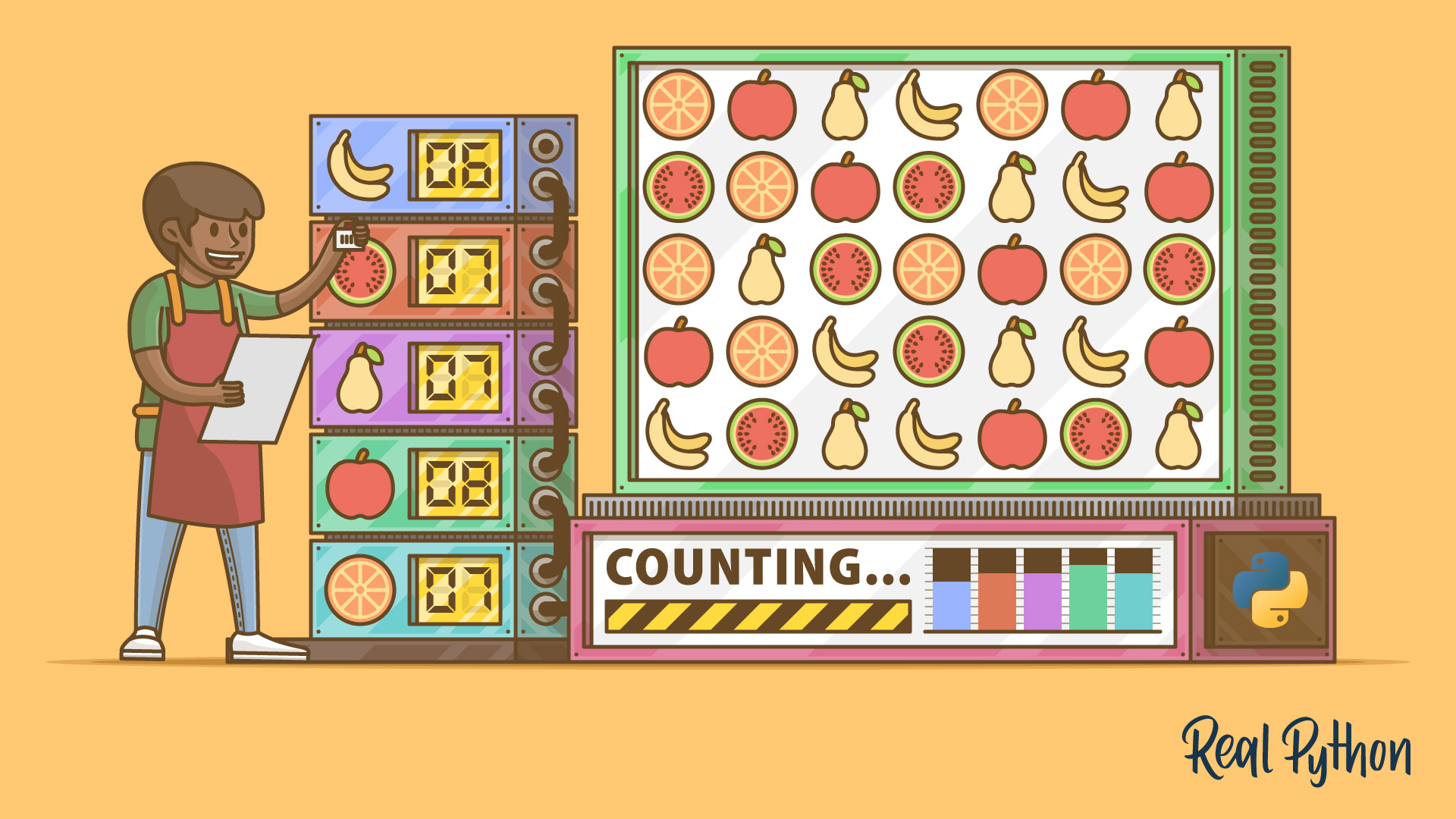
Count occurrences with a dictionary
Suppose the input is the string "banana". A frequency count should tell you that "b" appears once, "a" three times, and "n" twice. Rather than create a separate variable for every possible character, use a dictionary: each character is a key, and its count is the corresponding value.
Watch how the counting loop is built, first with an explicit check and then with a shorter form:
Idiomatic Python: Counting Things with Dictionaries
Watch “Idiomatic Python: Counting Things with Dictionaries” from MathByte Academy to see why a character becomes a key and how its count changes on each encounter.
Watch the initial loop for the explicit first-occurrence check. Then skip to the get method; focus on the fallback value used when a key is missing.
Here is the explicit version. In Python, ch in counts checks whether ch is a key in the dictionary.
def frequencies(text):
    counts = {}

    for ch in text:
        if ch in counts:
            counts[ch] += 1
        else:
            counts[ch] = 1

    return counts
The first "a" creates counts["a"] with value 1. Each later "a" increases that value by one. Consequently, frequencies("banana") returns a dictionary equivalent to {"b": 1, "a": 3, "n": 2}. No list of possible characters was needed in advance.
The same logic can be written more compactly:
def frequencies(text):
    counts = {}

    for ch in text:
        counts[ch] = counts.get(ch, 0) + 1

    return counts
counts.get(ch, 0) returns the existing count, or 0 if ch is absent. The assignment then stores one more than that value. get does not insert a missing key by itself; the assignment does. By contrast, trying to read counts[ch] before ch exists raises a KeyError.
This pattern works for any sequence of suitable keys, not just characters:
fruits = ["pear", "apple", "pear", "plum"]
counts = frequencies(fruits)
# {"pear": 2, "apple": 1, "plum": 1}
The function name says text, but its loop also works on this list because it processes one item at a time. A more general name for its parameter would be items.
Track membership with a set
Sometimes the count is unnecessary. If the question is only “Has this value appeared before?”, storing a number for every value adds information you do not need. A set stores each distinct value at most once, making it a natural record of what you have seen.
What are Sets in Python? Python Tutorial for Absolute Beginners | Mosh
Watch “What are Sets in Python? Python Tutorial for Absolute Beginners” from Programming with Mosh for set construction, adding values, and membership checks.
Watch unique values, then creating and changing sets. Skip the mathematical set operations and resume at membership and order. Notice why you cannot retrieve a set element by its list position.
The set tutorial below adds two useful qualifications: set elements must be hashable, and a set does not promise an order for its elements.
Read the opening of “Sets in Python” from Real Python to clarify what kinds of values a set can contain and why it is useful for membership checks.
In “Getting Started With Python’s set Data Type,” read the opening definition, then set properties from the qualifier list through the paragraph beginning “Python implements sets as hash tables.” Stop after the sentence ending “lookup operations almost instantaneous.” Focus on uniqueness, lack of ordering, and hashability.
To track seen values, start with set(). The empty braces {} create an empty dictionary, not an empty set.
seen = set()

for fruit in ["pear", "apple", "pear"]:
    if fruit in seen:
        print(f"Repeated: {fruit}")
    else:
        seen.add(fruit)
This prints Repeated: pear once. The first "pear" is added; on its second appearance, the membership test succeeds. Adding an item already in a set does not create another copy.
Strings and integers can be set elements and dictionary keys. Lists cannot: they are mutable and therefore unhashable. For example, seen.add([1, 2]) raises a TypeError. When choosing a dictionary or set, check what type of value you intend to use as a key or element.
Remove duplicates—and decide whether order matters
If you need only the distinct values, set() offers a concise solution:
numbers = [4, 2, 4, 3, 2]
distinct = set(numbers)       # Contains 4, 2, and 3
distinct_count = len(distinct) # 3
You can also write list(set(numbers)) to obtain a list. Do not rely on that list retaining the input order, though: sets are unordered. If a problem asks you to keep the first occurrence of each value, use a set for membership checks and a list for the output:
def unique_in_first_seen_order(items):
    seen = set()
    result = []

    for item in items:
        if item not in seen:
            seen.add(item)
            result.append(item)

    return result


unique_in_first_seen_order([4, 2, 4, 3, 2])
# [4, 2, 3]
The two collections have separate jobs. seen answers whether an item has already appeared; result retains the required order. When the second 4 arrives, it is already in seen, so it is not appended again.
Here is the choice to make when reading a problem statement:
| Required answer | Useful structure |
|---|---|
| Has a value appeared? | Set |
| How many times has each value appeared? | Dictionary of counts |
| Which values are distinct, with no order requirement? | Set |
| Which values are distinct, in first-seen order? | Set for checks, list for output |
You can maintain a count and first-seen order during the same traversal if a problem asks for both. The central habit is to identify what information the answer requires before choosing the structure.
Key takeaways
A dictionary associates each value with a count; counts[item] = counts.get(item, 0) + 1 is a reusable frequency-counting pattern. A set records distinct, hashable values and supports straightforward membership checks. Converting to a set removes duplicates, but keeping first-seen order requires a separate output list.
In the next lesson, you’ll examine the time and auxiliary-space costs of solutions like these, including why choosing a set instead of repeatedly searching a list can matter as inputs grow.