Recommended resources
The freely available resources this lesson will direct you to.
- Use AI to Backtest And Build Profitable Strategies | Step-by-Step Tutorialwww.youtube.com
- How I Code With AI Agents (Spec-Driven Development)www.youtube.com
- Best Forex Brokers with Trading APIs for 2026www.forexbrokers.com
- "Give me a comparison matrix" - highly useful for speccing out tech products and stacks - Prompting - OpenAI Developer Communitycommunity.openai.com
Welcome to the first lesson of Module 2. In the previous module, you built a solid foundation in AI-assisted project planning and prompting. You learned how to decompose a project, write detailed prompts, apply constraints, and most recently, build complex logic through incremental, step-by-step conversation with an AI. You now have a complete toolkit of prompting strategies.
It's time to put those skills to work. In this module, we will begin the hands-on construction of your Forex trading bot. The very first, and arguably one of the most critical, steps is choosing your source of data. This lesson will guide you on how to use your AI assistant not just as a coder, but as a research analyst to identify and evaluate suitable Forex data APIs and their documentation.
The First Step: Research as a Specification Task
Before you can write a single line of code to fetch market data, you must decide where that data will come from. An Application Programming Interface (API) is the gateway that connects your bot to a broker's data stream and execution system. Choosing the right API is crucial; factors like cost, reliability, data quality, ease of use, and quality of documentation will significantly impact your project.
Instead of just asking your AI, "What are some good Forex APIs?", we'll apply the more rigorous, structured approach you've learned. Think of this research task as the first part of a "spec-driven development" process. You define your requirements—your specification—upfront to guide the AI, ensuring you get relevant and high-quality suggestions.
How I Code With AI Agents (Spec-Driven Development)
This video on "Spec-Driven Development" by Owain Lewis provides an excellent mental model for this process. While it focuses on generating code, the core principle of defining your intent upfront to guide the AI is directly applicable to our research task.
Please watch the following segments to understand this powerful concept: Start with the definition of spec-driven development, which is about creating an upfront plan to prevent the AI from guessing your intent. Watch from the beginning. Next, focus on the key elements of a spec designed for an AI, including context (what and why), constraints (what to avoid), and breaking down the work. Watch from this part. Finally, see the high-level workflow. Notice the cycle: generate a spec, review it, and then execute tasks based on it. This is exactly what we will do for our research. Watch from this overview.
Step 1: Defining Your API Research "Spec"
Your first task is to create a specification for the ideal API. This list of criteria will become the core of your research prompt. For your trading bot, here are the essential requirements we'll start with:
- Asset Class: Must provide Forex data (specifically major pairs like EUR/USD, GBP/USD).
- Data Types: Must offer both real-time streaming prices and historical price data.
- Python Support: Must have a well-documented REST API and preferably an official or popular third-party Python wrapper library.
- Cost: Must have a free "developer" or "demo" account for building and testing.
- Broker Type: Must be from a reputable, regulated broker.
With this specification, you can now formulate a much more effective initial prompt.
Initial Research Prompt:
"I am building an algorithmic trading bot in Python for the Forex market. Identify reputable brokers that offer a trading API meeting all the following criteria:
- Provides access to both real-time and historical Forex data.
- Offers a free demo or developer account for testing.
- Has a well-documented REST API.
- Has good support for Python, either through an official library or a widely-used third-party wrapper.
For each suggestion, provide a brief summary and a link to their developer documentation portal."
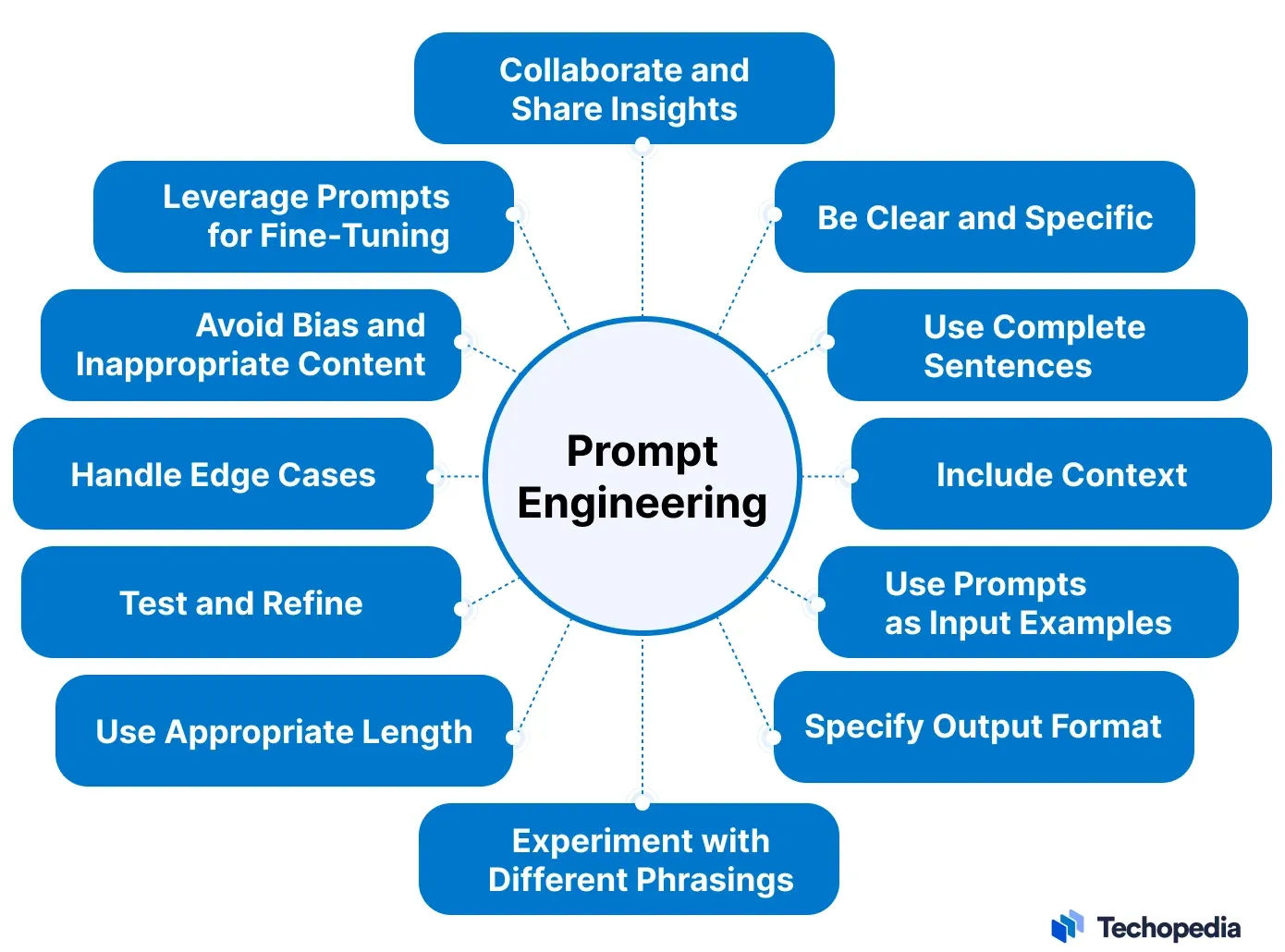
This prompt is clear, contextual, and specific—principles you are now familiar with.
Step 2: From a List to a Decision with Comparison Matrices
The initial prompt will likely return a list of options as a block of text, which can be difficult to compare. To make an informed decision, you need to structure this information. A powerful follow-up technique is to ask the AI to organize the findings into a comparison matrix.
This post from the OpenAI Developer Community showcases a highly practical workflow for using an AI to research and compare tools. It's a perfect technique for our API selection process.
Read through the post to understand the two-step process: First, the author describes their initial detailed prompt, which is similar to the one we just crafted. Read from the beginning to where the author gets their initial shortlist. Next, review the core "hack": prompting the AI to generate a comparison matrix and how to specify columns or even use symbols for clarity. Read the rest of the post, paying attention to the prompt examples for creating the table.
After your AI provides its initial list of brokers (e.g., OANDA, FXCM, Interactive Brokers), you can use this technique with a follow-up prompt.
Comparison Matrix Prompt:
"Excellent. Now, create a comparison matrix for the top 3 suggestions: OANDA, FXCM, and Interactive Brokers. Use markdown format. The columns should be: 'Broker', 'API Type (e.g., REST, FIX)', 'Official Python Library?', 'Free Demo Account?', and 'Link to API Docs'."
This prompt forces the AI to structure the data, making your evaluation process much faster and more effective.
Step 3: Verifying with Source Documentation
The AI's output is a powerful starting point, but it's not infallible. It might be based on outdated information. The final step in your research is to visit the documentation links for your top 1-2 choices and verify the key details.
A good developer portal is essential for a smooth integration process. Look for clear "getting started" guides, code examples (especially in Python), and detailed endpoint references.
Best Forex Brokers with Trading APIs for 2026
This guide from ForexBrokers.com is a good example of human-curated research. We can use it to see what information is important and to get a sense of what real API offerings look like.
Please review the following sections: In the "Top picks for API brokers" section, read the descriptions for FXCM and OANDA. Notice how they mention the specific API types available (e.g., REST, ForexConnect) and link to resources like their GitHub pages or developer portals. This is the kind of information you are looking for. Then, read the FAQ entry "What is a forex trading API?" to solidify your understanding of how these systems connect your bot to the broker.
Your goal in this step isn't to read every page of the documentation. It's to confirm that a free demo account is available, find the Python examples, and get a feel for how the API works. This quick verification ensures you don't commit to an API that won't meet your needs.
Conclusion
In this lesson, you took the first practical step in building your trading bot by applying your prompting skills to a real-world research problem. You learned a structured, repeatable process for identifying and evaluating technical solutions with an AI assistant.
Key Takeaways:
- Research is a "Spec-Driven" Task: Before prompting, define your requirements clearly. This ensures the AI's suggestions are relevant and useful.
- Use Comparison Matrices to Structure Information: Don't settle for a wall of text. Command the AI to organize its findings into a table for easy comparison.
- Always Verify with Source Documentation: Use the AI to find the right information quickly, but always cross-reference its findings with the official developer documentation before committing to a tool.
You have now selected a critical component of your project. You know which broker's API you will integrate with and where to find its documentation.
In the next lesson, we will move from research to implementation. You will use your AI assistant to generate the basic structure for your Python project, including a virtual environment and a secure way to store your new API keys.