Recommended resources
The freely available resources this lesson will direct you to.
- You SUCK at Prompting AI (Here's the secret)www.youtube.com
- Build a Binance Trading Bot in 15 Minutes with ChatGPT – No Coding Skills Needed! #aitrading #algowww.youtube.com
- What I Learned Using GitHub Copilot for API Automation | by Thara Perera | Mediummedium.com
- EODHD Claude Skills: Teach Your AI Assistant the Entire Financial API | EODHD APIs Documentationeodhd.com
Introduction
In our last session, you laid the essential groundwork for your trading bot by setting up a professional project structure, a clean virtual environment, and a secure system for managing your API keys. With this foundation in place, we can now move from project setup to building the first functional component of your bot: the data connector.
This lesson is all about turning API documentation into working Python code. You will learn how to craft precise prompts that guide your AI assistant to generate a module capable of connecting to your chosen Forex API and fetching historical price data. This skill is at the heart of AI-assisted development—bridging the gap between a service's specification and its implementation in your project.
The Challenge: Teaching an AI to Use a Specific API
AI assistants like GitHub Copilot have a vast general knowledge of programming, but they don't inherently know the specifics of every financial API available. An API might have unique endpoints, required parameters, or authentication methods. If you simply ask the AI to "fetch data from ForexDataCorp," it will have to guess, often leading to code that uses non-existent functions or outdated endpoints—a phenomenon known as "hallucination."
The key to overcoming this is to provide the AI with context. You are not just asking a question; you are programming the AI with your words. The API documentation you researched is the factual context your AI needs to write accurate code.
You SUCK at Prompting AI (Here's the secret)
This video from NetworkChuck explains why providing context is the most critical technique for effective prompting.
Watch the segment on context, starting from the core idea that context "takes the guesswork out of prompting." The speaker emphasizes that any information you don't provide, the AI will try to fill in itself, which is where errors happen. This is precisely the problem we solve by feeding it API documentation.
Some services even formalize this process by creating "skills" or structured knowledge packs for AI assistants. These are essentially pre-packaged, machine-readable versions of their documentation.
EODHD Claude Skills: Teach Your AI Assistant the Entire Financial API | EODHD APIs Documentation
This article from EODHD explains why they created a "Claude Skill" for their financial API. It perfectly illustrates the problem of AI assistants hallucinating without specific knowledge.
Read the introduction and the section "What Are Claude Skills?". This will solidify your understanding of why we can't just assume the AI knows our specific API and why providing documentation as context is the solution.
Since most APIs don't have a pre-built "skill," you will learn to provide this context manually through sophisticated prompting.
Crafting a High-Fidelity Prompt for Code Generation
A powerful prompt for generating a data-fetching function has several key ingredients. We'll use a combination of techniques to ensure the AI produces exactly what we need.
1. Assign a Persona
Start by telling the AI what role to adopt. This narrows its focus and primes it to use the appropriate knowledge and conventions.
Example Persona:
"You are an expert Python developer specializing in connecting to and processing data from financial APIs."
2. Provide Rich Context (The API Documentation)
This is the most crucial step. Copy the relevant part of your chosen API's documentation and paste it directly into the prompt. Include:
- The base URL and specific endpoint for fetching historical data.
- The HTTP method (e.g., GET).
- All required and optional parameters (e.g.,
ticker,start_date,api_key). - Details about authentication (e.g., "The API key must be sent as a URL parameter named
api_token"). - An example of the JSON response structure. This helps the AI understand how to parse the data.
3. State the Task and Explicit Requirements
Clearly define what the code must do. Don't leave anything to interpretation. This includes the function signature, libraries to use, error handling, and the desired output format.
The video below demonstrates how a detailed, multi-point prompt can be used to generate a complete trading bot script. We will apply the same principle of specificity to our single data-fetching function.
Build a Binance Trading Bot in 15 Minutes with ChatGPT – No Coding Skills Needed! #aitrading #algo
This video from Algo Trade Mafia shows the creation of a comprehensive prompt for a trading bot.
Watch the section from crafting the prompt where the creator lists out numerous specific requirements for the bot. Notice how they define everything from which library to use (ccxt) to how to handle balances and what to include in print statements. This level of detail is what leads to high-quality AI-generated code.
Example: Generating the Data Fetcher
Let's walk through a complete example. Imagine your research led you to an API with the following documentation for its time-series endpoint:
API Documentation Snippet
- Endpoint:
GET https://api.forexdata.io/v1/historical - Description: Fetches historical OHLC (Open, High, Low, Close) data for a given symbol.
- Parameters:
ticker(string, required): The currency pair, e.g., 'EURUSD'.from(string, required): Start date inYYYY-MM-DDformat.to(string, required): End date inYYYY-MM-DDformat.api_token(string, required): Your API key.
- Example JSON Response:
{
  "status": "ok",
  "candles": [
    {"t": 1672531200, "o": 1.0670, "h": 1.0710, "l": 1.0650, "c": 1.0700},
    {"t": 1672617600, "o": 1.0700, "h": 1.0750, "l": 1.0690, "c": 1.0745}
  ]
}
Now, you can combine all the techniques into a single, powerful prompt to feed into your AI assistant (e.g., the chat interface in VS Code with Copilot).
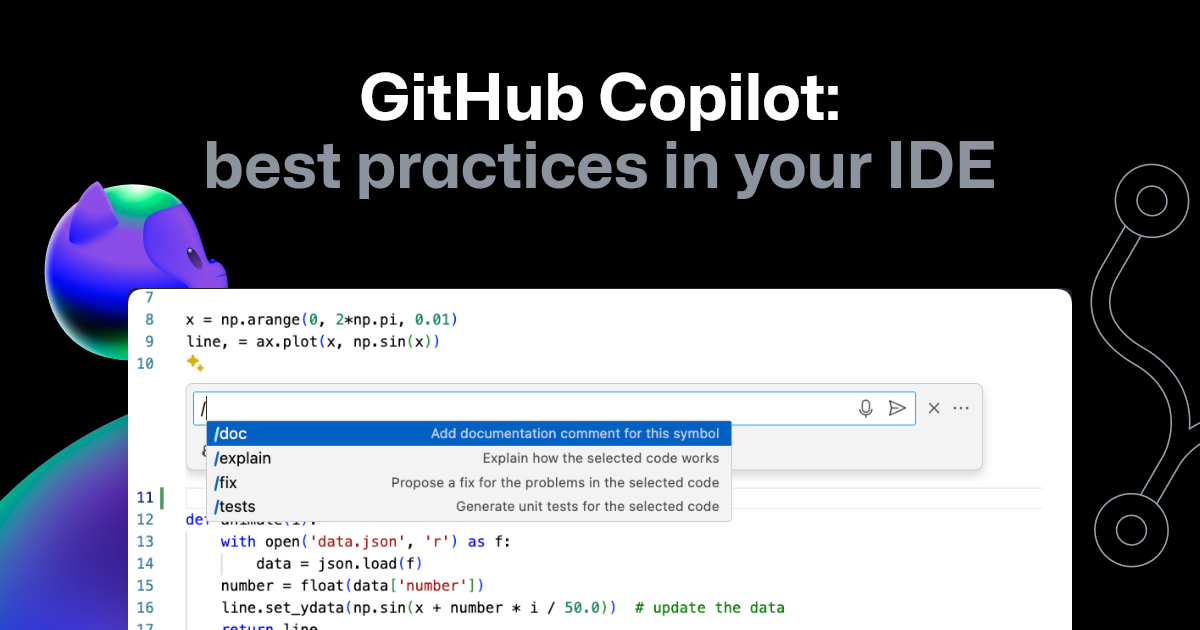
The Complete Prompt:
You are an expert Python developer specializing in financial data APIs. Your task is to write a Python function that fetches historical Forex data based on the documentation provided.
Context: API Documentation
Endpoint: GET https://api.forexdata.io/v1/historical
Description: Fetches historical OHLC data for a given symbol.
Parameters:
  - ticker (string, required): The currency pair, e.g., 'EURUSD'.
  - from (string, required): Start date in YYYY-MM-DD format.
  - to (string, required): End date in YYYY-MM-DD format.
  - api_token (string, required): Your API key.
Example JSON Response:
{
  "status": "ok",
  "candles": [
    {"t": 1672531200, "o": 1.0670, "h": 1.0710, "l": 1.0650, "c": 1.0700},
    {"t": 1672617600, "o": 1.0700, "h": 1.0750, "l": 1.0690, "c": 1.0745}
  ]
}
Requirements:
- Write a Python function
fetch_historical_data(ticker, from_date, to_date).- The function must use the
requestsandpandaslibraries.- It must securely read the API key from an environment variable named
FOREX_API_TOKEN. Use theosanddotenvlibraries, as set up previously.- It must handle the API request, check if the response was successful, and parse the
candlesdata from the JSON.- The function must return a pandas DataFrame. The DataFrame should have columns:
date,open,high,low,close.- The
tfield in the API response is a Unix timestamp. This must be converted to a pandasdatetimeobject for thedatecolumn.- If the API request fails or the response status is not "ok", the function should print an informative error message and return
None.- Include a complete Python docstring that explains the function, its parameters, and what it returns.
When you execute this prompt, the AI will generate a Python script. You should create a new file in your project, for example src/data_fetcher.py, and paste the generated code into it. The result should be a function that, when called, produces a clean pandas DataFrame ready for analysis.

Conclusion
You have now bridged the gap between planning and execution by generating the first functional component of your trading bot. You've learned the critical skill of using an AI assistant not as a magic box, but as a tool that you direct with precision and context.
Key Takeaways:
- Context is King: AI assistants need factual context, like API documentation, to generate accurate code and avoid "hallucinating."
- Prompt Architecture: A high-quality prompt for code generation should include a persona, rich context (documentation), and a clear list of requirements and constraints.
- From Docs to DataFrame: You can transform technical API specifications into a ready-to-use Python function and a pandas DataFrame by crafting a single, detailed prompt.
The code generated by an AI is a powerful starting point, but it may not be perfect. APIs can have unexpected behaviors, or the AI might misinterpret a subtle detail. In our next lesson, we will tackle this reality head-on. You'll learn how to debug the code you just generated, interpret common API error messages, and create follow-up prompts to have the AI help you fix any issues that arise.