Recommended resources
The freely available resources this lesson will direct you to.
Hello! Last time, you kept Application.onCreate() small and moved a preference read off the main thread. That design is sound only if the work performed by constructors, libraries, and later UI callbacks behaves as expected. A seemingly lightweight call can still touch disk, and a stream opened on a background thread can still be left unclosed.
This lesson adds a runtime check to that design. You will configure StrictMode in a debug build, distinguish its thread and process-wide policies, and use its reports to find main-thread disk or network access and leaked closable objects.
What StrictMode can tell you
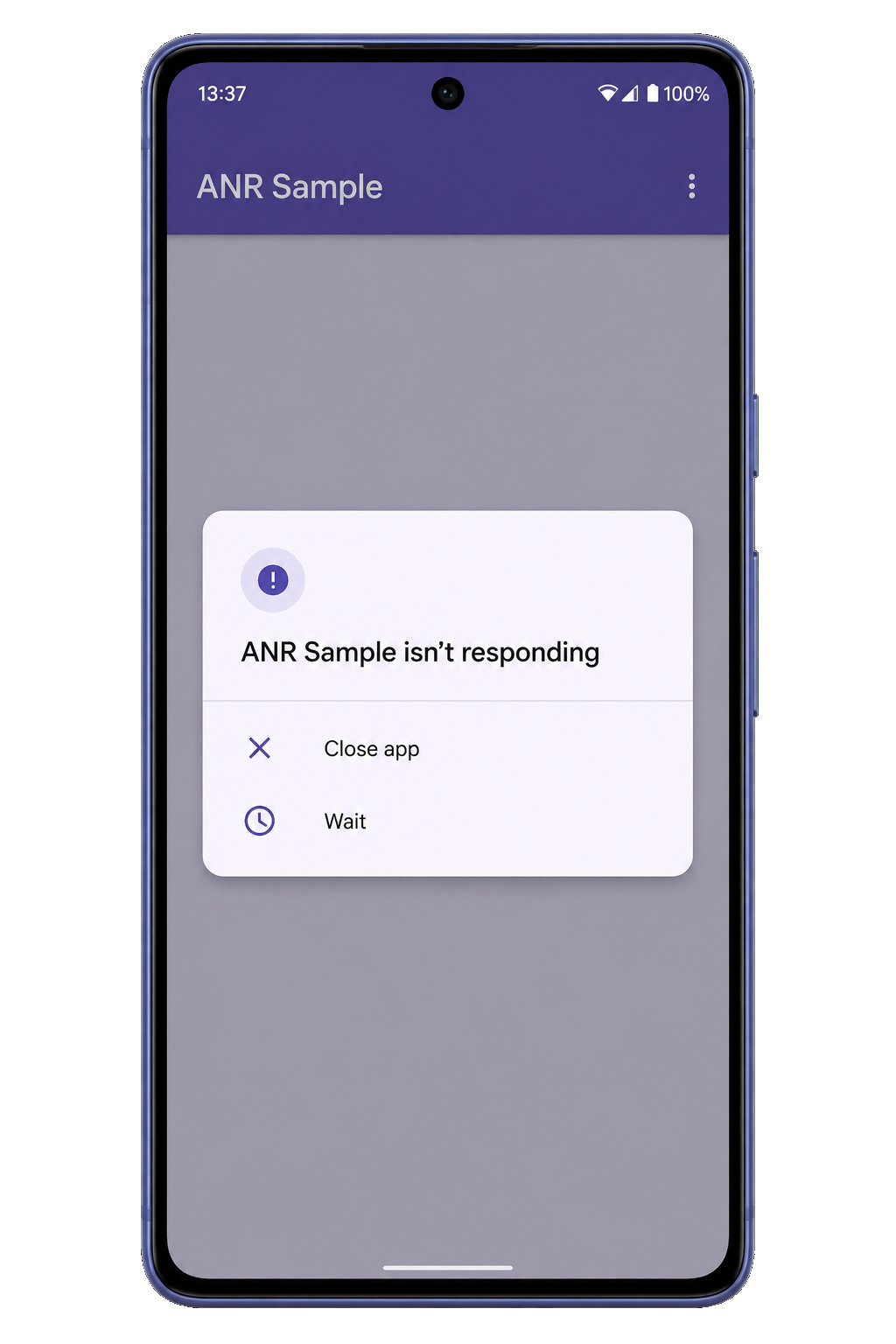
Android’s main thread handles input and UI work. If it waits for disk or network I/O, the user may see a delayed response; a sufficiently long stall can end in an Application Not Responding (ANR) dialog. StrictMode helps identify risky operations while you exercise the app in development. A violation is a diagnostic signal, not a claim that an ANR has occurred.
The short Android Developers video StrictMode for enforcing best practices at runtime places StrictMode alongside static checks such as lint. Watch its introduction and its advice on development builds; the intervening examples address other StrictMode features that this lesson does not need.
StrictMode for enforcing best practices at runtime (Android Development Patterns S2 Ep 9)
Android Developers’ “StrictMode for enforcing best practices at runtime” explains why a check made while code runs complements source-code analysis, and why diagnostic policies belong in development builds.
Watch runtime checks for the distinction from lint. Then watch debug builds for the build-configuration advice.
The distinction that matters for implementation is which policy observes which scope:
- A
ThreadPolicyapplies to the thread on which you install it. Installing one inApplication.onCreate()monitors that calling thread—the main thread in the normal application startup path. - A
VmPolicyapplies across the app process. It can report resources that were left open even if they were created on a background thread.
Read the beginning of the Android Developers StrictMode API reference for its purpose, the disk-access caveat, and how violations are reported.
StrictMode | API reference | Android Developers
The Android Developers API reference establishes what StrictMode detects and, just as importantly, what a report does not prove.
In the introductory text above “Summary,” read the purpose and finish that paragraph about ANR dialogs. Continue with the disk caveat. Inspect the setThreadPolicy and setVmPolicy example immediately after it. Finally, read from penalties and limits, stopping before “Summary.” Focus on why logging a violation is useful but not an exhaustive performance test.
A fast disk read on your test device can be slow under contention on another device. Conversely, StrictMode may report a disk operation without showing a perceptible pause. Treat a report as a place to investigate, using a trace or timing measurement when you need to establish its actual performance cost.
Install focused policies before your app’s initialization
Extend the DemoApp from the previous lesson. Put StrictMode setup near the start of onCreate(), before constructing AppServices, so it can observe unexpected work in that setup. The existing manifest declaration of DemoApp does not need to change.
class DemoApp : Application() {
    lateinit var services: AppServices
        private set

    override fun onCreate() {
        super.onCreate()

        if (BuildConfig.DEBUG) {
            StrictMode.setThreadPolicy(
                StrictMode.ThreadPolicy.Builder()
                    .detectDiskReads()
                    .detectDiskWrites()
                    .detectNetwork()
                    .penaltyLog()
                    .build()
            )

            StrictMode.setVmPolicy(
                StrictMode.VmPolicy.Builder()
                    .detectLeakedClosableObjects()
                    .penaltyLog()
                    .build()
            )
        }

        services = AppServices(applicationContext)
    }
}
Here, each detect…() call selects a condition to watch; penaltyLog() selects what to do when one is detected. It records a violation rather than deliberately terminating the app. The focused configuration makes the three concerns of this lesson visible without enabling every available StrictMode check. Ensure BuildConfig refers to your app module’s build configuration, and verify that this setup is absent from the release variant.
There are two important boundaries to this placement. First, setThreadPolicy() configures the current thread; it does not automatically install the same policy on every worker thread. Moving a file read to Dispatchers.IO should remove the main-thread disk violation, not produce an equivalent report from that worker. Second, as you saw previously, an automatically initialized content provider can run before Application.onCreate(). This setup cannot observe work that has already happened. If startup remains slow despite clean logs, inspect the startup trace rather than declaring the path clear.
Find and correct a main-thread I/O violation
A controlled disk read makes the policy’s behavior concrete without depending on a remote server. In a debug-only screen, run the following from a button handler in an Activity. lifecycleScope provides the Activity-bound coroutine scope.
lifecycleScope.launch {
    val probe = withContext(Dispatchers.IO) {
        File(filesDir, "strictmode-probe.txt").apply {
            writeText("probe")
        }
    }

    // Deliberate debug-only mistake: this resumes on the main thread.
    val contents = probe.readText()
    Log.d("StrictModeProbe", contents)
}
The write runs on an I/O dispatcher. After withContext returns, the coroutine resumes on its original main-thread context, so readText() is the operation to look for. Open Android Studio Logcat and filter for StrictMode, or inspect device logs with:
adb logcat -s 'StrictMode:*'
Look for a disk-read violation and its stack trace. Follow the stack to your call site, rather than assuming the first library method shown is the best place to fix it. The correction is to perform the read where blocking I/O is appropriate:
lifecycleScope.launch {
    val contents = withContext(Dispatchers.IO) {
        File(filesDir, "strictmode-probe.txt").readText()
    }
    Log.d("StrictModeProbe", contents)
}
Run the same path again and check that the main-thread read report has gone. Then remove the probe. In real code, examine the full call chain: a property getter, repository constructor, or “lazy” initializer can perform I/O just as surely as an explicit readText() call.
detectNetwork() serves the same diagnostic purpose for network operations attempted on the monitored main thread. Exercise a debug path that uses your app’s existing network client and inspect any network violation at its call site. Do not add a synchronous network request merely to make the warning appear: Android may also throw NetworkOnMainThreadException. The fix is to use a client operation that does not block the UI thread and to handle its result asynchronously—not to permit networking on the main thread.
Find resources that were never closed
Moving I/O off the main thread solves a threading problem, not a resource-lifetime problem. A file stream, provider stream, or cursor can be opened on an I/O thread and still be forgotten. That is why the example also installs a VmPolicy.
The Android Developers StrictMode.VmPolicy.Builder reference explains the specific leak detector. Read its brief introduction, then the named detector rather than the entire API list.
StrictMode.VmPolicy.Builder | API reference | Android Developers
The Android Developers API reference connects VM-wide detection to objects that require explicit closing.
At the top of “StrictMode.VmPolicy.Builder,” read detect and penalty before the example policy. Then find the detectLeakedClosableObjects subsection. Read its description beginning “Detects when an Closeable…” and continue through explicit closing, stopping before detectLeakedRegistrationObjects. Notice that this detector concerns objects left open, not whether their work ran on the main thread.
For example, this is unsafe even if it runs entirely inside Dispatchers.IO:
val input = FileInputStream(file)
val firstByte = input.read()
// input is never closed.
Use Kotlin’s use to close the resource when the block finishes, including when the block throws:
val firstByte = FileInputStream(file).use { input ->
    input.read()
}
The same ownership principle applies when obtaining a stream from ContentResolver: the code that receives it must arrange for it to be closed, unless ownership is explicitly passed elsewhere.
A leaked-closable warning differs from the immediate disk warning in an important way. The VM detector reports an object found to have been left unclosed when it is finalized; that may happen well after the offending operation, and it is not guaranteed to happen during a short test. Follow the reported allocation stack when one appears, but do not treat an absence of leak warnings as proof that every resource is closed. Review ownership and use use or an equivalent explicit close path even when Logcat is quiet.
This detector also is not the same as detecting an Activity retained by a long-lived repository. Both deserve attention, but an unclosed file descriptor and an accidentally retained screen require different investigations.
Use reports as evidence, not as a waiver system
For a realistic verification pass, launch your debug build through the entry points you use, interact with screens that load local data or make requests, and inspect StrictMode reports alongside what you observe on screen. Classify each report before changing code:
- What happened? Identify disk read, disk write, network access, or an unclosed resource.
- Where is the owned call site? Trace through libraries to the app code that initiated the work or failed to close a result.
- What correction fits? Move blocking work off the main thread, use a nonblocking network operation, or close the resource deterministically.
- Did the correction hold? Repeat the same path and, for responsiveness concerns, compare it with a trace or timing measurement.
Avoid solving a violation by broadly permitting disk access on the main thread. StrictMode provides narrowly scoped allowances, but an allowance suppresses a diagnostic; it does not make I/O fast. Similarly, logging is a development aid, not a security boundary or a guarantee of complete detection. The reference notes that some accesses, including work through JNI, may escape detection.
Key takeaways
Install a debug-only ThreadPolicy on the main thread to expose accidental disk and network access, and a process-wide VmPolicy to expose supported closable objects left open. Read violation stacks, correct the operation or ownership mistake, and rerun the same path. Clean logs are useful evidence, but they do not replace resource discipline or performance measurements.
This completes the runtime and component-discovery module. Next, you will examine Activity lifecycle callback sequences—where the timing of startup work, screen recreation, and backgrounding becomes even more consequential.