Recommended resources
The freely available resources this lesson will direct you to.
Hello! In the previous lesson, you used Pydantic to reject malformed requests and responses. Valid data can still meet trouble once work begins: a file may need closing after an error, a model service may time out, or it may return a response that cannot be used.
This lesson covers two related responsibilities: release resources reliably and handle each expected failure at the boundary where you can respond to it. Allow about 40 minutes for the video, readings, and code walkthrough.
Give resources a definite lifetime
Suppose an AI application writes a record of a document-processing run. If processing fails after opening the file, code that calls close() only at the end of the successful path will never reach it. A with statement gives the file a defined lifetime: Python enters the context before the indented block and exits it when the block finishes, including when an exception leaves the block.
Watch the short portions of Corey Schafer’s Python Tutorial: Context Managers – Efficiently Managing Resources that introduce with and show what happens on entry and exit. The custom class is there to reveal the mechanism; you do not need to build a replacement for Python’s file context manager.
Python Tutorial: Context Managers - Efficiently Managing Resources
Corey Schafer uses a file to show why setup and cleanup belong together, then opens up a context manager to show its entry and exit methods.
Watch the file example for the cleanup problem. Then watch entry and exit, focusing on the value supplied to the with block and the cleanup performed when it ends. You can skip the rest of the custom-class walkthrough.
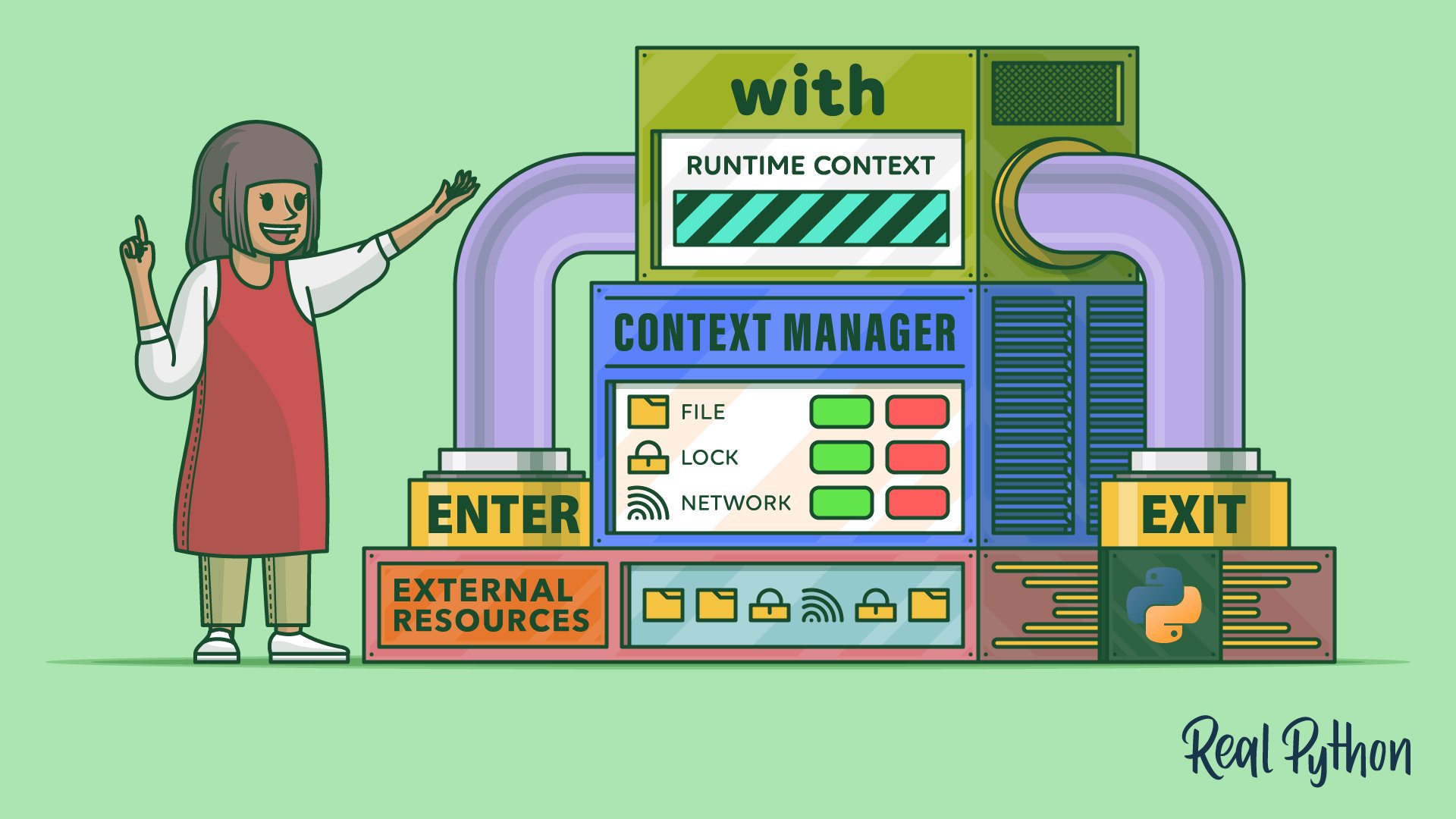
Here is the behavior in a small, runnable example:
try:
    with open("run_log.txt", "w", encoding="utf-8") as log:
        log.write("Processing started\n")
        raise RuntimeError("document processing failed")
except RuntimeError:
    print("File closed:", log.closed)  # File closed: True
The deliberate failure does not disappear. Python closes the file as it leaves with, and the RuntimeError then reaches the except clause. A context manager handles cleanup; it does not necessarily handle the failure. A typical file context manager does not suppress exceptions from its block.
The underlying alternative is try...finally: put resource use in try and release the resource in finally. Read the Python tutorial’s explanation of that guarantee and its introduction to with.
Read Sections 8.7 and 8.8 of the official Python tutorial to connect the explicit finally rule with the file’s predefined cleanup behavior.
In Section 8.7, “Defining Clean-up Actions,” start at the explanation that finally runs as the last task of a try statement. Read the cleanup explanation through the paragraph about releasing files or network connections; skim the unusual cases involving return, break, and continue. Then, in Section 8.8, “Predefined Clean-up Actions,” read the file comparison, from the warning about leaving a file open through the statement that it is closed even if line processing fails.
In an AI service, the managed resource may be an HTTP client rather than a file. A client can hold reusable network connections, so it should also have an intentional lifetime. We will use with httpx.Client(...) as client in the example below. Closing the client at the end of that block is a separate concern from deciding what to tell the caller if an HTTP request fails.
Tell apart failures that need different responses
There are at least three distinct points of failure in a model call:
- No usable HTTP response arrives. A connection problem or timeout occurs while making the request.
- An HTTP response arrives with a failure status. For example, the service returns
503. - A successful HTTP response contains unusable data. Its body might not be JSON, or the JSON might not match the expected shape.
These should not collapse into “the model failed.” A timeout might justify checking service availability; a 503 provides a status worth reporting; malformed response data should not be passed along as an answer. Conversely, a successful status does not prove the body is valid.
Python’s except clauses let us target failures we know how to address. Read the official tutorial’s guidance before looking at HTTP-specific exceptions:
Section 8.3 of the official Python tutorial explains how exception types select handlers and why unexpected exceptions should ordinarily propagate.
In Section 8.3, “Handling Exceptions,” begin with the paragraph introducing programs that handle selected exceptions. Read the handling rules through the advice to catch intended exception types specifically. Focus on what happens when no handler matches and on why a broad except Exception can conceal a programming error.
For HTTP calls, this lesson uses HTTPX. Its raise_for_status() method turns a non-success HTTP response into an HTTPStatusError; a request that fails before a response arrives raises a RequestError or one of its subclasses. HTTPX timeouts are request errors, so a timeout-specific handler must come before a general RequestError handler if both are present.
Read the HTTPX QuickStart’s “Response Status Codes” and “Exceptions” sections to see where each HTTP failure is raised and what information its exception carries.
In “Response Status Codes,” read the status example, including the unsuccessful-response example and the following successful-response explanation. In “Exceptions,” start at “The most important exception classes in HTTPX” and read the exception distinctions. Notice that a status error has a response you can inspect, whereas a request error describes a failure while issuing the request.
An exception handler should have a purpose. If it cannot recover, it can report safe diagnostic information and let the failure propagate to a higher layer. In particular, do not treat an error response—or an invalid response body—as if it were a successful model answer. Avoid printing entire requests or response bodies in production diagnostics: they may contain prompts, credentials, or document text.
Put cleanup and targeted handling around one call
The following example needs no running model or network connection. HTTPX’s MockTransport supplies controlled responses so you can see each failure path. It also reuses Pydantic for the response-body check you learned last time.
Add HTTPX if needed with uv add httpx, then save this as failure_demo.py:
import json

import httpx
from pydantic import BaseModel, Field, ValidationError


class ModelReply(BaseModel):
    response: str = Field(min_length=1)


def call_model(client: httpx.Client, prompt: str) -> str:
    response = client.post("/generate", json={"prompt": prompt})
    response.raise_for_status()
    reply = ModelReply.model_validate(response.json())
    return reply.response


def fake_server(request: httpx.Request) -> httpx.Response:
    prompt = json.loads(request.content)["prompt"]

    if prompt == "timeout":
        raise httpx.ReadTimeout("model did not respond", request=request)
    if prompt == "status":
        return httpx.Response(503, json={"error": "temporarily unavailable"})
    if prompt == "bad json":
        return httpx.Response(200, content=b"not json")
    if prompt == "bad shape":
        return httpx.Response(200, json={"response": ""})

    return httpx.Response(200, json={"response": "Annual leave is 20 days."})


with httpx.Client(
    base_url="http://localhost:11434",
    transport=httpx.MockTransport(fake_server),
    timeout=5.0,
) as client:
    for prompt in ("annual leave", "timeout", "status", "bad json", "bad shape"):
        try:
            answer = call_model(client, prompt)
        except httpx.TimeoutException:
            print(prompt, "timed out")
        except httpx.RequestError:
            print(prompt, "request failed before a usable response arrived")
        except httpx.HTTPStatusError as exc:
            print(prompt, f"HTTP status {exc.response.status_code}")
        except (json.JSONDecodeError, ValidationError):
            print(prompt, "returned an unusable response body")
        else:
            print(prompt, answer)

print("Client closed:", client.is_closed)
Run it with uv run python failure_demo.py. You should see one answer, four different failure reports, and Client closed: True.
Follow one iteration carefully. For "status", client.post() does return a response. The next line, raise_for_status(), raises HTTPStatusError, whose response.status_code is available to the handler. For "timeout", client.post() raises before response can be assigned. A ReadTimeout matches the more specific TimeoutException handler, rather than the later RequestError handler.
The two 200 responses make a different point. "bad json" fails during response.json(); "bad shape" parses as JSON but fails Pydantic validation because response must be nonempty. Neither failure should be reported as an HTTP status error. In a real application, you might give these two conditions separate handling if they call for different actions; they share a message here because both mean “do not use this body as an answer.”
Finally, the HTTP client closes after the with block. This remains true if an unexpected exception escapes the loop. The handlers determine which expected failures this demo can report and continue past; the context manager independently determines when its resource is released. The example makes no automatic retries. Retrying safely requires a deliberate policy about which operations can be repeated, how often, and with what delay.
Takeaway
Use with to make a resource’s cleanup part of its lifetime, even when work inside the block fails. Use raise_for_status() to surface unsuccessful HTTP responses, and catch specific exceptions according to what your code can meaningfully do: distinguish timeouts and other request failures from HTTP status failures and invalid response bodies. Let unexpected faults remain visible rather than hiding them with a blanket catch.
Next, you’ll write pytest tests with fixtures, parameterization, and mocks. The controlled success and failure paths in this lesson give you concrete behaviors to test.