Recommended resources
The freely available resources this lesson will direct you to.
Hello. In the previous lesson, you treated incoming JSON as untrusted until a runtime schema checked it. Configuration needs similar care: a value read from the environment is available at runtime, but it may be missing or malformed. It also presents a different risk—some values are credentials that must never enter source control.
This final lesson in the Node.js foundations module shows how to keep configuration separate from code, validate it at startup, and supply different values to different deployments. Allow about 40 minutes, including time to adapt and run the example in your TypeScript project.
Decide what belongs outside the codebase
Suppose your application uses one database on your laptop, another for tests, and a managed database when deployed. The connection address varies, but the application logic should not need to change. The same applies to a server port or an external service credential. These are per-deployment configuration.
Read Store config in the environment from The Twelve-Factor App for the principle behind this separation.
Store config in the environment
The Twelve-Factor App distinguishes values that vary between deployments from application logic. Read it to see why configuration should be supplied to an application rather than embedded in its source.
In “III. Config,” begin with the opening paragraph defining config. Continue through the examples and litmus test: ask whether the codebase could be shared without revealing a credential. Then read the environment-variable rationale. In the final paragraph about grouping, read the grouping problem and the concluding paragraph about managing variables independently.
A useful distinction is that not every configuration value is secret. A port number usually is not; a database URL containing credentials is. Both may vary between deployments, so both can be supplied through the environment. Keep fixed program behavior in code, but avoid source-code branches that contain separate sets of production and test credentials. Give each deployment only the values it needs.
“Stored in the environment” does not mean “automatically secure.” Someone with access to the deployment settings or the running process may still be able to read those values. The immediate goal is to keep secrets out of source files, commits, and build artifacts that do not need them.
Understand what Node.js actually receives
Node.js exposes environment variables through process.env. They arrive as strings or undefined: setting PORT=4100 does not create a JavaScript number. And a .env file sitting in your project directory does nothing until something loads it.
Read the relevant portions of the official Node.js Environment Variables documentation.
Environment Variables | Node.js v25.6.0 Documentation
The Node.js documentation establishes what process.env provides and how values in a local .env file are interpreted. Read it before assigning TypeScript types to configuration.
In “Environment Variables,” read the opening definition and the “process.env” subsection, from the runtime API. Under “DotEnv” → “.env files” → “Variable Values,” read the value rules. Focus on the fact that numbers and booleans remain text when read by Node.js.
For local development, a recent Node.js release can load a file using --env-file. Watch the focused demonstration in You DON'T NEED Dotenv to Handle Environment Variables in Node.js Anymore! by James Q Quick. The example application is incidental; watch the placement of the flag.
You DON'T NEED Dotenv to Handle Environment Variables in Node.js Anymore!
James Q Quick demonstrates Node.js’s built-in environment-file flag, which lets you run this lesson’s example without adding a dotenv dependency.
Watch the flag demonstration. Notice that the flag is passed to node before the script path. You do not need to reproduce the video's database service.
In the example below, use Node.js 20.6 or newer and run the compiled program with node --env-file=.env dist/index.js. A deployment platform can instead supply variables directly to the process; production does not need a .env file.
Validate configuration once at startup
Reuse the strict TypeScript project and Zod installation from the previous lesson. For this standalone demonstration, you can replace the previous src/index.ts after saving it elsewhere. The database URL below is configuration to validate, not a database connection—the application does not connect to MongoDB yet.
Create src/config.ts:
import * as z from "zod";

const ConfigSchema = z.object({
  NODE_ENV: z.enum(["development", "test", "production"])
    .default("development"),
  PORT: z.coerce.number().int().min(1).max(65535)
    .default(3000),
  DATABASE_URL: z.string().min(1)
});

const result = ConfigSchema.safeParse(process.env);

if (!result.success) {
  const fields = result.error.issues
    .map((issue) => issue.path.join(".") || "(root)")
    .join(", ");

  throw new Error(`Invalid configuration: ${fields}`);
}

export const config = result.data;
Then use the validated result in src/index.ts:
import { config } from "./config.js";

console.log(`Mode: ${config.NODE_ENV}; port: ${config.PORT}`);
// A later database module can use config.DATABASE_URL.
// Do not print the URL: it may contain credentials.
This is the previous lesson’s boundary pattern applied to process.env: safeParse checks the actual values, and the rest of the application imports the parsed output. Zod converts a valid PORT string into a number. A missing DATABASE_URL or an out-of-range port stops startup instead of causing a less obvious failure later. The error reports field names, not their values, so it does not print a credential.
For local development, create .env in the project root:
NODE_ENV=development
PORT=4000
DATABASE_URL=mongodb://127.0.0.1:27017/portfolio_dev
The URL is a local, credential-free demonstration value. Build and run from the project root; if your TypeScript project emits dist/index.js, use:
npm run check
npm run build
node --env-file=.env dist/index.js
You should see Mode: development; port: 4000. To check the failure path, temporarily change PORT to not-a-number and rerun the final command. Restore it afterward. Notice that TypeScript alone could not catch this mistake: the invalid value existed only when the process started.
Keep local values local, and supply deployments independently
A .env file can contain secrets, so prevent local environment files from entering the repository. Watch the short section of Environment Variables and dotenv - Node.js Tutorial 12 by Caleb Curry that covers ignoring the file and documenting its required keys. The video uses the older dotenv package elsewhere; you do not need that package when using Node.js’s built-in flag.
Environment Variables and dotenv - Node.js Tutorial 12
Caleb Curry shows the repository safeguard that matters regardless of how Node.js loads the variables: ignore the real file and provide a safe example.
Watch the repository setup. Focus on the difference between an ignored file containing real values and a committed template containing only safe examples.
Add these patterns to .gitignore:
.env
.env.*
!.env.example
Then create a committable .env.example that lists the required keys without any real credentials:
NODE_ENV=development
PORT=3000
DATABASE_URL=mongodb://127.0.0.1:27017/portfolio_dev
A developer can copy that template to .env and substitute their own values. Before committing, check git status to confirm that .env is absent and .env.example is present. Ignoring a file is not retroactive: if a secret was already committed, remove the file from tracking and rotate the exposed credential. Merely adding .gitignore does not erase repository history.
You can also create an ignored .env.test with a different port and database name, then run the same built code with node --env-file=.env.test dist/index.js. That is the essential environment-specific behavior: the executable stays the same; the supplied values change.
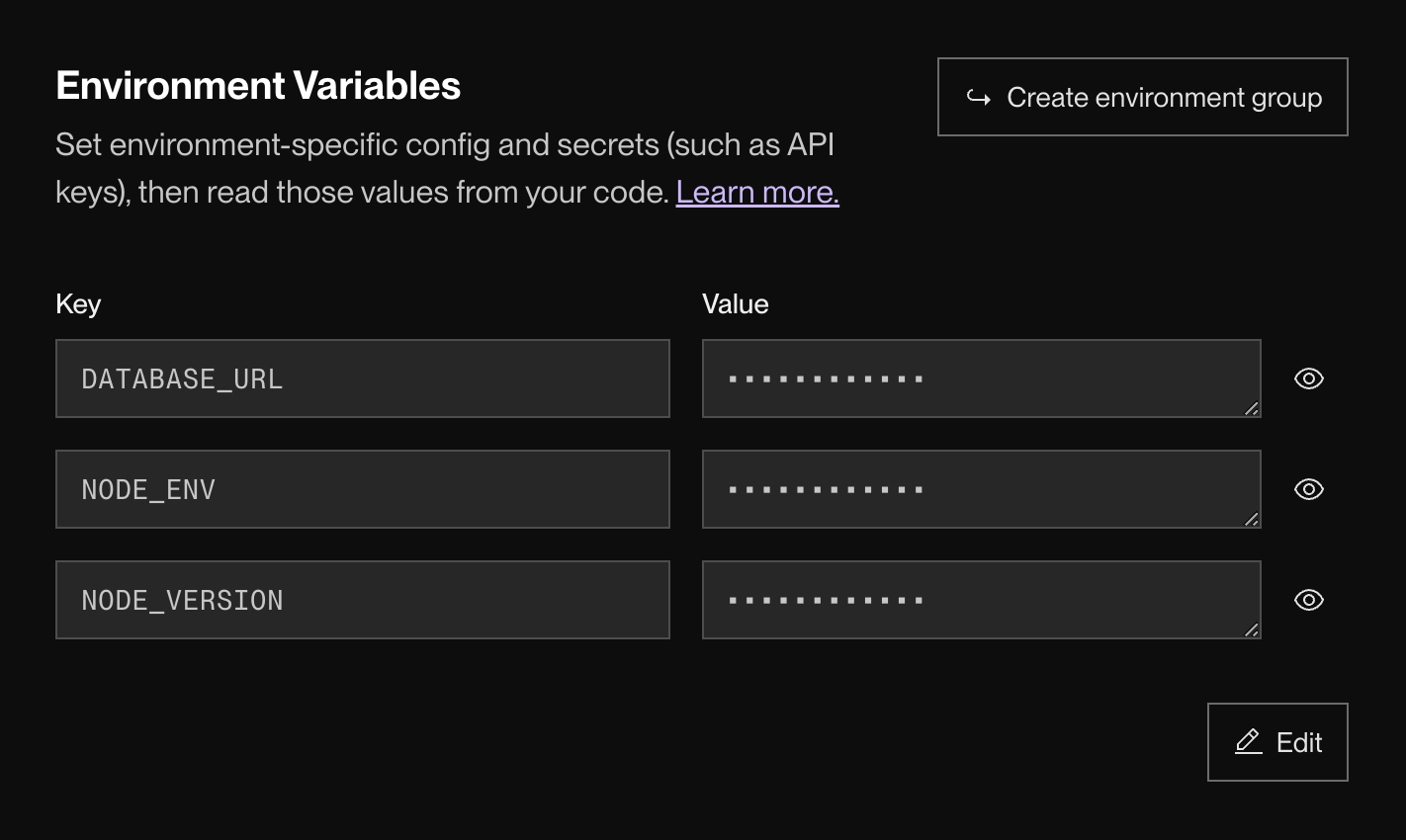
In a hosted deployment, enter values in the platform’s configuration or secret settings rather than copying your local .env into the repository. The interface below illustrates separate keys with masked values; masking the display is helpful, but access to the settings still needs to be controlled.
Finally, keep server credentials on the server. A React application delivered to a browser cannot hide a value that has been included in its client-side code or build output. When you later connect React to an API, the browser should call the API rather than receive the API’s database credentials.
Key takeaways
Keep values that vary between deployments outside source code, and keep credentials out of commits. In Node.js, read supplied values through process.env, remember that they begin as strings or may be missing, and validate them once before application code uses them. Use an ignored local file for development, a safe committed template to document required keys, and deployment settings to supply hosted values.
This completes the Node.js foundations module. Next, you’ll turn to React, beginning with how rendering and component identity affect what appears in the user interface.