Hello! Welcome back.
In our last lesson, you did an excellent job learning how to direct an AI voice, selecting specific tones and styles to match a brand or narrative. You now have the "voice" of your video. Today, we'll add the "heartbeat" by crafting its musical soundtrack.
This lesson is all about learning to generate royalty-free background music that matches your video's mood using an AI music generator. Music is a powerful tool; it sets the emotional tone faster than any visual or line of dialogue. Getting it right is essential for creating compelling UGC ads and immersive animated stories. We'll survey some of the best free and trial-based tools and then get hands-on experience creating music for different moods.
1. Understanding the AI Music Landscape
Just like with image and voice generators, there's a wide variety of AI music tools available, each with its own strengths. Some work from simple text prompts, while others give you more granular control over the composition. Before we dive into using one, it's helpful to get a map of the territory.
This article provides an excellent overview of the top tools and, more importantly, the criteria you should use when choosing one for your projects.
13 Best AI Music Generators for Videos 2026 (Free & Paid)
The article '13 Best AI Music Generators for Videos' will be our guide. It offers a clear comparison and explains the factors that matter for video creators like you.
Please review the following sections: Start with the 'TL;DR: 13 Best AI Music Generators' table to get a quick sense of the top players and their free tier options. Read the 'How We Evaluated' section to understand the key criteria for choosing a tool, such as quality, customization, and licensing. Skim the 'How to Choose the Right AI Music Generator' section. Pay special attention to the advice under "Choose Soundraw or Beatoven if:" as it's most relevant to our goal today. Finally, read the 'FAQ' section, especially the questions about royalty-free status and use on YouTube. This is crucial for creating content safely.
From this overview, you can see a key distinction emerges:
- Prompt-based generators (like Suno): You describe the music you want in words. Great for speed and creativity.
- Parameter-based generators (like Soundraw, Beatoven.ai): You select parameters like genre, mood, and instruments, and then customize the song's structure. Excellent for control and matching music to a video's timeline.
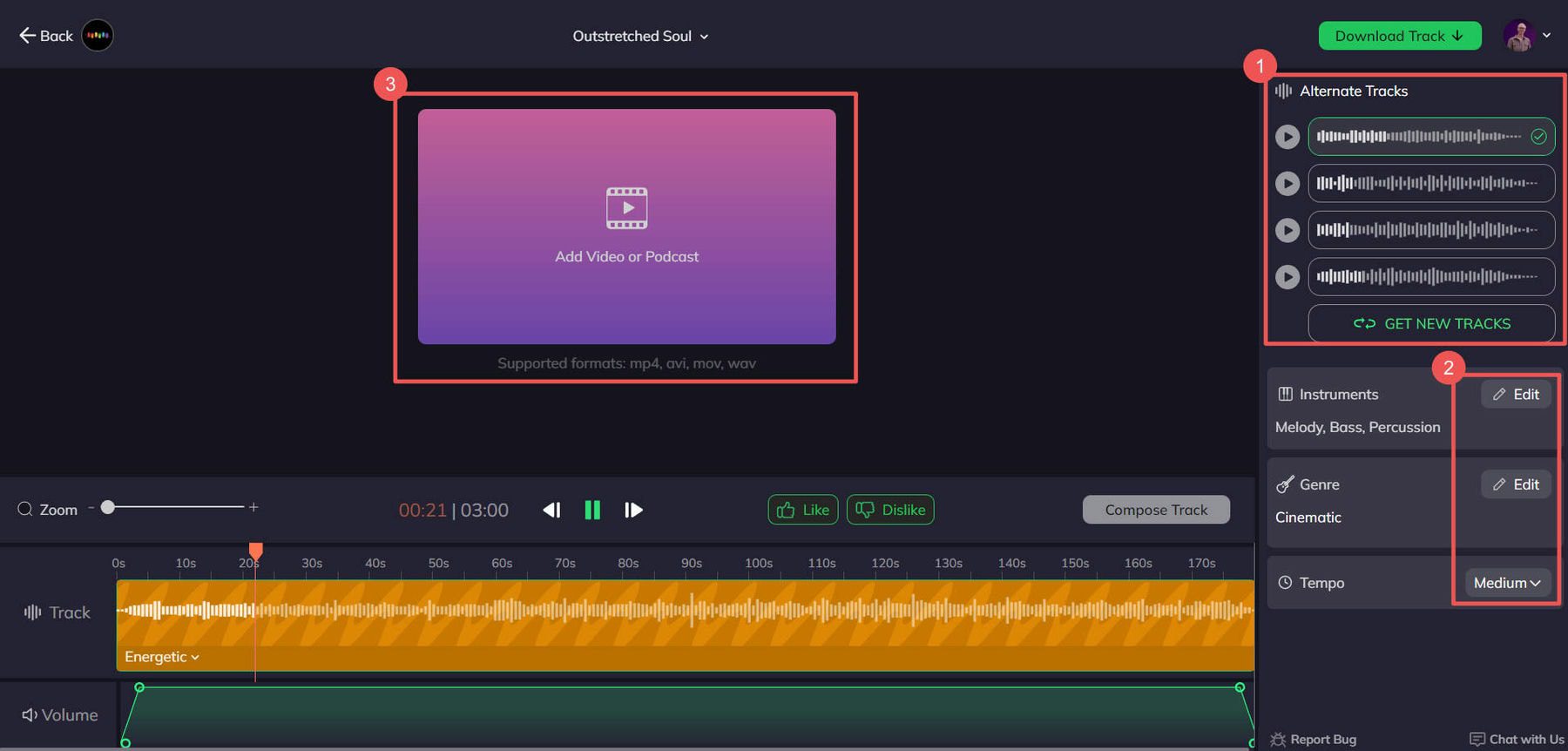
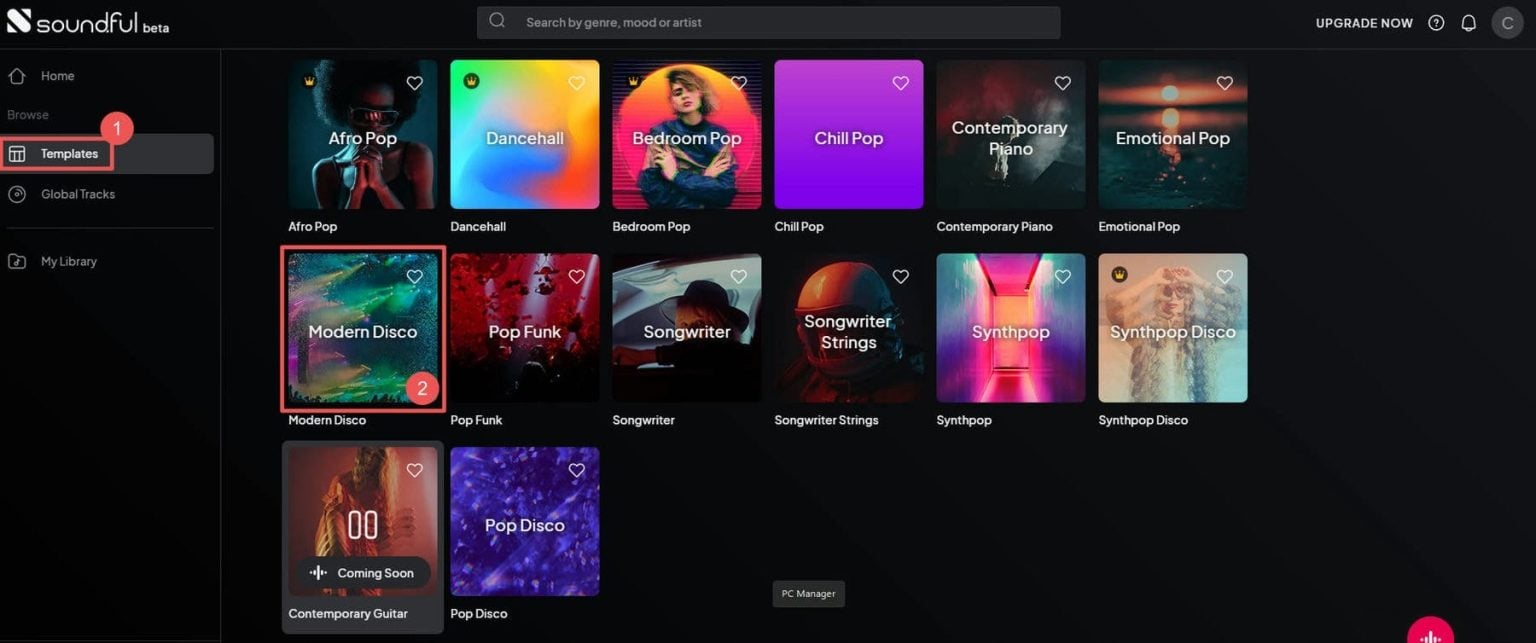
For the rest of this lesson, we'll focus on one tool from each category that offers a great free or trial experience.
2. Generating Music with Text Prompts: Suno AI
Suno is a leader in prompt-based music generation and has a generous free plan that gives you daily credits. While it's famous for creating full songs with vocals, its instrumental mode is perfect for background music.
The key is writing a good prompt. You need to be descriptive, including genre, mood, instruments, and tempo.
Let's watch a quick demonstration.
How I Make Copyright-Free Background Music for YouTube Videos (Suno AI Tutorial)
This tutorial by Moe Lueker, 'How I Make Copyright-Free Background Music for YouTube Videos,' shows a perfect, real-world example of using Suno to create instrumental background music for a commercial.
Watch from 01:02 to 03:03. Focus on how the creator develops a prompt ('dramatic cinematic orchestra epic suspense building') and uses the 'Instrumental' toggle to generate music that perfectly matches the 'dramatic tension' needed for the ad.
As you saw, the workflow is straightforward:
- Describe the music you want in the prompt box.
- Toggle on Instrumental mode.
- Click "Create" and listen to the options.
- Refine your prompt and try again until you get a result you like.
- Download the track as an MP3.
This method is fantastic for quickly generating a piece of music with a consistent mood.
3. Customizing Music for a Narrative Arc: Soundraw
What if your video's mood changes? An animated story might start mysterious, build to an exciting climax, and end on a quiet, reflective note. A single-mood track won't work. This is where parameter-based tools like Soundraw excel.
Soundraw lets you generate a track and then change the "energy" or intensity of different sections, effectively creating a musical score that follows your story.
Soundraw Review | AI Music Generation For Content Creators & Musicians
The 'Soundraw Review' from Audio Sorcerer gives a deep dive into its features. We will focus on how to generate a basic track and then customize its emotional structure.
Please watch these segments: 01:28 - 03:05: See how to generate an initial track by selecting genre, mood, length, and tempo. 03:44 - 07:16: This is the most important part. Pay close attention to how the creator adjusts the energy levels (low, medium, high) of different blocks on the timeline to create an intro, verse, and chorus structure. This is exactly how you match music to a video's changing scenes. 13:49 - 14:18: The video creator discusses the free trial. It's important to know that you can use all the features to create and experiment with unlimited songs, but you need a paid plan to download them. This is great for learning.
Soundraw's approach gives you a director's level of control, allowing you to build tension, create emotional impact, and guide your viewer through the narrative with music.
4. Exercise: Scoring Your Scenarios
Let's apply these two methods to the scenarios from our last lesson. You've already created the voiceovers; now you'll create the music.
Scenario 1: UGC Marketing Video (Suno)
- Goal: Create an upbeat, 30-second background track for a fitness app ad.
- Mood: Energetic, Motivational, Modern.
Your Task (10 minutes):
- Go to Suno AI.
- Make sure you are in Instrumental mode.
- Write a prompt. Try something like:
upbeat motivational electronic pop, driving synth bass, for a tech product ad. - Set the duration if needed (Suno often generates longer clips you can trim later).
- Generate a few options. Pick the one that best fits the energetic and empowering voiceover you created. Save the best track.
Scenario 2: Animated Story (Soundraw)
- Goal: Create a 1-minute piece of music for the opening of a fantasy story.
- Mood Arc: Starts mysterious and quiet, builds a little sense of wonder, then fades back to quiet mystery.
Your Task (10 minutes):
- Go to Soundraw and start a free trial if you wish to experiment.
- Choose a Genre (e.g., Cinematic, Fantasy, or Ambient) and a Mood (e.g., Mysterious, Hopeful). Set the duration to around 1 minute.
- Let it generate some options and pick a track to edit.
- In the editor timeline, manipulate the energy blocks. Try a structure like:
- First 20s: Low energy (for the mysterious opening).
- Next 20s: Medium energy (to build a sense of wonder).
- Last 20s: Low energy again (fading back to mystery).
- Play it back and feel how the music tells a small story all on its own.
Conclusion
Fantastic work today! You've learned how to find, generate, and customize AI music to perfectly match the emotional needs of your video content. This is a skill that separates amateur videos from professional-feeling productions.
Key Takeaways:
- Choose the Right Tool: Use prompt-based generators like Suno for speed and creativity, and parameter-based tools like Soundraw for detailed control over a video's emotional arc.
- Mood is Your Guide: Whether writing a prompt or selecting parameters, always start with the mood you want to evoke.
- Structure Follows Story: For videos with a narrative, use tools that allow you to adjust the music's intensity to match scene changes.
- Always Check the License: Ensure the tool and plan you choose provide a royalty-free license for your intended use (e.g., monetized YouTube videos) to avoid copyright issues.
Next Lesson Preview:
Our AI soundtrack is almost complete. We have the voice and the music. In the next lesson, we'll add the final layer of polish: generating specific sound effects (SFX). You'll learn how to use AI to create the whooshes, pops, and clicks that make a video feel dynamic and engaging.