Introduction
Hello! In our previous lessons, we completed our journey through the Express.js request-response lifecycle, culminating in how to build a robust error-handling pipeline. This lesson marks the final topic in our Node.js and Express module, focusing on a critical practice that bridges development and deployment: configuration management.
Today, your learning outcome is to describe the role of environment variables for configuration management in separating configuration from code.
We will start with the foundational principle: why must we separate configuration (like API keys or database URLs) from our application's codebase? We will then explore how environment variables serve as the industry-standard mechanism for this separation. Finally, we'll look at the practical implementation in Node.js using the dotenv package and discuss advanced, type-safe strategies suitable for large-scale applications. Given your experience with CI/CD and production systems, this lesson will formalize the concepts behind practices you may have already encountered.
1. The Principle: Strict Separation of Config from Code
An application's codebase is the same across all deploys—from a developer's local machine to staging and production environments. However, many other things change, such as:
- Database connection strings
- API keys for external services (e.g., Stripe, SendGrid)
- The port the server listens on
- A flag indicating the environment itself (
development,production)
This information is the application's config. Hardcoding these values directly into your source code is a significant anti-pattern. It creates security vulnerabilities (committing secrets to version control) and makes the application rigid and difficult to manage across different environments.
The Twelve-Factor App methodology, a set of best practices for building modern, scalable applications, formalizes this principle in its third factor: Config.
To understand this core concept, please read the following canonical resource.
Store config in the environment - The Twelve-Factor App
The official Twelve-Factor App website provides a definitive explanation of why configuration must be stored in the environment.
Read the entire page, but focus on the first two main sections. Pay attention to the 'litmus test' for proper configuration management: could you make your codebase open source at any moment without compromising any credentials? Also, note why environment variables are recommended over alternatives like configuration files checked into the repository.
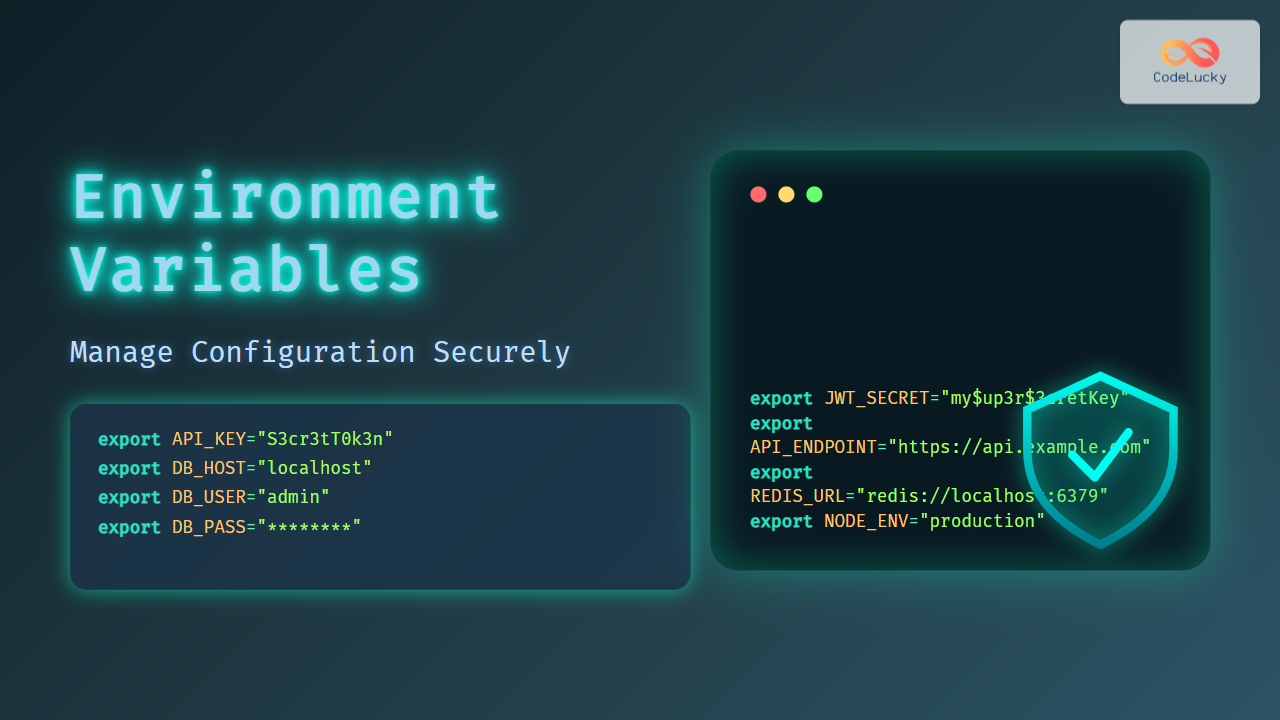
The key idea is that configuration should be injected into the application from its execution environment. Environment variables are the perfect tool for this because they are a language- and OS-agnostic standard.
2. The Practice: Using Environment Variables in Node.js
Now that we understand the "why," let's focus on the "how." In Node.js, the global process object has an env property that contains all the environment variables of the process that is running your application.
For example, if you start your server like this from your terminal:PORT=5000 NODE_ENV=production node server.js
You can access these values in your code like this:
const port = process.env.PORT || 3000; // Use 3000 as a default
const environment = process.env.NODE_ENV; // 'production'
While this works, manually setting variables for local development is tedious. The standard solution is to use a .env file to store these variables and a package called dotenv to load them into process.env.
The following video provides a clear, practical guide to this entire workflow.
Environment Variables and dotenv - Node.js Tutorial 12
The 'Environment Variables and dotenv' video by Caleb Curry offers a step-by-step demonstration of implementing environment variables in a Node.js project.
Watch the video, focusing on these key segments: Introduction (0:00 - 0:36): Understands the purpose of environment files and the rule of not committing them to version control. Accessing process.env (0:54 - 1:33): Shows how to access variables and provide default values. Using .env files (3:42 - 5:43): Demonstrates creating a .env file and using the dotenv package to load it. Handling Sensitive Data (7:20 - 8:32): Reinforces the pattern by moving a database connection string into the .env file. The .gitignore and .env.example Pattern (8:32 - 9:23): Explains the most critical security and collaboration practice associated with .env files.
To summarize the critical workflow from the video:
- Install the
dotenvpackage:npm install dotenv. - Create a
.envfile in your project's root directory and add your key-value pairs (e.g.,DATABASE_URL=...). - Add
.envto your.gitignorefile. This is non-negotiable to prevent leaking secrets. - Create a
.env.examplefile that lists the required variables without their secret values. This file is committed to version control and serves as a template for other developers. - At the very top of your application's entry file (e.g.,
index.jsorapp.js), require and configuredotenv:require('dotenv').config();
3. Advanced Strategy: A Type-Safe, Centralized Config Module
Directly using process.env throughout your application works, but it has drawbacks, especially in a large, modern codebase using TypeScript:
- No Type Safety:
process.env.PORTis astring | undefined. You constantly need to parse it (e.g.,parseInt) and handle theundefinedcase. - No Validation: There's no guarantee that a required variable is actually set at runtime. An undefined variable could cause a crash far from where it was accessed.
- Scattered Logic: Default values and environment-specific logic can become scattered across your codebase.
A more robust and scalable approach, aligned with your preference for well-architected systems, is to create a centralized, type-safe configuration module. This module becomes the single source of truth for all configuration. Its job is to:
- Read the raw environment variables.
- Validate them (ensuring required variables exist and are in the correct format).
- Apply default values.
- Export a strongly-typed, immutable configuration object for the rest of the application to use.
The following article outlines this advanced pattern in detail. It's a great example of building production-grade infrastructure around a simple concept.
Best Practices for Handling Per-Environment Configuration in Your ...
The article 'Best Practices for Handling Per-Environment Configuration' provides a superb walkthrough of creating a robust, type-safe configuration system.
Read the following sections to understand the architecture: 'Environment Variables': This section identifies the core flaws of using process.env directly, especially concerning undefined values and type safety. 'Different environments and NODE_ENV' & 'APP_ENV': This part explains a critical nuance—the difference between NODE_ENV (which often just signifies a build mode like 'production') and a custom APP_ENV (which signifies the actual deployment environment like 'staging' or 'prod'). 'The config strategy' & 'The entry point of the config module': Skim through these sections to grasp the overall file structure and the central idea: a config/index.ts file uses a switch statement on APP_ENV to load the correct configuration object for the current environment.
By adopting this pattern, you move from process.env.API_URL (un-typed, unsafe) to appConfig.apiURL (typed, validated, and guaranteed to exist). This abstracts away the messy details and provides a clean, reliable configuration interface to the rest of your application.
Conclusion
This lesson concludes our module on Node.js and Express by covering the essential discipline of configuration management. Separating what changes between deploys (config) from what doesn't (code) is fundamental to building secure, scalable, and maintainable applications.
Key Takeaways:
- The Principle: The Twelve-Factor App methodology mandates storing configuration in environment variables to achieve a strict separation between config and code.
- The Mechanism: In Node.js, you access environment variables via
process.env. - The Local Workflow: The
dotenvpackage is the standard for loading configuration from a.envfile during local development. - The Golden Rule: NEVER commit files containing secrets (like
.env) to version control. Always add them to.gitignoreand use a.env.examplefile as a template for other developers. - The Advanced Pattern: For robust applications, abstract configuration into a centralized, type-safe module. This module is responsible for reading, validating, and exporting a clean configuration object, improving maintainability and reducing runtime errors.
What's Next?
With this, you have a comprehensive understanding of building a backend service with Node.js and Express, from handling requests to managing errors and configuration.
We will now pivot back to the frontend and begin our deep dive into React. The next module starts by demystifying the "magic" of React's syntax. Our first lesson will address the learning outcome: Explain how JSX is transpiled into React.createElement function calls. This is the foundational concept that underpins React's entire rendering model and its use of a Virtual DOM.