Welcome back! In our last lesson, you acted as a repository detective, conducting a thorough health check on your shortlisted projects. By now, you should have selected the single best repository to focus on—one that is not only active and healthy but also shows signs of a welcoming and supportive community.
With your target project chosen, the next step is to make your first contact. This is often the most intimidating part of the open-source journey. How do you introduce yourself? How do you ask questions without sounding inexperienced? How do you claim an issue without stepping on anyone's toes?
Today's lesson is all about mastering this crucial first interaction. We will focus on how to formulate a communication strategy for engaging with project maintainers, including how to ask effective questions and signal your intent to contribute. While your hackathon and demo experiences have certainly honed your communication skills, open-source presents a unique context: it's often asynchronous, public, and involves collaborating with people you've never met from around the world. By the end of this session, you'll have a clear playbook for initiating contact confidently and professionally.
1. The Ground Rules of Open-Source Communication
Before writing a single line of code, it's vital to understand the "why" and "where" of communication in open-source projects. The primary goal is to be respectful of the maintainers' time. They are often volunteers juggling many responsibilities. A clear, well-researched inquiry is a sign of respect and is far more likely to get a helpful response.
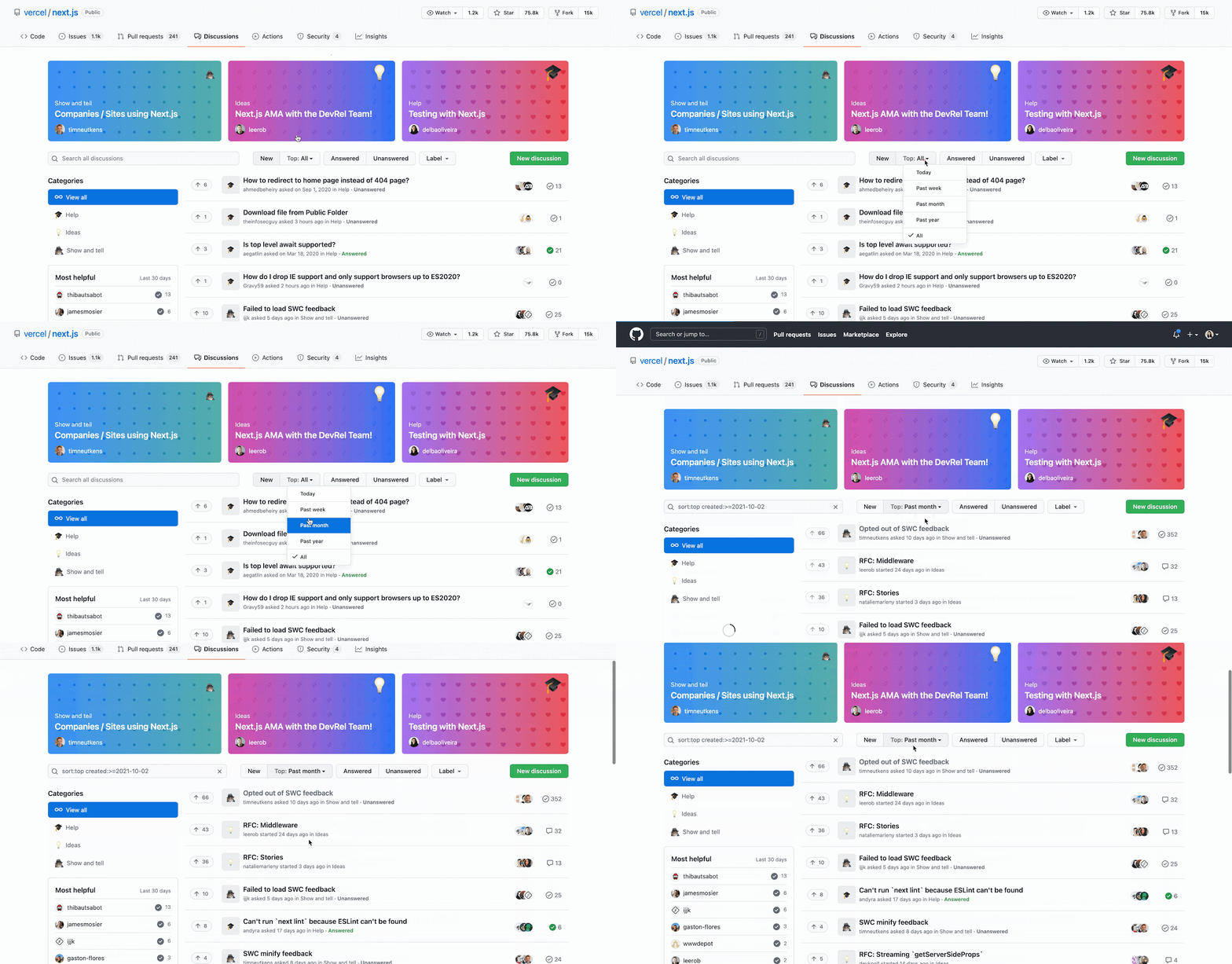
Most communication happens in public channels for a reason: transparency and shared knowledge. When you ask a question in public, the answer benefits everyone who might have the same question later. These channels typically include:
- GitHub Issues: For bug reports, feature requests, and discussing specific tasks.
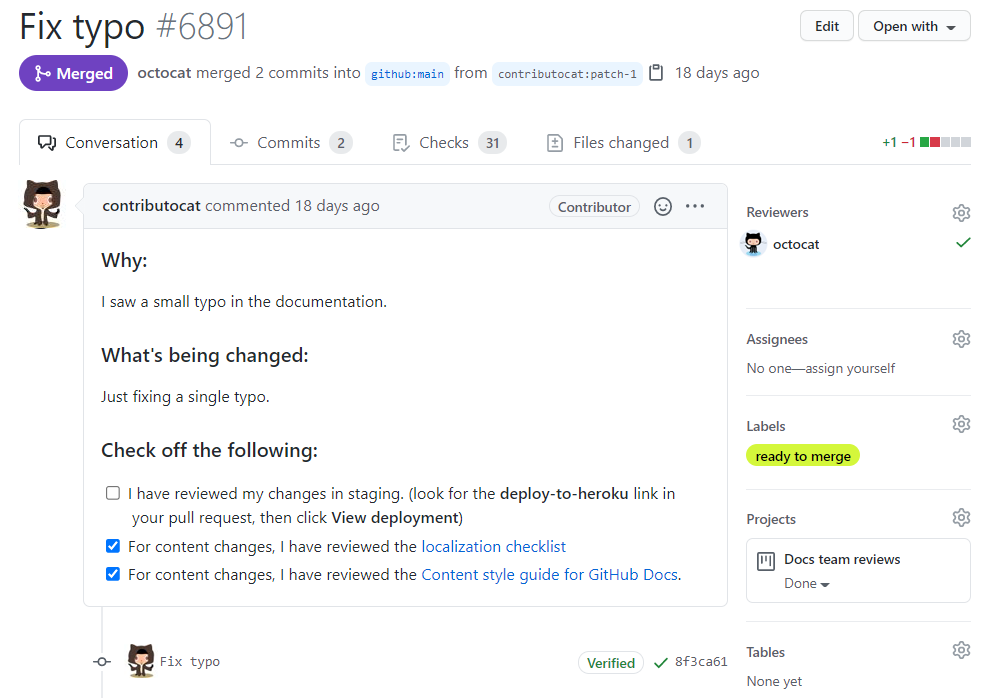
- GitHub Pull Requests (PRs): For discussing the implementation details of a specific code change.
- GitHub Discussions: For more general questions, ideas, and community interaction.
- Project-specific channels: Many projects have dedicated Slack or Discord servers for real-time conversation.
The opensource.guide is an excellent resource that outlines the core principles of effective communication. It provides a set of best practices that will serve as the foundation for our strategy.
How to Contribute to Open Source | Open Source Guides
This guide provides a comprehensive overview of open-source etiquette. We'll focus on the section about effective communication, which is full of practical 'good' vs. 'bad' examples.
Please read the sections Communicating effectively and Gathering context. Pay close attention to these key principles: Give context: Don't just say "it's broken." Explain what you were trying to do and how to reproduce the issue. Do your homework: This ties directly into our last lesson. Show that you've read the documentation and searched existing issues before asking. Keep it public: Avoid private messages unless dealing with sensitive information like security vulnerabilities. Public discussions create a searchable knowledge base. Be patient: Remember that maintainers are often volunteers. It's okay to follow up politely after a week or so, but not after a day.
2. The Art of Asking Good Questions
The single most valuable skill in open-source communication is asking effective questions. A good question demonstrates that you've invested effort, which motivates maintainers to invest their time in helping you. A vague question often receives a vague answer, or no answer at all.
Julia Evans' blog post on this topic is legendary among developers for its practical, actionable advice. We will adopt her core techniques.
This article provides a powerful framework for asking questions that are easy for others to answer. It shifts the focus from "what I don't know" to "here's what I think I know, can you confirm?"
Read through the article, focusing on these specific techniques: State what you know: This is the most important technique. Instead of asking "How does the authentication module work?", try: "My understanding is that you're using JWTs stored in a cookie for session management. Am I on the right track?" This allows the maintainer to quickly correct your specific misconception rather than explaining the entire system from scratch. Ask fact-based questions: Break down large, vague problems. Instead of "How can I improve performance?", ask "What's the time complexity of the current search algorithm? Would a hash-based approach be feasible here?" Admit ignorance: If a maintainer uses a term you don't know (e.g., "optimistic locking"), it's better to ask "Sorry, what does 'optimistic locking' mean in this context?" than to guess and proceed on a faulty assumption. Do your research: This echoes the point from the previous resource but is worth repeating. A quick search can often answer your question or help you refine it into a much more intelligent one.
3. Signaling Your Intent: Making the First Move
Now, let's combine these principles into a concrete action: signaling your intent to work on an issue. A common mistake is to submit a large pull request out of the blue. This can be problematic if the maintainers had a different approach in mind or if someone else was already working on it.
The correct approach is to start the conversation in the relevant issue before you start coding.
Contributing to open source software | GitHub [beginner friendly]
This video by bashbunni gives direct, practical advice for new contributors. We'll focus on her guidance for initiating contact.
Watch these two key segments: First, from the beginning, she explains why you should always file or comment on an issue before submitting a PR. This prevents you from wasting time on work that might not align with the project's direction. Next, watch the segment on doing your due diligence. Notice how she frames it: showing you've done your research makes a great first impression and encourages maintainers to give you a more thorough, helpful response.
So, what does a good "first contact" comment look like? It combines expressing interest with the "state what you know" technique.
A Template for Your First Comment:
"Hi there! I'd love to help out with this issue.
From what I understand, the goal is to [re-state the problem in your own words to show you've understood it]. My initial thought is to approach this by [briefly mention your proposed approach, e.g., 'modifying the
data-processing.jsfile to handle the null case'].Is this approach aligned with the project's direction? Please let me know if it's okay for me to take a crack at this. Thanks!"
This simple template achieves several things:
- It's polite and direct.
- It confirms your understanding of the problem.
- It gives maintainers a chance to correct your course early.
- It explicitly asks for a "green light" to begin work.
4. Your Task: Draft Your First Contact
It's time to put this strategy into practice. Using the repository you selected in the previous lesson, your task is to prepare for your first interaction.
- Find a Target Issue: Browse the repository's issue tracker. Look for issues labeled
good first issue,help wanted, ordocumentation. Find a small, well-defined bug or documentation improvement that you feel confident you can tackle. This is a preliminary step for our next lesson, but it's necessary for this exercise. - Draft a Comment: In your personal notes (do not post it on GitHub yet!), draft a comment for that issue using the principles and template from this lesson.
- Start by introducing yourself and expressing interest.
- State your understanding of the issue's requirements. Use the "state what you know" technique.
- If you have a genuine question, formulate it as a specific, fact-based query.
- Politely ask for confirmation to work on the issue.
This exercise is your rehearsal for the real thing. It ensures that when you do post your comment, it will be professional, effective, and make a positive first impression.
Conclusion
You now have a complete communication strategy for engaging with an open-source project. You've moved from being a passive observer to an active participant, armed with the tools to communicate effectively and respectfully. Remember that communication is not just a preliminary step; it's an ongoing part of the contribution process, from asking initial questions to responding to feedback on your pull request.
Key Takeaways:
- Communicate Publicly and Patiently: Use public channels like GitHub Issues and respect that maintainers are often busy volunteers.
- Show, Don't Just Ask: Demonstrate you've done your homework by stating your current understanding before asking for help. This is the most effective way to get high-quality answers.
- Signal Intent Before Coding: Always comment on an issue to confirm your approach and get a green light from maintainers before starting significant work. This prevents wasted effort.
In our next lesson, we will transition from planning to execution. With a target issue in mind and a communication strategy in place, you will learn how to strategically navigate the project's codebase to find the exact files you need to modify. Your new communication skills will be your most valuable asset if you need to ask for directions along the way.