Welcome back! In our last lesson, we saw how React's reconciliation process uses heuristics to efficiently update the UI. We introduced the second crucial rule: developers can provide a key prop to give list items a stable identity. This was a high-level overview, but the concept of key is so fundamental to performance and correctness in React that it warrants its own dedicated lesson.
This topic is a cornerstone of React interviews for senior roles. A shallow understanding—"just add a unique key to fix the warning"—is not sufficient. True mastery lies in explaining why certain keys work, why others cause subtle bugs, and how to make strategic choices based on the context of your list.
Today, we will perform a deep dive into the key prop. We will explore what makes a good key, dissect the common anti-patterns that can degrade performance and corrupt state, and even uncover specific scenarios where the most common "bad practice" is actually the right choice.
The Purpose of a Key: Stable Identity
In the previous lesson, we established that React uses keys to match elements between the "before" and "after" Virtual DOM trees. Think of it as giving each component in a list a name tag. Without a name tag, React can only identify components by their position in line. If you add a new person to the front of the line, everyone's position changes, creating confusion.
This video from Developer Way uses a memorable "kittens with hats" analogy to illustrate this exact problem.
The mystery of React key: how to write performant lists
This video provides a fantastic mental model for why React needs a way to identify items beyond just their position in an array.
Watch the section that explains the core purpose of keys. It clearly demonstrates how React uses this identity to decide whether to create, destroy, or update a component.
As the video explains, the key allows React to understand the "story" of your list between renders:
- Item Moved: If a key that was at index 2 is now at index 5, React knows it's the same item and just moves its corresponding DOM element.
- Item Removed: If a key from the old list is missing from the new one, React knows to unmount that component and remove its DOM element.
- Item Added: If a new key appears, React knows to create a new component instance and mount it.
This identity must be unique among its siblings and, crucially, stable across re-renders. A key that changes defeats the entire purpose.
The "Don'ts": Common Key Anti-Patterns
Understanding what not to do is just as important as knowing the right way. These anti-patterns are frequent sources of bugs and performance bottlenecks, and being able to explain them is a hallmark of a senior developer.
Anti-Pattern 1: Using a Random or Unstable Value
What happens if you generate a key on the fly for every render?
// ANTI-PATTERN: Never do this!
items.map(item => <ListItem key={Math.random()} item={item} />);
On every single re-render of the parent component, Math.random() generates a brand-new, unpredictable key for every item in the list. From React's perspective:
- It looks at the new list of elements and sees a set of keys it has never encountered before.
- It looks at the old list of elements and concludes that all of those old keys have disappeared.
- The result: React unmounts every single component from the old list and mounts a brand-new set of components for the new list.
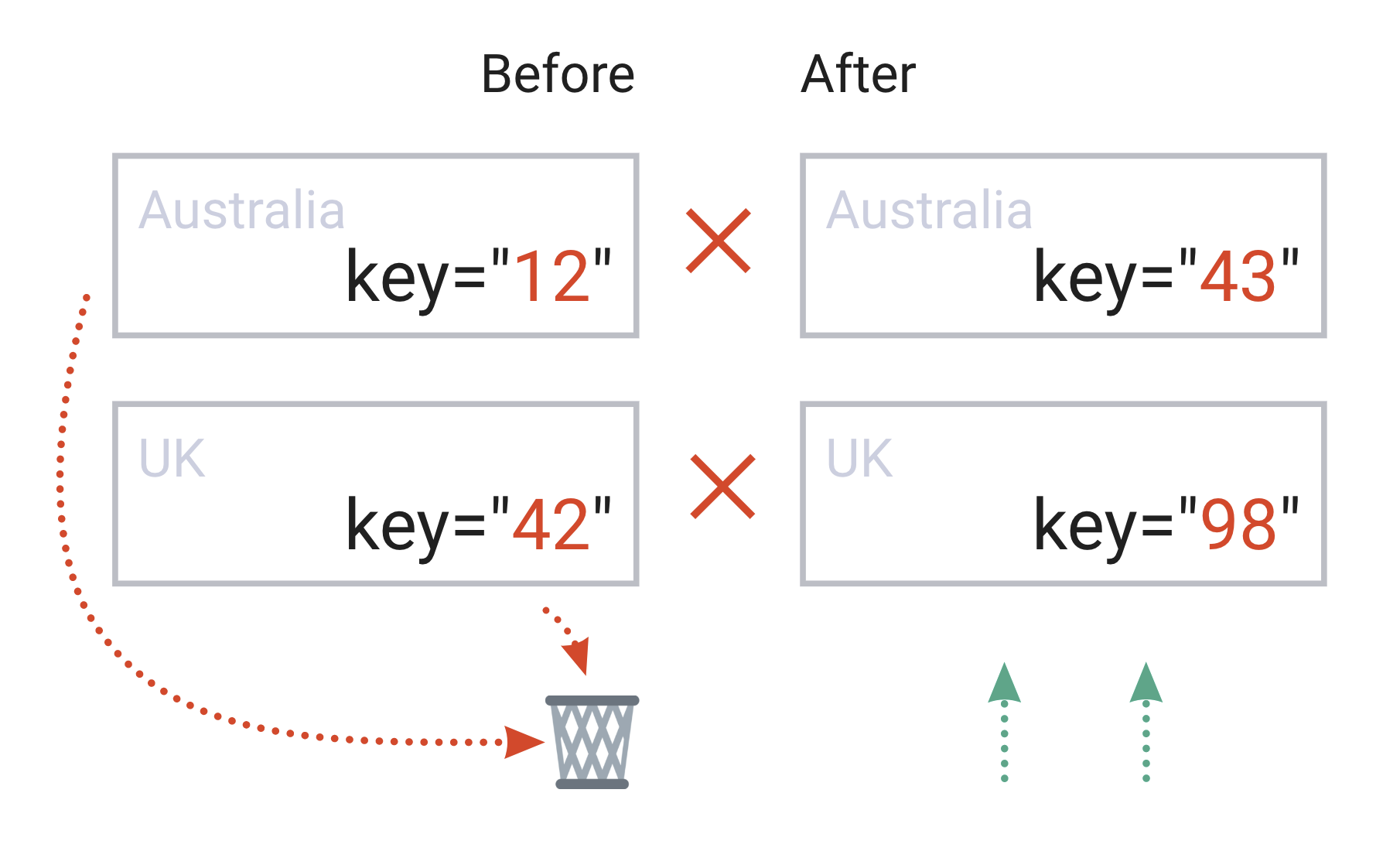
This is disastrous for performance and user experience. Mounting a component is far more expensive than re-rendering it. Furthermore, any internal state within the list items (like text in an <input> or a focus state) will be completely destroyed and reset on every render.
The mystery of React key: how to write performant lists
The same video provides a concise explanation of this exact anti-pattern.
Watch the section that explains the consequences of using random values as keys.
Anti-Pattern 2: Using the Array Index (key={index})
This is the most common and tempting mistake. It satisfies the "unique" rule and gets rid of the console warning, but it can lead to subtle and infuriating bugs when your list is dynamic.
The problem is that the index represents an item's position, not its identity. When you add, remove, or re-order items, the data at a given index changes, but React, looking only at the key, thinks the component at that position is the same.
The following resource provides an exhaustive breakdown of this issue.
React key attribute: best practices for performant lists
This article from DeveloperWay is a definitive guide on the key attribute. This section uses interactive examples to demonstrate precisely why using the array index is problematic for dynamic lists.
Read the section Why “index” as a “key” attribute is not a good idea. Pay close attention to the sorting and insertion examples. The key insight is how React re-uses the component instance at a specific index but passes it new props, leading to a mismatch between the component's internal state and the data it's supposed to represent.
Let's summarize the failure case from the article: Imagine a list keyed by index, where each item has an internal state (e.g., a "selected" highlight).
- You have items
[ {data: 'A'}, {data: 'B'} ]. They are rendered as<Item key={0} data='A' />and<Item key={1} data='B' />. - You click on the first item, setting its internal state to
selected. - You then prepend a new item to your data array:
[ {data: 'C'}, {data: 'A'}, {data: 'B'} ]. - React re-renders. It sees
<Item key={0} data='C' />and<Item key={1} data='A' />, etc. - The Bug: From React's perspective, the component at
key={0}is the same instance as before. It was not unmounted. It simply receives new props (data='C'). Since its internalselectedstate was never reset, the new first item (C) now appears selected, while the item you actually clicked (A) is now atkey={1}and appears unselected.
This behavior is counter-intuitive and the source of many hard-to-debug issues. The Codevolution video below provides another excellent real-world demonstration using a to-do list, which really helps solidify the concept.
React 19 Tutorial - 13 - Index as Key Anti-Pattern
This video demonstrates the index-as-key bug in a practical to-do list application.
Watch the demonstration from the start of the demo. Notice how when an item is added to the start of the list, the input values don't move with their corresponding items. This is the exact state-mismatch bug we've been discussing.
The "Do's": Choosing a Proper Key
The rule for a good key is simple. It must be a stable and unique identifier for the data item it represents.
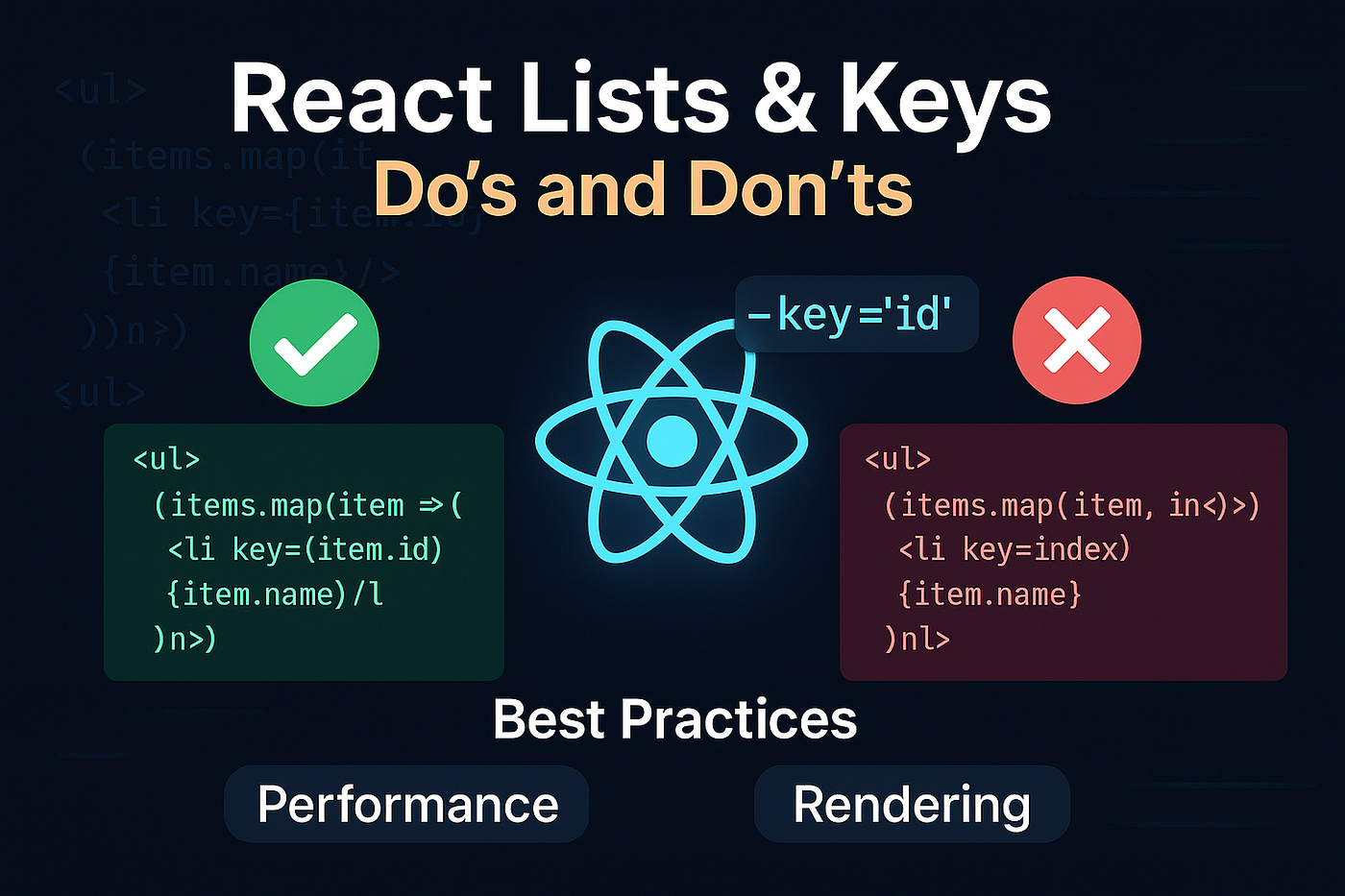
Where do you get such an ID? The official React documentation gives clear guidance.
The official documentation provides the definitive rules for keys.
Read the sections Where to get your key and Rules of keys. This formalizes what we've learned: use database IDs when available, or generate them locally upon item creation.
The best practice is to use a value that comes from your data itself:
- Data from a database: Use the primary key or a unique ID column (e.g.,
user.id,product.uuid). This is the gold standard. - Locally generated data: If you're creating items in the browser (e.g., adding tasks to a to-do list), generate a unique ID at the moment of creation. You can use a library like
uuidor the built-incrypto.randomUUID()method.
The Exception: When is index Okay?
After everything we've said, are there any situations where key={index} is acceptable? Yes, but the conditions are strict. Using index is safe if and only if the list is completely static. This means:
- The list and its items will never be re-ordered or filtered.
- Items will never be added to or removed from the list (especially not at the beginning or middle).
- The items in the list have no internal state.
A list of navigation links in a site header is a good example of a safe use case.
Interestingly, there's an advanced performance scenario where using index is not only acceptable but preferable.
React key attribute: best practices for performant lists
This final section of the DeveloperWay article reveals a pro-level optimization technique.
Read the section titled Why “index” as a “key” attribute IS a good idea. This explains how using index for something like a paginated list can be faster because it encourages re-rendering existing components instead of unmounting and remounting them.
In a paginated list, when you switch from page 1 to page 2, you are replacing the entire dataset.
- If you use
item.idas the key, React sees that all the old IDs are gone and a full set of new IDs has appeared. It will unmount all page 1 components and mount all page 2 components. - If you use
indexas the key, React sees that keys0through9still exist. It assumes they are the same components and simply re-renders them with the new data for page 2. This avoids the costly unmount/mount cycle.
This is a powerful technique, but it requires you to be certain that the items are stateless or that their state can be derived entirely from their props.
Conclusion
You now have a deep, practical understanding of one of React's most critical concepts. You can not only follow the best practices but also explain the underlying mechanics—a crucial skill for building robust, performant applications and for succeeding in senior-level technical interviews.
Key Takeaways:
- Purpose of Keys: To provide a stable identity for elements in a list, allowing React to efficiently track additions, removals, and re-ordering.
- The Golden Rule: Keys must be stable and unique among their siblings. The best key is a unique ID from your data.
key={Math.random()}: The worst anti-pattern. It forces a complete unmount and remount of the entire list on every render, destroying performance and state.key={index}: A dangerous anti-pattern for dynamic lists. It can lead to incorrect UI behavior and state corruption because the index identifies the position, not the data item.- When
indexis Safe: Only for truly static lists (no re-ordering, filtering, adding, or removing) or for specific performance optimizations like paginated views where items are stateless.
In our next module, we will transition from how React renders to what triggers those renders. We'll begin our exploration of hooks by looking at the most fundamental one of all: useState.