Welcome back! In our previous lesson, we established the crucial conceptual difference between machine learning model training and inference. We concluded that as a backend engineer, your primary responsibility is to build robust, scalable systems for the inference phase—taking a pre-trained model and making its predictive power available to users.
Today, we take our first practical step in that direction. The output of the training phase is typically a single file containing the "learned" model. Our goal is to take this file and bring the model back to life inside a Python application. This lesson will teach you how to load a serialized, pre-trained machine learning model, preparing it for use in a live system. This is the foundational skill for building any ML-integrated backend service.
From Object to File and Back Again: Serialization
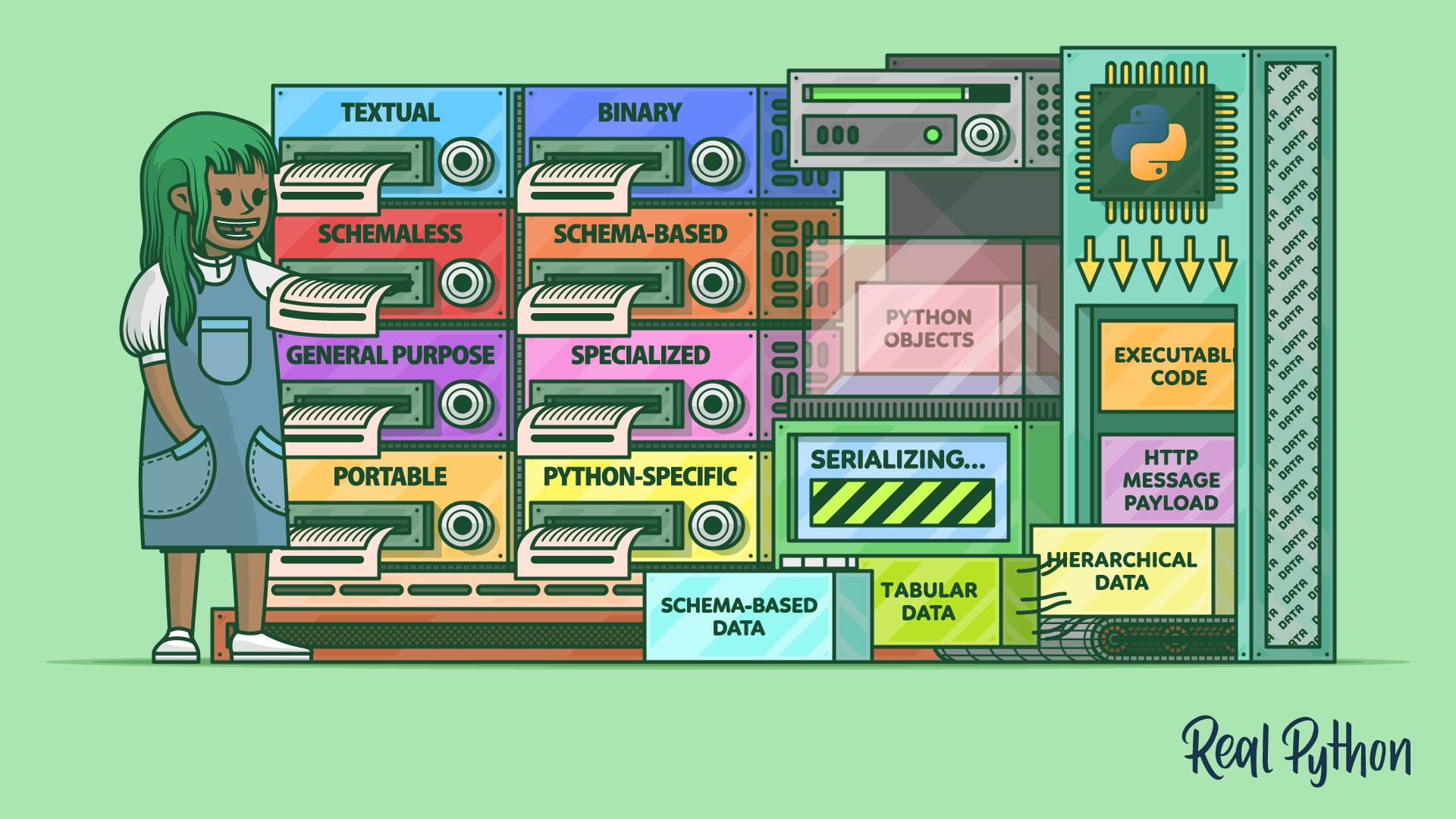
A trained machine learning model, when it exists in your Python program's memory, is just another Python object. To save this object to a file, we need a process to convert its complex in-memory structure into a flat sequence of bytes that can be written to disk. This process is called serialization.
When we need to use the model again, we read that file and reverse the process, reconstructing the original Python object from the byte stream. This is called deserialization.

The main reason we do this is to avoid retraining the model every time we need it. As you learned, training is a slow and expensive process. By serializing the trained model, we can save the result of all that hard work and reload it instantly for inference.
The codebasics video below offers a great explanation of why this is so important in practice.
Machine Learning Tutorial Python - 5: Save Model Using Joblib And Pickle
This short introduction from the video "Save Model Using Joblib And Pickle" clearly explains the motivation for saving (serializing) trained models.
Watch the first part of the video to understand why we save models, focusing on how it saves time and computational resources.
Common Serialization Tools: pickle and joblib
Python provides several ways to serialize objects. For the scikit-learn ecosystem, which is what most Python-based ML teams use, two methods are most common:
pickle: Python's built-in, standard library for object serialization. It can serialize almost any Python object.joblib: A library that is part of the SciPy ecosystem. Its serialization tools (dumpandload) are optimized for objects that contain large NumPy arrays, which is exactly what most scikit-learn models are. For this reason,joblibis often the preferred method for persisting ML models.
The mechanics of using both are very similar. You use a dump function to save the model and a load function to bring it back. The same codebasics video provides a clear, hands-on demonstration of both.
Machine Learning Tutorial Python - 5: Save Model Using Joblib And Pickle
This part of the video demonstrates the practical steps of saving and loading a model using both pickle and joblib.
First, watch the demonstration of how to use pickle to save (dump) and load a model. Next, see how to do the exact same thing using joblib, and listen for the brief explanation of when it might be more efficient.
As you saw, the basic process is straightforward: open a file, call joblib.load(file) or pickle.load(file), and you get your model object back, ready to make predictions.
Hands-On Task: Load and Use a Pre-trained Model
Now it's your turn to write the code. We will simulate the real-world workflow where a model is trained and saved in one environment, and then loaded and used for inference in another.
You will use the joblib library. First, make sure it's installed in your virtual environment:pip install joblib scikit-learn pandas
Step 1: Create the Model File (train_and_save_model.py)
First, create a Python script named train_and_save_model.py. This script represents the work a data scientist would do. It will train a simple model and serialize it to a file. Copy the following code into the script. This code is adapted from the practical tutorial by Machine Learning Mastery.
# train_and_save_model.py

import pandas
from sklearn.model_selection import train_test_split
from sklearn.linear_model import LogisticRegression
import joblib


# 1. Load the dataset
url = "https://raw.githubusercontent.com/jbrownlee/Datasets/master/pima-indians-diabetes.data.csv"
names = ['preg', 'plas', 'pres', 'skin', 'test', 'mass', 'pedi', 'age', 'class']
dataframe = pandas.read_csv(url, names=names)
array = dataframe.values
X = array[:,0:8]
Y = array[:,8]


# 2. Split the dataset (not strictly necessary for this demo, but good practice)
X_train, X_test, Y_train, Y_test = train_test_split(X, Y, test_size=0.33, random_state=7)


# 3. Fit the model on the training set
model = LogisticRegression(solver='liblinear')
model.fit(X_train, Y_train)


# 4. Save the model to disk
filename = 'diabetes_model.joblib'
joblib.dump(model, filename)

print(f"Model saved to {filename}")
Run this script from your terminal: python train_and_save_model.py. You should see a new file named diabetes_model.joblib appear in your directory. This is your serialized, "pre-trained" model.
Step 2: Load the Model for Inference (load_and_predict.py)
Now, create a second script named load_and_predict.py. This script represents the backend application that needs to use the model.
In this file, write the code to perform the following actions:
- Import the
jobliblibrary. - Define the filename of your saved model (
diabetes_model.joblib). - Use
joblib.load()to load the model from the file into a variable (e.g.,loaded_model). - Define some new, unseen data to make a prediction on. The model expects an array-like structure with 8 features. For example:
new_data = [[6, 148, 72, 35, 0, 33.6, 0.627, 50]]. - Use the
loaded_model.predict()method to get a prediction for yournew_data. - Print the result.
After you've written the code, run it from your terminal: python load_and_predict.py. If successful, it should print the model's prediction (e.g., [1], indicating a prediction of diabetes for that input).
Security, Maintainability, and the Versioning Problem
While pickle and joblib are convenient, they come with significant professional caveats that you must be aware of. The official scikit-learn documentation on model persistence is the best resource for understanding these trade-offs.
This documentation provides the authoritative guide on persisting scikit-learn models, including critical information on security and versioning that every backend developer must know.
First, read the decision guide that helps you choose a persistence method. This will help you understand why joblib or pickle are common choices for this use case. Start at the questions. Next, briefly review the code examples for pickle, joblib, and cloudpickle to see the official syntax, which should confirm what you saw in the video. Finally, and most importantly, read the entire section on Security & Maintainability Limitations. Pay very close attention to the warnings about arbitrary code execution and version incompatibility.
The key takeaways from this documentation are critical for any professional environment:
-
Security Risk: Loading a pickle file from an untrusted source is equivalent to running untrusted code. A malicious pickle file can execute arbitrary commands on your server. Rule of thumb: Only load model files that you or your team have created and trust completely.
-
Maintainability and Versioning: This is the most common problem you will face in practice. A model saved with one version of scikit-learn (e.g., 1.3.0) is not guaranteed to load correctly with another version (e.g., 1.4.0). The same applies to its dependencies, like NumPy.
This "brittleness" means that a model file is useless without knowing the exact environment it was created in. This is why tools like requirements.txt (which you've used) and Docker containers (which we will cover in Module 10) are essential for MLOps. The model artifact and its environment specification must always travel together.
Conclusion
In this lesson, you've moved from theory to practice, learning the fundamental mechanics of bringing a pre-trained ML model to life in a Python application.
Key Takeaways:
- Serialization (e.g., with
joblib.dump) saves a Python object, like a trained model, to a file. Deserialization (joblib.load) brings it back into memory. joblibis generally preferred over Python's standardpicklefor scikit-learn models because it is more efficient with large NumPy arrays.- Loading a model is a simple one-line command, but it comes with critical caveats.
- Security: Never load a serialized model file from an untrusted source.
- Versioning: A model file is tightly coupled to the versions of Python and its libraries (scikit-learn, NumPy) that were used to create it. You must ensure the loading environment matches the training environment.
You now possess the first building block for an ML-powered service. However, a model running in a local script isn't very useful. In our next lesson, we will take the loaded_model object and wrap it inside a Django REST Framework API endpoint, making its predictive power accessible over the web.