Hello! Welcome back.
In the last lesson, we took a major step toward making your game's social interactions more believable by filtering conversation Topics based on the RelationshipType between two characters. This ensures that strangers don't immediately have access to conversations meant for close friends.
Today, we'll drill down another level and add even more nuance. The learning outcome for this lesson is to filter available interactions within a topic based on the characters' traits and current moods. This is where your characters' personalities truly start to shine, influencing not just what they can talk about, but how they can say it. An angry character might have access to a "Yell At" interaction, while a playful one might be able to "Tell a Goofy Joke."
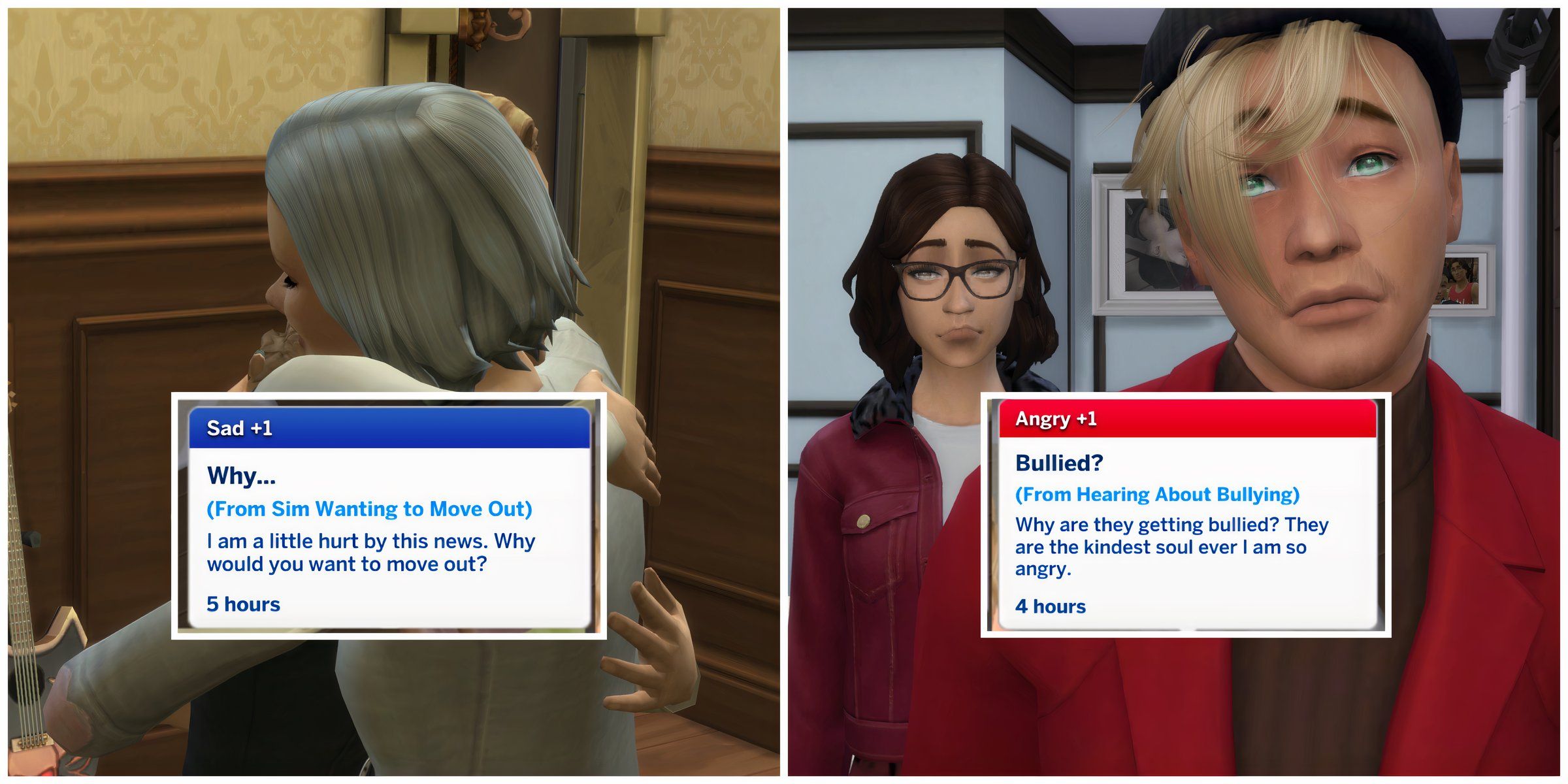
1. The "Personality" Layer in Interactions
The best life simulation games make you feel like the characters are acting according to their unique personalities. Mods for games like The Sims often focus on enhancing this aspect.
This popular mod for The Sims 4 is a perfect case study for what we're about to build. It's designed to make interactions more dependent on the sims' personalities and emotional states.
Please read the main description of the mod (sections titled 'Things you will find in this mod' and 'Interactions') and the details under the 'Restricted Romance' and 'Try For Baby' add-ons. Focus on the core principle: interactions are made available or restricted based on traits, moods, and relationships. Note the specific examples, like how 'Evil' sims are more likely to be mean, or how the 'Hates Children' trait prevents a sim from accepting the 'Try for Baby' interaction.
As the mod demonstrates, a robust conditional system is key. In our last lesson, our condition was simple: a single required relationship type. To handle traits and moods, we need a more flexible structure that can represent multiple, more complex rules.
2. Designing a Data-Driven Condition System
A powerful, data-driven approach allows us to define these rules directly in our JSON files without changing the core Rust code. For inspiration on how this is done in a large-scale project, we can look at the documentation for Cataclysm: Dark Days Ahead, a complex open-source simulation game.
NPC Dialogue JSON Documentation
The Cataclysm: DDA documentation provides an exceptionally detailed look at a professional, JSON-driven dialogue system. We will model our own condition system on these principles.
Your goal here is not to memorize every detail, but to understand the design pattern. Please review the following parts: 'Responses': Skim this section to see how a response object is structured. 'Response Availability': Read this subsection carefully. Pay close attention to the condition field. Notice how it can be used to hide a response entirely if the condition isn't met. 'Dialogue Conditions': Skim this table. You'll see an extensive list of possible conditions, from checking a character's traits (u_has_trait), stats (u_has_intelligence), or status effects to checking the environment (is_day). This demonstrates the power of defining interaction logic in data.
Inspired by this, let's design the JSON structure for our interaction conditions. We'll add a conditions object to our Interaction definition. This object will contain rules for both the speaker and the listener.
Example friends.json modification:
Let's imagine a "Brag about New Painting" interaction. It should only be available if the speaker has the Creative trait and is in a Happy mood.
// ... inside a conversation topic ...
"interactions": [
    {
        "id": "interaction_brag_painting",
        "text": "Brag about New Painting",
        "conditions": {
            "speaker": {
                "requireAllTraits": ["Creative"],
                "requireMood": "Happy"
            }
        }
        // ... effects of the interaction
    },
    {
        "id": "interaction_yell_at",
        "text": "Yell At",
        "conditions": {
            "speaker": {
                "requireMood": "Angry"
            },
            "listener": {
                "forbidAnyTrait": ["Unflappable"]
            }
        }
    }
]
This structure is expressive and extensible. We can specify required traits, forbidden traits, and required moods for both participants.
3. Implementing the Condition Structs in Rust
Now, let's create the Rust structs that will deserialize this JSON structure.
First, we need an enum for Mood. For now, we'll create a simple one. In a later stage, this could be dynamically calculated based on the character's needs and recent events.
// In a relevant module, e.g., character/mood.rs
use serde::{Deserialize, Serialize};


#[derive(Serialize, Deserialize, Debug, PartialEq, Clone, Copy)]
pub enum Mood {
    Happy,
    Sad,
    Angry,
    Playful,
    Bored,
    Fine, // A neutral default
}
Next, we'll create the structs for our condition system. The #[serde(default)] attribute is crucial here. It tells serde that if a field (like speaker or requireAllTraits) is missing from the JSON, it should be initialized with its default value (e.g., an empty Vec or None).
// In your conversation data structures file

// Represents conditions for a single character in an interaction.


#[derive(Serialize, Deserialize, Debug, Default)]
#[serde(rename_all = "camelCase")]
pub struct CharacterConditions {


    #[serde(default)]
    pub require_all_traits: Vec<String>,


    #[serde(default)]
    pub require_any_trait: Vec<String>,


    #[serde(default)]
    pub forbid_any_trait: Vec<String>,


    #[serde(default)]
    pub require_mood: Option<Mood>,
}

// Represents all conditions for an interaction.


#[derive(Serialize, Deserialize, Debug, Default)]
#[serde(rename_all = "camelCase")]
pub struct InteractionConditions {


    #[serde(default)]
    pub speaker: CharacterConditions,


    #[serde(default)]
    pub listener: CharacterConditions,
}
Finally, update your Interaction struct to include this new conditions field.
// In your conversation data structures file


#[derive(Serialize, Deserialize, Debug)]
#[serde(rename_all = "camelCase")]
pub struct Interaction {
    pub id: String,
    pub text: String,


    #[serde(default)] // Use default if "conditions" is missing
    pub conditions: InteractionConditions,
    // ... other fields like relationship/mood effects
}
4. Writing the Filtering Logic in Rust
With our data structures in place, we can now write the filtering logic. The core of this will be a function that checks if a character meets a set of CharacterConditions. This is conceptually similar to the CanPerform method discussed in some AI architectures, which determines if an action is valid in the current context.
Unity AI Tutorial: Sims-Style AI (Part 1 - Smart Objects)
This video, though focused on object interactions, introduces a very relevant concept: an interaction's CanPerform method. Our Rust function will serve the same purpose for conversations.
Watch the segment from 00:48:50 to 00:55:33. The instructor creates a 'Change Channel' interaction that inherits from a base class. It overrides the CanPerform function to add a specific check: linkTv.is_on. This is exactly what we're about to do: check specific conditions (traits and mood) before allowing an interaction.
Let's write our check_conditions function. For this example, assume you have a simplified Character struct that holds the necessary data.
// Assumed struct for character data needed for checking
pub struct CharacterView<'a> {
    pub traits: &'a Vec<String>,
    pub mood: &'a Mood,
}

/// Checks if a character meets a set of conditions.
fn check_character_conditions(
    character: &CharacterView,
    conditions: &CharacterConditions,
) -> bool {
    // 1. Check for required traits (must have ALL of them)
    if !conditions.require_all_traits.iter().all(|req_trait| character.traits.contains(req_trait)) {
        return false;
    }

    // 2. Check for required traits (must have AT LEAST ONE of them)
    if !conditions.require_any_trait.is_empty() && !conditions.require_any_trait.iter().any(|req_trait| character.traits.contains(req_trait)) {
        return false;
    }

    // 3. Check for forbidden traits (must have NONE of them)
    if conditions.forbid_any_trait.iter().any(|forbid_trait| character.traits.contains(forbid_trait)) {
        return false;
    }

    // 4. Check for required mood
    if let Some(ref req_mood) = conditions.require_mood {
        if character.mood != req_mood {
            return false;
        }
    }

    // If all checks passed, the conditions are met.
    true
}
Now you can use this helper function within a higher-level filter that processes all interactions in a topic.
// Assume this is called after you've already filtered topics by relationship
pub fn filter_interactions_in_topic<'a>(
    topic: &'a Topic,
    speaker_view: &CharacterView,
    listener_view: &CharacterView,
) -> Vec<&'a Interaction> {
    topic.interactions
        .iter()
        .filter(|interaction| {
            // Check conditions for the speaker
            let speaker_ok = check_character_conditions(
                speaker_view,
                &interaction.conditions.speaker,
            );
            if !speaker_ok { return false; }

            // Check conditions for the listener
            let listener_ok = check_character_conditions(
                listener_view,
                &interaction.conditions.listener,
            );
            if !listener_ok { return false; }

            // If both are okay, the interaction is available
            true
        })
        .collect()
}
This filtered list of interactions is what you would ultimately serialize and send back to Unity to populate the UI.
Conclusion
Fantastic! You have now implemented a second, more granular layer of filtering for your conversation system. By checking for character traits and moods, you're making your social simulation much more dynamic and personality-driven.
Key Takeaways:
- Flexible Condition System: You designed and implemented a data-driven system in JSON and Rust that can represent complex requirements for social interactions.
- Robust Deserialization: You leveraged
serde's#[serde(default)]attribute and theDefaulttrait to gracefully handle interactions that have no special conditions. - Composable Logic: You created a clean, reusable
check_character_conditionsfunction that can be applied to both the speaker and listener, making the code easy to read and maintain.
In the next lesson, we will continue down this path of adding depth to interactions. We will move from deciding if an interaction is available to determining its outcome. The next goal is to calculate interaction success rates using a compatibility score derived from both characters' personalities. This will introduce an element of chance and social skill to your conversations.