Welcome to our next lesson on feature engineering. In our previous sessions, we've focused on transforming raw data into a clean, numerical format. You've mastered scaling numerical features and encoding categorical variables, ensuring that every feature is in a language a machine learning model can understand.
Now that our data is fully numeric, we can shift our focus from transformation to optimization. Not all features are created equal; some are highly informative, while others are redundant or simply noise. The process of identifying and removing these less useful features is called feature selection. Today, we'll start with the most fundamental feature selection technique: variance thresholding. You will learn how to apply this method to filter out features that offer little to no information, making your models simpler, faster, and often more robust.
The Problem with Low-Variance Features
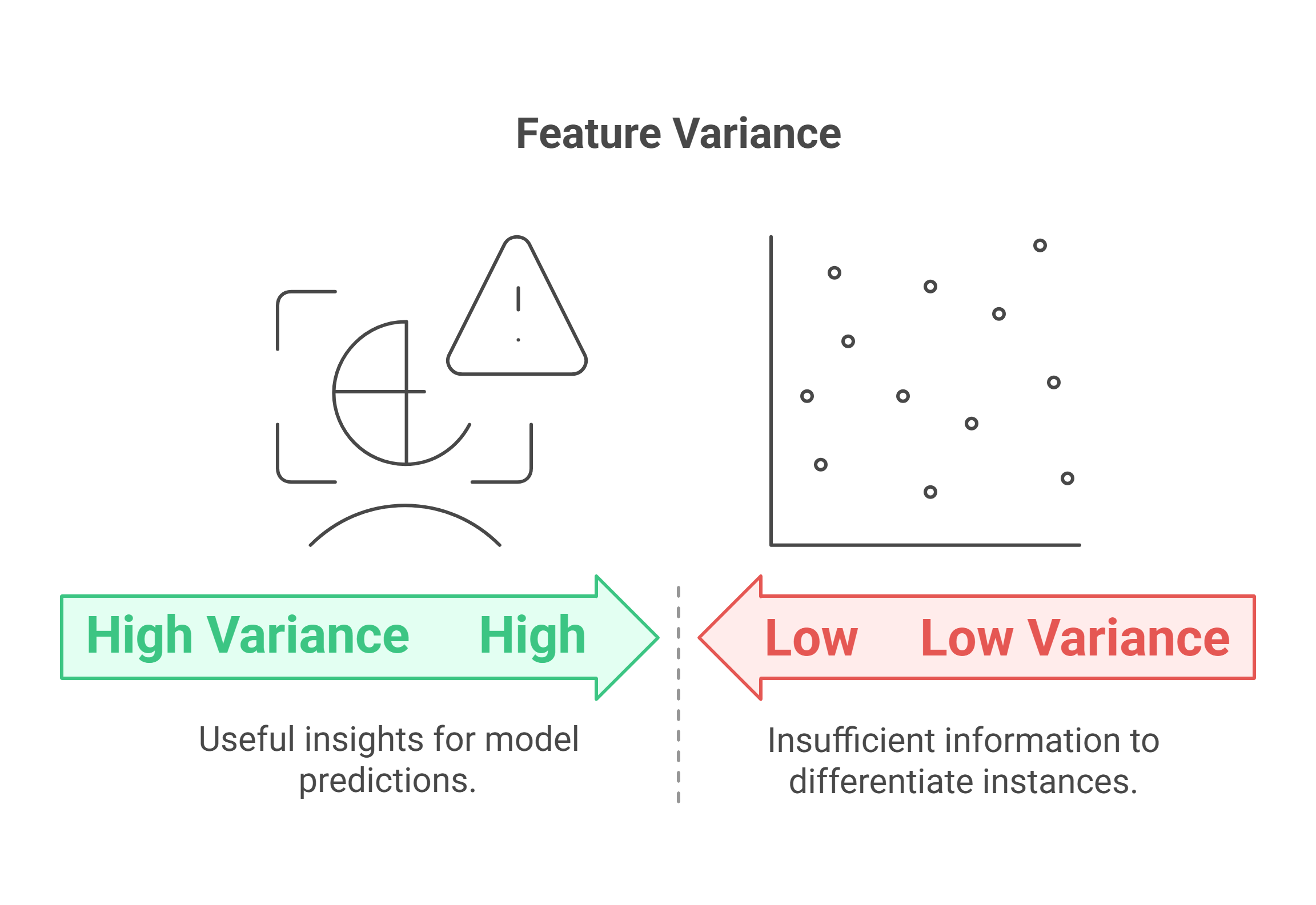
The core principle behind variance thresholding is simple: a feature that doesn't change much across your dataset can't be very useful for making predictions.
Imagine you are building a model to predict student exam scores, and one of your features is student_has_a_head. Since every student has a head, this feature is constant—it has zero variance. It provides no information to help the model distinguish between a student who will score 95% and one who will score 65%. This is an uninformative feature that can be safely removed.
This logic extends to features that are almost constant, which we call quasi-constant. A feature where 99.9% of the values are the same offers very little discriminatory power. By removing such features, we can reduce the complexity and dimensionality of our dataset without losing significant information. This often leads to faster model training and can even reduce the risk of overfitting.
To formalize this, let's briefly touch on the math. As you know from your statistics courses, variance measures the spread of data points around their mean. For a feature , the variance is calculated as:
where is the number of samples, is the value for the i-th sample, and is the mean of the feature. A variance of 0 means all values are identical. A variance close to zero means the values are tightly clustered around the mean.
The following reading provides a concise summary of the logic behind this technique.
This article from ApX Machine Learning clearly explains the intuition behind variance thresholding and the simple mathematics that powers it.
First, read the logic section to understand why low-variance features are considered uninformative. Then, review the section on calculating variance, paying attention to the formula for binary features, p(1-p). This is a useful shortcut for understanding variance in one-hot encoded features.
Applying Variance Thresholding in Scikit-Learn
Scikit-learn provides a straightforward tool for this task: sklearn.feature_selection.VarianceThreshold. Let's see how to use it.
Step 1: Removing Constant Features
The most common use case is to remove features that are completely constant. This is achieved by setting threshold=0.
In the following video, Krish Naik demonstrates this on a simple, custom-built DataFrame. This example makes the mechanism crystal clear before we apply it to a large, real-world dataset.
Tutorial 1- Feature Selection-How To Drop Constant Features Using Variance Threshold
This video provides a clear, step-by-step guide on using VarianceThreshold to drop constant features.
Watch the segment from the demonstration. Pay close attention to how VarianceThreshold is initialized, how the .fit() method works, and how the .get_support() method is used to identify which columns are being kept (where the value is True) and which are being dropped (where the value is False).
Step 2: Applying to a Real Dataset
Now, let's apply this to a more realistic scenario using the Santander Customer Satisfaction dataset, which is known to have many constant features.
A critical point to remember, which we have emphasized throughout this course, is the sanctity of the train-test split. All feature selection decisions must be based only on the training data. You will fit the VarianceThreshold object on X_train to learn which features have zero variance, and then use that same fitted object to transform both X_train and X_test. This prevents any information from the test set from leaking into your feature selection process.
The next segment of the same video demonstrates this exact workflow.
Tutorial 1- Feature Selection-How To Drop Constant Features Using Variance Threshold
This part of the video applies variance thresholding to a larger dataset, correctly following the train-test split protocol.
Watch from this segment. Notice how variance_thresh.fit(X_train) is called on the training data only. The video shows that out of 370 features, a significant number are identified as constant and can be removed, reducing the dimensionality of the data considerably.
Step 3: Removing Quasi-Constant Features
What about features that aren't perfectly constant but are very close? We can remove these "quasi-constant" features by setting a small, non-zero threshold. For example, a threshold of 0.01 can be used to remove binary features where one value is present more than 99% of the time.
Feature Selection with Filtering Method- Constant, Quasi Constant and Duplicate Feature Removal
This video from KGP Talkie explains and demonstrates the removal of quasi-constant features.
Watch the segment from this demonstration. The key takeaway is how a threshold=0.01 is used with VarianceThreshold to identify and remove features that are almost, but not entirely, constant. The video shows this step further reducing the feature space after constant features have already been removed.
A Crucial Caveat: The Importance of Scaling
There is a significant trap when using a non-zero threshold: variance is scale-dependent.
Consider two features:
feature_A: ranges from 0 to 1.feature_B: ranges from 0 to 100,000.
Even if both features have a similar distribution shape, feature_B will have a massively larger variance simply due to its scale. If you apply a single variance threshold (e.g., threshold=0.5), you might incorrectly keep feature_B and drop feature_A, even if feature_A is more informative.
Therefore, the rule is: Before applying variance thresholding with a non-zero threshold, you must scale your data. You can use the StandardScaler or MinMaxScaler that we covered in a previous lesson. This ensures all features are on a comparable scale, and the variance metric reflects the true spread of information, not just the magnitude of the values.
(Note: For removing only constant features with threshold=0, scaling is not necessary, as a variance of zero is scale-invariant.)
The following article demonstrates this principle in practice.
A Practical Guide to Feature Selection Using Sklearn
This article provides a practical walkthrough and highlights the necessity of scaling before applying a variance threshold.
Read the section on Variance threshold. The author explicitly states, "it is important to first scale our data before defining a threshold." Observe how they apply a Normalizer before calculating variance and setting a threshold. This reinforces the principle you just learned.
By removing constant and quasi-constant features, you can significantly reduce the dimensionality of your dataset. In the KGP Talkie video, this process reduced the number of features from 370 down to 245 and resulted in a 16% reduction in model training time while slightly improving accuracy. This demonstrates the practical benefit of this simple preprocessing step.
Conclusion
In this lesson, you've added the first feature selection technique to your toolkit. Variance thresholding is a simple yet effective method for cleaning your dataset of uninformative features. It serves as an excellent first pass in any preprocessing pipeline.
Key Takeaways:
- Purpose: Variance thresholding is a filter-based feature selection method used to remove features with low or zero variation.
- Mechanism: It removes features whose variance does not meet a specified threshold.
- Constant Features: Use
VarianceThreshold(threshold=0)to remove features that have the same value in all samples. - Quasi-Constant Features: Use a small, non-zero threshold (e.g.,
threshold=0.01) to remove features that are almost constant. - Scaling is Critical: For any non-zero threshold, you must scale your features first to ensure a fair comparison of variances.
- Proper Workflow: Always
fittheVarianceThresholdobject on the training data and thentransformboth the training and test sets.
We have now seen how to remove features based on their own intrinsic properties. However, features don't exist in a vacuum; they can be related to each other. In our next lesson, we will explore another powerful feature selection technique: correlation analysis, which helps us identify and remove redundant features that are highly correlated with one another.