Introduction
In our last lesson, you learned what hooks are and how to use add-hook to attach simple functions to events, like displaying a message when text-mode starts. This was a crucial first step in making Emacs work for you automatically.
Today, we'll build on that foundation to achieve a more practical and powerful result, addressing the learning outcome: Write a practical hook function to customize behavior for a specific major mode. Instead of just running a single command, you will write a dedicated function that bundles several customizations together. We'll then hook this function into org-mode—a powerful tool for writers and thinkers—to create a tailored environment that activates automatically, bringing you closer to your goal of shaping Emacs to your unique workflow.
1. Why Customize on a Per-Mode Basis?
As a writer with experience in various media, you know that the ideal environment for drafting a novel chapter is different from the one for outlining a marketing strategy or scripting a video. Emacs, through its system of major modes, recognizes this need for context-specific setups. Hooks are the bridge that lets you define what those setups look like.
For example, when writing prose, you might want automatic line wrapping and spell-checking. When writing code, you'd want different indentation rules and syntax highlighting.
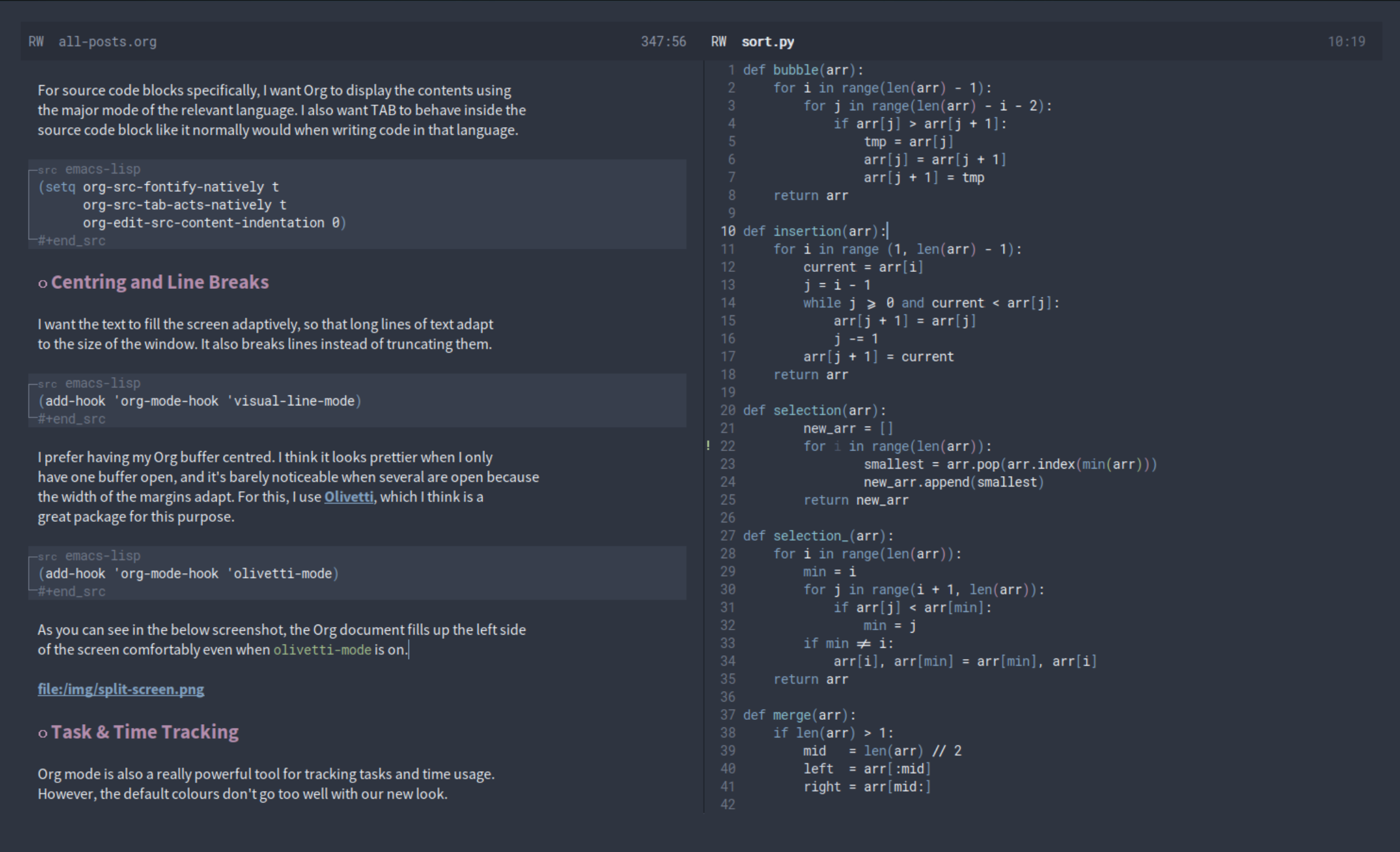
To begin, let's explore an article that frames this exact problem and presents the solution we'll be using today.
Emacs: how to activate the functionality X for all files of type Y?
The article 'Emacs: how to activate the functionality X for all files of type Y?' by Arialdo Martini directly addresses our goal for this lesson. It gives clear examples and explains the underlying concepts well.
Please read the introduction and the 'A sample use case' section. Notice how the author identifies specific needs for different file types, such as enabling olivetti-mode for prose in Markdown and Org files. This is the mindset we'll adopt.
2. Building Your Custom Writing Environment
As the article suggests, a common use for mode hooks is to enable a set of minor modes that create a specific environment. Rather than adding each minor mode to the hook individually, it's cleaner to create a single function that encapsulates our desired setup. This makes our configuration more organized and easier to manage.
Let's create a function that sets up a comfortable environment for writing prose in Org mode. Our function, which we'll call ar/org-prose-setup, will do two things:
- Enable
visual-line-modeto wrap long lines of text so they are always visible. - Enable
flyspell-modeto provide on-the-fly spell checking.
Here is the code. Let's break it down line by line.
(defun ar/org-prose-setup ()
  "Create a comfortable environment for prose writing in Org mode."
  (interactive)
  ;; Enable visual line wrapping. This is a 'soft' wrap; it doesn't
  ;; insert actual newline characters into your text.
  (visual-line-mode 1)

  ;; Turn on the integrated spell-checker.
  (flyspell-mode 1)

  ;; Display a confirmation message in the echo area.
  (message "Prose environment enabled: visual lines and spell-check are on."))
(defun ar/org-prose-setup () ...): Defines our new function. Using a personal prefix likear/is a great habit for namespacing your functions to avoid conflicts with other Emacs packages."...": The docstring, explaining what the function does.(interactive): While not strictly necessary for a hook function (since hooks are run non-interactively), it's good practice to include it. It allows you to test the function manually by runningM-x ar/org-prose-setup.(visual-line-mode 1)and(flyspell-mode 1): These expressions enable the respective minor modes. Passing an argument of1(or any positive number) explicitly turns the mode on.
3. Attaching Your Function to org-mode-hook
Now that you've defined your setup function, it's time to tell Emacs to run it automatically whenever org-mode starts. As you learned in the previous lesson, add-hook is the perfect tool for this.
Your Turn: Activate Your Custom Environment
-
Copy the
ar/org-prose-setupfunction definition from above into your*scratch*buffer. -
Place your cursor after the final parenthesis and press
C-x C-eto evaluate and define the function. -
Now, copy the following line into your
*scratch*buffer and evaluate it as well:(add-hook 'org-mode-hook #'ar/org-prose-setup) -
Test it! Open a new file ending in
.org(e.g.,C-x C-f my-novel.org). As the buffer opens, you should see the message "Prose environment enabled..." in the echo area. Long lines you type will wrap automatically, and misspelled words will be highlighted.
You have just created your first piece of practical, automated Emacs customization!
The article you read earlier explains the mechanics of this process in more detail.
Emacs: how to activate the functionality X for all files of type Y?
Let's return to the article 'Emacs: how to activate the functionality X for all files of type Y?' to solidify your understanding of the underlying mechanics.
Please read the sections 'Major modes', 'Hooks', and 'Adding a function in a hook'. These sections explain how a major mode is just a function, how mode hooks are conventionally named and run, and why add-hook is the right tool for this job.
4. An Alternative: Anonymous Functions (Lambdas)
For very simple customizations, defining a whole new function with defun can feel like overkill. If your customization is just a one-liner, you can use an anonymous function, also known as a lambda.
A lambda function is a function without a name. You define it right where you use it. For example, if all you wanted to do in org-mode was set the fill-column (which controls where auto-fill-mode wraps lines), you could write:
(add-hook 'org-mode-hook
          (lambda ()
            (setq fill-column 72)))
This is concise, but has a trade-off:
- Pros: Quick and easy for simple, single-purpose actions.
- Cons: Cannot be easily reused elsewhere. Harder to remove from a hook, as you don't have a name to reference.
For a multi-step setup like our ar/org-prose-setup, using defun is the superior approach. It keeps your add-hook call clean and makes the setup function reusable and easy to modify.
5. Advanced Hook Patterns: A Glimpse Forward
Hooks can be chained together to create very sophisticated behaviors. Consider this powerful pattern, which is used in many advanced Emacs configurations:
- You add a function to
prog-mode-hook(a parent hook for all programming modes). - When you open a Python file,
python-modestarts, which in turn runs theprog-mode-hookfunctions. - Your function in
prog-mode-hookthen checks if the current mode is indeedpython-mode. - If it is, your function adds another function to a buffer-local hook, like
before-save-hook.
The result? You've created a behavior (e.g., automatically running a code formatter) that only triggers when you save a Python file, and this entire setup was initiated by simply opening the file. You don't need to implement this now, but it's useful to see the potential. Hooks are not just for setting variables; they are for programming the very behavior of your editor in response to events.
The System Crafters video "Creating Custom Minor Modes" demonstrates a similarly advanced pattern, where a mode hook is used to add a save hook for tangling Org files. While the video focuses on creating minor modes (a topic for a future lesson), its practical example at the end (from 00:34:05 onwards) is a masterclass in combining hooks to automate a complex workflow.
Conclusion
In this lesson, you moved from simply knowing what a hook is to using one to build a practical, automated enhancement to your workflow. By creating a dedicated setup function and attaching it to org-mode-hook, you've taken a significant step toward making Emacs your own.
Key Takeaways:
- Mode hooks are the primary tool for creating context-specific environments in Emacs.
- It's best practice to bundle multiple setup actions into a single, named function using
defun. - This setup function can then be added to the appropriate mode hook (e.g.,
org-mode-hook,python-mode-hook) usingadd-hook. - For simple, one-off actions, a
lambda(anonymous function) can be a concise alternative to a named function.
Preview of the Next Lesson
Hooks allow us to run our code around existing Emacs functions—when a mode starts, a file is saved, etc. But what if we want to change what an existing function itself does? For example, what if we wanted to add a logging feature to the built-in save-buffer command? For this, we need a different mechanism. In the next lesson, we will explore advice, a powerful feature that lets you "wrap" new behavior around any existing function.