Hello! Welcome back to our C++ ray tracer project.
In the last two lessons, we established a solid foundation. We created the hittable abstract class, which provides a universal "contract" for any object a ray can intersect. We also designed the hit_record struct, a data packet that carries all the essential details of an intersection—its location, surface normal, and material.
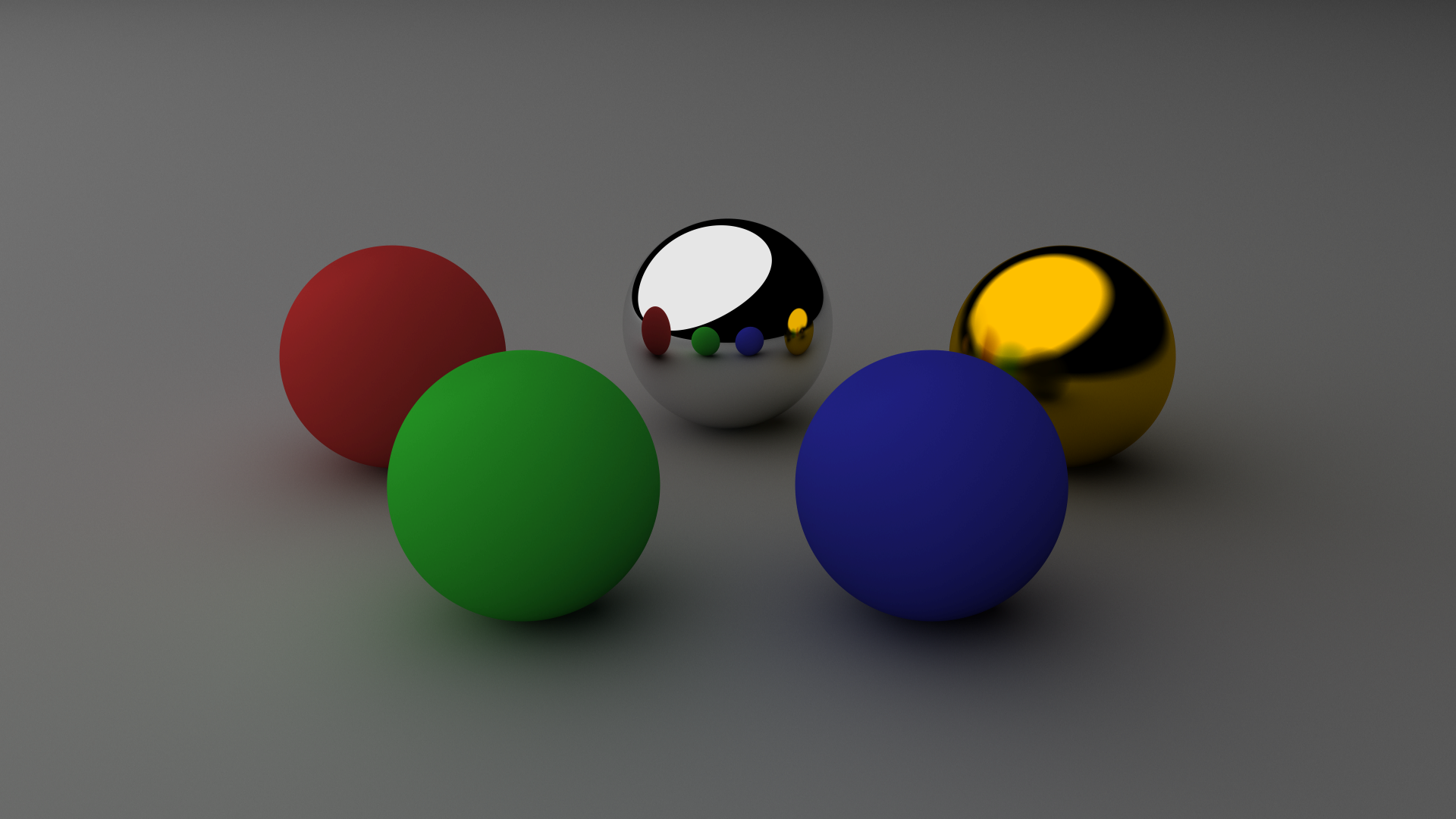
So far, we can only handle objects in isolation. Our goal is to render complex scenes with many objects, like the ones you're used to seeing from production renderers. Today's lesson is the bridge to that goal. We will create a hittable_list class, a container to manage a collection of hittable objects, effectively representing our entire "world" or "scene."
This step combines object-oriented design with the C++ data structures we reviewed in Module 1, moving us significantly closer to rendering interesting images.
1. The Core Idea: A List of Objects
To render multiple objects, our ray tracer needs to perform a simple but critical task for every ray:
- Test the ray for intersection against every object in the scene.
- If the ray hits multiple objects, determine which hit is the closest to the camera.
- Use the information from that closest hit for shading.
A natural way to manage these objects in code is to store them in a list. The Cherno provides a great conceptual overview of this process.
Rendering Multiple Objects // Ray Tracing series
Let's watch this segment from The Cherno's 'Rendering Multiple Objects' video. He explains the fundamental logic of iterating through objects to find the closest intersection.
Watch from 01:37 to 03:38. Focus on the core algorithm he describes: for a given ray, check all spheres, and if there are multiple hits, use the one with the smallest 't' value.
As he explains, the key is tracking the closest_t value. This ensures that if a ray passes through multiple objects, we only "see" the first one it encounters.
2. Designing the hittable_list Class
We could implement this logic directly in our main rendering loop, but a more elegant and scalable solution is to encapsulate it within a class. Given your computer science background, you might recognize this as an application of the Composite design pattern. We will create a hittable_list class that not only holds other hittable objects but also inherits from hittable itself.
This means we can treat our entire scene (the hittable_list) as just another hittable object. Our main ray_color function won't need to know if it's dealing with a single sphere or a list of a million objects; it just calls the hit() method. This abstraction is incredibly powerful.
Let's look at the implementation from Ray Tracing in One Weekend, which will be our primary guide.
Please read this section from 'Ray Tracing in One Weekend'. It introduces the hittable_list class, showing how it inherits from hittable and uses std::vector and std::shared_ptr to manage the collection of objects.
Read the entire section titled 'A List of Hittable Objects'. Pay close attention to the class definition in the hittable_list.h code block and the explanation of std::vector and std::shared_ptr that follows.
Based on this reading, let's create a new header file, hittable_list.h, with the following structure:
#ifndef HITTABLE_LIST_H
#define HITTABLE_LIST_H

#include "hittable.h"

#include <memory>
#include <vector>

class hittable_list : public hittable {
  public:
    std::vector<std::shared_ptr<hittable>> objects;

    hittable_list() {}
    hittable_list(std::shared_ptr<hittable> object) { add(object); }

    void clear() { objects.clear(); }
    void add(std::shared_ptr<hittable> object) { objects.push_back(object); }

    bool hit(const ray& r, double ray_tmin, double ray_tmax, hit_record& rec) const override;
};

#endif
Let's break down the key C++ features here, which connect back to our first module:
std::vector<...>: This is a dynamic array from the C++ Standard Library. It will hold our collection of objects and automatically handle resizing as we add more.std::shared_ptr<hittable>: We store smart pointers to ourhittableobjects.- Pointers are necessary because
hittableis an abstract base class. We can't store concretesphereorplaneobjects directly in a container ofhittables. Polymorphism requires pointers or references. - Smart pointers (
shared_ptr) are used to automate memory management. When thehittable_listis destroyed, thevectoris destroyed, and theshared_ptrs will automatically decrement their reference counts, deleting the objects if they are no longer in use anywhere. This helps prevent memory leaks, a common pitfall in C++.
- Pointers are necessary because
3. Implementing the hit Method
Now for the core logic. The hit method of our hittable_list is where the algorithm we discussed earlier is implemented. It iterates through its objects vector and determines if the ray r hits any of them within the valid range [ray_tmin, ray_tmax].
Here is the implementation of the hit method, which you should add to your hittable_list.h file (or a corresponding .cpp file if you prefer to separate declaration from implementation):
// In hittable_list.h, after the class definition...

bool hittable_list::hit(const ray& r, double ray_tmin, double ray_tmax, hit_record& rec) const {
    hit_record temp_rec;
    bool hit_anything = false;
    auto closest_so_far = ray_tmax;

    for (const auto& object : objects) {
        if (object->hit(r, ray_tmin, closest_so_far, temp_rec)) {
            hit_anything = true;
            closest_so_far = temp_rec.t;
            rec = temp_rec;
        }
    }

    return hit_anything;
}
Let's analyze this code step-by-step:
hit_record temp_rec;: A temporary struct to hold intersection data from each object test. We don't want to write to the finalrecuntil we're sure we've found the closest hit.bool hit_anything = false;: A flag to track whether we've hit anything at all. This will be our return value.auto closest_so_far = ray_tmax;: This is the most critical variable. It starts as the maximum allowed distance for a valid hit. Each time we find a closer object, we update this value.for (const auto& object : objects): A simple loop through everyhittableobject in our list.if (object->hit(r, ray_tmin, closest_so_far, temp_rec)): We call thehitmethod on the current object. Notice the third argument isclosest_so_far, notray_tmax. This is a crucial optimization. It tells the object'shitfunction, "Don't bother reporting any hits that are farther away than the one we've already found."- If a closer hit is found:
hit_anything = true;: We update our flag.closest_so_far = temp_rec.t;: We shrink our search space. Future intersection tests in this loop will now use this new, smaller maximum distance.rec = temp_rec;: We copy the data from our temporary record to the final output record.
When the loop finishes, rec will contain the data for the closest object hit by the ray (if any), and the function will return true if any object was hit.
Test your understanding!
In the hittable_list::hit method's loop, what would be the consequence of passing the original ray_tmax to object->hit() every time, instead of the updated closest_so_far?
- Would the final rendered image be incorrect?
- Would the performance be different? Why?
Show answer
-
The final image would still be correct. The logic still correctly identifies the
closest_so_fartvalue and updates the finalrecwith the correcthit_record. The final output is determined by therec = temp_recline, which is only executed when a closer hit is found. -
The performance would be significantly worse. Using
closest_so_faras the new maximum distance is a powerful optimization. It allows thehitfunction of subsequent objects to perform an "early out". For example, if a ray hits a sphere att=10, there's no need to calculate the full intersection for another sphere that is att=20. The second sphere'shitfunction can returnfalseas soon as it determines its hittwould be greater thanclosest_so_far(which is 10). Without this optimization, every object along the ray's path would need to be fully tested for intersection, even if it's hidden behind a closer object.
This hittable_list is the final piece of our scene abstraction puzzle for now. We have a generic object interface (hittable), a way to store hit results (hit_record), and now a container that manages a list of objects and can find the closest one (hittable_list).

Conclusion
In this lesson, we built the hittable_list class, a container that is central to building complex scenes.
Key Takeaways:
- A
hittable_listmanages a collection of objects that implement thehittableinterface. - By inheriting from
hittableitself, the list can be treated as a single object (the "world"), simplifying the main render loop. - We use
std::vector<std::shared_ptr<hittable>>as the underlying container, leveraging modern C++ features for flexibility and safe memory management. - The
hittable_list::hitmethod implements the crucial logic of iterating through all objects and using aclosest_so_farvariable to efficiently find the nearest intersection.
Next Steps
We now have all the pieces in place to render our first multi-object scene! In the next lesson, we will update our main() function to create a hittable_list instance, add a few spheres to it, and pass this "world" object to our ray_color function. You will finally see multiple objects appear in your rendered image.