Hello! Welcome to your next lesson in the "Core Java & JVM Internals" module.
In our last session, we dug into diagnosing critical JVM errors like StackOverflowError and OutOfMemoryError. We learned how objects reside on the heap and how poor management can lead to memory exhaustion. Today, we'll zoom in on a fundamental concept related to objects and memory: the distinction between primitive types and their object counterparts, the wrapper classes.
This lesson is designed to help you explain the difference between primitive types and wrapper classes, including autoboxing and its performance implications. This topic is a cornerstone of many Java interview questions. You'll often be asked to analyze code snippets and identify subtle performance bugs or predict the output of tricky comparisons, all of which hinge on the concepts we'll cover today.
1. Primitives vs. Wrappers: The "What" and "Why"
In Java, we have two ways to represent data: as primitive types or as objects.
-
Primitive Types: These are the basic data types built into the language (
int,double,char,boolean, etc.). They are not objects. They hold their values directly in the memory allocated for them, typically on the stack for local variables. They are simple, fast, and memory-efficient. -
Wrapper Classes: For each primitive type, Java provides a corresponding "wrapper" class (
Integer,Double,Character,Boolean, etc.). These are full-fledged objects that "wrap" a primitive value. As objects, they are allocated on the heap and have all the features of objects, such as methods and the ability to benull.
To begin, let's get a clear overview of these wrapper classes and their primary purpose.
What is Wrapper Class In Java - Explanation with Examples
The following video from Mukesh otwani provides a concise introduction to what wrapper classes are and, most importantly, why they are a necessary part of the Java language.
Watch the following two segments: 00:00 - 03:10: This part lists the eight primitive types and their corresponding wrapper classes. 25:30 - 28:30: This segment answers the crucial question: 'When do we use them?' Pay close attention to the example with ArrayList. This is the single most important reason wrapper classes exist.
As the video highlighted, the primary motivation for wrapper classes is Java's Collections Framework. Collections like ArrayList and HashMap are designed to store objects. You cannot create an ArrayList<int>; you must use ArrayList<Integer>.
Additionally, wrapper classes provide useful utility methods (e.g., Integer.parseInt("123") to convert a string to an int) and can hold a null value, which is impossible for a primitive. This is essential in many applications, such as when modeling data from a database where a number field might be empty.
2. Autoboxing and Unboxing: The Compiler's Magic Trick
Before Java 5, converting between primitives and wrappers was a manual process:
// Manual "boxing"
int primitiveInt = 10;
Integer wrapperInt = Integer.valueOf(primitiveInt);

// Manual "unboxing"
Integer anotherWrapper = Integer.valueOf(20);
int anotherPrimitive = anotherWrapper.intValue();
To simplify this, Java 5 introduced autoboxing and auto-unboxing. This is a compiler feature that automatically performs these conversions for you.
- Autoboxing: The automatic conversion of a primitive type to its corresponding wrapper class.
- Auto-unboxing: The automatic conversion of a wrapper class object to its corresponding primitive type.
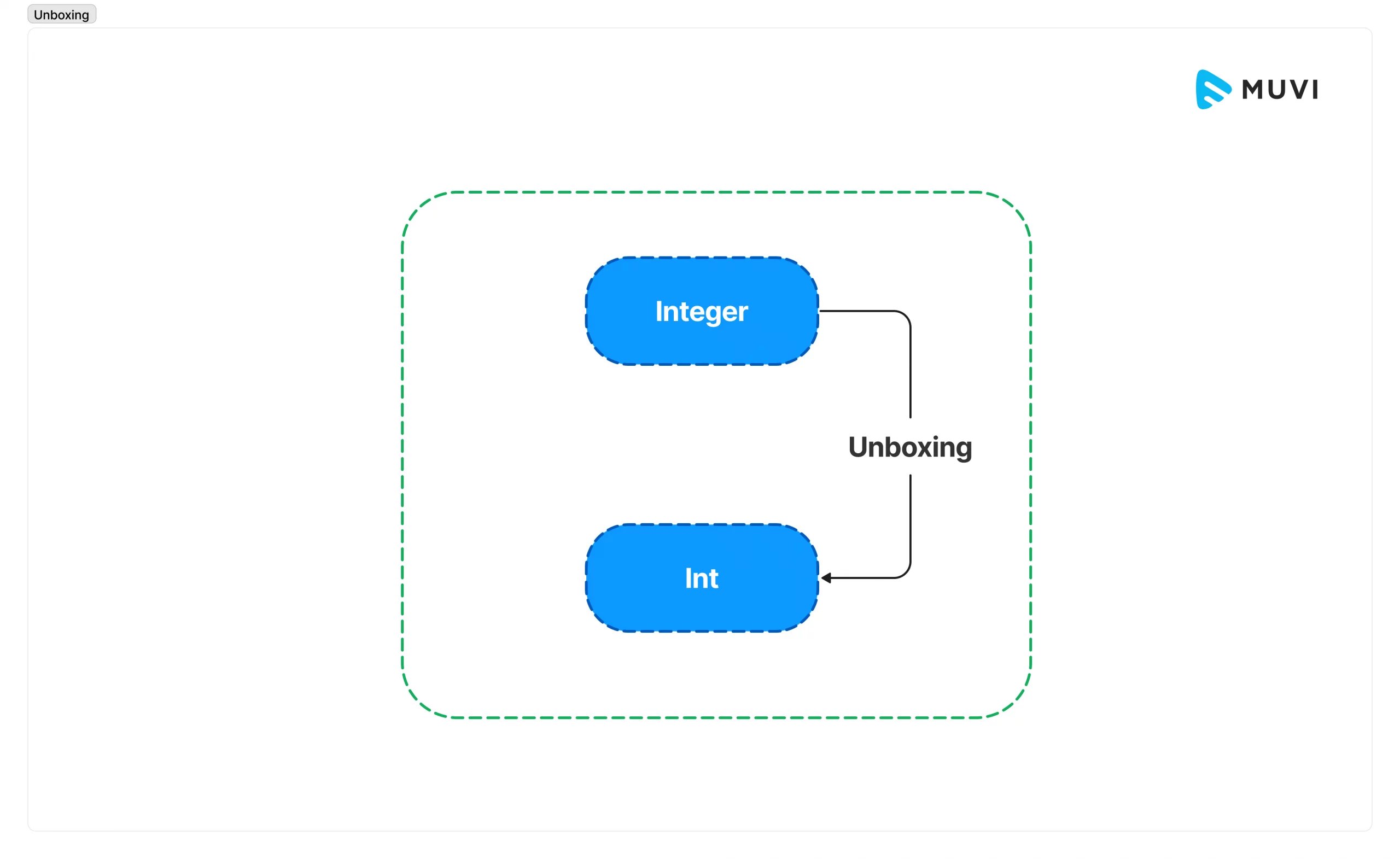
To understand how this works under the hood, it's helpful to see what the compiler is actually doing.
How Java’s Autoboxing and Unboxing Work
The article 'How Java’s Autoboxing and Unboxing Work' on Medium provides a perfect, concise explanation of the internal mechanics.
Read the section 'How Autoboxing and Unboxing Work Internally'. Focus on how the compiler rewrites your code. For example, Integer obj = num; becomes Integer obj = Integer.valueOf(num);, and int sum = obj + 10; becomes int sum = obj.intValue() + 10;.
So, when you write code like this:
Integer myNumber = 42; // Autoboxing
int result = myNumber + 8; // Auto-unboxing myNumber, then calculation
The compiler is actually generating bytecode equivalent to:
Integer myNumber = Integer.valueOf(42);
int result = myNumber.intValue() + 8;
This makes the code cleaner, but as we'll see next, it hides operations that have a real performance cost.
3. Performance Implications and Interview Hotspots
While autoboxing is convenient, it's not free. Unnecessary boxing can lead to significant performance degradation, a topic frequently explored in senior-level interviews.
Memory and GC Overhead
The core issue stems from where these types live:
int: 4 bytes, stored directly on the stack (for local variables).Integer: An object on the heap, which requires significantly more memory (typically 16 bytes or more) to store the value plus object metadata (the "header").
Each autoboxing operation can potentially create a new object on the heap. In performance-critical code, especially inside loops, this creates thousands or millions of short-lived objects, putting pressure on the Garbage Collector and consuming CPU time that could be spent on application logic.
Master Java Performance: Boxing & Unboxing Deep Dive
Let's examine this cost more closely. The article 'Master Java Performance' offers a great summary of the performance impact.
Read the sections 'Memory Management in Java: Heap, Stack, and Garbage Collection' and 'Performance Impact of Boxing and Unboxing'. This will solidify the connection between autoboxing, heap allocation, and GC workload.
Consider this classic bad-performance example:
Long sum = 0L; // Wrapper type
for (long i = 0; i < 1_000_000; i++) {
    sum = sum + i; // Inefficient!
}
Inside this loop, for every iteration, the following happens:
- The
Long sumis auto-unboxed to a primitivelong. - The addition
long + longis performed. - The result is autoboxed back into a new
Longobject. - The new object reference is assigned to
sum.
This creates one million Long objects, leading to significant GC activity. The correct, performant version uses a primitive:
long sum = 0L; // Primitive type
for (long i = 0; i < 1_000_000; i++) {
    sum = sum + i; // Efficient!
}
The Integer Cache: A Classic Interview Trap
To mitigate the performance impact of creating too many objects, Java employs a clever optimization for some wrapper types. The most famous is the Integer cache.
Java pre-allocates and caches Integer objects for a specific range of values. By default, this range is -128 to 127.
When you autobox an int within this range, Java returns a reference to the same, pre-existing object from the cache instead of creating a new one. This leads to some very tricky behavior with the == operator, which compares object references (memory addresses), not values.
This video is dedicated entirely to this tricky concept.
Integer Caching In Java - Tricky Interview Question
The concept of Integer Caching is a favorite for interviewers to test your deep understanding of wrappers and object identity. This video from Naveen AutomationLabs explains it perfectly.
Watch from 00:33 to 05:26. The video clearly demonstrates: The default caching range for Integer. Why == returns true for values inside the cache. Why == returns false for values outside the cache. How using new Integer() always creates a new object and bypasses the cache.
Let's summarize the key trap:
Integer a = 100; // From cache
Integer b = 100; // From cache
System.out.println(a == b); // true (a and b point to the SAME object)

Integer x = 200; // Outside cache, new object created
Integer y = 200; // Outside cache, another new object created
System.out.println(x == y); // false (x and y point to DIFFERENT objects)

// To correctly compare the values of wrapper objects, ALWAYS use .equals()
System.out.println(x.equals(y)); // true
Test your understanding!
An interviewer shows you this code snippet. What will it print and why?
public class Main {
    public static void main(String[] args) {
        Integer i1 = 127;
        Integer i2 = 127;
        System.out.println(i1 == i2);

        Integer i3 = 128;
        Integer i4 = 128;
        System.out.println(i3 == i4);
    }
}
Show answer
The code will print:
true
false
Explanation:
- The value
127is within the defaultIntegercache range (-128 to 127). Therefore,i1andi2are assigned references to the exact same cachedIntegerobject. The==operator compares these references, finds them to be identical, and returnstrue. - The value
128is outside the cache range. The JVM creates anew Integer(128)fori3and anothernew Integer(128)fori4. Sincei3andi4refer to two distinct objects in heap memory,==returnsfalse.
For senior roles, it's also good to know that the upper bound of this cache is configurable. You can change it using the JVM argument -XX:AutoBoxCacheMax=<size>. This can be useful in applications that frequently use integers just outside the default range.
Conclusion
Understanding the interplay between primitives, wrappers, and autoboxing is crucial for writing efficient and bug-free Java code. It moves beyond just knowing the syntax to understanding the performance consequences of your code choices.
Key Takeaways:
- Primitives are simple values (on the stack), while Wrappers are objects (on the heap).
- Wrapper classes are primarily needed for Java Collections and to represent
nullvalues. - Autoboxing/unboxing is a compiler convenience that automatically calls
valueOf()andxxxValue()methods, but this convenience has a performance cost in terms of memory allocation and GC pressure. - Be extremely careful with autoboxing inside loops or other performance-sensitive code sections.
- The
Integercache (from -128 to 127) optimizes object creation but creates a trap for the==operator. Always use.equals()to compare the values of wrapper objects.
In our next lesson, we will tackle another fundamental and often misunderstood concept: pass-by-value in Java. Today's discussion on primitive values vs. object references provides the perfect foundation for understanding what really gets passed into a method.