Welcome to the first lesson of your journey toward becoming an AI Research Engineer. Although you have a strong technical background, we will begin from first principles as you requested, ensuring a robust and complete foundation. This initial module focuses on mastering Python, the primary language of modern AI and machine learning.
In this lesson, you will learn to write basic Python scripts. We will cover the fundamental building blocks of any program: how to store information in variables, how to make decisions using control flow statements like if and else, how to repeat actions with for and while loops, and how to organize your code into reusable functions. Mastering these concepts is the essential first step before we can build and understand complex algorithms.
1. Storing Information: Variables and Data Types
At its core, a program manipulates data. A variable is a name that we assign to a location in memory used to store a piece of data. This allows us to label and refer to information throughout our script.
The video below, from the "Programming with Mosh" channel, provides a clear introduction to variables and the fundamental data types in Python.
Python Variables - Python Tutorial for Beginners with Examples | Mosh
Watch the first three minutes of this video on Python variables.
Pay close attention to: The concept of a variable as a label for data in memory, explained from the beginning. The four primitive data types introduced: integers (whole numbers), floats (numbers with decimals), booleans (True/False), and strings (text), covered from here. Note the case-sensitivity of boolean values (True, False).
As you saw, Python has several built-in or "primitive" data types:
- Integers (
int): Whole numbers, like10,-5, or1000. - Floats (
float): Numbers with a decimal point, like3.14,-0.001, or9.99. - Booleans (
bool): Represent truth values. They can only beTrueorFalse. - Strings (
str): Sequences of characters used to represent text, enclosed in single ('...') or double ("...") quotes.
The quality and readability of your code are paramount, especially in a research context where others (and your future self) will need to understand and replicate your work. Adhering to a consistent style is crucial.
Python Variables - Python Tutorial for Beginners with Examples | Mosh
Please continue with the same video to learn about naming conventions.
Watch the segment from this point on best practices for naming variables. The conventions discussed are part of PEP 8, Python's official style guide.
To summarize the key best practices for variable naming:
- Use descriptive names:
learning_rateis better thanlr. - Use lowercase letters:
student_count, notStudentCountorSTUDENT_COUNT(capitalized names have special meanings we'll see later). - Separate words with underscores: This style is called
snake_case.
Here is an example combining these concepts:
# Variable assignments
model_name = "GPT-4"  # A string
version = 4.0        # A float
is_public = True     # A boolean
token_limit = 32768  # An integer


# Using the variables
print(f"Model: {model_name}, Version: {version}")
print(f"Is it public? {is_public}")
2. Directing Your Program: Control Flow
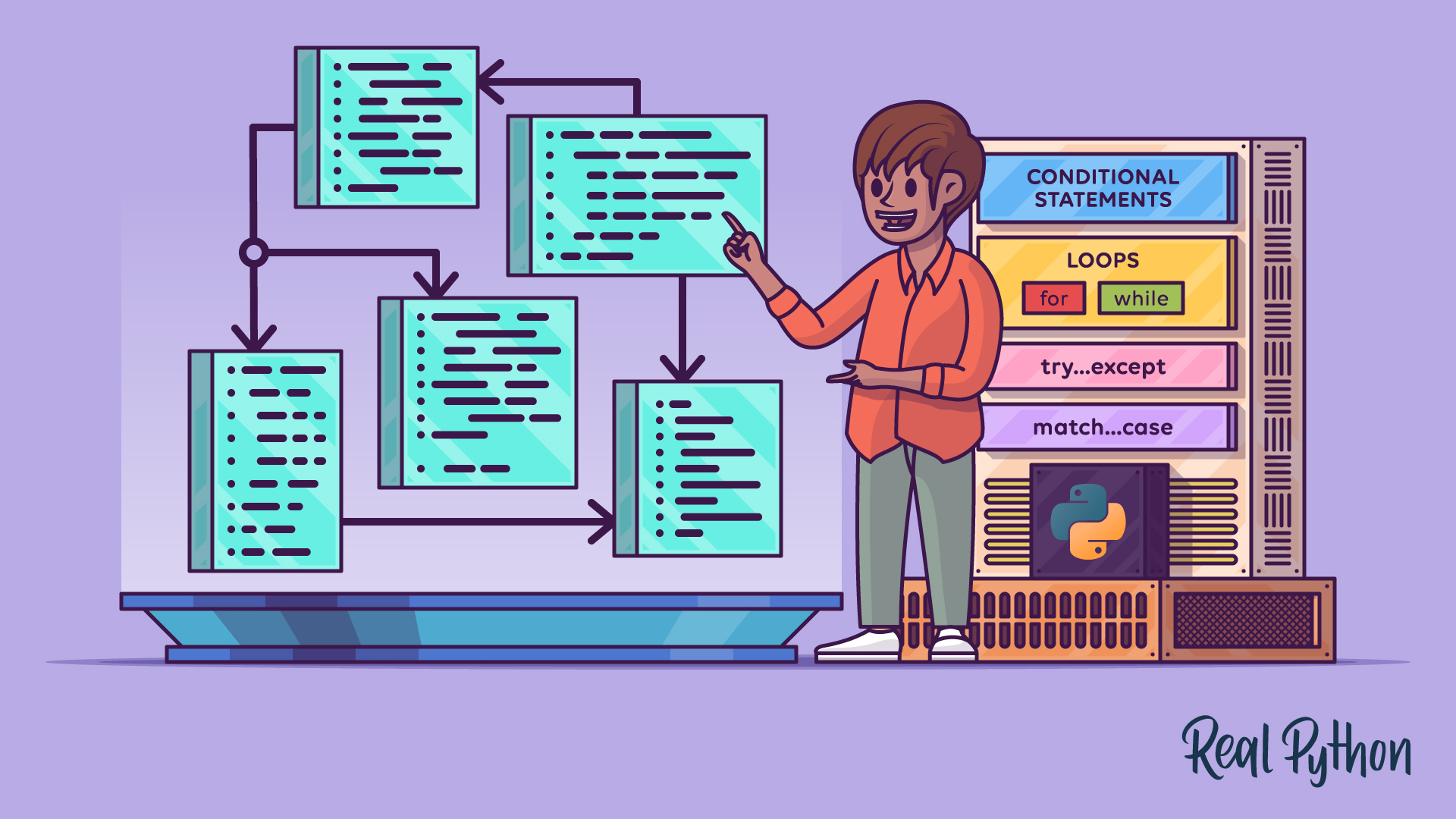
By default, a Python script executes sequentially from top to bottom. Control flow structures allow you to alter this path, enabling your program to make decisions or repeat actions based on specific conditions.
Making Decisions with if, elif, and else
Conditional statements allow your code to execute different blocks of logic based on whether a condition is true or false. The fundamental keywords are if, elif (short for "else if"), and else.

The following video provides a practical walkthrough of how to construct these statements.
Control Flow in Python - If Elif Else Statements
Watch this video on conditional statements.
The first part, from the beginning, explains the basic if statement and highlights the critical role of indentation. In Python, indentation defines code blocks; it is not just for style. The next section, from here, introduces elif for checking multiple conditions and else for handling the default case when no if or elif conditions are met.
To create more complex conditions, you can use the logical operators and, or, and not.
Control Flow in Python - If Elif Else Statements
Continue with the same video to learn about logical operators and other advanced conditional techniques.
The segment on logical operators shows how to combine multiple boolean expressions. Pay attention to the concept of short-circuit evaluation. This is an important optimization where the interpreter stops evaluating a logical expression as soon as the outcome is determined. Finally, watch the section on chaining operators. This is a more readable, "Pythonic" way to check if a value falls within a range.
Here's a code example that uses these concepts to classify a model's parameter count:
parameters_in_billions = 175

if parameters_in_billions > 500:
    print("This is a very large model.")
elif 100 <= parameters_in_billions <= 500:
    print("This is a large model.")
elif 1 <= parameters_in_billions < 100:
    print("This is a medium-sized model.")
else:
    print("This is a small model.")
Notice the chained comparison 100 <= parameters_in_billions <= 500, which is much cleaner than writing parameters_in_billions >= 100 and parameters_in_billions <= 500.
Repeating Actions with for and while Loops
Loops are control flow structures that repeat a block of code. Python has two main types of loops: for loops and while loops.
Control Flow Structures in Python
The Real Python article "Control Flow Structures in Python" provides a comprehensive written explanation of loops. Please read the section on repeating code with loops.
Start at the heading Repeating Code With for and while Loops. Read through the subsections covering: The for Loop: Focus on how it is used to traverse iterables, which are objects that can be looped over, like lists or strings. The while Loop: Understand how it is used for conditional iteration—repeating as long as a condition is true. break and continue: Learn how these statements alter a loop's execution. break exits the loop entirely, while continue skips to the next iteration.
-
A
forloop is used when you have a collection of items (like a list) and you want to perform an action for each item.# A list of hyperparameters to try learning_rates = [0.1, 0.01, 0.001, 0.0001] print("Trying the following learning rates:") for rate in learning_rates: print(rate) -
A
whileloop is used when you want to repeat a block of code as long as a certain condition remains true. It's useful when you don't know in advance how many times you need to iterate.# An example simulating model training that stops when loss is low enough loss = 0.9 epoch = 0 while loss > 0.1: loss = loss * 0.8 # Simulate loss decreasing epoch += 1 print(f"Epoch {epoch}: Loss = {loss:.4f}") print(f"\nTraining stopped after {epoch} epochs.")
3. Encapsulating Logic: Functions
As your scripts become more complex, you'll find yourself repeating the same blocks of code. Functions are named, reusable blocks of code designed to perform a single, specific task. They are the cornerstone of writing organized, modular, and maintainable programs.
A function is defined using the def keyword, followed by the function name, parentheses () for parameters, and a colon :. The code inside the function must be indented. The return statement is used to send a value back from the function.
Control Flow Structures in Python
Let's refer back to the Real Python article to see how the return statement fits into control flow.
Find the section titled "Exploring Other Structures Related to Control Flow" and read the subsection on The return Statement. Notice that return immediately exits the function, giving you another way to control the execution path.
Here is how you would define and use a simple function:
def calculate_accuracy(correct_predictions, total_predictions):
    """Calculates the accuracy given the number of correct and total predictions."""
    if total_predictions == 0:
        return 0.0  # Avoid division by zero

    accuracy = (correct_predictions / total_predictions) * 100
    return accuracy


# Use the function
acc = calculate_accuracy(85, 100)
print(f"Model accuracy: {acc}%")


# Using the early return for the edge case
acc_no_data = calculate_accuracy(0, 0)
print(f"Model accuracy with no data: {acc_no_data}%")
This function takes two arguments (correct_predictions and total_predictions), performs a calculation, and returns the result. The text in triple quotes is a "docstring," a good practice for explaining what a function does.
Conclusion
In this lesson, you established the foundational programming skills in Python. You learned how to:
- Store data using variables and understand basic types like integers, floats, booleans, and strings.
- Control the flow of your program with
if/elif/elsefor decision-making andfor/whileloops for repetition. - Encapsulate logic into reusable functions with
defandreturn.
These concepts are the essential grammar of the Python language. Everything you build from here, no matter how complex, will be constructed from these fundamental pieces.
In our next lesson, we will build upon this foundation by exploring more powerful and expressive ways to work with functions and data structures in Python, including list comprehensions, generators, and decorators. These tools will enable you to write more concise and efficient code, a critical skill for both research and engineering.