Hello! Welcome back.
In our last lesson, you did a fantastic job refining the application's design, transforming it from a basic layout into a polished, professional-looking tool. You now have a visually complete application with a cohesive color palette, proper spacing, and clear user interface components.
Today, we shift our focus from "how it looks" to "how it works." We are entering the Testing and Finalizing module, a critical phase before any application is ready for the world. This lesson addresses the learning outcome: Perform manual end-to-end testing of all features with valid inputs.
This means we will act like a typical user and systematically check every feature of your application from start to finish. Our goal is to confirm that when a user does everything correctly, the app behaves exactly as expected. This is often called "happy path" testing, and it's the first and most important step in ensuring your app is reliable.
1. What is End-to-End Testing?
Before we start clicking around, let's clarify what "end-to-end" testing really means. It's about testing the entire application flow from the perspective of the user, verifying that the complete system works together.
To get a clear definition, let's watch a short video clip.
Software Testing Tutorial #28 - End to End Testing in Software Testing
This video from Software Testing Mentor provides a concise explanation of End-to-End (E2E) testing.
Watch from 00:52 to 02:39. Pay close attention to the idea of testing from the 'end-user perspective' and verifying the 'start to finish' process.
As the video explains, you're simulating how a real person would use your app. This is crucial because it's the first time we're testing all the parts—the HTML frontend, the JavaScript interactivity, and the Flask backend—all working together.
2. The "Happy Path": Focusing on Valid Inputs
For this lesson, we are focusing exclusively on the "happy path." This is the ideal scenario where the user enters valid information and follows the intended steps without making any mistakes.

Testing the happy path first ensures your application's core promise is met. Before we worry about errors, we need to prove the main features work.
How to Test an App Before Launch: The 2026 Developer ...
The article 'How to Test an App Before Launch' explains why testing these core flows is the foundation of being 'ready to launch.'
Read the sections 'What "ready to launch" actually means' and 'Step 1: Lock down your "core flows" and test them end-to-end.' Focus on the definition of the 'Happy path' as the scenario where 'Everything goes right.'
3. Identifying Your Application's Core User Flows
To test your app methodically, you first need to identify its core user flows (also called user journeys). A user flow is the sequence of steps a user takes to accomplish a specific task.
For example, in an e-commerce app, a core flow is: Login -> Search for an item -> Add to cart -> Checkout.
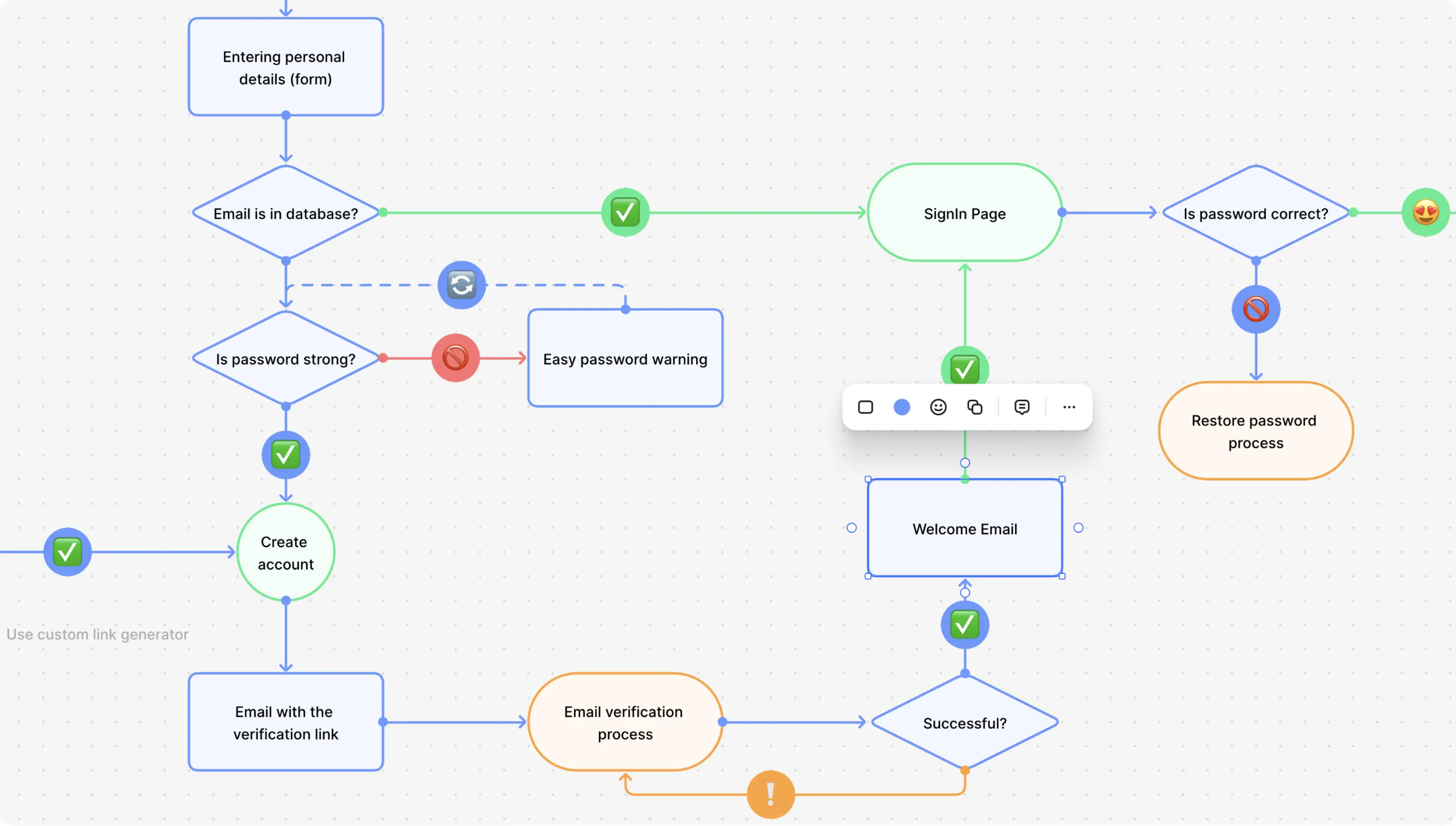
Let's define the core user flows for your text analysis application. Based on the features you've built, they are:
- Text Analysis: A user enters text, selects the "Analysis" tab, clicks the button, and sees the word and character count results.
- Grammar Correction: A user enters text, selects the "Correct Grammar" tab, clicks the button, and sees the AI-generated corrected text.
- Text Summarization: A user enters text, selects the "Summarize" tab, clicks the button, and sees the AI-generated summary.
- Copy Result: After getting a result from the AI, the user clicks the "Copy to clipboard" button.
- Character Counter: As a user types into the text area, the character count updates in real-time.
These five flows cover all the main functionality of your application. Now, let's create a plan to test them.
4. Creating Your First Test Plan
A test plan doesn't have to be complicated. It's just a structured way to document what you're testing. We'll create a simple checklist with test cases. Each test case includes:
- The feature being tested.
- The exact steps to perform.
- The result you expect to see.
We can use a simple table format for this. Let's create the first test case together for the "Text Analysis" flow.
| Test Case ID | Feature | Steps to Reproduce | Expected Result | Actual Result | Status (Pass/Fail) |
|---|---|---|---|---|---|
| TC-01 | Text Analysis | 1. Open the application. 2. The "Analysis" tab should be active by default. 3. Type "Hello world" into the text area. 4. Click the "Analyze Text" button. |
The results area should display: - Word Count: 2 - Character Count: 11 |
Test your understanding!
Now it's your turn. Using the format above, how would you write a "happy path" test case for the Copy Result feature?
Show answer
Here is an example test case for the "Copy Result" feature:
| Test Case ID | Feature | Steps to Reproduce | Expected Result | Actual Result | Status (Pass/Fail) |
|---|---|---|---|---|---|
| TC-04 | Copy Result | 1. Follow steps for TC-02 (Grammar Correction) to get a result. 2. Click the "Copy to clipboard" button. 3. Open a text editor (like Notepad or a new browser tab's address bar). 4. Paste the content (Ctrl+V or Cmd+V). |
The AI-generated text from the results area is pasted into the text editor, exactly as it appeared in the app. |
5. Practical Exercise: Execute Your Test Plan
Now it's time for the hands-on part. You are going to be the first official user of your application!
Your Task (30-40 minutes):
-
Create the Full Test Plan:
Create a simple document or use a piece of paper. Recreate the table structure above and write out the test cases for all five core user flows we identified. UseTC-01,TC-02, etc., for the IDs.- TC-01: Text Analysis (we did this one together).
- TC-02: Grammar Correction.
- TC-03: Text Summarization.
- TC-04: Copy Result (you outlined this in the exercise).
- TC-05: Real-time Character Counter.
-
Run Your Application:
Open your terminal, navigate to your project folder, and start your Flask server just as you've done before (python app.py). Open the application in your web browser. -
Execute the Tests:
Go through each test case in your plan, one by one.- Follow the "Steps to Reproduce" exactly.
- Observe what happens in the application and record it in the "Actual Result" column.
- Compare the "Actual Result" to the "Expected Result."
- If they match, mark the Status as "Pass." If they don't, mark it as "Fail" and make a brief note of what went wrong.
To get a better sense of what to look for, the following resource provides an excellent checklist. While it covers more than just the happy path, it gives you a good idea of what professional testers check.
Functional Testing Checklist for Web Application
The 'Functional Testing Checklist for Web Application' from Sahi Pro provides a detailed breakdown of things to test. We are doing a manual version of this.
Quickly read through the sections '1. User Interface (UI) Testing', '2. Forms and Input Validation', and '14. Data Integrity Testing'. Pay attention to the 'Steps to Execute' and 'Example Test Case' in each. This will give you a mindset for what to look for, like making sure buttons work and data is displayed correctly.
This methodical process is far more effective than random clicking. It ensures you don't miss any features and provides a clear record of what works and what might be broken.
Conclusion
Congratulations on completing your first round of testing! This is a massive step toward building a reliable and professional application. You've moved from being just a creator to also being a quality guardian of your own work.
Key Takeaways:
- End-to-End (E2E) testing verifies your entire application from the user's perspective.
- The "happy path" is the ideal user journey where everything works as expected with valid inputs. It's always the first thing you should test.
- Identifying core user flows helps you break down your application into testable parts.
- A simple test plan with test cases brings structure and rigor to your testing process, ensuring no feature is overlooked.
In our next lesson, we'll address the other side of the coin: testing with invalid inputs and edge cases. We will intentionally try to break the application to find weaknesses and make it more robust.