Hello! Welcome back to your course on affiliate marketing with ClickBank.
Introduction
In our last lesson, you created a one-week content calendar, giving you a clear, strategic plan for what to post and when. That's a crucial step towards building a consistent social media presence.
But now you might be thinking, "How am I going to create all this content?" The good news is, you don't have to start from scratch every single time. This is where one of the most powerful and efficient content strategies comes into play: repurposing.
Today's lesson will teach you how to repurpose content from a blog post into a series of engaging social media updates. You'll learn how to take a single, high-effort article—like a product review or a "how-to" guide you've written—and break it down into a week's worth of social media posts. This "work smarter, not harder" approach is essential for scaling your affiliate marketing business without burning out.
The Core Concept: Content Atomization
The fundamental idea behind repurposing is to treat your long-form content, like a blog post, as a central asset. Then, you break that asset down into smaller, platform-specific pieces. This concept is often called content atomization.
Imagine your blog post is a large, valuable gold bar. It’s powerful on its own, but you can’t spend it everywhere. By "atomizing" it, you melt it down and mint it into many smaller, valuable gold coins—each one perfect for a different purpose or platform.

To dig into the "why" behind this strategy, let's look at a short reading that explains the powerful benefits of this approach.
Repurpose Content for Social Media a Practical Guide
This article from EvergreenFeed, 'Repurpose Content for Social Media a Practical Guide', introduces the strategic value of repurposing. It clearly explains why this is a 'superpower' for any content creator.
Please read the first three sections, starting from the top down to 'The Strategic Value of Content Repurposing'. Focus on understanding the concept of content atomization and the key benefits outlined in the table (Time Savings, Audience Reach, etc.).
As you just read, repurposing isn't just about saving time. It's about maximizing the reach of your best ideas, reinforcing your authority in your niche, and reaching different audience segments where they are most active.
A Systematic Approach to Repurposing
Having a system is key to making this process efficient. A great way to think about it is to categorize your repurposed content into two main paths: text-based and video-based.
- Text-based posts can include quote graphics, short text posts, or educational carousels.
- Video-based posts are typically short-form videos (like Instagram Reels or TikToks) that summarize a key tip or idea from your article.
This video provides an excellent visual walkthrough of such a system.
TURNING 1 PIECE OF CONTENT INTO 10 | My content strategy for juggling multiple platforms
In this clip from 'TURNING 1 PIECE OF CONTENT INTO 10', creator Modern Millie breaks down her content system. While her main example is a YouTube video, she explains exactly how a blog post fits perfectly as the starting 'macro' content.
Please watch these two key sections: The Content Structure (00:54 - 02:26): Notice how she defines 'macro content' (your blog post) and splits the repurposing process into 'text-related' and 'video-related' streams. Applying the Model to a Blog Post (09:00 - 09:56): This section shows you precisely how your blog post can be the source for social media captions, carousels, and even short video scripts.
The takeaway here is that your blog post is a treasure trove. The text can be directly adapted for platforms like LinkedIn or used in Instagram carousels, while the core ideas and tips can serve as scripts for short videos.
Practical Techniques: From Blog Post to Social Post
Now, let's get into the practical, hands-on techniques for transforming specific elements of your blog post into engaging social media updates. It's not about just copying and pasting; it's about adapting.
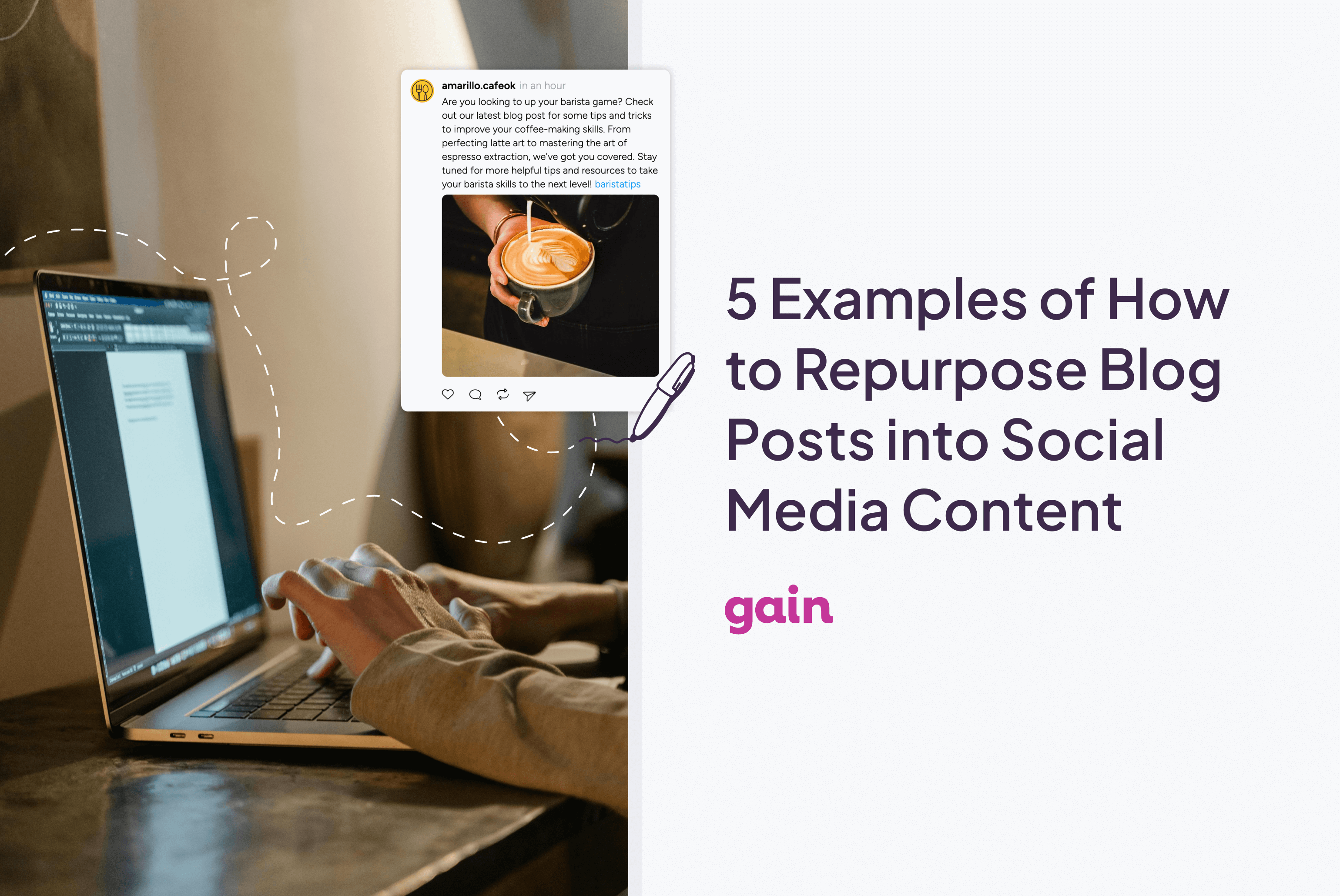
The following resource provides an incredibly useful "Conversion Matrix" that shows you exactly how to do this.
Repurpose Content for Social Media a Practical Guide
Let's return to the EvergreenFeed article. This time, we'll focus on the 'how-to' section, which includes a brilliant matrix for converting blog elements into specific social media formats.
Please read the section 'Adapting Your Content for Every Platform'. Study the 'Blog Post to Social Media Content Conversion Matrix' carefully. Then, read the specific examples that follow for LinkedIn, Instagram Reels, and Twitter threads. Pay attention to how each example takes a specific piece from a blog post and re-formats it to feel native to the social platform.
Your Turn: Let's Practice
To make this concrete, let's do a quick exercise. Imagine you've written a blog post titled: "A Beginner’s Guide to Choosing Your First ClickBank Product."
Based on the matrix and examples you just studied, think about how you would repurpose the following elements from that post.
-
A Key Statistic: "Products with a Gravity Score over 50 have a higher likelihood of conversion for new affiliates."
- How would you turn this into an Instagram Reel?
Click to see an example
You could create a 10-second Reel. The opening text on screen could be: "Don't make this ClickBank mistake!" Then, show a screen recording of you scrolling past low-Gravity products, with a big "X" over them. The final shot could have the text: "Focus on Gravity > 50 for better results. Link in bio for the full guide!"
- How would you turn this into an Instagram Reel?
-
A Numbered List: The post contains a section titled "The 3 Key Metrics to Check," which lists: 1. Gravity Score, 2. Avg $/conversion, 3. Initial $/conversion.
- How would you turn this into an Instagram Carousel or a Twitter Thread?
Click to see an example
For an Instagram Carousel:
- Slide 1 (Cover): "The 3 ClickBank Metrics You MUST Check."
- Slide 2: "1. Gravity Score: Your proof of demand."
- Slide 3: "2. Avg $/Conversion: Your potential earnings."
- Slide 4: "3. Initial $/Conversion: Your upfront commission."
- Slide 5 (CTA): "Want to see how to analyze these? Read my full guide! Link in bio."
- How would you turn this into an Instagram Carousel or a Twitter Thread?
-
A Strong Opinion: "My advice: Beginners should ignore high-ticket offers and focus on products with a solid Gravity score and recurring commissions first."
- How would you turn this into a LinkedIn post?
Click to see an example
You could create a text-only post starting with that opinion. Then add 2-3 short paragraphs explaining your reasoning (e.g., building momentum is more important than a single big commission). End with an engaging question like: "For affiliate marketers here—did you start with high-ticket or low-ticket offers? What was your experience?"
- How would you turn this into a LinkedIn post?
This exercise shows how one article can be deconstructed into multiple, valuable social media posts, each tailored to its platform.
Quick-Fire Ideas for Maximum Engagement
To round out your strategy, here are a few more quick and powerful techniques you can use to generate even more posts from a single article.
The article "11 Techniques To Repurpose Long-Form Blogs For Social Media" by The Social Media Hat is full of great ideas. Here are three of the best ones for boosting engagement:
-
Turn Claims into Polls: Find a bold statement in your blog. For example, "A good pre-sell page is more important than the product itself." Turn this into a poll on Instagram Stories or LinkedIn: "What's more important for an affiliate sale? A) A great product, or B) A great pre-sell page?" This invites interaction and gives you audience insights.
-
Share a "Hot Take": Pull a strong, slightly controversial opinion from your blog post. Post it as a text graphic or a short text post with the simple question, "Agree or disagree?" This is designed to spark conversation and debate in the comments.
-
Break Down a Case Study into a Series: If your blog post includes a story or case study (e.g., "How I made my first $100 with Product X"), break it into a multi-part series for your social feed.
- Post 1: The Problem ("I was struggling to get clicks...")
- Post 2: The Turning Point ("Then I discovered this product...")
- Post 3: The Outcome ("...and here are the results.")
This format builds suspense and encourages followers to come back for the next part.
Conclusion
You now have a powerful, sustainable system for creating social media content. Instead of facing a blank calendar with dread, you can now look at your existing blog posts as a goldmine of potential updates.
Key Takeaways:
- Work Smarter: Repurposing allows you to maximize the return on the time and effort you invest in creating long-form content.
- Content Atomization: A single "macro" blog post can be broken down into dozens of "micro" social media updates.
- Adapt, Don't Just Copy: The key to successful repurposing is to tailor each piece of content to the specific format and audience expectations of each social media platform.
- Mine for Everything: You can repurpose stats, lists, quotes, opinions, images, and case studies into graphics, videos, carousels, threads, and polls.
Preview of the next lesson:
So far in this module, we've focused on creating and planning content to broadcast on your own profiles. In our final lesson for this module, we'll shift gears to a more interactive strategy: engaging in online communities (like Facebook Groups and Reddit) to build authority and drive traffic without spamming. This is about joining the conversation, not just starting it.