Welcome back to your course on the Azure ecosystem. In our last lesson, we explored Azure Policy, establishing it as the automated "engine" that enforces the governance rules and organizational standards we design. We've defined the guardrails for our cloud environment; now, we'll address the equally critical question of how to forecast its cost.
This lesson focuses on a vital skill for any architect or principal engineer: estimating cloud costs. This isn't just about avoiding budget overruns; it's a fundamental part of architectural design. The financial implications of choosing one service over another, or one configuration over another, are as significant as the technical trade-offs. We will dissect the two primary tools Azure provides for this purpose—the Pricing Calculator and the Total Cost of Ownership (TCO) Calculator—and understand their distinct roles in the planning lifecycle.
By the end of this lesson, you will be able to estimate cloud costs for a given architectural scenario, selecting the appropriate tool and methodology for either a high-level business case or a detailed technical budget.
Strategic vs. Tactical: Two Calculators for Two Questions
A common point of confusion is understanding the difference between the Azure Pricing Calculator and the TCO Calculator. They both have "calculator" in the name and deal with cost, but they answer fundamentally different questions and are used at different stages of the cloud journey.
- The Total Cost of Ownership (TCO) Calculator answers the strategic question: "Why should we move to the cloud, and what are the potential savings compared to our on-premises environment?"
- The Azure Pricing Calculator answers the tactical question: "What will this specific architecture cost to run in Azure?"
Think of it this way: the TCO Calculator is for the CFO and helps build the business case. The Pricing Calculator is for the engineering team and helps build the budget for a specific design.
This article provides an excellent breakdown of this distinction.
Azure TCO Vs Pricing Calculator – Are You Using Them Right?
This article clearly articulates the different purposes of the two calculators. It's a great starting point for understanding which tool to use and when.
Please read the following sections: The introduction, which sets the stage. What is the Azure TCO Calculator?, which defines its role as a comparison tool. What is the Azure Pricing Calculator?, which defines its role for estimating specific service costs. The section Azure TCO vs Pricing Calculator, paying close attention to the comparison table. It succinctly summarizes the purpose, use case, detail level, and audience for each tool.
The TCO Calculator: Building the Business Case
The TCO Calculator is primarily a tool for migration planning. Its purpose is to create a compelling financial argument for moving from an on-premises data center to Azure by comparing the total costs of both scenarios. It forces a holistic view of costs, accounting for factors that are often overlooked in a simple hardware-to-VM comparison.
To use the TCO Calculator, you define your existing on-premises workloads, including:
- Servers: Number of physical or virtual servers, CPU cores, RAM.
- Databases: Types like SQL Server or MySQL and their configurations.
- Storage: Total capacity and type (e.g., SAN).
- Networking: Outbound bandwidth requirements.
The tool then combines this with a set of adjustable assumptions about on-premises operational costs, such as electricity, data center space, and IT labor costs. The output is a high-level report comparing your current spending with the projected Azure spending, highlighting potential savings.

The value here is in shifting the conversation from "How much will Azure cost?" to "How much are we overspending by staying on-premises?"
Azure TCO Vs Pricing Calculator – Are You Using Them Right?
Let's continue with the same article to see when the TCO calculator is most useful and understand its limitations.
Read the sections When to use the Azure TCO Calculator and the pros and cons under the heading Azure TCO Calculator. Notice that its strength lies in building a business case, but its weakness is a lack of granular detail for actual budgeting.
The Pricing Calculator: Modeling the Architecture
Once the strategic decision to use Azure is made (or for any new "greenfield" project), the Azure Pricing Calculator becomes your primary tool. It allows you to build a detailed, line-item cost estimate for a specific architecture.
This is where your system design skills are paramount. The calculator is simply a tool; its output is only as accurate as the architectural inputs you provide. A vague understanding of the workload will lead to a vague and unreliable estimate. As with any system, "garbage in, garbage out."
John Savill brilliantly explains the level of architectural detail required before you even open the calculator. It's not just about picking a VM size; it's about considering every related component.
Master the Azure Pricing Calculator
In this video, John Savill masterfully explains why a detailed architecture is a non-negotiable prerequisite for accurate cost estimation.
Watch the first section of the video, from the beginning to the whiteboard discussion. Pay close attention to how he deconstructs a single Virtual Machine into a constellation of billable components: OS disks, data disks, snapshots, backup, monitoring logs, network egress, and more. This is the level of detail required for a meaningful estimate.
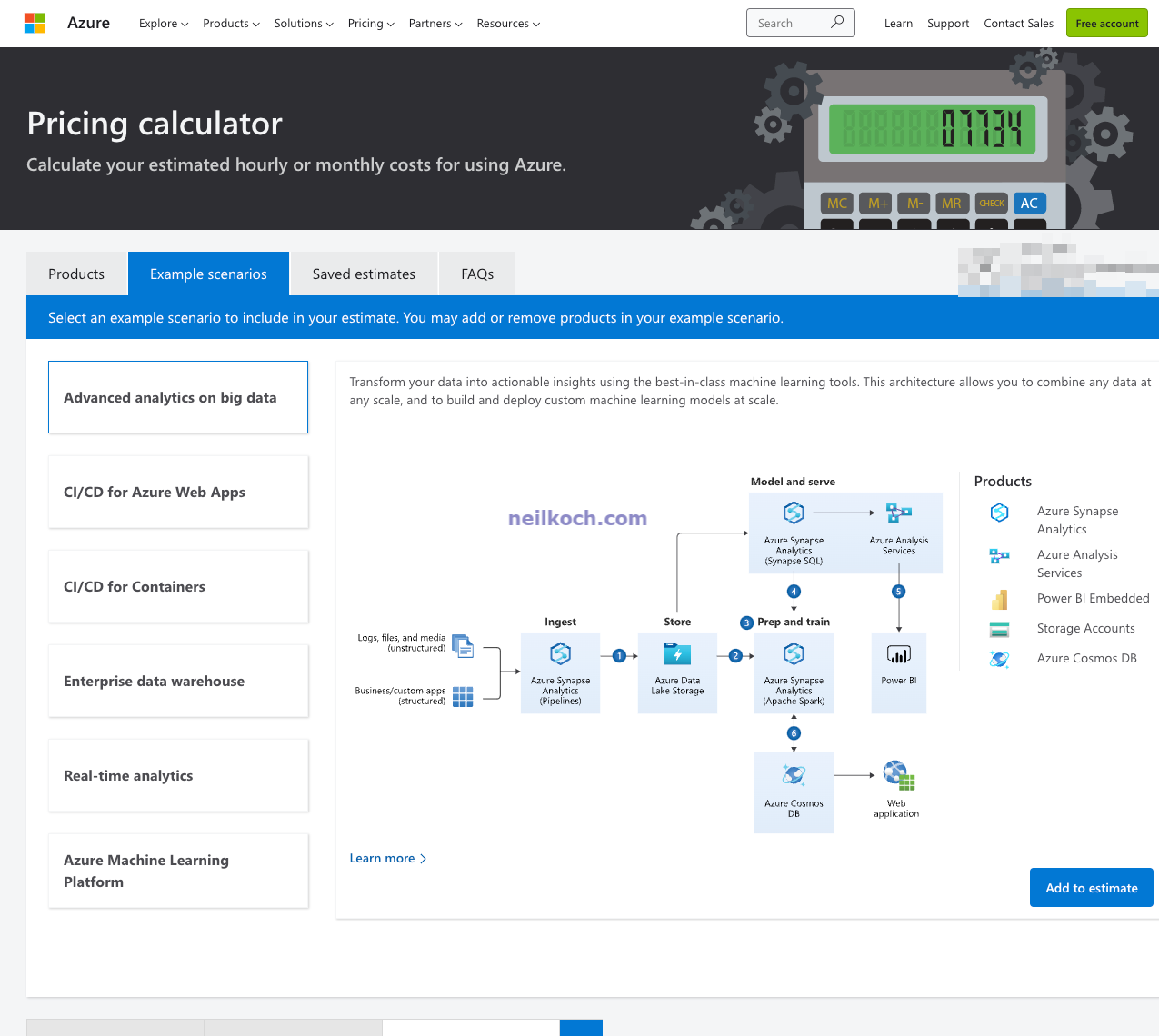
As you saw, a single service often pulls in costs from many others. Let's see how this plays out in the calculator itself. The following demonstration shows how you would build up an estimate for the architecture Savill just described, adding not just the VM, but also managed disks, Defender, Backup, and networking components.
Master the Azure Pricing Calculator
This part of the video is a practical demonstration of using the Pricing Calculator. Focus not on the clicks, but on the thought process of adding and configuring related services to build a complete estimate.
Watch the following segments: Navigating the interface, where he shows how to sign in, use example scenarios, and add products. Estimating a VM and its disks. Notice how he adds a VM, then adds separate managed disks, cloning items to represent different disk types (e.g., OS vs. data). Adding surrounding services, where he layers on costs for Azure Defender, Azure Backup, Azure Monitor logs, and an ExpressRoute connection. This demonstrates the "bill of materials" concept for a cloud solution.
Beyond the Calculator: Building a Strategic Cost Model
The calculators are essential tools, but for a Principal Engineer, they are inputs into a broader strategic exercise: creating a cost model. A cost model, as defined by the Azure Well-Architected Framework, is more than just an estimate; it's a predictive tool that links spending to business value.
This involves:
- Identifying Cost Drivers: What specific variables influence the overall cost? For an e-commerce site, this isn't just "VMs," but rather "number of concurrent users" or "number of transactions per second."
- Associating Costs with Business Metrics: The goal is to be able to answer questions like, "What is our cost per active user?" or "How will our monthly bill change if we onboard a new enterprise customer?" This directly connects technical architecture to business outcomes, a key area of interest for you.
- Accounting for All Costs: This includes not just the direct service costs from the Pricing Calculator, but also operational costs (monitoring, maintenance), reliability costs (redundancy for high availability), and licensing.
The following document from Microsoft's Well-Architected Framework provides the theory behind this practice. It elevates the discussion from simple estimation to strategic financial management.
Architecture strategies for creating a cost model
This document outlines the principles of building a comprehensive cost model, moving beyond basic estimation.
Read the introduction and these key sections: The definitions at the top to clarify terms like Cost model and Cost meter. Conduct workload assessment, which describes the process of identifying all components and requirements. Estimate workload costs, which details the different categories of cost to consider, including reliability and operations. The sections on aligning with cost drivers and business metrics. This is the core of transforming a simple estimate into a strategic model.
Conclusion
In this lesson, we've distinguished between the two primary tools for financial forecasting in Azure and placed them within a larger strategic context. As an architect, your role is not just to use the calculators, but to understand the questions they answer and the assumptions they make.
Here are the key takeaways:
- TCO Calculator for Strategy: Use the TCO Calculator to build the high-level business case for cloud migration by comparing on-premises costs with potential Azure savings.
- Pricing Calculator for Tactics: Use the Pricing Calculator for detailed budgeting and comparing architectural options. Its accuracy is directly proportional to the quality of your architectural design.
- Architecture First: A detailed "bill of materials" for your entire solution, including compute, storage, networking, security, and operations, is a prerequisite for a reliable cost estimate.
- Build a Cost Model: The ultimate goal is to move beyond simple estimation to a dynamic cost model that links cloud spending to business metrics and value drivers.
You are now equipped to forecast the financial aspects of your Azure architectures. In our next lesson, we will move from forecasting to reality. We will explore Microsoft Cost Management, the tool used to analyze your actual Azure spending, configure budgets and alerts, and ensure your real-world costs align with your architectural plans.