Hello! Welcome back to our course on AI-powered SEO.
In our last lesson, we designed a semi-automated workflow to fix on-page content issues. We established a four-stage model: Trigger, Generate, Review, and Apply. This process allows you to operate as a systems architect, scaling your content optimization efforts efficiently.
Today, we will apply this same automation mindset to a different, but equally critical, aspect of on-page SEO: structured data. Your learning outcome is to automate the generation of schema markup for various content types on a large website using scripts or specialized tools.
Manually creating unique JSON-LD scripts for hundreds or thousands of pages is not just tedious; it's impractical and prone to error. By the end of this lesson, you'll understand how to build a scalable engine for schema generation, freeing you up to focus on strategy rather than repetitive coding.
1. The Strategy: What Schema Should You Automate?
Before we jump into automation, we need a clear strategy. In the age of AI-driven search and Google's evolving SERPs, not all schema types are created equal. Spending resources to automate deprecated or low-impact schema is a waste of effort. We need to prioritize what matters for 2026 and beyond.
The key is to focus on schema that helps search engines and LLMs unambiguously understand entities (who you are, what you sell) and establish provenance (who wrote this, when was it published).
LLM schema optimisation: What Still Matters
The article 'Schema in the LLM Era: What Still Matters' from ZCMarketing provides an excellent, pragmatic framework for prioritizing schema markup. It cuts through the noise and tells you what to focus on.
Please read the first two sections: 'Keep / Adapt / Drop: One‑screen schema verdict for the LLM era' and 'How does schema influence modern AI search pipelines?'. Pay close attention to the lists of schema types to 'KEEP' versus those to 'DROP'. The explanation of how schema aids in the crawl -> retrieval -> grounding pipeline is crucial for understanding its future-proof value.
Based on this strategic guidance, our automation efforts should focus on these high-impact schema types:
Organization&LocalBusiness: This is your digital identity card. It clarifies who you are, provides your logo, and connects to your social profiles (sameAs), reducing ambiguity for both knowledge panels and AI-generated answers.Product&Offer: For any e-commerce or service business, this is non-negotiable. It feeds rich snippets in search results and provides critical data (price, availability, ratings) to shopping feeds and AI models.Article&NewsArticle: This establishes authorship and publication dates, providing essential signals of provenance and freshness that are critical for E-E-A-T.VideoObject: With video's increasing importance, marking up chapters and key moments helps your content get featured in video carousels and answer snippets.
Conversely, we should de-prioritize automating schema types that Google has officially deprecated for rich results, such as FAQPage (in most cases), HowTo, and Sitelinks Search Box. The goal is to provide clear, machine-readable data, not just chase visual SERP features.
2. Automation in Practice: Two Scalable Methods
Now that we know what to automate, let's explore how. We'll cover two primary methods, moving from easy-to-use specialized tools to a more powerful and flexible scripting approach.
Method 1: The AI-Powered Tool Approach
Several AI-powered SEO tools now offer automated schema generation. These tools typically crawl your page, analyze its content, and suggest or automatically implement the relevant schema.
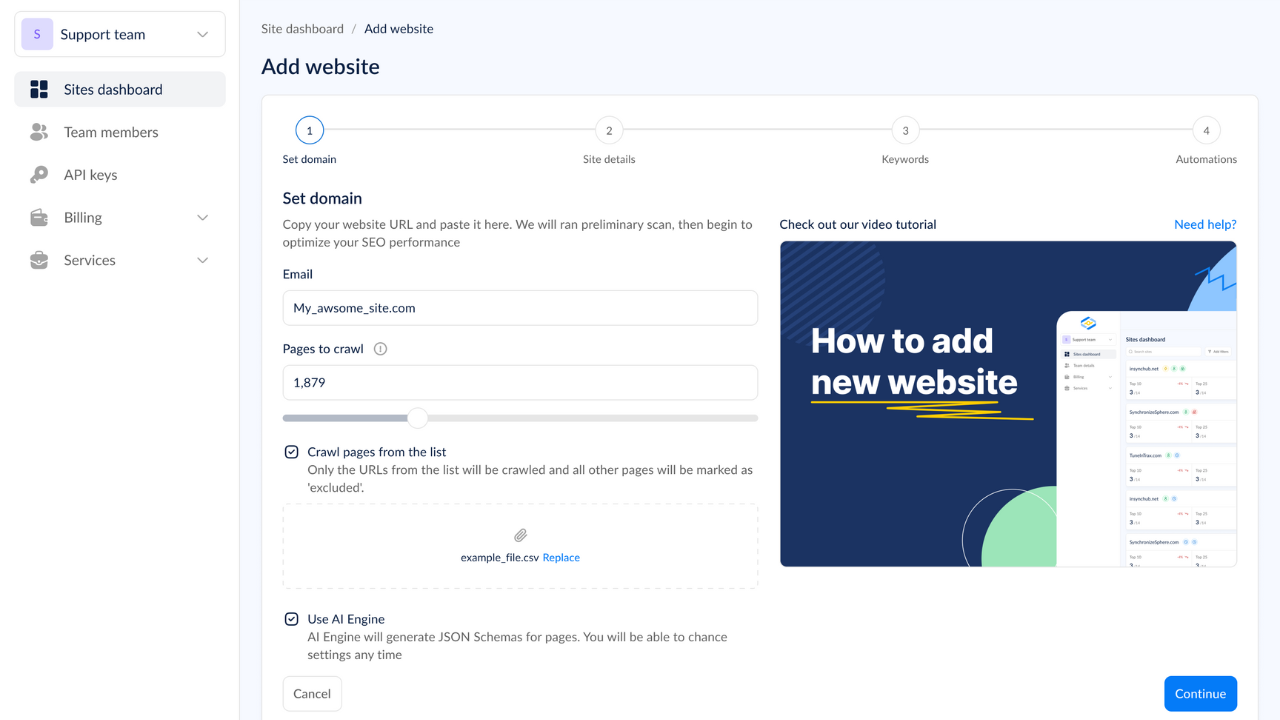
How it works:
- You provide your website URL to the tool.
- The AI crawls and analyzes the content and structure of your pages.
- Based on its analysis, it identifies the page type (e.g., blog post, product page) and suggests the appropriate schema (
Article,Product). - In some cases, the tool can directly inject this schema into your site via a plugin or script.
How I Rank #1 using AI SEO Agents (Schema Markup) 🤯
To see this in action, watch this short segment from the video 'How I Rank #1 using AI SEO Agents'. The first part of the video is a great refresher on schema, but the key part for us is the demonstration of an AI tool that automates the process.
Please watch from 06:51 to 09:29. This section introduces Arvo.com, a tool that analyzes a site and suggests schema (like FAQ and Article) that can be applied with a single click. This perfectly illustrates the 'specialized tool' approach.
- Pros: Extremely easy to use, requires no coding, and can be very fast for standard page types.
- Cons: Can be a "black box" with limited control, may not support all schema types you need, and often comes with a subscription fee.
This method is excellent for smaller sites or for quickly deploying standard schema types without developer involvement.
Method 2: The Scalable Scripting Approach with Screaming Frog
For large, complex websites, you need more power and control. This is where we can leverage a tool you're already familiar with, Screaming Frog, combined with its custom JavaScript functionality.
This approach transforms Screaming Frog from a simple audit tool into a powerful schema generation engine. The core idea is to write a JavaScript snippet that extracts specific elements from each page's HTML during a crawl and assembles them into a complete JSON-LD script.
The best part? You don't need to be a JavaScript expert. With the help of AI models like ChatGPT, you can generate the necessary code with a well-crafted prompt.
Generate JSON-LD Schema at Scale With JavaScript ...
The article 'Generate JSON-LD Schema at Scale With JavaScript Snippets' from the Screaming Frog blog is your complete guide to this advanced method. It provides the code, the concept, and the step-by-step process.
This is a hands-on guide. Please read the following sections to understand the full workflow: 'Why Create Structured Data at Scale With Screaming Frog?': This sets the stage. 'Selecting the Appropriate Schema Type and Page Template': This links back to our strategy section. 'The Easier AI Editing Option' & 'The JS Snippet Code': This is the core. See how you can use an LLM to generate the JavaScript needed to extract page elements. 'Add Your JavaScript Snippet to Screaming Frog': This shows you exactly where to put the code in the tool's settings.
Here is the workflow broken down:
- Define the Scope: Identify a page template. For example, all URLs that follow the pattern
/products/*should receiveProductschema. - Create a JSON-LD Template: Start with a valid, reusable JSON-LD pattern, like the ones in the ZCMarketing article. Replace the static values with placeholders (e.g.,
PRODUCT_NAME,PRODUCT_PRICE). - Generate the JS Snippet (with AI assistance): Instruct an LLM to write a JavaScript snippet for Screaming Frog's
Custom JavaScriptfeature.- Prompt Example: "Write a JavaScript snippet for Screaming Frog. It should extract the product name from the
h1tag, the price from the element with the class.product-price, and the image URL from theimgtag with the ID#main-product-image. Then, insert these values into the following JSON-LDProductschema template..."
- Prompt Example: "Write a JavaScript snippet for Screaming Frog. It should extract the product name from the
- Configure Screaming Frog:
- Enable JavaScript rendering (
Configuration > Spider > Rendering). - Go to
Configuration > Custom > Custom JavaScriptand paste in your AI-generated script.
- Enable JavaScript rendering (
- Crawl and Export: Run the crawl on your target URLs. The "Custom JavaScript" tab will now contain the fully populated, unique JSON-LD script for every single page. You can export this entire list to a spreadsheet.
This method is incredibly powerful for enterprise sites because it's customizable, scalable, and leverages a tool already in your SEO toolkit.
Test your understanding!
You want to automate Article schema for your blog. Your JSON-LD template requires the article's headline, author name, and publication date. On your blog pages, the headline is always the <h1>, the author's name is in a <span> with the class author-name, and the publication date is in a <time> tag with the attribute datetime.
What three specific elements would you tell an LLM to extract from the page's HTML?
Show answer
You would instruct the LLM to extract:
- Headline: The text content of the
document.querySelector('h1'). - Author Name: The text content of the
document.querySelector('span.author-name'). - Publication Date: The value of the
datetimeattribute from thedocument.querySelector('time').
This level of specificity is key to getting a working JavaScript snippet from the AI.
3. Completing the Workflow: Validation and Deployment
Generating the code is only half the battle. As we learned in the previous lesson, any automated output requires review and a plan for application.
Validation (The "Review" Stage)
Before deploying any generated schema, you must validate it. An error in your script could deploy broken structured data across thousands of pages.
- Google's Rich Results Test: Use this to check for eligibility for Google's rich features.
- Schema Markup Validator: Use this for general validation against the Schema.org standard.
The Screaming Frog article (resource LINK) has a dedicated section, "Validate with Google and Schema.org," that emphasizes this critical step.
Deployment (The "Apply" Stage)
How do you get the thousands of scripts from your Screaming Frog export onto your live site?
- Manual/Developer-Assisted: For a one-time project, you can provide the exported spreadsheet to a developer to programmatically insert the scripts into the correct page templates in your CMS.
- Google Tag Manager (GTM): For more dynamic control without direct code changes, GTM can be used to inject the JSON-LD scripts. This is a common and flexible method for large sites.
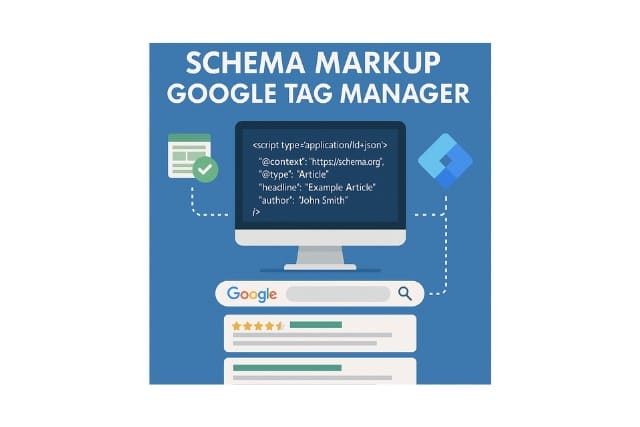
We will cover the technical details of GTM deployment and validation at scale in our next lesson. For now, it's important to know it's a primary option for applying the output of your automation engine.
Conclusion
You have now learned how to create a scalable system for generating schema markup, moving far beyond the manual, page-by-page approach. By combining strategic prioritization with powerful automation methods, you can ensure your website communicates effectively with search engines and AI systems at an enterprise scale.
Key Takeaways:
- Strategy First: Automate high-impact, durable schema like
Organization,Product, andArticle, and avoid types deprecated by Google. - Two Paths to Automation: Use specialized AI tools for simplicity and speed, or leverage Screaming Frog with custom scripts for ultimate power, control, and scalability.
- AI as Your Co-pilot: You don't need to be a developer to use the scripting method. Use LLMs to generate the necessary JavaScript code by providing clear instructions.
- The Full Workflow: The process is not complete until you Validate the generated code with testing tools and have a plan to Deploy it effectively.
In our next lesson, we will dive deeper into the final stage of this workflow. We'll focus on how to deploy and validate automatically generated schema markup at scale using methods like Google Tag Manager, turning your generated scripts into live, value-driving features on your website.