Hello! Welcome back to our module on the Foundations of SEO Automation.
In our previous lesson, we established a mental model for how to approach automation by comparing no-code platforms like Zapier with the power of custom Python scripts. You learned about the trade-offs between speed, flexibility, and cost.
Today, we shift our focus from the "how" to the "what." Our learning outcome is to identify key site health metrics and technical SEO issues suitable for automated monitoring. Instead of waiting for a manual audit to uncover problems, you'll learn to build a proactive defense system that alerts you to issues as they happen, preventing them from affecting your traffic and revenue.
1. The Shift to Proactive SEO Monitoring
As an experienced SEO specialist, you know the grind of a quarterly or monthly technical audit. You run a crawl, export massive spreadsheets, and spend hours filtering and prioritizing issues. Automation changes this from a reactive, time-consuming task to a proactive, continuous process.
The goal isn't to automate your strategic thinking; it's to automate the tedious detection process, freeing you up to focus on the solutions.
Technical SEO Audit Automation: A Comprehensive Guide ...
The article 'Technical SEO Audit Automation' from Gracker.ai provides a good overview of the core benefits of automating this process. It sets the stage for why we're focusing on this.
Please read the short introduction and the section titled 'Why Automate Technical SEO Audits?'. Focus on the three key benefits mentioned: saving time, reducing errors, and enabling a greater focus on strategy.
By setting up automated monitoring, you catch regressions right after a code deployment or content update, not weeks later when you notice a drop in rankings. This is the foundation of scaling technical SEO effectively.
2. Identifying Your Automation Targets
Not all technical issues are created equal. Some can cripple your site's performance overnight, while others are minor imperfections. A smart automation strategy involves prioritizing what to monitor based on potential impact and frequency.
We can group potential monitoring targets into a hierarchy.
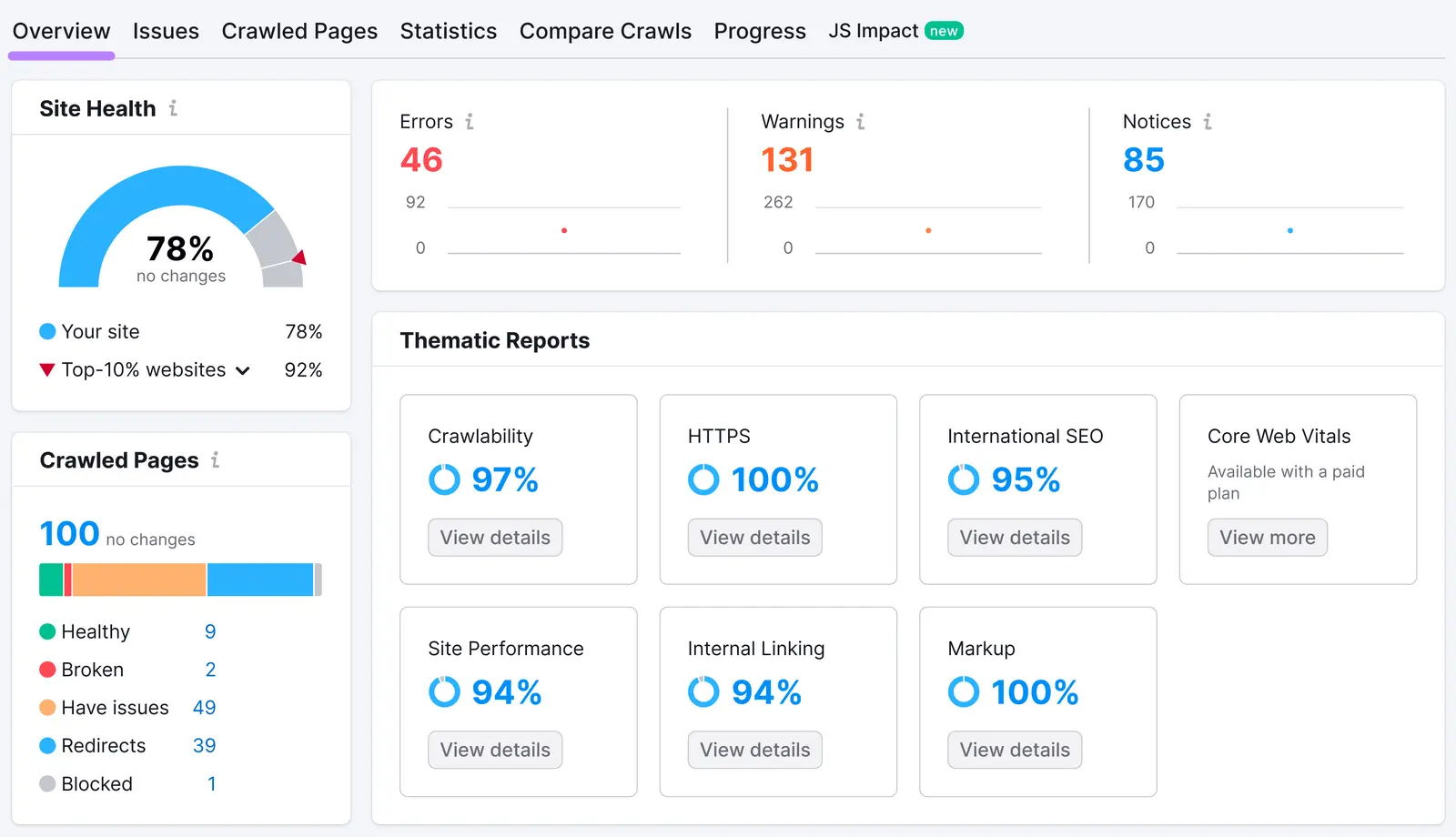
Let's break down the most important issues to monitor, starting with the most critical.
Tier 1: Critical, Show-Stopping Issues
These issues can immediately and severely harm your visibility and user experience. They should be monitored frequently—daily, or even hourly for a very large, dynamic site.
- Server Errors (5xx): If search bots can't access your pages, they can't rank them. A spike in 5xx errors means your server is failing and needs immediate attention.
- Widespread Client Errors (4xx): While a single 404 isn't a disaster, a sudden spike in 404s can indicate a broken URL structure from a bad deployment, which can decimate your traffic.
- Major Indexability Changes: This is the silent killer of SEO campaigns. An accidentally added
Disallow: /inrobots.txtor anoindextag pushed sitewide can remove your entire website from Google's index.
These critical issues are the perfect first candidates for automation because the damage they cause is swift and significant.
10 Best SEO Automation Tools: Top Picks to Scale Your ...
The '10 Best SEO Automation Tools' article from Appy Pie Automate highlights several 'first-build' automation flows that directly target these critical issues. It provides a practical, action-oriented perspective.
Please read the sections 'Which SEO Automation Flows Should You Build First?' and '1. Scheduled Site Audit — Crawl, Detect, Ticket'. Notice how the very first recommendation is to set up a scheduled crawl with alerts for 500/404 errors and major indexability changes.
As the article suggests, a common workflow is to schedule a site crawl and trigger an immediate alert (via email, Slack, etc.) or even automatically create a high-priority ticket in a project management system like Jira if these errors are detected.
Tier 2: Important, Performance-Degrading Issues
These issues won't necessarily take your site offline, but they slowly erode your performance, user experience, and rankings over time. They are ideal for daily or weekly automated checks.
- Core Web Vitals (CWV) Regressions: A drop in your LCP, INP, or CLS scores can hurt your rankings and frustrate users. Automated monitoring can flag pages that have suddenly become slower after a change.
- Sitemap Errors: An invalid or outdated sitemap can lead to inefficient crawling and delayed indexing of new content. Monitoring sitemap status in Google Search Console is crucial.
- Crawl Errors & Coverage Issues: Keeping an eye on the GSC Coverage report for new errors, exclusions, or warnings helps you ensure Google can find and process all your important content.
- Redirect Chains and Loops: These waste crawl budget and can slow down the user experience.
- Broken Internal Links: These create a poor user experience and prevent the flow of PageRank through your site.
- Canonicalization Issues: Incorrect use of
rel="canonical"can lead to duplicate content problems and split link equity.
For these issues, you can leverage the APIs of tools you already use or the built-in alerting features of platforms like SEMrush and Ahrefs.
Technical SEO Audit Automation: A Comprehensive Guide ...
Let's return to the 'Technical SEO Audit Automation' guide to see how standard tools can be used for this tier of monitoring.
Read the sections 'Step-by-Step Guide to Automating Your Technical SEO Audit' and 'Leveraging Tools for Technical SEO Automation'. Focus on how tools like SEMrush, Screaming Frog, and especially Google Search Console are used to regularly monitor XML sitemaps, crawl errors, and Core Web Vitals.
Tier 3: Optimization & Housekeeping Issues
These are less urgent but are important for maintaining a perfectly optimized site. Monitoring them on a weekly or bi-weekly basis is usually sufficient. The goal of automation here is not to get a list of 10,000 missing alt tags every week, but to be notified of new pages that are being created without these elements.
- Missing or Duplicate Meta Titles and Descriptions
- Missing Image Alt Text
- Thin Content Pages (low word count)
- Mixed Content Issues (HTTP elements on an HTTPS page)
- Orphan Pages (pages with no internal links pointing to them)
Automating the monitoring of these issues ensures that your site's quality standards don't degrade over time, especially when many different people are contributing content.
Test your understanding!
You are the lead SEO for a large e-commerce website that deploys new code twice a day and adds hundreds of new products daily. Which of the following technical issues would you prioritize for near-real-time (e.g., hourly) automated monitoring, and why?
- A handful of new product pages are missing meta descriptions.
- The
robots.txtfile was accidentally changed toDisallow: /products/. - The CLS score for the product category pages increased by 0.05.
Show answer
Option 2: The robots.txt file change.
This is a Tier 1, critical issue. Disallowing your main product directory would immediately block Google from crawling potentially thousands of pages, leading to a massive and rapid loss of traffic and revenue. This kind of change requires an immediate alert.
The other options are less critical:
- Missing meta descriptions (Option 1) is a Tier 3 issue. It's not ideal, but it won't cause immediate, widespread damage.
- A minor increase in CLS (Option 3) is a Tier 2 issue. It should be monitored and fixed, but it doesn't have the same catastrophic potential as a major indexability block.
Conclusion
You now have a clear framework for identifying which parts of your technical SEO workload are best suited for automation. By prioritizing issues based on their potential impact, you can build an efficient monitoring system that acts as a 24/7 guardian for your website's health.
Key Takeaways:
- Automated monitoring is proactive: It's about catching issues the moment they appear, not finding them during a manual audit weeks later.
- Prioritize based on impact:
- Tier 1 (Critical): Monitor server errors, 404 spikes, and major indexability changes with high frequency.
- Tier 2 (Important): Monitor Core Web Vitals, sitemap health, and crawl errors on a daily or weekly basis.
- Tier 3 (Optimization): Monitor on-page elements like meta tags and alt text to maintain quality standards over time.
- The goal is actionable alerts: A good automation system doesn't just send you data; it tells you when a critical threshold has been crossed so you can act immediately.
In our next lesson, we will put this theory into practice. You'll move from identifying what to monitor to actually building a workflow. We will build a basic automated site health alert system for issues like broken links using a no-code tool, taking your first concrete step into hands-on SEO automation.