Recommended resources
The freely available resources this lesson will direct you to.
- How to plan your exam study schedule (from a serial procrastinator)www.youtube.com
- How to study for exams - The Retrospective Revision Timetablewww.youtube.com
- Calendars and College – The Learning Centerlearningcenter.unc.edu
- Studying 101: Study Smarter Not Harder - The Learning Centerlearningcenter.unc.edu
Hello! Last lesson, you used your error log to identify specific weaknesses and give them dated retests. This final lesson of the exam-preparation module puts those retests into a weekly plan alongside classes, assignments, and commitments to your dishwash-liquid startup. The aim is not to fill every free hour. It is to protect the study that matters most while keeping a small, sustainable place for coding portfolio work.
Allow about 40 minutes to read and draft a plan for one real week. Keep your subject-priority matrix, error log, assessment dates, and calendar nearby.
Start with the week you actually have
A useful weekly plan begins with constraints, not an idealized study timetable. The University of North Carolina Learning Center’s Calendars and College recommends a regular weekly planning session, marking existing commitments first, then fitting estimated study tasks into the remaining space with buffer time.
Calendars and College – The Learning Center
Read the University of North Carolina Learning Center’s guidance for turning a list of obligations into a weekly calendar.
In “Weekly planning,” begin where the text says students benefit from setting aside time to plan. Read the planning steps, ending with the instruction to insert estimated tasks into open slots. Notice the order: regular commitments come before study tasks, and buffer time belongs in the plan.
Choose the coming week and mark classes, travel, fixed startup duties, meals, and a realistic stopping time for sleep. Next, note assessment dates and work backward: what must you be able to do before each exam, and when will you check it? Your priority matrix helps determine which subjects need the most protection; your error log supplies the actual work for those slots.
Estimate the time available after fixed commitments. Then estimate the tasks you hope to complete. If the tasks exceed the available hours, the calendar has revealed a decision you need to make—not a reason to schedule work through sleep. Reduce lower-priority tasks, ask what can wait, or adjust your expectations before assigning times.
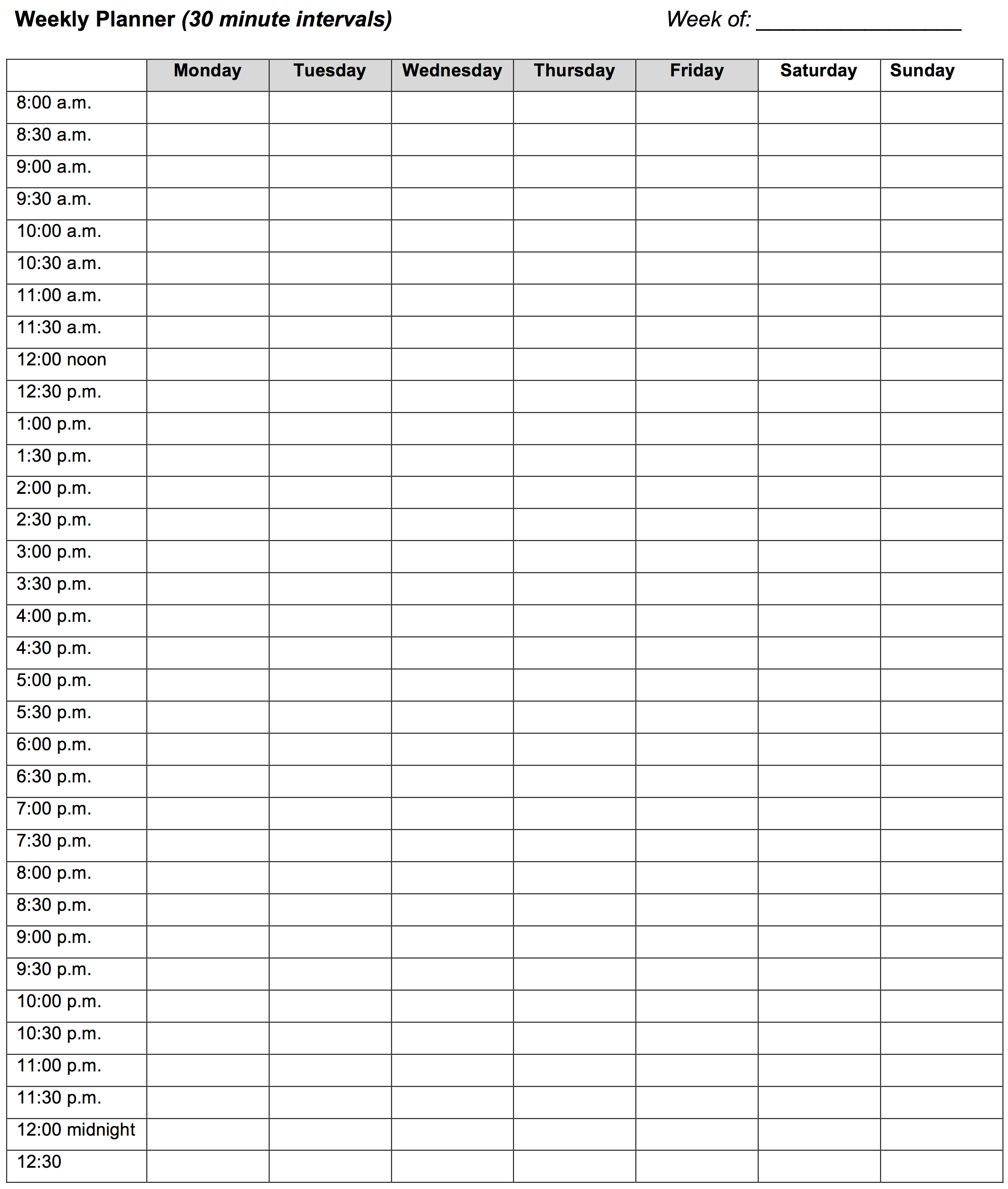
The blank planner below can make those decisions visible. Its half-hour cells are useful for short portfolio sessions and buffers, but you can use a digital calendar or another layout instead. If you work before 8 a.m. or need a different end time, adapt the template rather than forcing your day into its printed hours.
Protect exam work, then give portfolio work a defined place
“Study algorithms” is too vague to reserve a useful hour. A protected block needs a subject, action, and check: for example, “Algorithms, 60 minutes: solve two unfamiliar questions about binary-search conditions without notes; check solutions and update the error log.” Place demanding practice when you can focus, not automatically in whatever hour is left over.
Spread important checks across the week rather than putting all revision on one day. An early block might repair a misconception; a later one should test it with a new, closed-book question. Leave time after a timed attempt to classify mistakes. These choices turn the calendar into a way of carrying out the revision system you have already built.
Portfolio work deserves a place too, particularly if you want your coding skills to grow during the semester. Keep it small and concrete during exam-heavy weeks: two 30-minute blocks might be enough to improve one function in a personal project or document what a small sales-data script does. A task with a clear stopping point is easier to resume than “work on portfolio.” Startup operations and marketing may also need time, but do not silently let an open-ended business task absorb a protected exam block; put known commitments on the calendar and make trade-offs deliberately.
Here is an illustrative week for a student with an algorithms exam next Monday and a database exam later that week. The times are examples, not assumptions about your timetable:
| Day | Protected exam preparation | Other planned space |
|---|---|---|
| Monday | 5–6 p.m.: repair an algorithms error; test with a new case | — |
| Tuesday | 6–7 p.m.: write SQL joins closed-book and check results | 7:15–7:45 p.m.: small coding-project task |
| Wednesday | 5–6 p.m.: timed algorithms questions and error-log update | 6–7 p.m.: buffer |
| Thursday | 6–7 p.m.: two unfamiliar database queries | — |
| Friday | 5–6 p.m.: algorithms retest under a time limit | — |
| Saturday | 10–11 a.m.: database retest | 11:15–11:45 a.m.: portfolio block |
| Sunday | 4–5 p.m.: final targeted algorithms check | 5–5:30 p.m.: buffer |
This sketch contains seven hours of exam preparation, one hour of portfolio work, and ninety minutes of buffer. It is not a complete day-by-day schedule: classes, startup duties, meals, and rest would still need to fit around it. The point is the distinction between work that has a protected purpose and space deliberately left available for disruption.
Keep the topics responsive without losing the time slots
A calendar can protect an hour, but it cannot reliably predict weeks ahead which topic will still be weak. In How to study for exams – The Retrospective Revision Timetable, Ali Abdaal demonstrates a topic list that records when each topic was tested and how well it went. Watch for the distinction between reserving study time in advance and choosing its content using recent evidence.
How to study for exams - The Retrospective Revision Timetable
Watch “How to study for exams – The Retrospective Revision Timetable” by Ali Abdaal for a way to keep revision responsive to your results.
Watch the topic list to see how it records past reviews rather than fixing every future topic. Continue through the worked example, focusing on how a weak topic and the time since its last review influence the next choice. Treat the color ratings as prompts to examine performance, not as proof of mastery by themselves.
You already have a stronger source of evidence than a color alone: your error log records what happened on new, closed-book questions. You might reserve “Thursday, 6–7 p.m., database retest” now, then choose the exact query type on Wednesday after checking which errors remain active. Keep the appointment; update the task. Do not repeatedly choose the easiest topic simply because it feels productive.
Revisit Calendars and College for its advice on breaking tasks down and adjusting when the week changes.
Calendars and College – The Learning Center
Return to the same Learning Center guide for practical ways to keep a weekly plan usable when time or energy varies.
In “Tips to make your weekly planning work,” read the scheduling advice, from breaking work into segments through setting sleep and wake times. Focus especially on working during your better concentration periods, adjusting after interruptions, and protecting rest.
Suppose an unexpected startup delivery takes Wednesday’s 5–6 p.m. slot. In the example week, the 6–7 p.m. buffer could absorb the timed practice if you still have the energy. If it cannot, check the next available slot and what must move. Preserve the imminent algorithms retest before spending time on a less urgent task; shorten or shift a portfolio block if necessary. Do not treat sleep as the automatic replacement buffer.
Make that rule explicit in your own plan: when a conflict occurs, check the exam date and priority matrix, move the highest-value missed task to a suitable opening, and reschedule or reduce the lower-priority task. During the last day or two before a critical exam, a portfolio block may need to move to the following week. Give it a new date rather than leaving it as an indefinite promise.
Finish with a plan you can use tomorrow
Spend the remaining planning time turning your real week into a draft. Mark fixed commitments first; assign exam blocks to high-priority subjects and active error-log entries; then reserve one or two small, clearly scoped portfolio blocks if capacity permits. Leave at least some unassigned space, and set a 15–30-minute weekly review to compare the plan with what actually happened. A brief daily look is enough to choose the next day’s precise study task.
Before you finish, check that every study block says what you will do and how you will know whether it worked. If the week is overfull, remove or shrink something now. An achievable plan that you revise after new evidence is more useful than an impressive timetable you cannot follow.
Takeaway
A flexible weekly plan has three parts: protected exam time, small defined portfolio commitments, and room to respond. Use assessment priority to allocate the hours, your error log to choose the work inside them, and buffers plus a weekly review to keep the plan realistic.
This completes the exam-preparation module. Next, you’ll begin Git and GitHub, starting with a local repository—a practical foundation for the coding projects you make space for in this plan.