Recommended resources
The freely available resources this lesson will direct you to.
Hello! Welcome to the final lesson of your course on "debugging" your learning process.
Over the past ten lessons, you've moved from diagnosing issues in your learning habits to designing a complete, personalized system to overcome them. In our last session, you created the architecture for that system: a reusable template for a weekly schedule and a hybrid topic tracker. You've essentially built a powerful, empty engine.
Today, we fuel that engine and take it for its first drive. Your final learning outcome is to apply your personal learning system and schedule to a specific topic you want to learn next. This lesson is the culmination of everything we've covered. You will take a real learning goal and run it through the process you've designed, transforming the theory of effective learning into your own lived practice.
The Goal: From System Design to Project Execution
The ultimate test of any system is its application. Your goal isn't just to learn a new topic; it's to use that topic as a vehicle to practice and solidify your new learning process. Think of yourself as a UX designer testing a new workflow on a pilot project. The goal is to validate the workflow itself.
We will walk through a structured, four-step process to launch your first learning project using the system you've built.
Step 1: Choose Your Project
The most effective learning is driven by genuine interest and a clear purpose. As we've discussed, learning is not about passively consuming information, but about actively building and applying knowledge. A project provides the perfect context for this.
The article "Functions Describe the World" makes a crucial point about this.
Functions Describe the World: How to Learn to Code using Spaced ...
This article strongly advocates for project-based learning. We'll focus on its advice for selecting a meaningful first project.
Please read the section titled 'Projects are all you need' and 'My first project'. Pay close attention to the idea that a good personal project is subjectively interesting and solves an actual problem you have.
With this in mind, take a moment to define a specific, scoped learning project. It should be something you are genuinely curious about and that connects to your professional goals. Here are a few examples tailored to your profile:
- Coding: "Learn the fundamentals of CSS Grid and Flexbox by building a responsive portfolio gallery page."
- New Tool: "Master the basics of Framer by creating an interactive prototype for a mobile app sign-up flow."
- Data Analysis: "Learn to use Python's Pandas and Matplotlib libraries to analyze and visualize the results from a user survey CSV file."
- UX Theory: "Deeply understand the principles of Inclusive Design and create a report auditing one of your past projects for accessibility improvements."
Your Action: Choose one learning project you'd like to tackle over the next 3-4 weeks. Write it down. This will be our focus for the rest of the lesson.
Step 2: Create Your Metalearning Map
Before you can schedule your learning, you need to know what you need to learn. This process of "learning about learning" is called metalearning. It involves creating a map of the knowledge domain. The summary of Scott Young's book Ultralearning provides an excellent framework for this.
ULTRALEARNING by Scott Young | Core Message
This video summarizes the core principles of 'Ultralearning'. We will focus on the first component: creating a metalearning map to break down a skill.
Please watch the section on making a 'meta learning map' from 02:41 to 05:34. The key is to break down your chosen project into three categories: Concepts (the 'why'), Facts (the 'what'), and Procedures (the 'how').
Now, apply this to your chosen project. Take out the Topic Tracker template you created in the last lesson. You will now populate it.
For your project, brainstorm and list the:
- Concepts: The theories and mental models. Why do things work the way they do?
- Facts: The specific pieces of information you need to memorize. What are the names of functions, properties, or key principles?
- Procedures: The hands-on, step-by-step actions you need to practice. How do you actually do something?
A Modern Assistant for Metalearning
This mapping process can be daunting for a beginner. Fortunately, you can use AI tools like ChatGPT to accelerate it. Using clear, structured prompts, you can get a solid first draft of your curriculum.
The LinkedIn post by Paweł Huryn offers excellent frameworks for writing effective prompts.
ChatGPT can save you 10-20 hours/week. | Paweł Huryn - LinkedIn
This resource provides powerful, actionable prompts for using ChatGPT as a learning tool. It shows you how to ask the AI to do the heavy lifting in structuring your learning plan.
First, review the 'Useful ChatGPT Prompts to Learn Smarter' (section 1) to see examples of asking for specific learning activities. Then, review the 'RTCROS Prompt Framework' (section 2) to understand how to structure a detailed request.
Your Action: Open your Topic Tracker (spreadsheet, Notion, etc.). Use the Concepts/Facts/Procedures framework to break down your project into a list of topics. Feel free to use a prompt like the one below to help you:
Prompt: "Act as an expert curriculum designer. I am a UI/UX Designer starting a project to [Your Project Goal]. Please break this topic down into a logical learning sequence. For each item in the sequence, identify it as a Concept, a Fact, or a Procedure. The entire project should take about 4 weeks, with 4 hours of study per week."
Populate the Module/Category and Topic columns of your tracker with the output. Don't worry about getting it perfect; this map will evolve as you learn.
Step 3: Build Your First Weekly Plan
You now have the "what" (your metalearning map in the Topic Tracker). It's time to plan the "when" and "how" for your first week, using the system you've designed. The video from Scott Young on study planning provides a great high-level guide for this.
Seven Steps for Making a Solid Studying Plan
This video provides a comprehensive 7-step process for creating a study plan. We'll use it as a checklist to ensure your plan is robust and realistic.
Watch the sections on Step 4: Schedule studying in your calendar (04:54) and Step 5: Sanity check (05:54). This reinforces the time-blocking you did in the last lesson and adds a crucial reality check.
Here's how to apply this to your template:
- Select Your Topics: Look at your populated Topic Tracker. Identify 3-4 topics from the beginning of your list that you can realistically cover in your first week.
- Schedule in Your Calendar: Open the Weekly Schedule view of your template. For each of your four 1-hour learning blocks this week, assign one of the topics.
- Define Specific Tasks: This is the most important part. For each scheduled block, go back to your Topic Tracker and fill in the "Specific Task / Notes" column. Don't just write "Learn Flexbox." Write something actionable, like:
- "Watch Acme Corp's 'Intro to Flexbox' video and create three flashcards for
justify-content,align-items, andflex-direction." - "Complete the first three exercises on Flexbox Froggy."
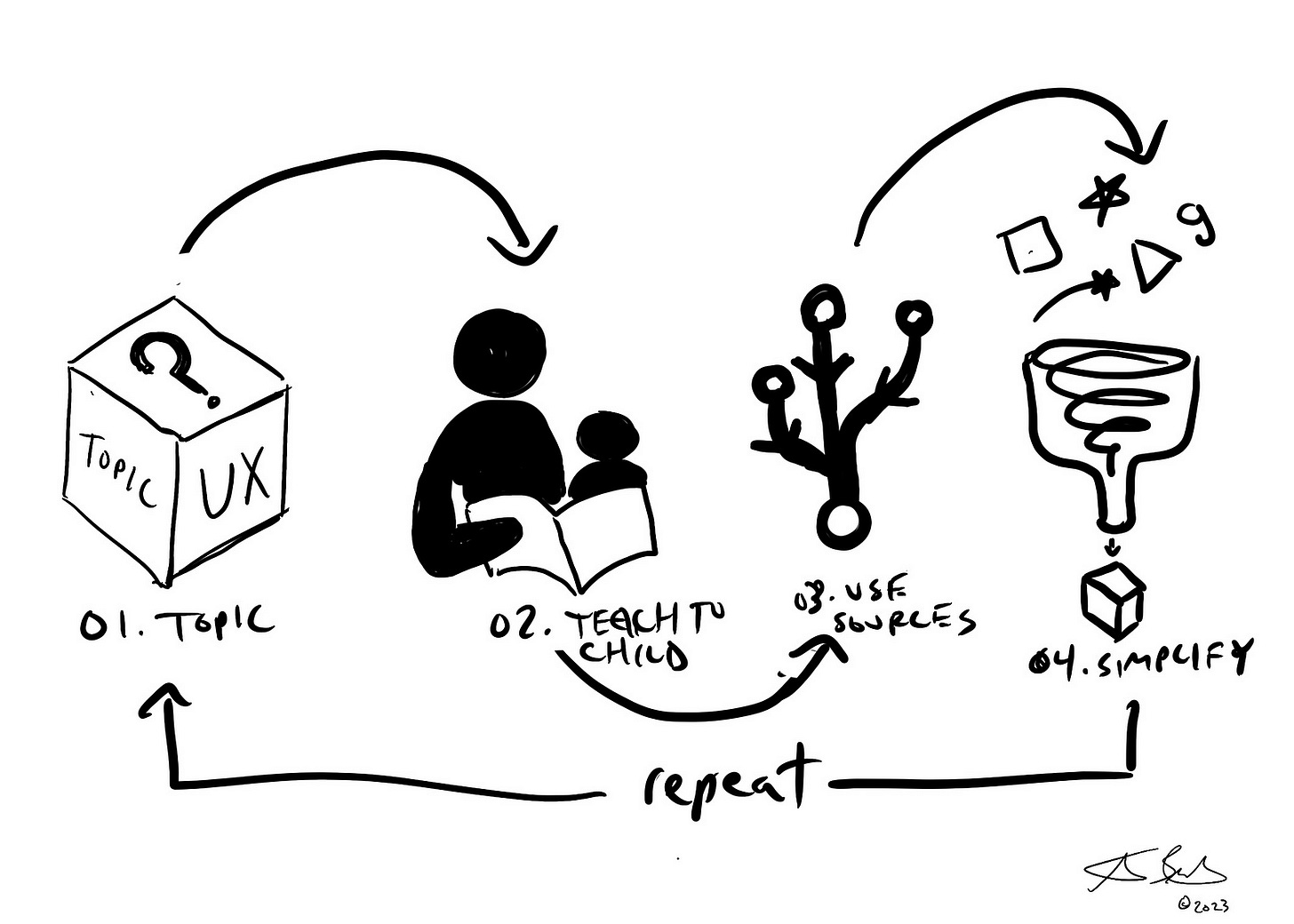
- "Use the Feynman Technique: Write a simple explanation of the CSS box model as if explaining it to a 12-year-old."
- "Watch Acme Corp's 'Intro to Flexbox' video and create three flashcards for
Your Action: Fill out your Weekly Schedule and the "Specific Task" column in your Topic Tracker for the upcoming week.
Step 4: Execute, Track, and Iterate
A plan is just a hypothesis. The real learning happens when you execute it, observe the results, and adjust. This is the core loop of your entire system.
- Execute: When your scheduled learning time arrives, open your tracker and execute the "Specific Task" you defined.
- Track (The Retrospective Part): Immediately after your session, update your Topic Tracker.
- Mark the date in the
Dates Studiedcolumn. - Update your
Confidencecolumn with a 🟢, 🟡, or 🔴. Be honest with your self-assessment. - Based on your confidence, schedule a
Next Reviewdate (e.g., in 1 day for 🔴, 3 days for 🟡, 1 week for 🟢).
- Mark the date in the
- Reflect and Iterate: At the end of the week, take 5-10 minutes to review your tracker and schedule.
- Feedback on the Plan: Did you stick to the schedule? Were the tasks too big or too small for one hour?
- Feedback on Learning: Do your confidence ratings reflect your true understanding? When you did a quick review, could you recall the information?
- Modify: Based on your reflection, adjust next week's plan. Maybe you need to break topics into smaller chunks or schedule more practice time. This is Scott Young's Step 7: Making modifications.

Your Action: Go through your first scheduled learning session this week. Execute the task and immediately update your tracker. Congratulations—you have just completed one full cycle of your new learning system.
Conclusion and Your Path Forward
In this lesson, and over this entire course, you have systematically "debugged" your learning process. You've gone from identifying pain points like procrastination and poor retention to building a comprehensive, evidence-based system to address them. Today, you put that system into motion.
Key Takeaways:
- A specific, engaging project is the best driver for learning.
- A metalearning map (Concepts, Facts, Procedures) turns a vague goal into a concrete list of topics for your plan.
- Your learning system is a dynamic loop: Plan → Execute → Track → Reflect → Iterate.
- The goal is not to rigidly follow a plan but to use the planning process to make your learning more deliberate, efficient, and effective.
You now possess the tools and the methodology to learn anything you set your mind to, whether it's the next big thing in UX, a new programming language, or a complex data analysis technique. This is the end of our course, but it is the beginning of your journey as a strategic, self-directed, and highly effective learner. Well done.