Recommended resources
The freely available resources this lesson will direct you to.
Hello! Last time, you created a Python project that can be set up from its project files. Now we’ll put code in that project. AI applications routinely receive collections of documents, conversation messages, and model results; this lesson is about turning those collections into the shapes the next part of an application needs.
By the end, you’ll be able to choose between lists, dictionaries, sets, and tuples, and use comprehensions to transform and filter data without losing important information such as document source IDs. Allow about 40 minutes, including the videos, reading, and running the examples.
From a loop to a comprehension
A comprehension builds a new collection from an iterable. A list comprehension has this shape:
new_items = [expression for item in existing_items if condition]
The expression determines what to put in the new list; the optional condition determines which input items qualify. It helps to understand the equivalent loop first:
texts = ["  first page  ", "   ", "  third page  "]

clean_texts = []
for text in texts:
    if text.strip():
        clean_texts.append(text.strip())

print(clean_texts)  # ['first page', 'third page']
The same transformation fits in a comprehension:
clean_texts = [text.strip() for text in texts if text.strip()]
Read it as: collect the stripped text for each input text, provided the stripped text is not empty. Both versions are reasonable. Choose the comprehension when the operation remains easy to read; a loop is preferable when processing requires several decisions or side effects.
Watch Corey Schafer build comprehensions from ordinary loops. The dictionary and set portions will become useful when we work with document identifiers.
Python Tutorial: Comprehensions - How they work and why you should be using them
Watch “Python Tutorial: Comprehensions - How they work and why you should be using them” by Corey Schafer to see how the output expression, iteration, and filter fit together.
Start with the basic form, then skip to filtering. Skip the intervening examples and watch dictionary comprehensions followed by set comprehensions. Focus on what the brackets or braces say about the type of collection being produced.
One distinction is worth keeping close at hand. A trailing if removes items that fail its condition. An if ... else inside the output expression keeps each item but chooses its replacement:
answers = ["yes", ""]
kept_answers = [answer for answer in answers if answer]           # ['yes']
display_answers = [answer if answer else "[empty]" for answer in answers]
# ['yes', '[empty]']
Choose the collection to match the job
A list retains a sequence of items, including duplicates. A dictionary associates a unique key with a value, making it useful for looking up a document by ID. A set retains unique values but does not promise an order suitable for displaying results. A tuple groups values that belong together and can serve as a dictionary key when its contents are suitable immutable values.
Read the relevant parts of the Python tutorial before applying those distinctions. Pay particular attention to what happens when a dictionary key appears twice.
5. Data Structures — Python 3.14.0 documentation
Read the Python documentation’s sections on sets, dictionaries, and looping techniques to connect the syntax from the video to each collection’s behavior.
In Section 5.4, “Sets,” read sets and ordering. In Section 5.5, “Dictionaries,” start at the explanation of key-value pairs and read keys and values; then read missing-key behavior. Continue in that section to dict comprehensions. Finally, in Section 5.6, “Looping Techniques,” read items and iteration, focusing on items() and enumerate().
For the remaining examples, create transform.py in your project from last lesson. Add each code snippet to the same file, in the order shown, and run it with uv run python transform.py. These examples need no additional packages.
Transform documents without losing their locations
Suppose an application receives two documents, each with a list of pages. Later stages may need clean, nonempty text, but they also need to know which document and page supplied each passage.
documents = [
    {
        "id": "handbook",
        "title": "  Leave Policy  ",
        "pages": [" Annual leave is 20 days. ", "   ", " Carry over 5 days. "],
    },
    {
        "id": "faq",
        "title": "  Remote Work  ",
        "pages": [" Remote work requires approval. "],
    },
]

chunks = [
    {
        "source_id": doc["id"],
        "page": page_number,
        "title": doc["title"].strip(),
        "text": page.strip(),
    }
    for doc in documents
    for page_number, page in enumerate(doc["pages"], start=1)
    if page.strip()
]

print([(chunk["source_id"], chunk["page"]) for chunk in chunks])
# [('handbook', 1), ('handbook', 3), ('faq', 1)]
There are two for clauses because each document contains pages. enumerate(..., start=1) supplies the original page number before empty pages are filtered out. Consequently, the second retained handbook passage still points to page 3. Renumbering the cleaned passages instead would give someone an incorrect location.
A list is right for chunks: it keeps every retained passage in sequence. Other questions call for other collections:
source_ids = {chunk["source_id"] for chunk in chunks}
page_lookup = {
    (chunk["source_id"], chunk["page"]): chunk["text"]
    for chunk in chunks
}

print(sorted(source_ids))                  # ['faq', 'handbook']
print(page_lookup[("handbook", 3)])        # Carry over 5 days.
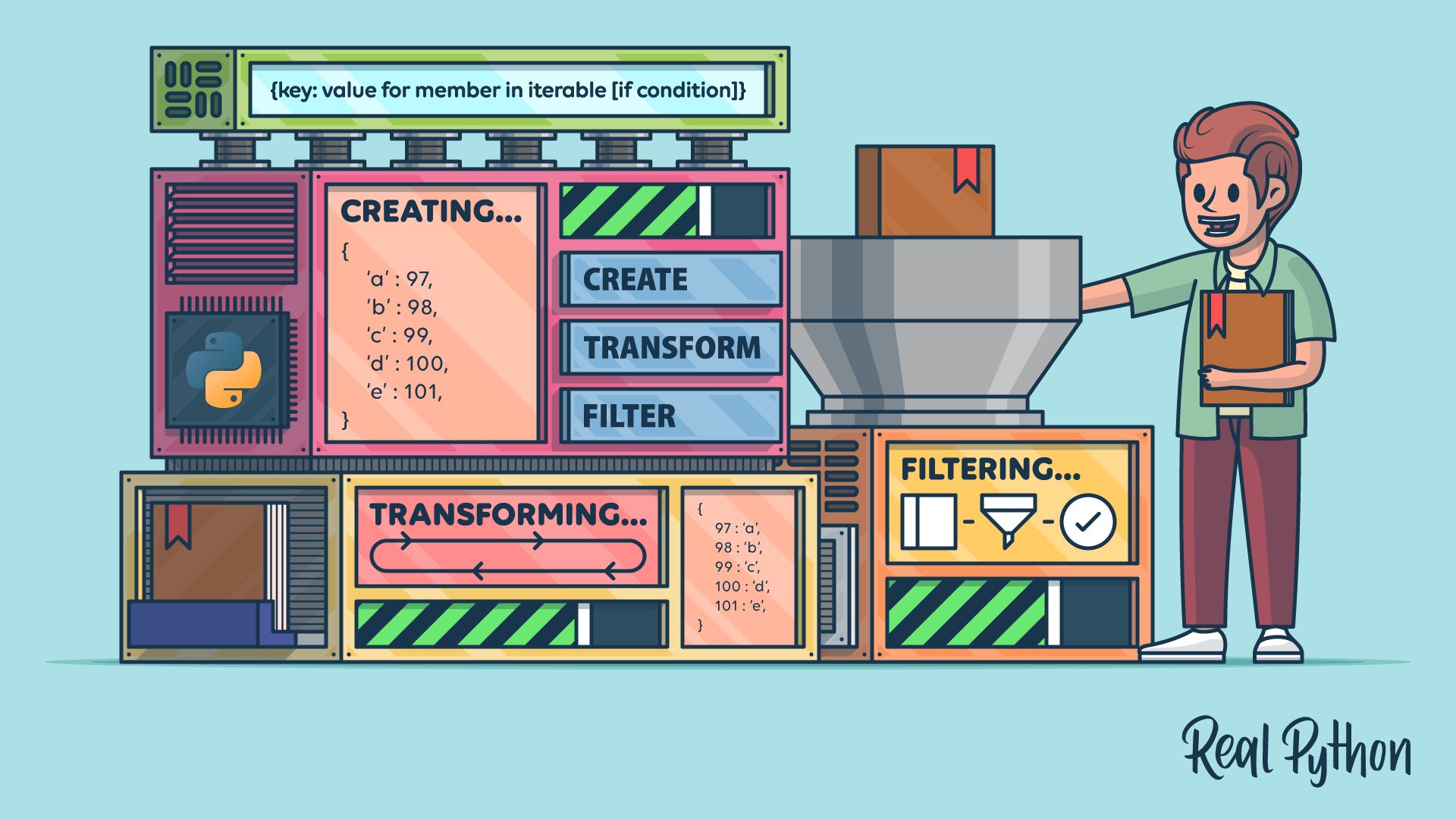
The set removes repeated source IDs; sorted() gives us a predictable display order without changing the set’s nature. In page_lookup, each tuple combines a source ID and page number into one lookup key. The dictionary comprehension is useful if that pair uniquely identifies a passage. If two input passages share the same key, the later value replaces the earlier one. A comprehension does not check your uniqueness assumption for you.
This is also why deduplicating whole passages by their text alone would be risky: identical wording in two places can have different sources. Keep the metadata needed for the application’s purpose.
Keep conversation roles while cleaning messages
Messages usually arrive as a list of dictionaries. The list preserves conversational order; each dictionary holds fields such as role and content. If all you need is a cleaned copy, construct one without changing the original messages:
messages = [
    {"role": "system", "content": "Use only the supplied passages."},
    {"role": "user", "content": "  How much leave?  "},
    {"role": "assistant", "content": "   "},
    {"role": "user", "content": "  Can I carry it over? "},
]

clean_messages = [
    {"role": message["role"], "content": message["content"].strip()}
    for message in messages
    if message["content"].strip()
]
user_questions = [
    message["content"]
    for message in clean_messages
    if message["role"] == "user"
]

print(user_questions)
# ['How much leave?', 'Can I carry it over?']
Here, the first comprehension removes a blank message and retains each remaining role. The second produces a different view of the data: just user questions, perhaps for a report. Do not substitute user_questions for the full conversation when the system and other roles matter to a model call. A transformation should be designed for its consumer, not merely because it produces shorter data.
These snippets assume the input dictionaries have the shown fields. Direct indexing, such as message["content"], raises KeyError if a required field is absent. For an optional field, message.get("name") can return None instead; deciding whether incoming data is valid is a separate task we’ll address later in this module.
Extract a useful result from a model-shaped response
An HTTP response body is often JSON text. Once parsed, JSON objects become Python dictionaries and JSON arrays become Python lists. Watch this short explanation of that boundary before using one more comprehension.
Python Tutorial: Working with JSON Data using the json Module
Watch the parsing portion of Corey Schafer’s “Python Tutorial: Working with JSON Data using the json Module” to see why JSON text must be parsed before you navigate it as Python collections.
Watch JSON parsing. Focus on json.loads() and on accessing a dictionary containing a list of dictionaries. You can stop before the section on converting Python data back to JSON.
The following is sample data, not a response from a live model or a guaranteed provider format. Append it to transform.py:
import json

raw_response = """
{
  "choices": [
    {"message": {"role": "assistant", "content": "  Annual leave is 20 days.  "}}
  ],
  "usage": {
    "prompt_tokens": 42,
    "completion_tokens": 9,
    "internal_note": "sample"
  }
}
"""

payload = json.loads(raw_response)
reply = payload["choices"][0]["message"]

token_counts = {
    name: value
    for name, value in payload["usage"].items()
    if name in {"prompt_tokens", "completion_tokens"}
}
result = {
    "role": reply["role"],
    "content": reply["content"].strip(),
    "usage": token_counts,
}

print(result)
# {'role': 'assistant', 'content': 'Annual leave is 20 days.',
#  'usage': {'prompt_tokens': 42, 'completion_tokens': 9}}
Notice the changing shapes: payload is a dictionary; payload["choices"] is a list, so [0] selects its first element; that element contains another dictionary under "message". For token counts, .items() supplies each key and value, and the dictionary comprehension retains only the fields this result needs.
A successful transformation is not proof that every future response will have this shape. An empty choices list would raise IndexError; a missing "usage" key would raise KeyError. We have deliberately kept this example focused on navigating and transforming collections. Later lessons will validate incoming data and handle failures explicitly.
Takeaway
Comprehensions are compact ways to construct new lists, sets, and dictionaries, not a requirement to compress every loop. Use lists where order and repeated items matter, sets for unique values, and dictionaries for lookup by a genuinely unique key. When transforming AI data, preserve the roles and source locations that downstream code will need.
Next, we’ll give application data and behavior more explicit structure with typed functions, classes, and dataclasses.