Hello! Welcome back to your course on building a high-performance telemetry engine.
In our last lesson, we focused on functions and the crucial differences between passing data by value, by pointer, and by reference. You saw how passing a large struct like TelemetryEvent by value can be inefficient—a key concern for our "zero-overhead" goal. This highlighted the need to manage our data structures carefully.
Today, we'll build on that foundation. This lesson addresses how to properly group related data using structs and classes, and how to define member functions that operate on that data. Instead of having loose variables and separate functions to manage them, we'll bundle them into self-contained, logical units. This is the first step toward creating the robust data packets that will flow through our telemetry pipeline.
The Problem: Disorganized Data
Imagine we're tracking a player in a game. We might have several variables:
// In our main function or somewhere global
int playerX = 5;
int playerY = 10;
int playerSpeed = 2;
Now, if we want a function to move the player, we have to pass all these variables to it:
void movePlayer(int& x, int& y, int speed, int deltaX, int deltaY) {
    x += deltaX * speed;
    y += deltaY * speed;
}

// In main...
movePlayer(playerX, playerY, playerSpeed, 1, -1);
This is already getting messy. What if we add health, armor, or an inventory? The number of parameters would explode, making the code hard to read, maintain, and prone to errors. This is the exact problem we want to solve.
The solution is to group related data and the functions that act on it into a single entity. C++ provides two primary keywords for this: struct and class.
From Data Aggregation to Bundled Behavior
Let's start by watching a video that perfectly illustrates this progression from scattered variables to an organized object.
The video 'CLASSES in C++' by The Cherno provides an excellent motivation for why we need classes. It starts with the exact problem of scattered variables and walks through how a class neatly solves it by bundling data and functionality.
Please watch the following segments: 0:57 - 2:43: This part highlights the problems with managing related data using separate variables. 2:43 - 3:56: Here, a class is introduced to group the data members together into a single Player type. 4:54 - 6:41: This is the key step. It shows how to move a standalone move function into the Player class, turning it into a member function (or 'method'). 6:41 - 8:17: A recap of the core idea: classes group data and the functions that manipulate that data, primarily for code organization and maintainability.
As the video explained, the core idea of object-oriented programming is to combine data (member variables) and the operations on that data (member functions) into a single user-defined type.
Let's break down the C++ syntax for this.
C++ Structs: More Than Just Data
In C, a struct is purely for grouping data. In C++, a struct can do much more—it can have member functions, just like a class.
Here’s a simple Point struct that contains both data (x, y) and behavior (print):
#include <iostream>

struct Point {
    float x, y;

    // A member function to print the Point's coordinates.
    // Notice it can directly access 'x' and 'y' of the object it's called on.
    void print() {
        std::cout << "Point(" << x << ", " << y << ")" << std::endl;
    }
};

int main() {
    Point p = {10.0f, 20.0f}; // C-style aggregate initialization

    p.x = 15.0f; // Accessing a member variable with the dot operator

    p.print();   // Calling a member function with the dot operator
    // Output: Point(15, 20)

    return 0;
}
This is a huge improvement! The print logic is now intrinsically linked to the Point data. Anyone who has a Point object automatically has the ability to print it.
struct vs. class: The Key Difference
You saw the class keyword in the video, and we just used struct. In C++, they are almost identical. There is only one technical difference:
class: Members areprivateby default.struct: Members arepublicby default.
What do public and private mean? They are access specifiers that control visibility.
public: Members can be accessed from anywhere—both inside and outside the class.private: Members can only be accessed by other member functions of the same class.
This concept of hiding data is called encapsulation. It's a cornerstone of robust software design. By making data private, you prevent outside code from putting your object into an invalid or inconsistent state. You expose a public set of functions that provide controlled access to that data.
This next video clarifies the struct vs. class distinction and the semantic conventions for using them.
The video 'CLASSES vs STRUCTS in C++' by The Cherno directly addresses this common point of confusion. It explains the technical difference and, more importantly, the community conventions for when to use each.
Watch these two parts: 0:37 - 2:07: This segment demonstrates the single technical difference—default member visibility—with a clear code example. 4:05 - 7:29: Here, the author explains the practical, stylistic guidelines. The general rule of thumb is to use struct for simple data aggregates (Plain Old Data or POD) and class for more complex objects with invariants and significant logic.
For a more in-depth text-based explanation that bridges from C-style thinking to C++, the following article is a great resource.
C to C++: Bridging the Gap from C Structures to Classes
The article 'C to C++: Bridging the Gap from C Structures to Classes' from EmbeddedRelated provides a solid explanation of objects, C++ structs with member functions, and the introduction of classes with data hiding.
Please read the sections 'Using C++ structures to create objects' and 'Using C++ classes to create objects'. Focus on how it introduces the public and private keywords to achieve data hiding and how a class is just a struct with different defaults.
Designing Our TelemetryEvent Class
Now, let's apply these concepts to our project. We need a type to represent a single event captured by our profiler. Given that an event will have internal state (timestamp, event type, payload data) and associated logic (serialization, formatting), a class is the more appropriate choice, following the convention of using classes for objects with behavior and invariants.
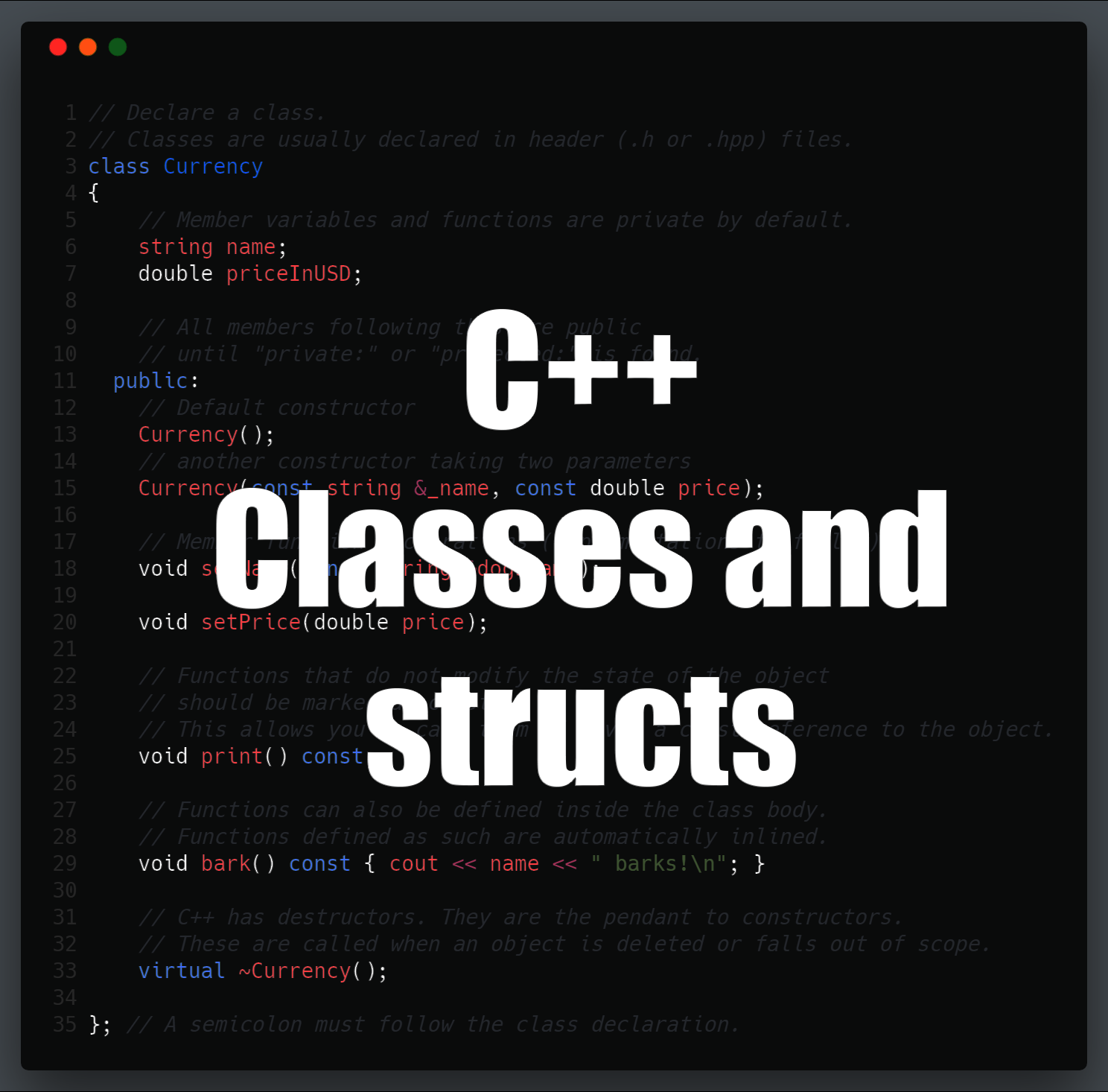
Let's define a basic TelemetryEvent class.
#include <iostream>
#include <cstdint> // For integer types like uint64_t

class TelemetryEvent {
// By default, everything after this is private in a class.

// --- Private Members: The internal data of the object ---
// No one outside this class can touch these directly.
uint64_t timestamp;
uint32_t event_id;
const char* message;

public:
    // --- Public Members: The public "interface" or "API" ---
    // This is how other parts of our code will interact with a TelemetryEvent.

    // A function to initialize or update the event's state in a controlled way.
    void set(uint64_t ts, uint32_t id, const char* msg) {
        timestamp = ts;
        event_id = id;
        message = msg;
    }

    // A "read-only" function to display the event.
    // The 'const' keyword is a promise that this function will NOT modify
    // the object's member variables (timestamp, event_id, message).
    void print() const {
        std::cout << "Event ID " << event_id
                  << " at " << timestamp
                  << ": " << message << std::endl;
    }
};

int main() {
    TelemetryEvent my_event;

    // my_event.timestamp = 123; // ERROR! 'timestamp' is private.

    // We must use the public interface.
    my_event.set(1672531200, 101, "Application Started");

    my_event.print();

    return 0;
}
The const Member Function
Notice the const keyword at the end of the print() function's signature. This is extremely important. It tells the compiler (and other programmers) that calling print() will not change the TelemetryEvent object.
This has two benefits:
- Safety: It prevents you from accidentally changing state in a function that's only supposed to read data.
- Flexibility: It allows you to call this function on
constobjects. Remember from our last lesson how we pass large, read-only objects byconstreference for efficiency?// This function call is only possible because print() is marked as const. void displayEvent(const TelemetryEvent& event) { event.print(); }
Test your understanding!
Your task is to design a simple Stopwatch class for timing operations.
- It should have
privatemember variables to store a start time and an end time. You can use a type likeuint64_tto hold these time points. - It should have three
publicmember functions:void start(): Records the current time as the start time.void stop(): Records the current time as the end time.uint64_t getElapsedTime() const: Calculates and returns the duration between the start and end times. This function must not modify the stopwatch's state.
For this exercise, you can use a placeholder function like get_current_time() to represent getting a timestamp. You don't need to implement it. Just write the class definition.
Show answer
#include <cstdint>

// A dummy function for the example.
uint64_t get_current_time() { return 0; }

class Stopwatch {
private:
    uint64_t start_time;
    uint64_t end_time;

public:
    void start() {
        start_time = get_current_time();
    }

    void stop() {
        end_time = get_current_time();
    }

    // This function is const because it only reads the member variables
    // to perform a calculation; it doesn't change them.
    uint64_t getElapsedTime() const {
        return end_time - start_time;
    }
};
Conclusion
You've made a significant leap forward today. You've moved from manipulating simple data types to defining your own complex types that bundle data and behavior together. This is the essence of building abstractions, which is critical for managing the complexity of any large software project like our telemetry engine.
Key Takeaways:
structandclassare C++ keywords used to define custom types that group member variables and member functions.- The only technical difference is default visibility:
structmembers arepublicby default, whileclassmembers areprivateby default. - Encapsulation (using
private) is a powerful technique for protecting an object's internal data and ensuring it remains in a valid state. You providepublicfunctions as a controlled interface. - Member functions are functions that "belong" to a class and operate on its data.
constmember functions are a promise that they will not modify the object's state, which is crucial for both safety and for working withconstreferences.
In this lesson, we created objects like TelemetryEvent my_event; on the stack. But what if we need an object to live longer than the function it was created in? Where in memory do these objects reside? Our next lesson, "Explain the difference between stack and heap allocation and manage memory with new/delete," will tackle these exact questions. This is a vital topic for a high-performance system where you need absolute control over the lifetime and memory location of your data.