Hello! Welcome back to our Django course.
In the last lesson, you learned the fundamentals of CRUD (Create, Retrieve, Update, Delete) operations, giving you the power to manage data in your database. We briefly used Model.objects.filter() to select multiple records for bulk updates and deletes, but we only scratched the surface of its capabilities.
Today, we will dive deep into the "Retrieve" part of CRUD. This lesson is all about crafting precise and powerful queries. You will learn how to go beyond fetching all records and instead select the exact subset of data you need. We'll master filtering with filter(), its inverse exclude(), and sorting the results with order_by(). Since you're familiar with SQL, you'll see direct parallels to using WHERE, AND, NOT, and ORDER BY clauses, but with the elegance and power of Python.
By the end of this lesson, you will be able to filter and order querysets with confidence, a crucial skill for building any dynamic and data-driven feature.
Filtering Querysets: The WHERE Clause of Django
In the last lesson, we used get() to fetch a single object and all() to fetch every object. The real power, however, lies in filter(), which allows you to retrieve a QuerySet of objects that match specific criteria. Think of it as Django's equivalent of an SQL WHERE clause.
Field Lookups: Specifying the Filter Condition
The basic syntax for filtering is Model.objects.filter(field_name=value). This performs an exact match. But what if you need more complex comparisons? For that, Django uses field lookups, which follow the format field__lookuptype=value (note the double underscore).
Let's watch a video that demonstrates basic filtering and introduces several essential lookups.
Django ORM - QuerySet Filtering and Lookups / Ordering and Slicing QuerySets
This video from BugBytes, 'Django ORM - QuerySet Filtering and Lookups', will walk you through the core concepts of filtering. It covers exact matches and then introduces more powerful lookups.
Watch the following segments: Exact Match (5:02 - 7:16): See how filter() is used for an exact match, similar to WHERE name = 'value'. The __in Lookup (13:13 - 14:42): Learn how to filter for objects where a field's value is in a given list, like SQL's IN operator. Comparison Lookups (__gt, __lt) (17:46 - 20:58): Understand how to filter based on greater-than or less-than comparisons, just like > and < in SQL.
Here's a summary of some of the most common lookups:
| Lookup | Description | SQL Equivalent | Example |
|---|---|---|---|
| (none) | Exact match (default). | = |
filter(name='Pizzeria') |
iexact |
Case-insensitive exact match. | ILIKE or LOWER(col) = |
filter(name__iexact='pizzeria') |
contains |
Case-sensitive containment. | LIKE '%value%' |
filter(name__contains='zeria') |
icontains |
Case-insensitive containment. | ILIKE '%value%' |
filter(name__icontains='zeria') |
in |
Value is in a given list. | IN |
filter(id__in=[1, 5, 10]) |
gt, gte |
Greater than, Greater than or equal to. | >, >= |
filter(price__gt=10) |
lt, lte |
Less than, Less than or equal to. | <, <= |
filter(price__lte=10) |
startswith |
Starts with a value (case-sensitive). | LIKE 'value%' |
filter(name__startswith='Piz') |
endswith |
Ends with a value (case-sensitive). | LIKE '%value' |
filter(name__endswith='ria') |
You can find the complete list in the official documentation, which is an excellent resource to bookmark.
Making queries | Django documentation
The Django documentation provides a comprehensive list of all available field lookups. It's a great reference for when you need a specific type of query.
Skim the section 'Field lookups'. You don't need to memorize them all, but be aware of what's possible, especially exact, iexact, contains, icontains, startswith, and istartswith.
Chaining Filters and Using exclude
What if you need to apply multiple conditions? You can chain filter() calls together. Each subsequent filter narrows down the QuerySet returned by the previous one. This is equivalent to using the AND operator in SQL.
You can also use the exclude() method, which works just like filter() but returns objects that do not match the given condition. This is like using WHERE NOT (...) in SQL.
Let's see how this works.
Django ORM - QuerySet Filtering and Lookups / Ordering and Slicing QuerySets
The same BugBytes video demonstrates how to chain filters and use exclude().
Watch these two parts: Chaining Filters for AND (11:35 - 13:13): See how passing multiple arguments to one filter() call or chaining multiple filter() calls creates an AND condition. Using exclude() (15:14 - 17:10): Understand how exclude() is the inverse of filter() and results in a NOT condition in the SQL query.
So, this Django ORM query:
Restaurant.objects.filter(restaurant_type='Chinese').exclude(name__icontains='buffet')
Is equivalent to this SQL query:
SELECT * FROM restaurant_restaurant
WHERE restaurant_type = 'Chinese' AND NOT (LOWER(name) LIKE '%buffet%');
Filtering Across Relationships
One of the most powerful features of the ORM is the ability to filter based on the fields of a related model. You can traverse ForeignKey, ManyToManyField, or OneToOneField relationships using the same double-underscore syntax.
This is the ORM's way of performing an SQL JOIN for you, behind the scenes.
For example, if a Book model has a ForeignKey to an Author model, you can find all books by authors with a specific name:
Book.objects.filter(author__name='J.K. Rowling')
The video below demonstrates this concept clearly.
Django ORM - QuerySet Filtering and Lookups / Ordering and Slicing QuerySets
Watch this final clip from the BugBytes video to see how to filter across a foreign key relationship.
Watch from 35:56 to 38:36. Pay close attention to the rating.objects.filter(restaurant__name__startswith='C') syntax. The query starts on the Rating model but filters based on a field (name) in the related Restaurant model.
Ordering Querysets
Once you have the data you want, you'll often need to sort it. The order_by() method does exactly this, acting as the ORM's ORDER BY clause.
Model.objects.order_by('field_name')sorts in ascending order.Model.objects.order_by('-field_name')sorts in descending order (note the minus sign).- You can sort by multiple fields:
Model.objects.order_by('category', '-price')first sorts bycategory(A-Z), and then byprice(high to low) within each category.
Django ORM - QuerySet Filtering and Lookups / Ordering and Slicing QuerySets
This segment from the BugBytes video explains how to use order_by() to sort your results.
Watch from 22:57 to 25:56. The video shows how to order by a field, how to reverse the order using the minus prefix (-), and what the resulting ORDER BY SQL clause looks like.
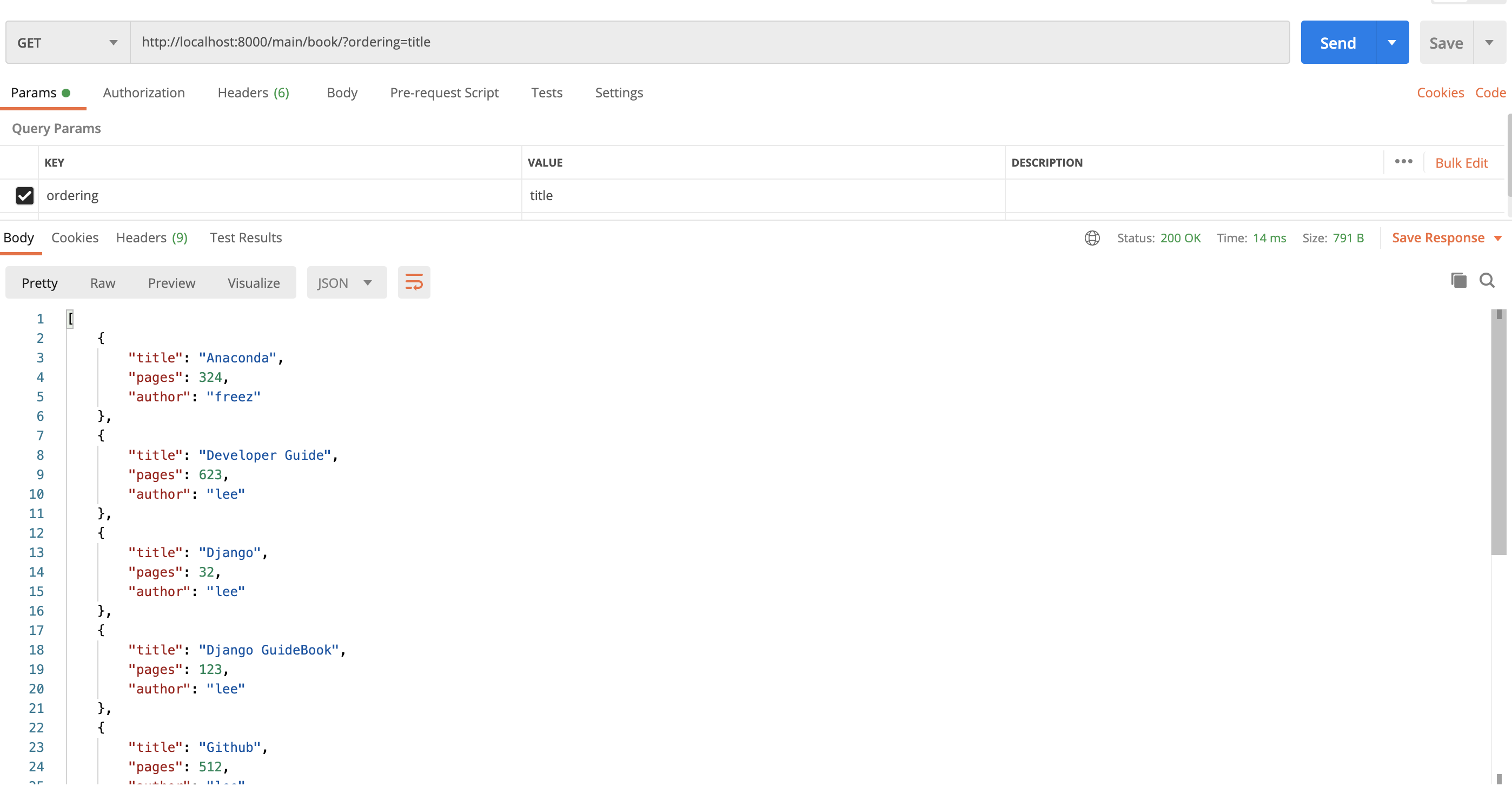
This order_by functionality is often exposed in REST APIs through query parameters, allowing the client to control the sorting of results. This directly relates to your goal of building APIs with Django.
Test your understanding!
You have a Product model with name (CharField), price (DecimalField), and stock_quantity (IntegerField) fields. Write a single Django ORM query to retrieve all products that:
- Have a price between $50 and $100 (inclusive).
- Are currently in stock (quantity greater than 0).
- Are ordered from the most expensive to the least expensive.
Show answer
You would chain filter() calls (or use multiple arguments in one call) and then add an order_by() call.
Product.objects.filter(
    price__gte=50,
    price__lte=100,
    stock_quantity__gt=0
).order_by('-price')
price__gte=50andprice__lte=100handle the price range. You could also useprice__range=(50, 100).stock_quantity__gt=0ensures the product is in stock.- These are combined with an implicit
AND. order_by('-price')sorts the final list in descending order of price.
Put it into Practice
Theory is great, but the best way to learn the ORM is to use it. The following exercises use a set of models for a book-publishing database.
First, here are the models you'll be working with. Imagine these are in a models.py file in your project.
class Author(models.Model):
    firstname = models.CharField(max_length=100)
    lastname = models.CharField(max_length=100)
    joindate = models.DateField()
    popularity_score = models.IntegerField()
    followers = models.ManyToManyField('User')

class Book(models.Model):
    title = models.CharField(max_length=100)
    price = models.IntegerField(null=True)
    published_date = models.DateField()
    author = models.ForeignKey('Author', on_delete=models.CASCADE)
    publisher = models.ForeignKey('Publisher', on_delete=models.CASCADE)

class Publisher(models.Model):
    firstname = models.CharField(max_length=100)
    lastname = models.CharField(max_length=100)
    joindate = models.DateField()

class User(models.Model):
    username = models.CharField(max_length=100)
    email = models.CharField(max_length=100)
Now, try to write the Django ORM queries for the following problems.
Practice Problems
- Fetch a list of all publishers who joined on or after September 1, 2012. The output list should be ordered by their join date (oldest first).
- Fetch a list of titles of all books written by authors whose first name starts with 'A' (case-sensitive).
- Fetch a list of all authors who wrote a book with "tle" as part of the book's title (case-insensitive).
- Fetch a list of all authors who did not join in the year 2012.
Show Solutions
Here are the solutions using the ORM.
-
Publishers joined after a certain date, ordered:
import datetime from .models import Publisher # We use filter with __gte (greater than or equal to) and then order by the date. Publisher.objects.filter(joindate__gte=datetime.date(2012, 9, 1)).order_by('joindate') -
Book titles from authors starting with 'A':
from .models import Book # We filter on the Book model, but traverse the 'author' relationship # to access the author's 'firstname' field. Book.objects.filter(author__firstname__startswith='A').values_list('title', flat=True) # .values_list('title', flat=True) is a neat trick to get a flat list of titles ['Title1', 'Title2'] # instead of a list of tuples [('Title1',), ('Title2',)]. -
Authors of books with "tle" in the title:
from .models import Author # We filter on the Author model, traversing the reverse relationship 'books' # to access the book's 'title' field, using a case-insensitive lookup. Author.objects.filter(books__title__icontains='tle') -
Authors who did not join in 2012:
from .models import Author

# We use exclude() with the __year lookup to find all authors whose
# joindate is not in the year 2012.
Author.objects.exclude(joindate__year=2012)
These examples are adapted from the helpful "Django ORM — Examples and Practice Problems" article (LINK).
Conclusion
You've now unlocked the full power of basic data retrieval in Django. By combining filter(), exclude(), a wide array of field lookups, and order_by(), you can construct queries to select and sort data with a high degree of precision.
Key Takeaways:
filter()is your primary tool for selecting data, acting like SQL'sWHEREclause.- Field Lookups (
__gt,__icontains, etc.) provide the specific conditions for your filters. - Chaining
filter()calls or passing multiple arguments creates anANDcondition. exclude()is the inverse offilter(), creating aNOTcondition.- Relationship Spanning using
__lets you filter based on related models, effectively performing aJOIN. order_by()sorts your results, with a leading-indicating descending order.
So far, all our combined filters have used an implicit AND. But what if you need to find objects that match condition A OR condition B? This requires a different tool. In our next lesson, we will explore Q objects, which allow you to build even more complex queries with explicit OR and NOT logic.