Introduction
In our last lesson, you learned the crucial skill of controlling mock functions using mockResolvedValue and mockRejectedValue. You saw how to dictate the outcome of a database call, which is the key to testing different scenarios in your API routes.
Today, we will systematically apply that knowledge to write a complete set of integration tests for your GET endpoints. The goal is to verify every primary path for both fetching all resources and fetching a single resource by its ID. You'll write tests to confirm correct status codes (200 for success, 404 for not found), check the structure and content of the response body, and handle specific error cases like invalid ObjectIDs.
1. Testing the "Get All" Endpoint (GET /api/products)
This is often the first test you'll write for a resource. The goal is to ensure that a GET request to the base resource URL (/api/products) returns a list of all items from the database.
The Happy Path: Returning a List of Products
For this test, you need to:
- Mock the
Product.find()method to simulate a successful database query that returns an array of product documents. - Send a GET request to
/api/productsusing Supertest. - Assert that the HTTP status is
200and the response body is an array containing the products you defined in your mock.
// In your tests/routes/productRoutes.test.js

describe('GET /api/products', () => {
  it('should return all products with a 200 status code', async () => {
    // 1. Setup: Define mock data and configure the mock
    const mockProducts = [
      { _id: '60d21b4667d0d8992e610c85', name: 'Gaming Mouse', price: 50 },
      { _id: '60d21b4667d0d8992e610c86', name: 'Mechanical Keyboard', price: 120 }
    ];
    Product.find.mockResolvedValue(mockProducts);

    // 2. Action: Make the request
    const res = await request(server).get('/api/products');

    // 3. Assertion: Check the response
    expect(res.statusCode).toEqual(200);
    expect(Array.isArray(res.body)).toBe(true);
    expect(res.body).toEqual(mockProducts);
    expect(Product.find).toHaveBeenCalledTimes(1);
  });
});
The article "End-to-end testing for Express + MongoDB apps" provides a nearly identical example for a GET /todos endpoint. Notice how they mock the service call and then assert both the status and the body.
End-to-end testing for Express + MongoDB apps using Supertest ...
Read the "API tests" section of this article to see a parallel example of testing a GET-all endpoint. Focus on the structure: mock the data source, make the request, and then assert the response.
Focus on the test('GET /todos returns a list of Todos when accessed', ...) block. Observe how spyOn is used to mock the getTodos service, and how the test verifies the status is 200 and the body equals the expected mock data.
The Edge Case: No Products Found
What should happen if the database collection is empty? A well-behaved API should return a 200 status code with an empty array [], not an error. Let's test this scenario.
// Add this test inside the 'GET /api/products' describe block

it('should return an empty array with a 200 status code if no products exist', async () => {
  // 1. Setup: Mock find() to resolve with an empty array
  Product.find.mockResolvedValue([]);

  // 2. Action: Make the request
  const res = await request(server).get('/api/products');

  // 3. Assertion: Check the response
  expect(res.statusCode).toEqual(200);
  expect(res.body).toEqual([]);
});
2. Testing the "Get by ID" Endpoint (GET /api/products/:id)
As we previewed in the last lesson, this endpoint has more conditions to test: a successful find, a "not found" error for a valid ID, and a "bad request" error for an invalid ID format.
The Happy Path: Finding a Specific Product
Here, you'll mock Product.findById() to return a single product object.
// In your tests/routes/productRoutes.test.js

describe('GET /api/products/:id', () => {
  it('should return a single product if a valid ID is passed', async () => {
    const mockProduct = { _id: '60d21b4667d0d8992e610c85', name: 'Gaming Mouse', price: 50 };
    Product.findById.mockResolvedValue(mockProduct);

    const res = await request(server).get(`/api/products/${mockProduct._id}`);

    expect(res.statusCode).toEqual(200);
    expect(res.body).toEqual(mockProduct);
    expect(Product.findById).toHaveBeenCalledWith(mockProduct._id);
  });
});
Error Case 1: Product Not Found (404)
This is a critical test. Your application should gracefully handle requests for items that don't exist. To simulate this, you'll configure findById to resolve with null, which is exactly what Mongoose does when a document isn't found.
// Add this test inside the 'GET /api/products/:id' describe block

it('should return 404 if product with the given ID is not found', async () => {
  // 1. Setup: Mock returns null for not found
  Product.findById.mockResolvedValue(null);
  const nonExistentId = '60d21b4667d0d8992e610c99'; // A valid ObjectId format, but doesn't exist

  // 2. Action
  const res = await request(server).get(`/api/products/${nonExistentId}`);

  // 3. Assertion
  expect(res.statusCode).toEqual(404);
});
The "Integration Testing Patterns" article shows this exact pattern for a PUT request, but the principle is identical for GET.
Integration Testing Patterns with Express.js - Library - Grizzly Peak ...
Review the "PUT and DELETE Requests" section in "Integration Testing Patterns with Express.js". Pay close attention to how they test for a 404 error.
Find the test case it("should return 404 for non-existent user", ...) under the PUT /users/:id description. Notice the simple and direct request(app).put(...).expect(404, done). This demonstrates the standard Supertest pattern for asserting a specific error status code.
Error Case 2: Invalid ID Format (400)
Your controller logic for finding a product by ID likely assumes the ID is a valid MongoDB ObjectId. If a user passes an invalid string (e.g., "123"), Mongoose will throw a CastError before your if (!product) check is even reached. Your global error handler should catch this and return a 400 Bad Request status.
This test is unique because you don't need to mock anything. The error happens before the mock is even relevant.
// Add this test inside the 'GET /api/products/:id' describe block

it('should return 400 if an invalid ID format is passed', async () => {
  const invalidId = '123';

  const res = await request(server).get(`/api/products/${invalidId}`);

  // This relies on your global error handler correctly identifying
  // a Mongoose CastError and setting the status to 400.
  expect(res.statusCode).toEqual(400);

  // Optional: Check if the mock was NOT called, proving the error happened first.
  expect(Product.findById).not.toHaveBeenCalled();
});
Your Complete Test File
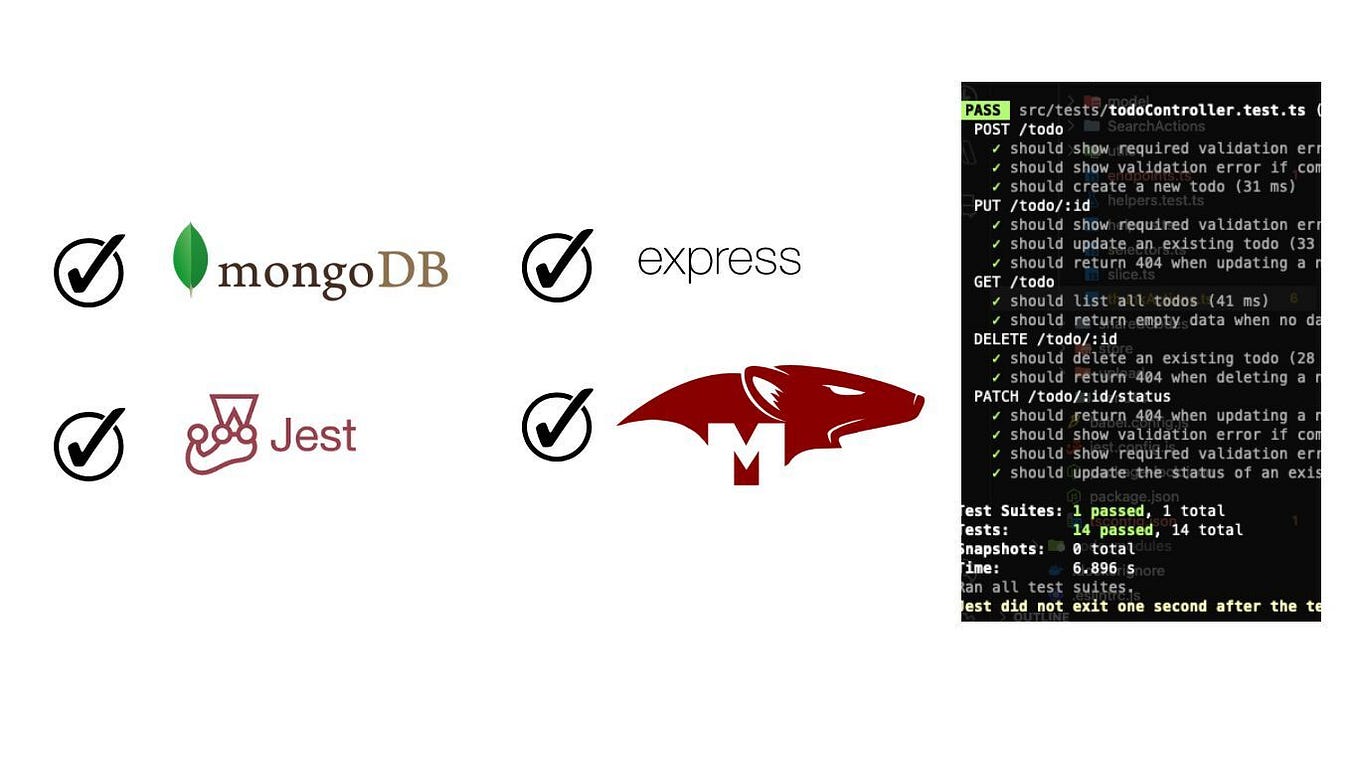
After adding all these tests, your productRoutes.test.js file should be looking quite comprehensive. Running npm test should now show a series of passing tests, giving you high confidence in your GET routes.
Conclusion
You have now built a robust test suite for your GET endpoints. By combining Supertest requests with controlled Mongoose mocks, you've verified the "happy path," the "not found" error case, and the "invalid input" error case.
Key Takeaways:
- Test the
GET /resourcesendpoint for both success (returning an array) and the edge case of an empty collection (returning an empty array). - For the
GET /resources/:idendpoint, test three distinct scenarios:- Success (200):
Product.findById.mockResolvedValue({ ... }) - Not Found (404):
Product.findById.mockResolvedValue(null) - Invalid ID (400): Pass a malformed ID and assert that your error handler returns the correct status. No mock is needed for this.
- Success (200):
- Always assert the status code, and where appropriate, the structure and content of the response body.
Next Up:
With a solid foundation in testing GET requests, you are ready to tackle the endpoints that modify data. In the next lesson, we will apply these same patterns to write integration tests for your POST endpoint, focusing on successful resource creation (201) and handling validation failures (400).