Introduction
In the last lesson, you mastered writing integration tests for your PUT endpoint, ensuring it correctly handles both successful updates (200 OK) and not-found errors (404 Not Found). You're now ready to test the final piece of our core CRUD functionality: the DELETE endpoint.
This lesson will guide you through writing integration tests for resource deletion. By the end, you'll be able to implement two critical test cases:
- Successful Deletion: Verifying that a
DELETErequest to an existing resource returns a204 No Contentstatus. - Not-Found Error: Confirming that attempting to delete a non-existent resource correctly returns a
404 Not Foundstatus.
These tests are crucial for building a resilient API and are a common requirement in certification exams.
1. Testing a Successful Deletion (204 No Content)
The "happy path" for a DELETE request is straightforward: a client provides a valid ID, the server removes the corresponding resource from the database, and confirms success. The standard HTTP status code for a successful DELETE operation that returns no data is 204 No Content. Your test must verify this behavior.
The Test Flow:
- Setup: Define a valid ID for a resource you intend to delete. Mock
Model.findByIdAndDelete()to resolve with a document object. Resolving with the object simulates that the document was found and successfully passed to the deletion logic. - Action: Use Supertest to send a
DELETErequest to your endpoint (e.g.,/api/products/:id). - Assertion: Verify that the status code is
204. Since a204response must not have a body, you can also assert that the response body is empty.
Here is the implementation pattern:
// In tests/routes/productRoutes.test.js

describe('DELETE /api/products/:id', () => {
  it('should delete the product and return 204 status', async () => {
    // 1. Setup
    const productId = '60d21b4667d0d8992e610c87';
    // Mock the Mongoose method to simulate a successful find and delete
    Product.findByIdAndDelete.mockResolvedValue({ _id: productId, name: 'Old Product' });

    // 2. Action
    const res = await request(server).delete(`/api/products/${productId}`);

    // 3. Assertion
    expect(res.statusCode).toBe(204);
    expect(res.body).toEqual({}); // Body should be empty

    // Verify the mock was called correctly
    expect(Product.findByIdAndDelete).toHaveBeenCalledWith(productId);
  });
});
This test ensures that your controller correctly calls the Mongoose findByIdAndDelete method and returns the appropriate 204 status upon success.
2. Testing Not-Found Errors (404 Not Found)
Your API must handle attempts to delete resources that don't exist. The controller should detect when findByIdAndDelete returns null (indicating no document was found) and respond with a 404 Not Found error.
The Test Flow:
- Setup: Use an ID that is a valid format but doesn't exist in the database. Mock
Model.findByIdAndDelete()to resolve withnull. - Action: Send a
DELETErequest using the non-existent ID. - Assertion: Verify that the status code is
404and that your API returns a clear error message in the response body.
Here is how you implement this "sad path" test:
// Add this 'it' block inside your 'DELETE /api/products/:id' describe block

it('should return 404 status if product is not found', async () => {
  // 1. Setup
  const nonExistentId = '123456789012345678901234';
  // Mock the Mongoose method to return null, simulating a not-found case
  Product.findByIdAndDelete.mockResolvedValue(null);

  // 2. Action
  const res = await request(server).delete(`/api/products/${nonExistentId}`);

  // 3. Assertion
  expect(res.statusCode).toBe(404);
  // Check for the error message your API sends in this case
  expect(res.body.message).toBe('Product not found');
});
With these two tests, your DELETE endpoint is now fully covered. A successful test run gives you confidence that your deletion logic is robust.
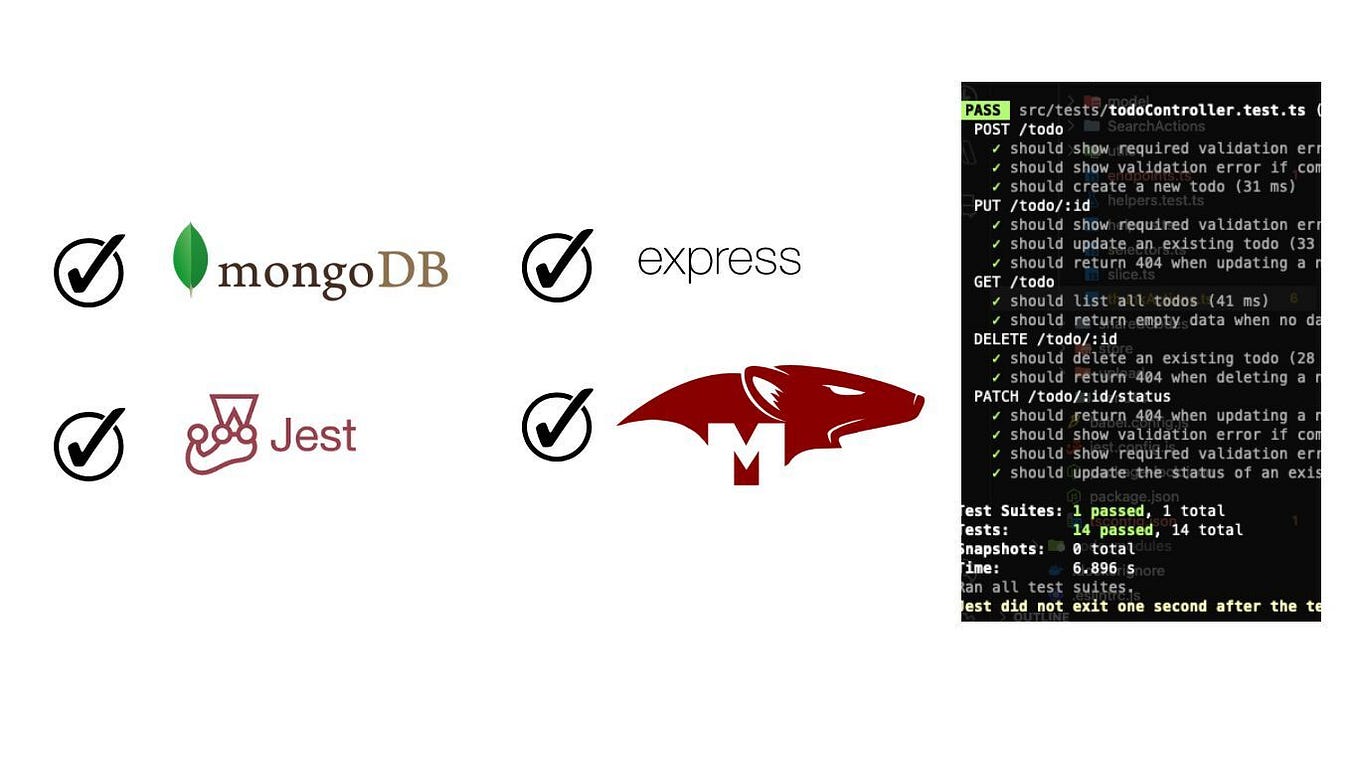
A Complete E2E Test Example
To see how these tests fit into a complete end-to-end test file, the following resource provides an excellent, practical example. It uses a simple in-memory array instead of Mongoose, but the Supertest patterns for testing the DELETE route are identical to what you need.
Ensuring API Stability End-to-End with Jest and Supertest
The following resource provides a full end-to-end test file. Pay close attention to the two test cases for the DELETE endpoint, as they perfectly demonstrate the patterns for success (204) and failure (404).
In the __tests__/items.e2e.test.js code block, find the describe('Items API E2E Tests', ...) section. Scroll down to the last two test cases: it('should delete an item', ...) and it('should return 404 when trying to delete a non-existent item', ...). Analyze how they use request(app).delete() and assert the status codes 204 and 404 respectively.
Studying this example will solidify your understanding of how to structure these critical tests in preparation for your exam.
Conclusion
You have now completed the test suite for all core CRUD operations. You can write focused integration tests that validate the behavior of your GET, POST, PUT, and DELETE endpoints, covering both successful operations and common error conditions like 404 Not Found.
Key Takeaways:
- Test for Success (204):
- Mock
Model.findByIdAndDelete()to resolve with a document. - Send a
DELETErequest with a valid ID:.delete('/path/:id'). - Assert the status is
204and the response body is empty.
- Mock
- Test for Not Found (404):
- Mock
Model.findByIdAndDelete()to resolve withnull. - Send a
DELETErequest with a non-existent ID. - Assert the status is
404and check for an appropriate error message.
- Mock
Next Up:
With a fully tested CRUD API, we will now move on to a new feature. In the next lesson, you will learn how to handle file uploads by integrating and configuring the Multer middleware.