Welcome back! In our previous lesson, we established the fundamental connection between a Java application and a database using JDBC. You learned the entire lifecycle, from loading a driver to closing a connection, and saw why modern applications use connection pools for efficiency. We also had a brief glimpse of PreparedStatement and its ? placeholders.
Today, we will dive deep into that topic. This lesson is one of the most critical in this module for your goal of becoming a backend developer. We'll focus on how to execute queries securely and efficiently using PreparedStatement. You will learn not just how to use it, but why it is the non-negotiable standard for database interaction in Java, primarily because it is your main line of defense against a dangerous and common vulnerability known as SQL injection.
The Problem: When User Input Becomes a Command
In the last lesson, you saw PreparedStatement used with placeholders. But why is this so important? Why not just build a query string using concatenation, which might seem more straightforward at first?
Consider a login function. A naive implementation might look like this:
String userName = //... get from user input
String password = //... get from user input

String query = "SELECT * FROM users WHERE username = '" + userName + "' AND password = '" + password + "'";

Statement stmt = connection.createStatement();
ResultSet rs = stmt.executeQuery(query);
// ... if rs has a result, login is successful
This code is dangerously flawed. The application trusts the user's input and directly stitches it into a SQL command. A malicious user doesn't need to provide a valid username. Instead, they can provide a string that alters the SQL query itself. This is called SQL Injection.
To see just how easily this vulnerability can be exploited, let's watch a video that demonstrates this attack in real-time.
sql injection and how to prevent it? | JDBC | How to prevent SQL injection in java | realNameHidden
This video from the channel "realNameHidden" provides a crystal-clear demonstration of SQL injection. It shows how an attacker can bypass a login screen by entering a specially crafted string instead of a valid password.
Watch the first part of the video, from the beginning up to the point where the problem is fully demonstrated. Pay close attention to two attack variations: Bypassing the password check when the username is known. Bypassing the login entirely without knowing a valid username or password, using an OR '1'='1' condition. This will give you a concrete understanding of why simply concatenating user input into SQL queries is a critical security risk.
The Solution: Separating Code from Data with PreparedStatement
As you saw in the video, the root of the problem is that the database engine can't distinguish between the intended SQL command and the malicious data injected by the user.
PreparedStatement solves this by creating a clear separation. The process works like this:
- Pre-compilation: You provide the SQL query template with
?placeholders to the database first. The database parses this template, validates its syntax, and creates an optimized execution plan. At this stage, the database knows the exact structure of the query. - Parameter Binding: You then provide the user input (the actual data) through
set...()methods (e.g.,setString(),setInt()). The JDBC driver sends this data to the database separately.
Crucially, the database treats this incoming data only as data. Even if the data contains SQL keywords like OR, DROP, or --, it will not be executed. It will simply be treated as a literal string value to be compared against a database column, effectively neutralizing the attack.
Now, let's see how PreparedStatement fixes the vulnerability from the video.
sql injection and how to prevent it? | JDBC | How to prevent SQL injection in java | realNameHidden
The same video now shows how to refactor the vulnerable code to use PreparedStatement, demonstrating how it prevents the SQL injection attacks shown earlier.
Watch the remainder of the video, from this timestamp to the end. Notice how the query is defined with placeholders, and the user input is supplied safely using ps.setString(). When the same malicious input is attempted, the login fails as it should.
How to Use PreparedStatement in Practice
Now that you understand the "why," let's solidify the "how." The steps are consistent for any query you need to run. A great article from GeeksforGeeks provides clear code examples for SELECT and INSERT operations.
How to Use PreparedStatement in Java
This article breaks down the usage of PreparedStatement into clear steps and provides complete code examples.
First, read the introductory sections, "Steps to use PreparedStatement", to get a concise, step-by-step overview of the process. Then, carefully study the full code examples for a SELECT query and an INSERT query. Pay attention to: The SQL string with ? placeholders. The creation of the PreparedStatement object. The use of myStmt.setInt() and myStmt.setString() to bind values. Note that the parameter index starts at 1. The difference between executeQuery() for SELECT and executeUpdate() for INSERT/UPDATE/DELETE.
To see this in a more dynamic fashion, the following video from luv2code walks through a live coding session. It also introduces another key benefit: reusability.
Java JDBC Tutorial - Part 5: Prepared Statements
This video provides a practical walkthrough of implementing and using PreparedStatement.
Watch the full video from this segment. It covers: The definition and core benefits. How to create the statement and set parameters. A live demo of executing a query. A demonstration of reusing the same PreparedStatement with different parameters, which is an important performance optimization. A brief mention of its use for UPDATE and DELETE as well.
The Full Picture: Security, Performance, and Readability
As you've seen, preventing SQL injection is the primary reason to use PreparedStatement. However, its benefits don't stop there. For a job-ready developer, it's important to understand the other advantages it brings to the table.
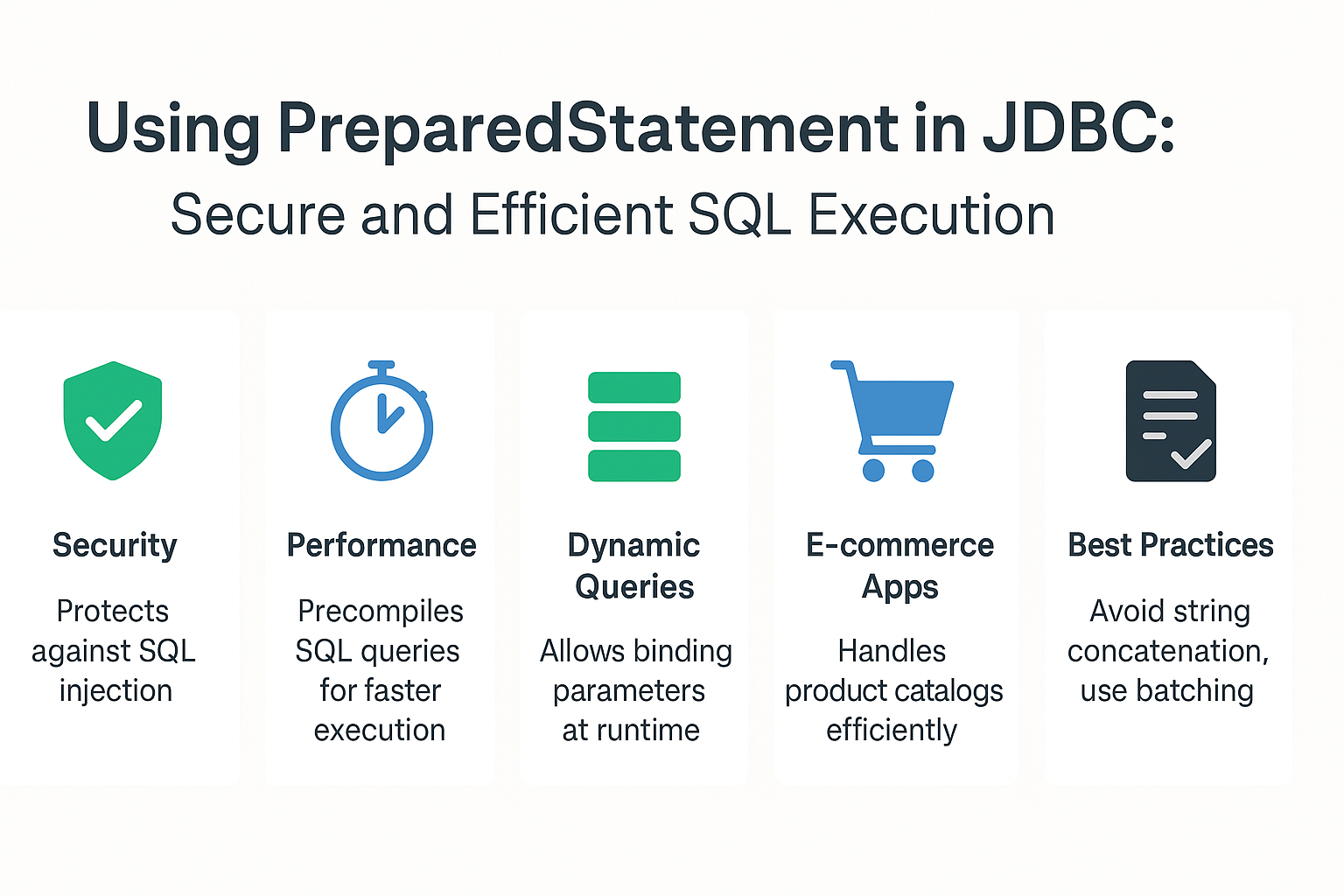
Let's explore these benefits in more detail by reading an excellent blog post from CoderPad.
Using PreparedStatement in JDBC With Examples
This article provides a comprehensive explanation of the advantages of PreparedStatement beyond just security.
Please read the following sections from the article: Usage and Security: Start by reading the Usage and Security sections. This will reinforce what you've already learned about parameter binding and how it thwarts SQL injection. Portability and Ease of Use: Continue with the section on Portability. It gives a great example using dates, showing how PreparedStatement saves you from writing database-specific formatting code, making your application more portable. Performance and Pre-compilation: Read the section on Performance. This explains the concept of pre-compilation, where the database creates an optimized execution plan for the query template, which can then be reused multiple times. This is much more efficient than sending a new raw query string every time. Batching: Finally, read the section on Batching. This introduces an advanced performance technique. Instead of sending one INSERT or UPDATE at a time (each a separate network round trip), you can "batch" them together and send hundreds or thousands in a single request, drastically improving performance for bulk data operations.
Conclusion
In this lesson, you've mastered one of the most fundamental and critical components of database programming in Java. You now not only know how to execute parameterized queries but also understand the deep-seated reasons for doing so.
Key Takeaways:
- Never use
Statementwith string concatenation for queries that involve user input. This exposes your application to SQL injection. PreparedStatementis the standard solution. It separates the SQL command structure from the data, preventing malicious input from being executed.- You use
?as placeholders in your SQL string and bind values usingset...()methods, which are 1-indexed. - Beyond security,
PreparedStatementoffers significant benefits in performance (due to pre-compilation and reusability), code readability, and portability across different database systems. - For bulk operations, batching with
PreparedStatementis a powerful technique to reduce network latency and improve throughput.
You have now completed the SQL and JDBC module! You have the foundational skills to design a normalized database schema and connect to it securely and efficiently from a Java application.
In the next module, we will move up a level of abstraction. You'll see how modern frameworks like Spring Boot take care of the boilerplate JDBC code (connections, statements, resource closing) for you, allowing you to focus on your application's business logic. We will begin by exploring the core principles that make Spring so powerful: Inversion of Control (IoC) and Dependency Injection (DI).