Hello! Welcome to the seventh lesson in our "Databases and SQL Fundamentals" module.
In our last lesson, we concluded our exploration of relational databases by learning how to manage schema changes with Alembic. You now have a solid foundation in the structured world of SQL. Today, we pivot to a fundamentally different approach to data storage: NoSQL.
We will be diving into MongoDB, a leading document-oriented database. For an AI developer, proficiency in NoSQL databases like MongoDB is crucial. Much of the data you'll work with—from user-generated text and images to JSON outputs from various APIs—is unstructured or semi-structured, a perfect fit for MongoDB's flexible model.
This lesson will introduce you to the core concepts of MongoDB and teach you how to interact with it using Python. By the end, you will be able to perform essential document operations (CRUD) and run basic aggregations, giving you the practical skills to start using MongoDB in your projects.
1. From SQL Tables to NoSQL Documents
Before we write any code, it's essential to understand the conceptual shift from SQL to NoSQL.
- Relational (SQL): Data is stored in tables with a predefined schema (columns and data types). Think of a highly organized spreadsheet.
- Document (NoSQL): Data is stored in collections of documents. A document is a flexible, JSON-like structure (technically BSON, or Binary JSON). Think of a folder full of individual Word documents, where each can have a slightly different structure.
The hierarchy in MongoDB is:
- Database: A container for collections.
- Collection: A group of related documents. Analogous to a table in SQL.
- Document: A set of key-value pairs. Analogous to a row in SQL, but far more flexible.
To get a better sense of these concepts and walk through the initial setup, the following video provides an excellent introduction.
Watch this video to understand what MongoDB is and how to install it. The narrator, from the Bro Code channel, does a great job of explaining the core ideas and walking through the installation of MongoDB Server (the database itself) and MongoDB Compass (a graphical tool to view your data).
Watch the segment from 00:00:18 to 00:06:54. This covers: The core concepts of NoSQL and MongoDB's document model. A step-by-step guide to installing MongoDB Community Server and Compass on Windows (the principles apply to other OSs, and the video points to the official docs). How to connect to your local database server using Compass.
Once you have MongoDB installed and the service running, you'll need the Python driver, PyMongo, to connect to it from your code. You can install it in your virtual environment. The [srv] part is recommended as it helps with connecting to cloud-based MongoDB Atlas instances.
pip install pymongo[srv]
2. Document Operations (CRUD) with PyMongo
All interactions with a database boil down to four fundamental operations: Create, Read, Update, and Delete (CRUD). Let's see how to perform each of these on MongoDB documents using PyMongo.
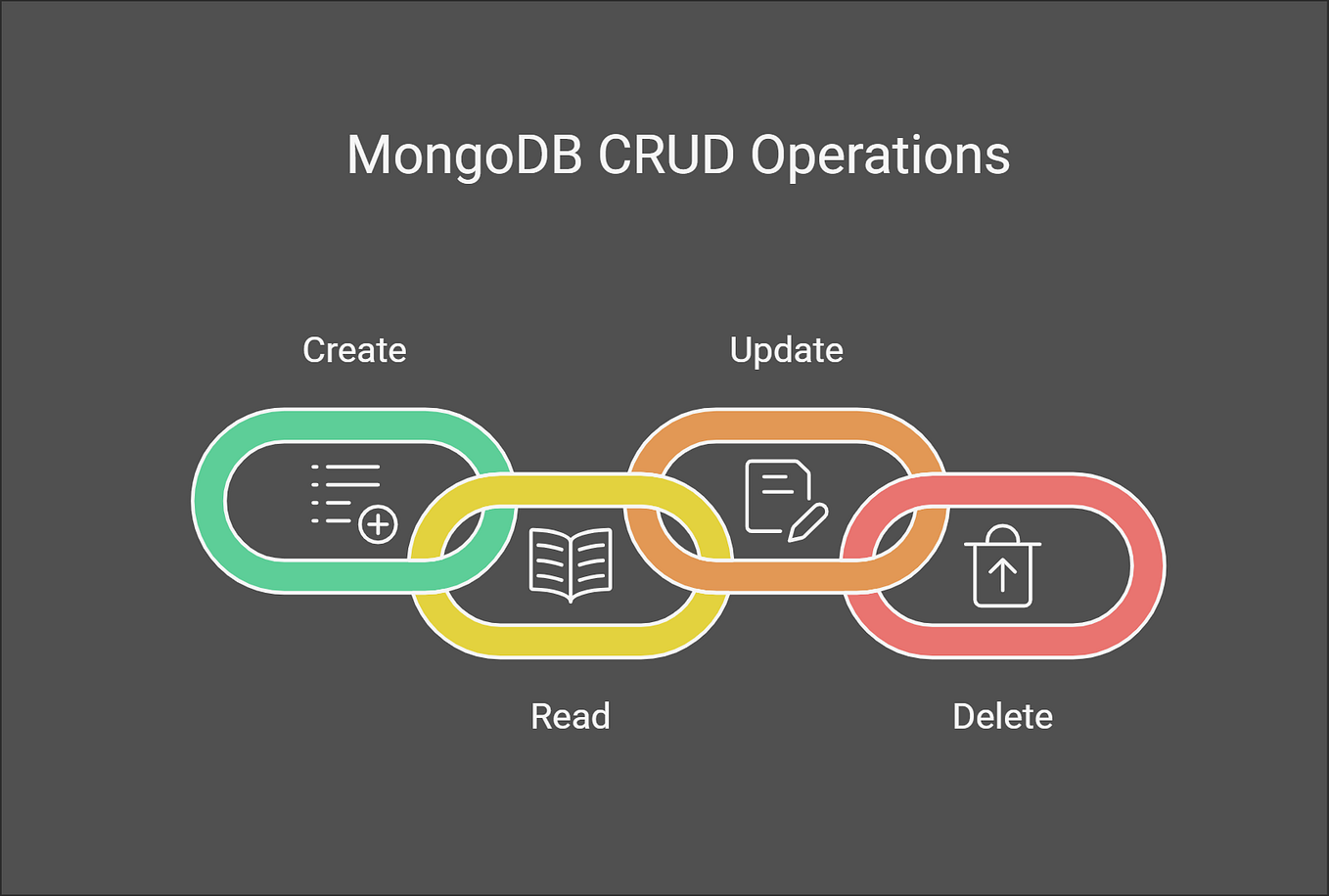
The following video provides a comprehensive, hands-on walkthrough of performing these operations in Python. We will refer back to different parts of this video as we cover each operation.
MongoDB in Python - NoSQL Document Database
The video "MongoDB in Python" by NeuralNine is a concise, practical guide to using PyMongo. It covers connecting to the database, performing all CRUD operations, and even introduces basic aggregation.
For now, watch from 00:07:15 to 00:19:23. This will guide you through: Connecting to MongoDB and getting a collection object. Create: Inserting documents with insert_one(). Read: Finding documents with find() and filtering them by exact values, object ID, and using comparison operators like $lt (less than). Update: Modifying documents with update_one(). Delete: Removing documents with delete_many().
Let's break down the code for each operation, building a single Python script.
Connecting to MongoDB
First, you establish a connection and select your database and collection. If they don't exist, MongoDB creates them on the fly when you first insert data.
from pymongo import MongoClient
from bson.objectid import ObjectId # To query by _id


# Connect to the local MongoDB server
client = MongoClient('mongodb://localhost:27017/')


# Select a database and a collection
db = client['ai_developer_course']
collection = db['students']
Create: insert_one() and insert_many()
You insert data by passing a Python dictionary to insert_one() or a list of dictionaries to insert_many().
# Insert a single document
result_one = collection.insert_one({
    "name": "Alex",
    "age": 25,
    "interests": ["Python", "AI", "Databases"]
})
print(f"Inserted document ID: {result_one.inserted_id}")


# Insert multiple documents
new_students = [
    {"name": "Maria", "age": 28, "interests": ["NLP", "Web Dev"]},
    {"name": "Chen", "age": 23, "interests": ["Computer Vision", "PyTorch"]}
]
result_many = collection.insert_many(new_students)
print(f"Inserted document IDs: {result_many.inserted_ids}")
Read: find_one() and find()
You retrieve data using find_one() for a single document or find() for multiple. find() returns a cursor, which is an iterable object.
The first argument to these methods is a filter document.
# Find a single document
alex = collection.find_one({"name": "Alex"})
print("\nFound Alex:", alex)


# Find all documents and iterate through them
print("\nAll students:")
for student in collection.find():
    print(student)


# Find documents matching a condition (e.g., age less than 25)
# Query operators start with a '$'
young_students = collection.find({"age": {"$lt": 25}})
print("\nStudents younger than 25:")
for student in young_students:
    print(student)
MongoDB has a rich set of query operators. Here are a few common ones:
$lt: less than$lte: less than or equal to$gt: greater than$gte: greater than or equal to$ne: not equal$in: value is in an array of specified values
Update: update_one() and update_many()
To modify documents, you provide a filter to select which documents to change and an update document specifying the changes. The most important update operator is $set, which modifies specific fields without replacing the entire document.
# Update a single document: Add a 'status' field to Alex
collection.update_one(
    {"name": "Alex"},
    {"$set": {"status": "active"}}
)
print("\nUpdated Alex:", collection.find_one({"name": "Alex"}))


# Update multiple documents: Add a 'year' field to everyone
collection.update_many(
    {}, # An empty filter matches all documents
    {"$set": {"year": 2024}}
)
Delete: delete_one() and delete_many()
To remove documents, you provide a filter to specify which ones to delete.
# Delete one document
collection.delete_one({"name": "Chen"})
print("\nDeleted Chen. Remaining students:")
for student in collection.find():
    print(student)


# Be careful with delete_many!
# collection.delete_many({}) # This would delete ALL documents in the collection.
For a quick reference on all these PyMongo methods, the official documentation is an excellent resource.
CRUD Operations - PyMongo Driver - MongoDB Docs
The MongoDB documentation page "CRUD Operations - PyMongo Driver" is a handy cheat sheet. It provides clear, copy-pasteable code snippets for every operation we just discussed.
Skim through this page. Focus on the sections for "Insert One", "Insert Multiple", "Update One", "Update Multiple", "Delete One", "Delete Multiple", "Find One", and "Find Multiple". Notice how the code structure mirrors what we've just practiced.
3. Basic Aggregations
CRUD operations are for managing individual records. Aggregation is for processing many documents to return a computed result. This could be counting documents, calculating an average, or grouping data to get insights.

Simple Aggregations
PyMongo provides some helper methods for common aggregations.
count_documents(): Counts documents matching a filter.
# Count all students
total_students = collection.count_documents({})
print(f"\nTotal number of students: {total_students}")


# Count students interested in AI
ai_enthusiasts = collection.count_documents({"interests": "AI"})
print(f"Number of students interested in AI: {ai_enthusiasts}")
The Aggregation Pipeline: $group
For more complex analysis, you use the aggregation pipeline, a series of stages that process documents sequentially.
The most fundamental stage is $group. It groups documents by a specified key and allows you to compute aggregate values for each group using accumulator operators like $avg, $sum, $max, and $min.
Let's watch the final part of the NeuralNine video to see a practical example.
MongoDB in Python - NoSQL Document Database
This segment demonstrates a simple but powerful aggregation pipeline to group documents and calculate an average.
Watch from 00:19:23 to 00:23:13. Focus on how the aggregate method is used with a pipeline list, containing a $group stage and a $sort stage.
Let's implement a similar aggregation. Suppose we want to find the average age of students. While we could do this in Python, performing it in the database is far more efficient with large datasets.
A more interesting example is to group by a common characteristic. Let's add another student to make our data more suitable for grouping.
collection.insert_one({
    "name": "David",
    "age": 28,
    "interests": ["AI", "Robotics"],
    "status": "active"
})


# Define the aggregation pipeline
pipeline = [
    {
        "$group": {
            "_id": "$status",  # Group by the 'status' field
            "average_age": {"$avg": "$age"}, # Calculate the average age for each group
            "count": {"$sum": 1} # Count the number of documents in each group
        }
    }
]


# Execute the pipeline
results = collection.aggregate(pipeline)

print("\nAggregation Results (by status):")
for result in results:
    print(result)


# Example Output:
# {'_id': 'active', 'average_age': 26.5, 'count': 2}
# {'_id': None, 'average_age': 28.0, 'count': 1} # 'None' group for documents without the 'status' field
In this pipeline:
- The
$groupstage tells MongoDB to create groups of documents. _id: "$status"specifies that documents should be grouped based on the value in theirstatusfield."average_age": {"$avg": "$age"}creates a new field in the output calledaverage_age, whose value is the average of theagefield for all documents in that group."count": {"$sum": 1}creates acountfield by adding1for each document in the group.
This is just scratching the surface of the aggregation framework, but it's the most important concept to grasp for data analysis in MongoDB.
Conclusion
Today, you've taken your first steps into the world of NoSQL with MongoDB. You learned how its document model differs from SQL and how this flexibility is powerful for handling modern, semi-structured data.
Key Takeaways:
- MongoDB is a NoSQL document database that stores data in flexible, JSON-like documents grouped into collections.
- The PyMongo library is the standard way to interact with MongoDB from Python.
- CRUD operations (
insert,find,update,delete) are the foundation for managing data. - Queries are built using filter documents, often enhanced with operators like
$ltand$set. - Aggregation is used to process and summarize data. The
$groupstage is a powerful tool for calculating metrics across different segments of your data.
You now have experience with both a relational (SQL) and a document (NoSQL) database. This sets the stage perfectly for our next and final lesson in this module, where we will directly compare these two paradigms and learn how to choose the right database for the right job.