Hello! Welcome back to your course on Kotlin for Android Development.
In our first lesson, we established the crucial difference between val (immutable) and var (mutable) variables. This principle of preferring immutability is a cornerstone of modern, safe code.
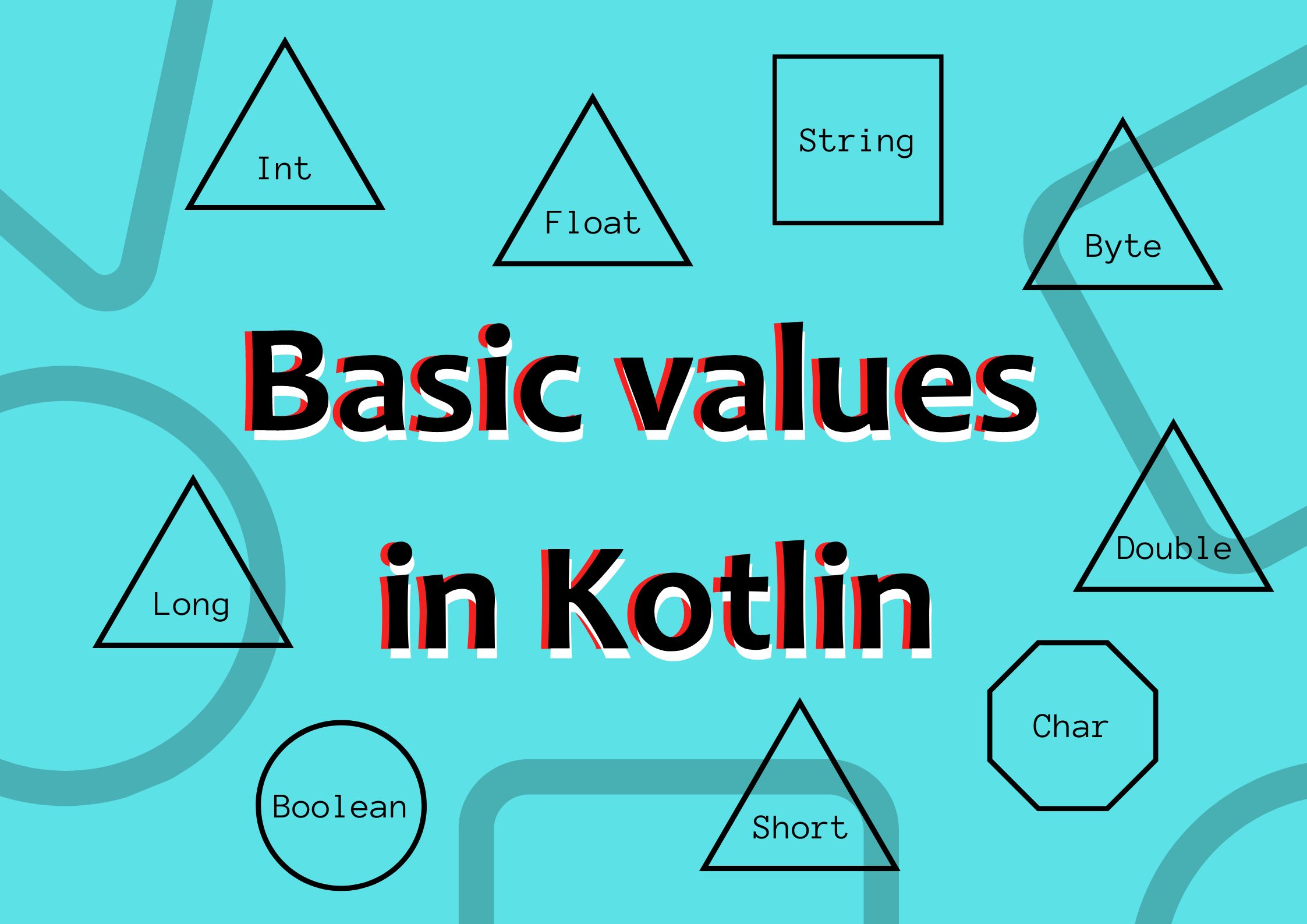
Today, we'll build directly on that foundation. We will explore Kotlin's basic data types—like Int, Double, String, and Boolean—and a powerful feature called type inference. Coming from Java, you'll find the types familiar, but the way Kotlin handles them is more concise and elegant, which will help you write cleaner code faster.
By the end of this lesson, you'll be able to declare variables using Kotlin's fundamental types and let the compiler do the heavy lifting with type inference.
Introducing Kotlin's Basic Types
Just like in Java, Kotlin has a set of built-in types to represent fundamental data like numbers, text, and true/false values.
Let's dive into these types, and also see how Kotlin's type inference works, with a comprehensive video overview.
Intro to Kotlin (Basic Types, Type Inference, Casting and Strings)
This video from the Tensor Programming channel provides an excellent tour of Kotlin's basic types and its type inference mechanism. Pay close attention to how concise the code is when the type is inferred by the compiler.
Please watch the video from 03:03 to 09:44. This segment covers: Type inference and explicit type declaration. Number types (Int, Double, Long, etc.). Boolean, Char, and String types. A powerful feature called string templates (or interpolation).
Type Inference: Kotlin's Smart Compiler
As you saw in the video, one of Kotlin's most celebrated features is type inference. In Java, you must always explicitly declare a variable's type:
String language = "Java";int version = 8;
In Kotlin, the compiler can infer the type from the assigned value, letting you write more concise code:
val language = "Kotlin" // The compiler knows this is a String
val version = 17       // The compiler knows this is an Int
This doesn't mean Kotlin is a dynamically-typed language like JavaScript. It is statically-typed, just like Java. The type is determined at compile time and cannot be changed. This gives you the best of both worlds: the conciseness of a scripting language and the safety of a statically-typed one.
For a more formal explanation, let's turn to the official Android developer documentation.
Learn the Kotlin programming language
This page from the Android Developers site clearly explains how type inference works in Kotlin's statically-typed environment.
Read the section titled 'Type inference'. It provides a clear example and explains why Kotlin is still considered a type-safe language.
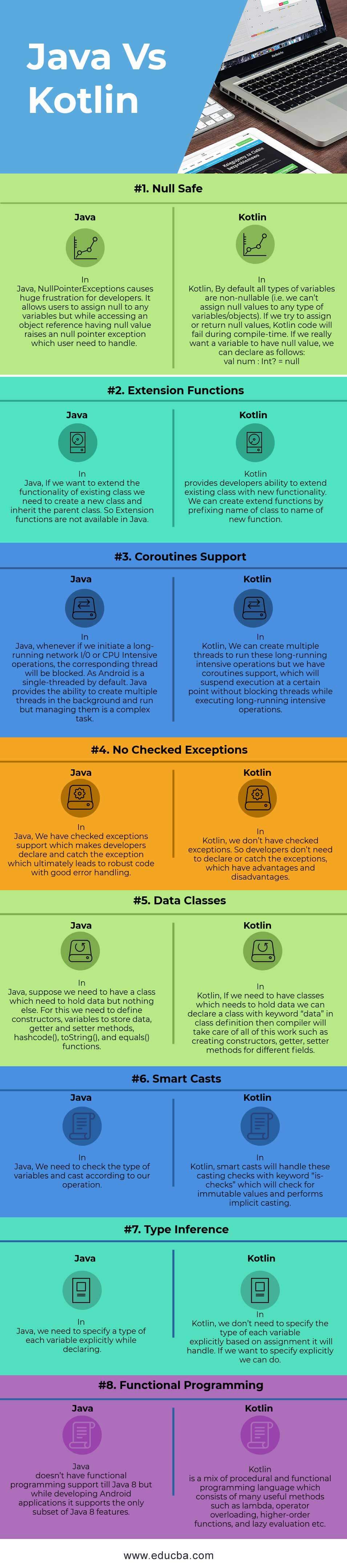
This feature is a significant advantage over Java, as it reduces boilerplate code.
A Closer Look at the Types
While type inference is powerful, you still need to understand the underlying types. Let's review them with a handy reference page and point out some key details, especially in comparison to Java.
This W3Schools article provides a clear, structured breakdown of Kotlin's data types. It serves as a great reference guide.
Please read through the sections on this page covering: Numbers: Note the different integer (Byte, Short, Int, Long) and floating-point (Float, Double) types and their sizes. Booleans: The familiar true/false type. Characters: Pay attention to the note about how Kotlin's Char type differs from Java regarding ASCII values. Strings: A brief look at the String type.
Key Differences from Java
Based on the resources, here are a few important points for someone with your background:
- Numbers are Objects: In Kotlin, all types are objects. There are no primitive types like
int,double, orbooleanas in Java. You useInt,Double, andBoolean. However, for performance, the Kotlin compiler will compile these down to Java primitive types whenever possible. - Explicit Conversions: Unlike Java's implicit numeric promotion (e.g., assigning an
intto alongvariable), Kotlin requires explicit type conversion. This prevents subtle bugs.val myInt: Int = 100 // val myLong: Long = myInt // Error: Type mismatch val myLong: Long = myInt.toLong() // Correct - Characters and ASCII: As the W3Schools article noted, you cannot assign a number (ASCII value) to a
Charvariable in Kotlin, unlike in Java.// val myChar: Char = 66 // Error in Kotlin val myChar: Char = 'B' // Correct
Practical Application: From Java to Idiomatic Kotlin
Let's see how these features make code cleaner. Imagine you're building a feature for your e-commerce app and need to display a summary.
Here is how you might write it in Java:
String userName = "Priya";
int itemCount = 5;
double total = 75.99;

String summary = "User: " + userName + " has " + itemCount + " items in their cart. The total is $" + total + ".";
System.out.println(summary);
// Output: User: Priya has 5 items in their cart. The total is $75.99.
Now, here is the idiomatic Kotlin way, using type inference and string templates:
val userName = "Priya"
val itemCount = 5
val total = 75.99

val summary = "User: $userName has $itemCount items in their cart. The total is $$total."
println(summary)
// Output: User: Priya has 5 items in their cart. The total is $75.99.
Notice how much cleaner the Kotlin version is.
- Type inference removes the need to write
String,int, anddouble. - String templates (
$variableName) let you embed variables directly into the string, which is far more readable than repeated+concatenation. Note that to get a literal dollar sign, you can write$$.
Practice
Let's put this into practice. Imagine you are working on your recipe book app. Declare the following variables in the most idiomatic Kotlin way possible:
- A read-only variable
recipeNamefor "Chocolate Cake". - A mutable variable
servingsinitialized to8. - A read-only variable
ratingwith a value of4.5. - A read-only variable
isVegetarianset totrue.
Then, create a summary string using these variables to produce the output: "Recipe: Chocolate Cake, Rating: 4.5, Serves: 8".
Click for the solution
// 1. Declare the variables using type inference and choosing val/var appropriately
val recipeName = "Chocolate Cake"
var servings = 8
val rating = 4.5
val isVegetarian = true

// 2. Create the summary string using a template
val summary = "Recipe: $recipeName, Rating: $rating, Serves: $servings"

println(summary)
// Output: Recipe: Chocolate Cake, Rating: 4.5, Serves: 8
Key Takeaways
- Basic Types: Kotlin provides standard types like
Int,Double,Boolean,Char, andString. - Type Inference: The compiler can automatically determine a variable's type from its initial value, making code more concise.
- Static Typing: Despite type inference, Kotlin is statically typed, ensuring type safety at compile time.
- String Templates: You can easily embed variables (
$name) and expressions (${name.length}) into strings for clean, readable code. - Idiomatic Kotlin: Prefer
val, use type inference, and leverage string templates to write clean and modern Kotlin code.
Next Steps
Now that you can declare variables and use basic types, you're ready to control the flow of your programs. In the next lesson, we will explore how to write conditional logic using if/else and when expressions, which are more powerful in Kotlin than in Java.