Hello and welcome back.
In our last lesson, we constructed a detailed financial projection model for your startup idea. That model, along with your business plan and pitch deck, forms the strategic core of your venture. Now, it's time to shift our focus from internal planning to external communication. A great product with no customers is a hobby; a great product with compelling marketing can become a business.
This lesson directly addresses the learning outcome: Use AI to generate marketing copy for key channels like landing pages and email announcements. We will move from the spreadsheets and financial logic of the last lesson into the creative and persuasive world of copywriting, using AI as our creative partner.
1. The Foundation: Strategy Before Tactics
Effective marketing copy doesn't come from a vacuum. Before you ask an AI to write anything, you need a clear strategic foundation. The AI is a powerful tool for execution, but you must provide the strategic direction. The core elements are:
- Brand Voice: How does your brand sound? Is it professional, witty, adventurous, minimalist?
- Target Audience: Who are you talking to? What are their pains, goals, and what language do they use?
- Core Story: What is the narrative behind your product? Why does it exist?
Fortunately, AI can also help you build this foundation by analyzing the market and your customers.
The following video from HubSpot provides an excellent overview of this process. While it uses ChatGPT, the workflow is identical for Google Gemini.
How to Create and Launch a Marketing Campaign Faster with AI
This video demonstrates how to use AI to analyze competitor and customer language to find a unique brand voice and craft a core story. This is the essential first step before writing any specific copy.
Watch from 01:01 to 02:48. Pay attention to how the user prompts the AI to first analyze how competitors sound and then analyze how customers talk, leading to the creation of a unique brand story.
Gemini Pro-Tip: Creating a "Brand Voice" Expert
To ensure consistency in all your marketing materials, you can create a dedicated "Gem" in Gemini Pro. This is a specialized chatbot that you prime with your brand's specific information.
As highlighted in the video "Google AI Just Powered Up Your Marketing Team Massively" (LINK), you can set up a Gem and upload documents containing your brand voice guidelines, target customer persona details (from Module 5, Lesson 1), and product descriptions.
By doing this, every time you ask this Gem to write copy, it will automatically adopt the correct tone and context, saving you from having to repeat the instructions in every prompt.
2. Generating High-Converting Landing Page Copy
A landing page has one primary goal: to convert a visitor into a lead or customer. Every word on the page should serve that purpose. A typical landing page consists of several key sections, and we can use AI to draft copy for each one.

A strong prompt for landing page copy should clearly define the Persona, Task, Context, and Format (a framework you'll recall from our first module).
Let's start by looking at Google's official guidance on this.
Gemini for Google Workspace Prompting Guide 101
Google's own prompting guide for Gemini provides a fantastic, direct example of how to request landing page copy. It shows the structure and level of detail needed for a quality output.
Please read the section for the 'Digital Marketing Manager', specifically the use case titled 'Generate inbound marketing campaigns'. Focus on the first prompt example for creating 'compelling copy for a landing page promoting a new [ebook/webinar/free trial...]' on page 43.
Now, let's build on that with a more detailed template. Imagine you're launching a startup inspired by your interest in gaming: an AI-powered coaching service for competitive gamers.
Actionable Prompt Template: Landing Page Copy
Persona: Act as an expert direct-response copywriter specializing in the gaming industry.
Task: Write the copy for a high-converting landing page for a new service called "Aether Aim."
Context:
- Product: Aether Aim is a subscription service that uses AI to analyze gameplay videos of Valorant players and provides personalized aim training routines and strategic feedback.
- Target Audience: Competitive Valorant players aged 18-25. They are highly motivated, data-driven, and want to rank up. They currently watch pro streams and YouTube guides but feel their progress has plateaued.
- Key Benefits: 1) Hyper-personalized feedback, unlike generic online guides. 2) Measurable improvement in key stats (e.g., headshot percentage). 3) Saves time by identifying the exact weaknesses to work on.
Format: Generate copy for the following sections. Use a tone that is encouraging but also authoritative and data-focused.
- Headline: A short, punchy headline that grabs attention and states the main benefit.
- Sub-headline: 1-2 sentences that expand on the headline and mention the target audience.
- Problem Section: Briefly describe the frustration of being "hard-stuck" in a rank.
- Solution/Benefits Section: Create three sub-sections, one for each key benefit, explaining how Aether Aim solves the problem.
- Social Proof: Write two sample testimonials from fictional users (e.g., a student who reached 'Immortal' rank).
- Call to Action (CTA): Write the text for the main sign-up button and a compelling sentence to place directly above it.
You can paste this directly into Gemini and see how it performs.
3. Crafting Effective Email Marketing Copy
Email is a powerful channel for announcing your launch, nurturing potential customers, and driving sales. We can use AI to draft everything from single announcement emails to multi-part automated sequences.
The workflow demonstrated in the HubSpot video for generating launch emails and repurposing content is a great high-level guide.
How to Create and Launch a Marketing Campaign Faster with AI
Let's revisit the HubSpot video to see the email and landing page generation in action. Notice how a core script is remixed for different channels.
Watch from 03:08 to 05:02. See how a core idea is first scripted, then remixed by the AI into content for a launch email and a landing page, and finally refined.
For more specific prompt structures, we can again turn to Google's official guide, which provides excellent templates for Gemini.
Gemini for Google Workspace Prompting Guide 101
This guide provides templates for both individual emails and entire automated sequences. This is key for building a scalable marketing system for your startup.
In the 'Marketing' section of the guide, please find two use cases: 'Draft customer acquisition communications' (page 42) for examples of generating catchy email subject lines. 'Deliver personalized content to customers at scale' (page 43) for a prompt to create a full 5-step email nurture cadence. Pay attention to the use of @file name which lets you bring context from your Google Drive files directly into the prompt.
Let's apply this by creating a prompt for a welcome email sequence for our "Aether Aim" startup.
Actionable Prompt Template: Email Nurture Sequence
Persona: Act as a friendly and knowledgeable community manager for "Aether Aim." Your tone should be encouraging and helpful.
Task: Write a 3-part automated welcome email sequence for new users who have just signed up for a 7-day free trial.
Context: The primary goal is to get the user to upload their first gameplay video for analysis, experience the value of the product, and ultimately convert to a paid subscription after the trial.
Format: Generate three separate emails with clear subject lines.
Email 1: Welcome! Your Path to Radiant Starts Now
- Timing: Sent immediately after signup.
- Content: Welcome them to the community. Express excitement for their journey. Clearly state the single most important next step: "Upload your first VOD (gameplay video) to get your personalized aim routine." Include a link to the upload page.
Email 2: Did you see this? A pro's secret to perfect crosshair placement.
- Timing: Sent on Day 3 of the trial.
- Content: Share a "quick win" tip from a professional player that relates to the feedback our AI gives. Subtly remind them to upload a VOD if they haven't already. Frame it as helping them get the most out of their trial.
Email 3: Your personal AI coach has some ideas for you...
- Timing: Sent on Day 6 of the trial.
- Content: Create a sense of urgency and FOMO (Fear Of Missing Out). Remind them their trial ends in 24 hours. Summarize the core benefits (personalized feedback, faster ranking). Present the clear call to action to upgrade to a paid plan.
4. The Human in the Loop: Iteration and Refinement
The AI's output is your first draft, not the final product. Your expertise and personal touch are what will make the copy truly compelling. AI can sometimes produce generic or slightly "off" language. Your job is to act as the editor.
This reinforces the Evaluator-Optimizer pattern we discussed in the last lesson. The AI optimizes for speed and generates the content; you evaluate it for quality, authenticity, and effectiveness.
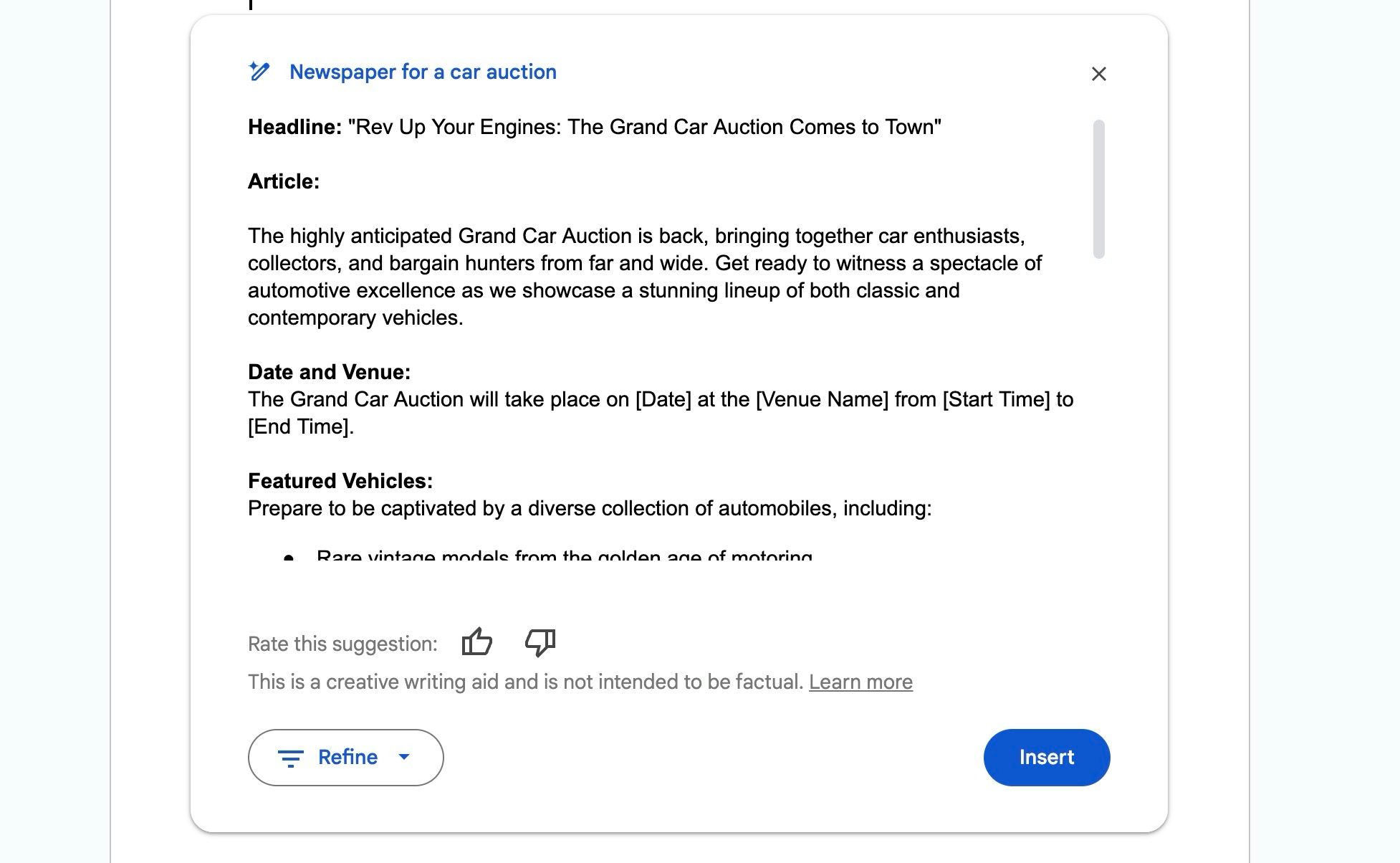
Use iterative prompting to refine the output. After getting the first draft, use follow-up commands like:
- "Make the tone of the headline more aggressive and urgent."
- "Rewrite the benefits section, but focus more on the emotional outcome (the feeling of finally ranking up) rather than the technical features."
- "This is good, but cut the word count by 30% for the landing page's mobile view."
- "Generate 5 alternative subject lines for the second email. Make them more curiosity-driven."
This conversational refinement is where you'll shape the AI's raw output into polished marketing assets.
Conclusion
In this lesson, you've learned a systematic approach to using AI for generating crucial marketing copy. By combining strategic direction with structured prompting and iterative refinement, you can rapidly produce high-quality text for your landing pages and email campaigns, accelerating your startup's go-to-market timeline.
Key Takeaways:
- Strategy First: Always start by defining your brand voice, target audience, and core story before prompting for copy.
- Structured Prompts Rule: Use the Persona, Task, Context, and Format framework to guide the AI toward producing exactly what you need for landing pages and emails.
- Leverage Gemini's Strengths: Utilize features like dedicated Gems primed with brand documents and the
@filefunction to ensure consistent and context-aware outputs. - You are the Editor: The AI is a powerful assistant, but you are the founder. Your role is to critically evaluate, refine, and inject authenticity into the final copy.
Next Up:
With your core messaging taking shape, the next step is to build your brand's presence across the web. In our next lesson, we will explore how to use AI to create a social media content plan and foundational brand assets like logos and color palettes.